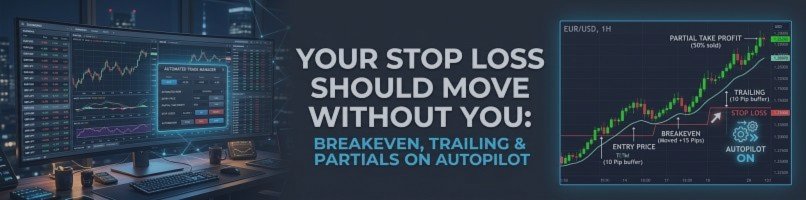
Your Stop Loss Should Move Without You: Breakeven, Trailing and Partials on Autopilot
9 October 2026, 12:22

0
36
Most traders know where the stop should go once the trade is working. Fewer manage to move it every time, calmly, without second-guessing. Automation takes the emotion out of that step.
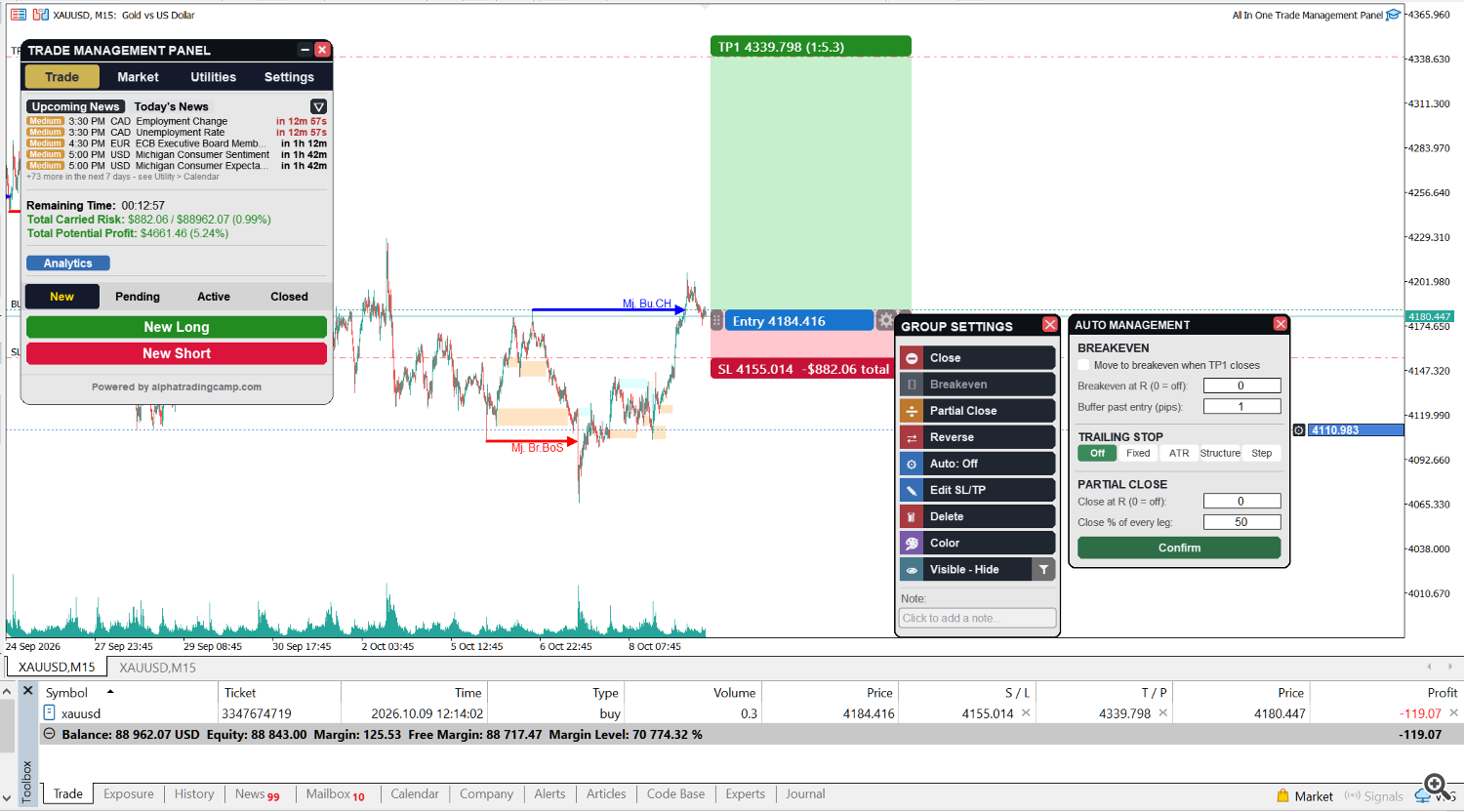
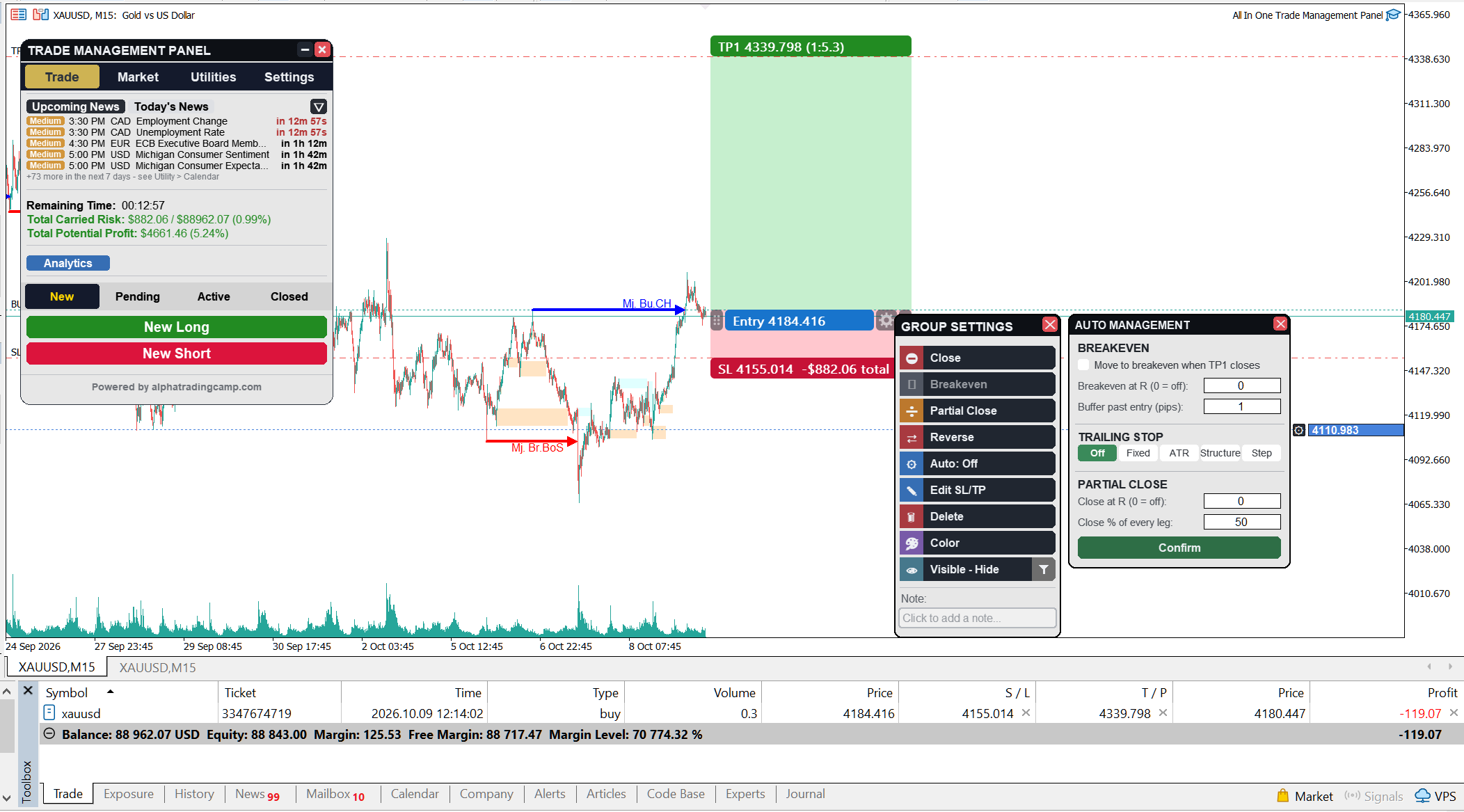
All in one trade management panel's Auto management is set per trade, from the trade's gear button. Everything starts switched off, so nothing moves unless you turn it on.
Breakeven
- Move the stop to breakeven when the trade reaches a chosen R, or when TP1 closes.
- Add a buffer in pips past your entry.
Trailing stop, four ways
- Fixed pips: a constant distance behind price.
- ATR multiple: the distance follows volatility.
- Step in R: the stop jumps forward in steps of the size you choose.
- Structure: the stop trails behind a level from the built-in market structure module. Pick the timeframe, the level type (swing, minor, major or strong), which level (0 is the most recent) and a buffer in pips. The window previews the stop the chosen level would give right now.
The trailing stop starts only when the trade reaches the R you set, and a minimum step stops it from nudging the stop for tiny moves.
Partial close
Take a percentage off at a chosen R. The amount is taken equally from every open leg of the trade.
All In One Trade Management Panel MT5: https://www.mql5.com/en/market/product/199878
The one-click extras
- Reverse: closes the position and opens the same size the other way, with the same stop and target distances.
- Close buttons: close all, only profitable, only losing, or only this chart. Each one asks before it acts.
- OCO: link pending orders you placed. When one fills, only the orders linked with it are cancelled, and they stay on the chart as plans.
- Hotkeys: hold Shift and press N for a new buy tool, M for a new sell tool, E to confirm, B to move every trade on the chart to breakeven, or C to close all (it asks first). The keys can be changed in the inputs.
New trades start from the values in the inputs, and each trade can then be changed on its own. Set your routine once, then spend your attention on the next setup. -