MSX AI Multi Symbol Scalper — Single EA, Multi-EA or Full Portfolio?

MSX AI Multi Symbol Scalper — Single EA, Multi-EA or Full Portfolio? — Article #34
Understanding the Three Deployment Architectures
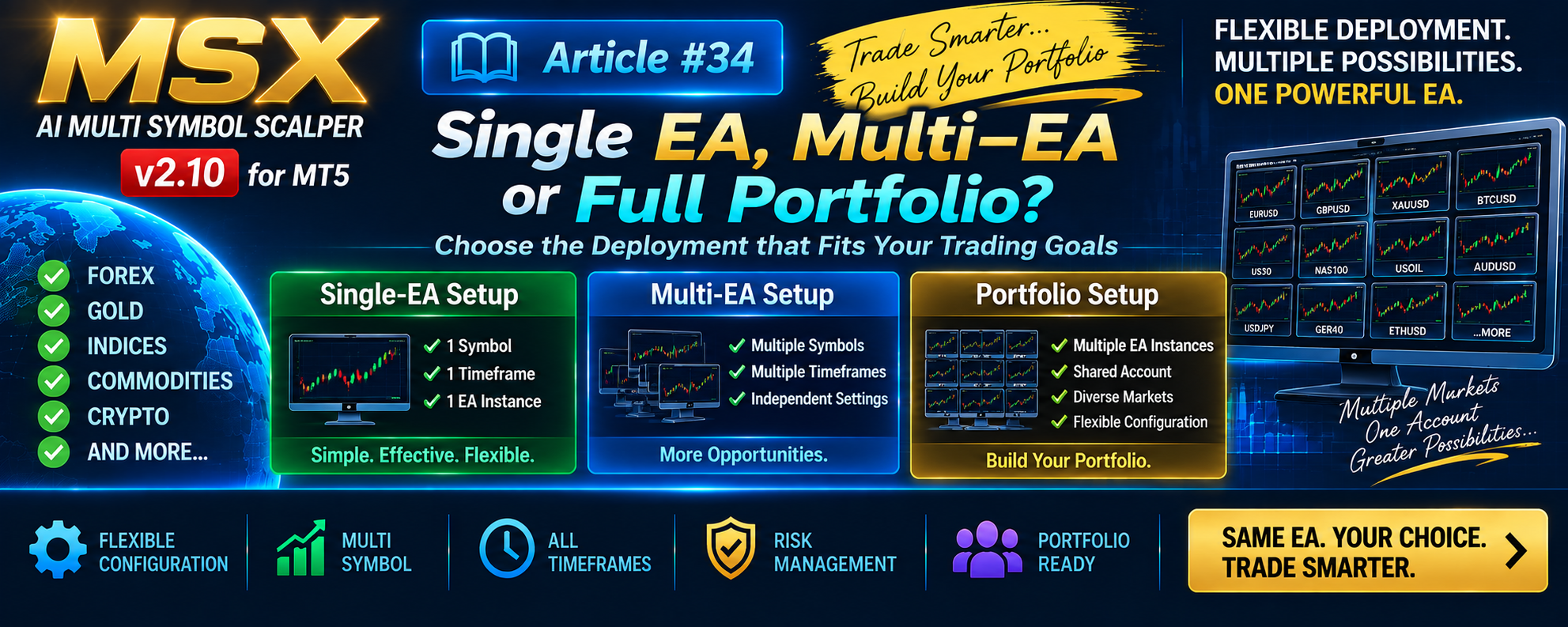
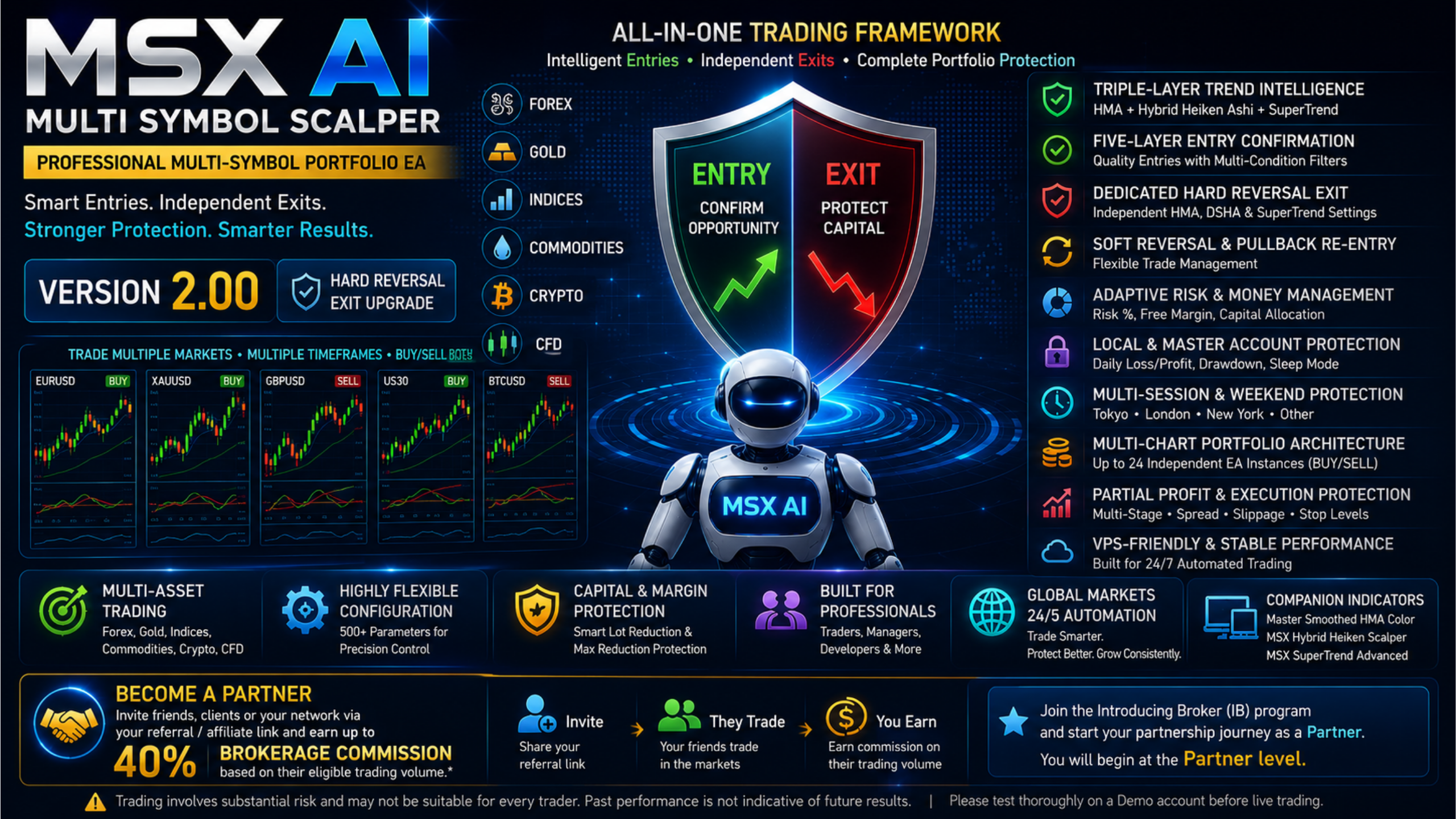
MSX AI Multi Symbol Scalper was designed to support different levels of deployment.
A trader does not have to begin with a large portfolio.
The EA can be operated as:
Single-EA Setup
Multi-EA Setup
or:
Portfolio Setup
1. Single-EA Setup
The simplest configuration is:
One Symbol + One Timeframe + One EA Instance
This is a complete and valid use of the EA.
The user can configure:
- Symbol
- Timeframe
- Direction
- Risk
- Capital allocation
- Trading sessions
- Entry settings
- Exit settings
- Protection settings
No multi-symbol portfolio is required.
2. Multi-EA Setup
The next level is multiple independent instances.
For example:
XAUUSD + M1
BTCUSD + M3
EURUSD + M15
Each can have its own configuration.
The instances do not need to use identical:
- Symbols
- Timeframes
- Directions
- Risk levels
- Sessions
- Capital allocations
- Instance Tags
3. Portfolio Setup
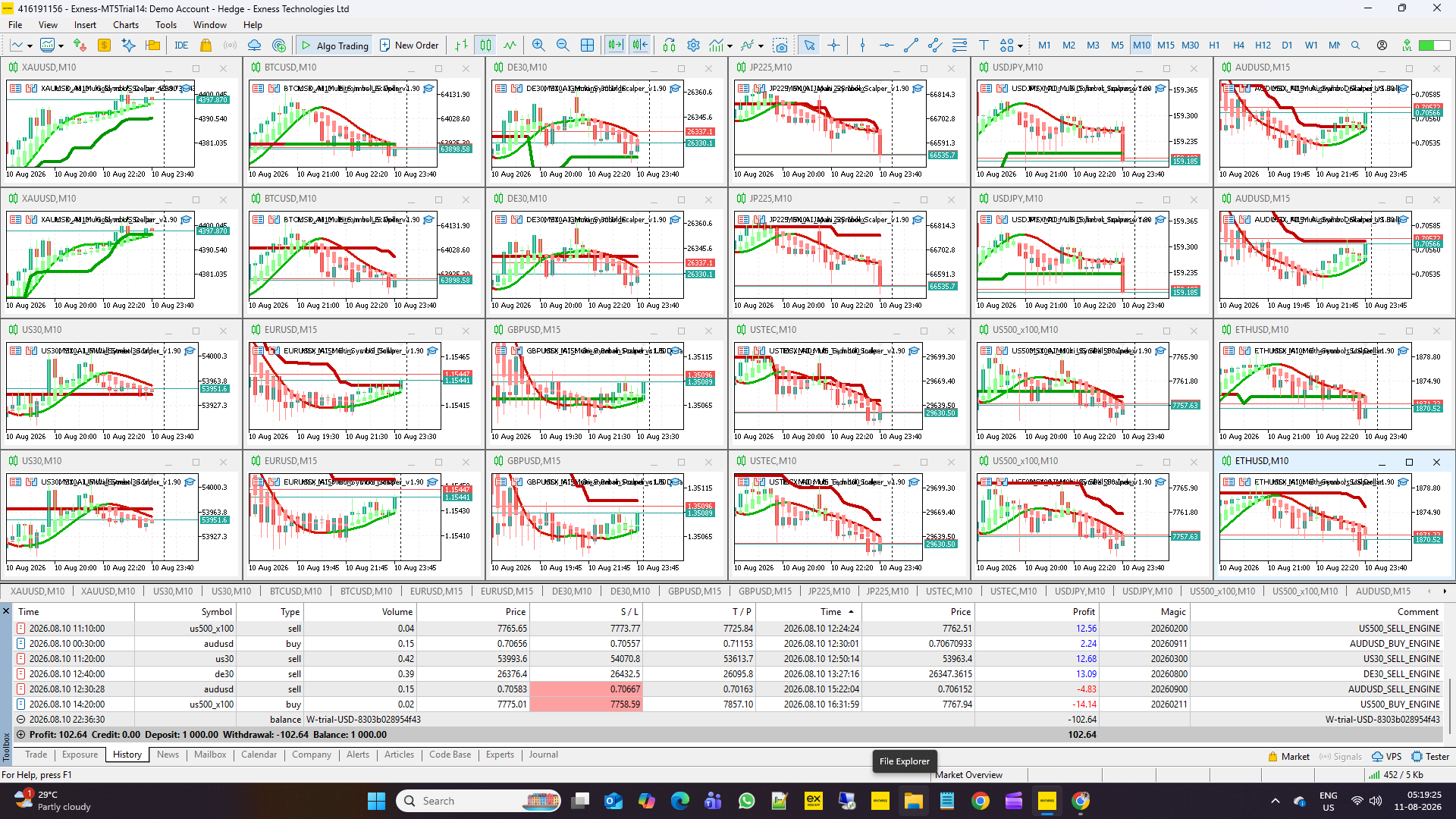
A larger deployment can combine multiple independent EA instances within the same MT5 account.
The account then becomes the shared capital environment.
The individual instances continue to operate with their own configuration while account-level conditions such as equity and Free Margin remain common to the account.
4. Three Direction Modes
Each instance can independently select:
Trade Both Side
BUY + SELL
Trade Only Buy
BUY ONLY
Trade Only Sell
SELL ONLY
This means a portfolio can be constructed using different directional structures.
5. Example Portfolio Architecture
A conceptual portfolio could look like:
Instance A
EURUSD / H1 / Both
Instance B
XAUUSD / M1 / Buy Only
Instance C
BTCUSD / M3 / Both
Instance D
US30 / M15 / Sell Only
These are architecture examples only, not recommended trading configurations.
6. Symbol, Magic Number and Instance Tag
Multi-instance deployment requires clear identification.
The EA provides configuration controls including:
- Symbol
- Magic Number
- Instance Tag
These help organize and distinguish independent EA instances operating within a larger MT5 environment.
7. Different Instances Can Have Different Objectives
One instance can be configured for one market and another for a different market.
For example, the user may investigate:
- Different timeframes
- Different risk models
- Different sessions
- Different capital allocations
- Different direction modes
without changing the fundamental EA architecture.
8. Current 12-Symbol Analysis Series
The published 12-Symbol Strategy Tester Analysis Series uses a particularly important reference structure:
One EA instance per symbol
with:
Trade Both Side = BUY + SELL
Therefore, the published reports should not be interpreted as a demonstration of 24 separate BUY/SELL engines per symbol.
Separate directional engines are available as an alternative deployment model.
9. Portfolio Does Not Mean Unlimited Capital
A larger number of EA instances does not automatically mean that more trading capital should be committed.
Each instance operates within the account's actual:
- Equity
- Free Margin
- Margin requirements
- Capital allocation
- Protection framework
The EA's capital-management controls therefore remain important as the deployment grows.
Conclusion
MSX AI Multi Symbol Scalper supports three broad deployment concepts:
Single-EA
One market, one configuration.
Multi-EA
Several independent configurations.
Portfolio
A larger group of instances operating within the same MT5 account environment.
The important point is that portfolio trading is an option, not a requirement.
A trader can use one instance or build a larger deployment according to their own technical resources, capital-management requirements and trading objectives.
Explore the MSX AI Trading Ecosystem
The MSX AI Trading ecosystem brings together the flagship MT5 Expert Advisor, multilingual documentation, technical Knowledge Base, historical Strategy Tester studies, forward-market demonstration records and ongoing YouTube educational content. Explore the resources below for a deeper study and evaluation of the system.
MSX AI Multi Symbol Scalper
MSX AI Multi Symbol Scalper is a flexible multi-symbol, multi-chart Expert Advisor for automated trading across Forex, Gold, Indices, Commodities, Cryptocurrencies and other broker-supported CFDs.MSX AI Knowledge Base
This Knowledge Base serves as the official documentation center for MSX AI Multi Symbol Scalper. It provides organized educational articles covering installation, deployment, configuration, trading architecture, money management, capital protection and portfolio administration.
Read the Knowledge Base — Articles & Technical Documentation
Official Product Documentation — 12 Languages
The core product documentation is available in English, Russian, Chinese, Spanish, Portuguese, French, German, Italian, Japanese, Korean, Turkish and Hindi.
View the 12-Language Documentation
12-Symbol / Asset Strategy Tester Analysis Series
The objective of this series is to document individual historical tests so that traders can study the system, compare different markets and perform their own evaluation.• BTCUSD • XAUUSD • USDJPY • USTEC • US500 • US30 • XAGUSD • ETHUSD • JP225 • USOIL • EURUSD • AUS200
View Strategy Tester Reports & Default .SET File Information
Forward / Live-Market Demo Performance Evidence
This Master BlogPost serves as the central index for the monthly forward live-market demo trading reports of MSX AI Multi Symbol ScalperView the Forward Live-Market Demo Trading Record Series
MSX AI Multi Symbol Scalper — YouTube Educational Series
The educational series currently includes Shorts Vedios continues to explain the EA's architecture, trading logic, risk management, portfolio deployment and other system components.
Watch the Educational Video Series
Official MSX AI Trading YouTube Channel
Visit the Official YouTube Channel
MSXAI PortfolioArchitecture MultiEA MultiSymbolTrading MT5Trading #MetaTrader5 #EADeployment #TradingPortfolio #AlgorithmicTrading #AutomatedTrading #MultiAssetsTrading #msxaitrading