
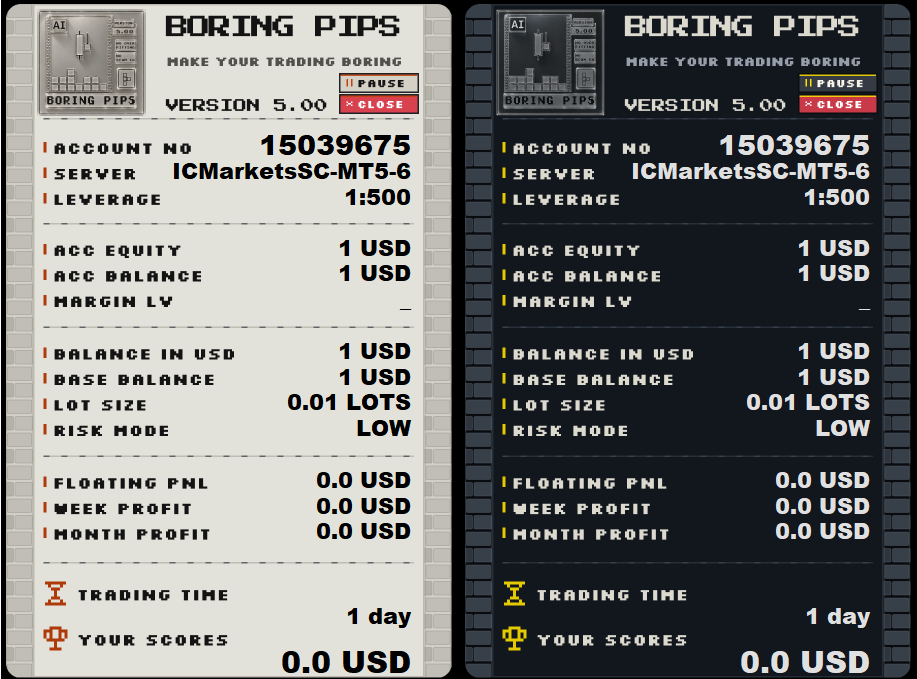
This major update introduces greater control over entry and closing targets, a scheduled trading pause for unfavorable market hours, and the EA’s first complete visual redesign.
What’s New?
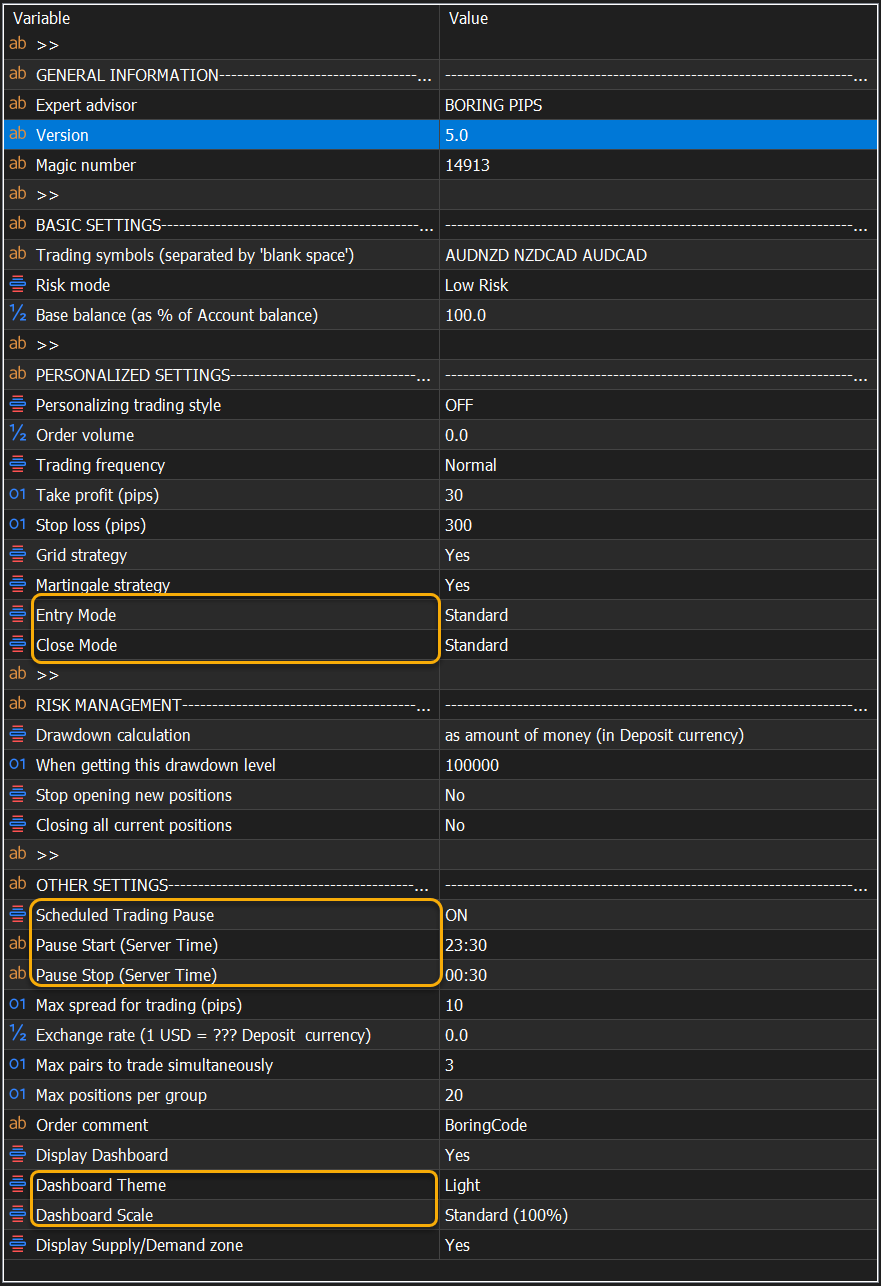
1. Entry Mode
Entry Mode allows you to select the entry behavior that best suits your trading preferences:
- Zone Confirmed: Uses confirmed entry conditions similar to version 4.3 and earlier.
- Standard: Uses the current standard entry method.
- Delayed: Waits for price to move further than the Standard entry level.
- Extended: Provides the most delayed entry and requires a greater price movement than Delayed mode.
These options can also help diversify risk when running different EA configurations across multiple trading accounts.
Note: Entry Mode is located under Personalised Settings. You must enable Personalised Trading Style for the selected mode to take effect.

2. Close Mode
Close Mode allows you to customize the EA’s group-closing target:
- Early: Closes the position group sooner, prioritizing stability.
- Standard: Uses the current closing method, balancing stability and profit potential.
- Extended: Waits for a more distant closing target, aiming for greater profit potential.
Close Mode can be changed while positions are open, and the relevant Take Profit levels will be adjusted accordingly.
Note: You must enable Personalised Trading Style for Close Mode changes to take effect.

3. Scheduled Trading Pause
Scheduled Trading Pause allows you to define a daily period during which the EA suspends routine trade opening and closing. This can help avoid periods of low liquidity, unusually wide spreads, or increased slippage.
Enable the feature and configure:
- Pause Start: Enter the start time in HH:MM format.
- Pause Stop: Enter the end time in HH:MM format.
Both settings use your broker’s server time, as displayed on the chart and in Market Watch.

Important notes:
- Two red lines appear on the chart to indicate the scheduled pause period.
- The lines disappear if the feature is disabled or the time format is invalid.
- The schedule repeats daily, and the chart markers update automatically.
- Emergency closures triggered by Risk Management remain active.
- Physical Stop Loss levels can still be executed by the broker during the pause.
4. New Dashboard Options
The redesigned Dashboard now includes:
- Dashboard Theme: Light or Dark
- Dashboard Scale: Small, Standard, or Large
5. Important Update Notes
- Version 5.0 is compatible with positions opened by previous versions and can be installed while those positions remain active.
- Before updating, save your current settings as a .set file.
- After updating, verify that important settings—including the Magic Number, Risk Mode, Personalised Settings, and Risk Management settings—have been preserved correctly.
I hope Boring Pips EA 5.0 provides a better experience and gives you greater flexibility in managing your trading.
If you notice any issues or need assistance with the new version, please feel free to contact me.
Best regards,
Andy




