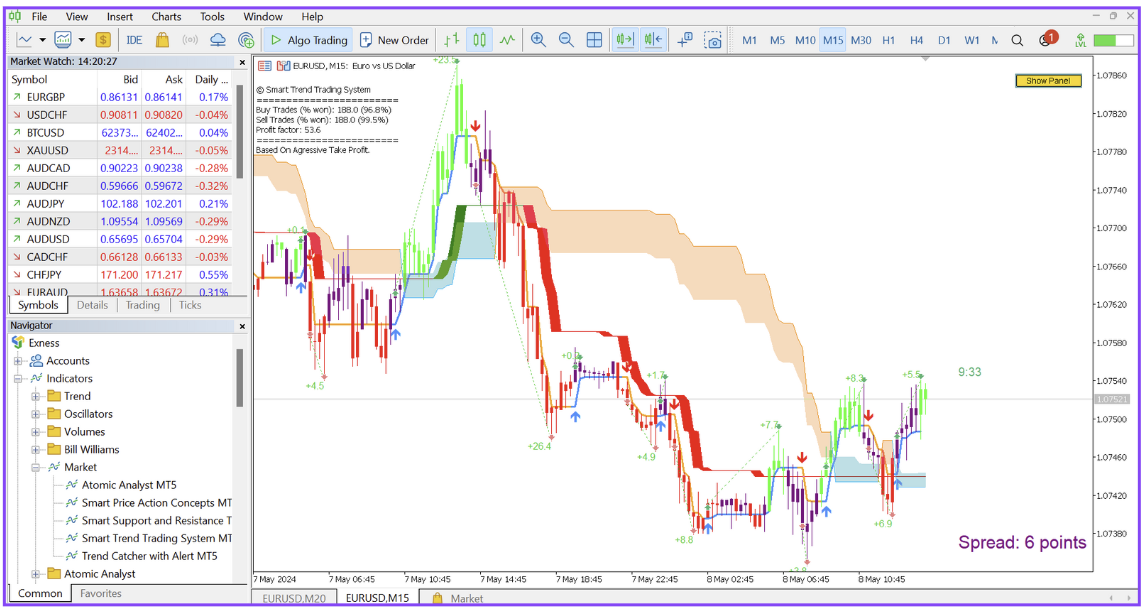
How to Buy and Install any Indicator or Expert in the market from mt4/mt5
1 June 2024, 14:17

0
455
How to Buy and Install any Indicator or Expert in the market from mt4/mt5?
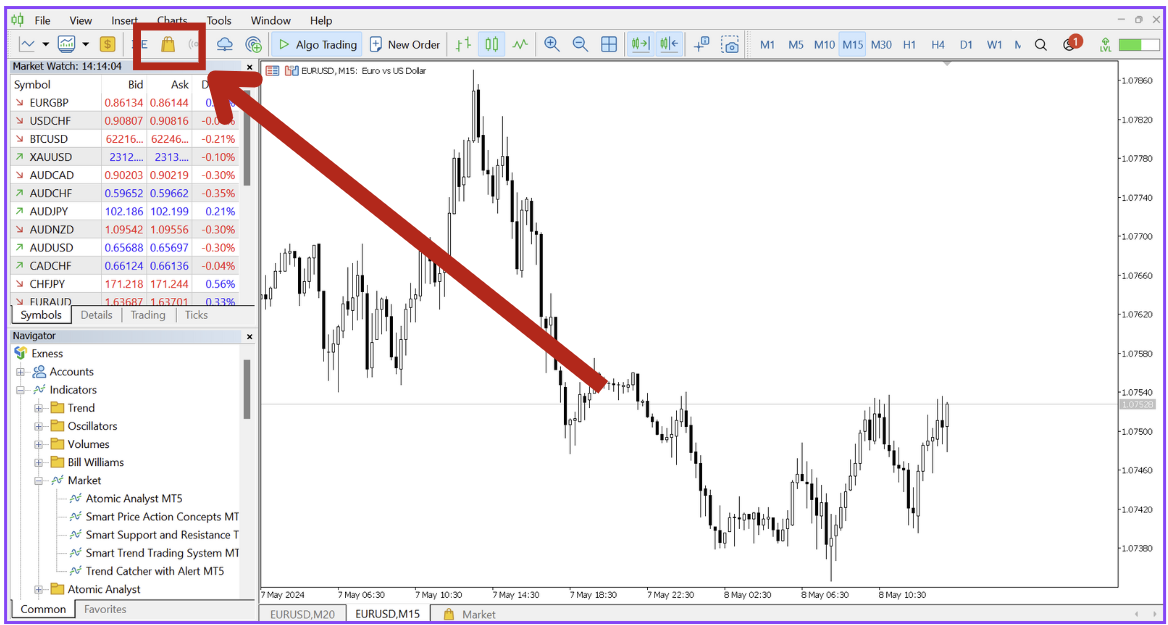
Click on the market icon on your MT4/mt5:
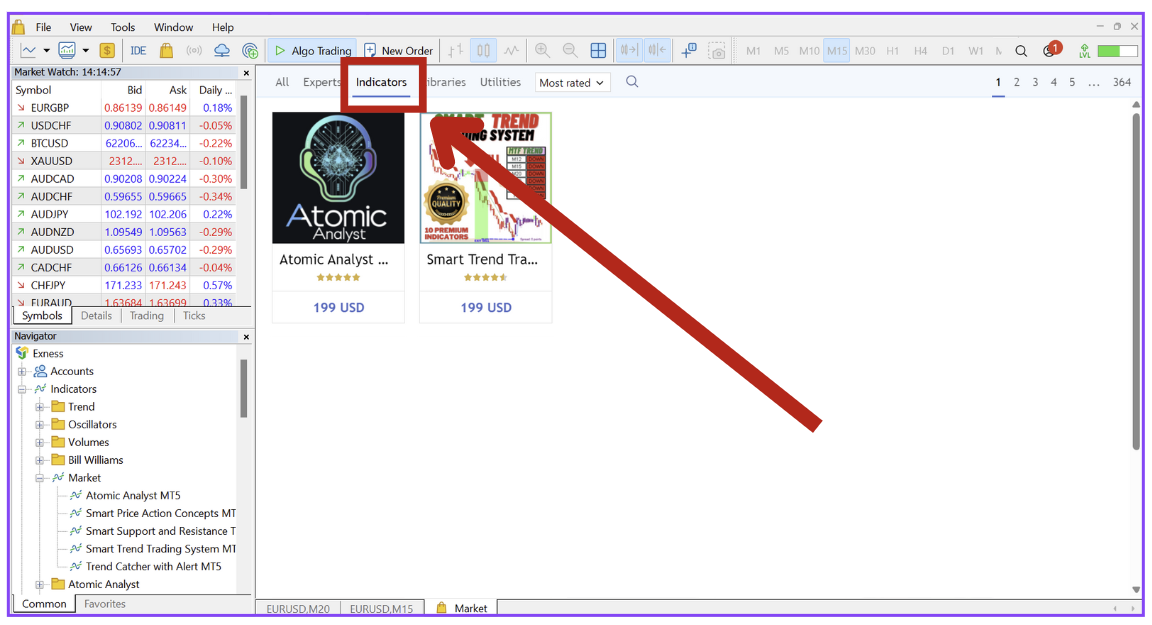
Click on Indicators and you can also use the search bar to type and search the indicator example type "Smart Trend Trading System":
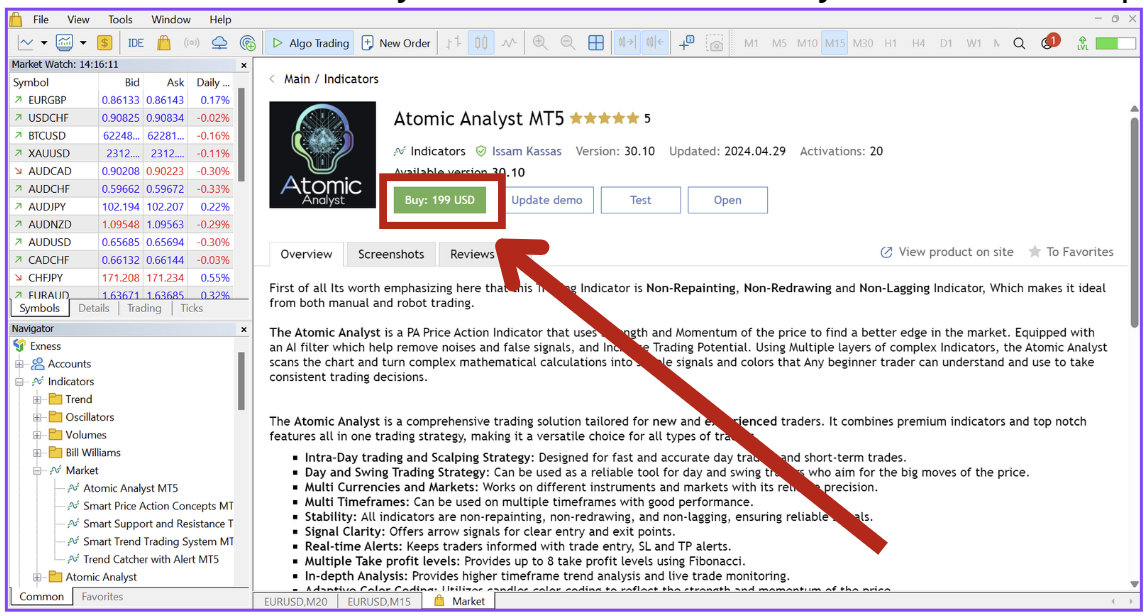
After purchase you will see Install and open Button, typically Install button first after the install you will see the open button:
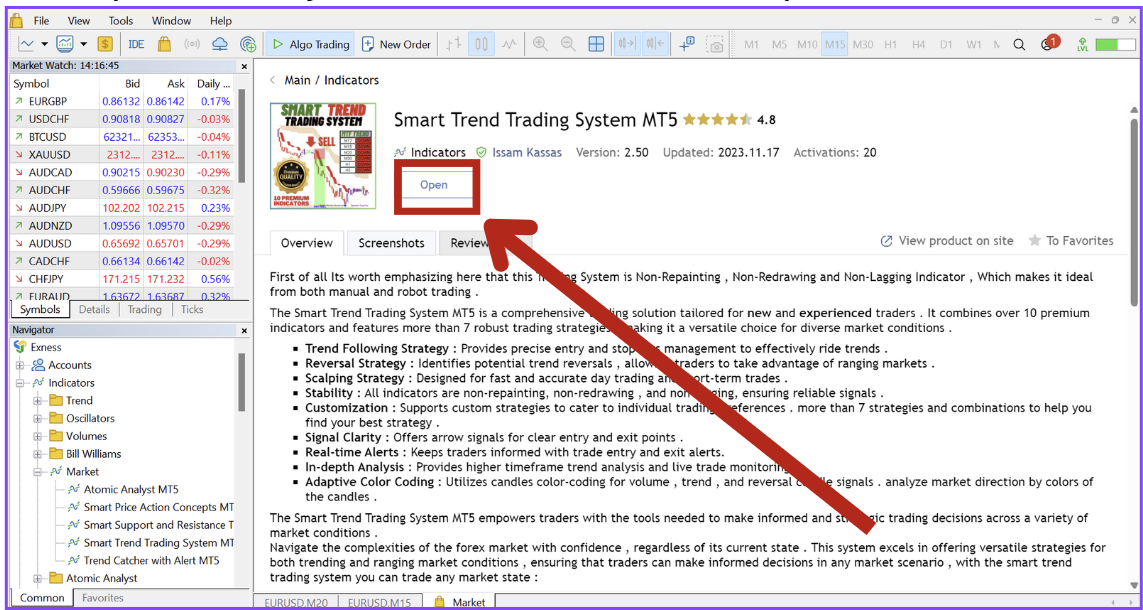
After install and open you will see the indicator name in the navigator: 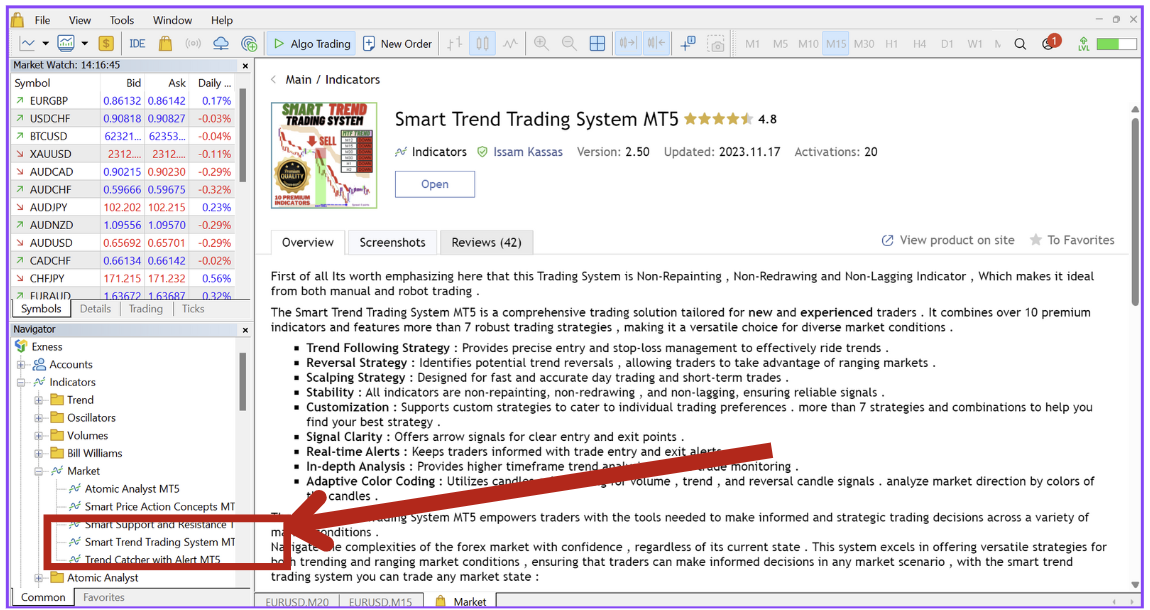
Click and drag the indicator to the desired chart:
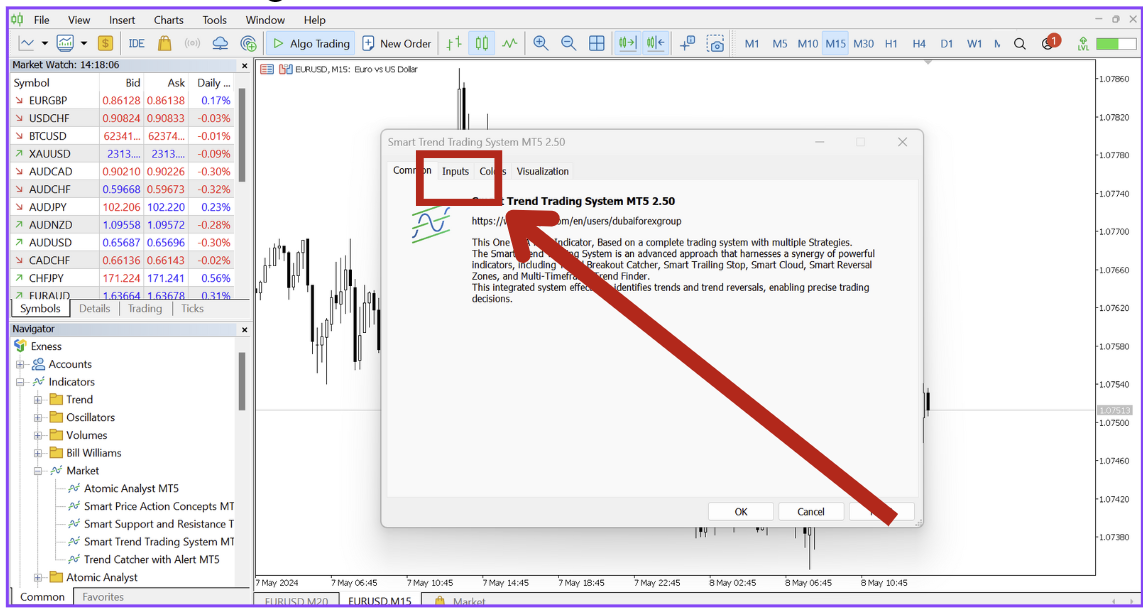
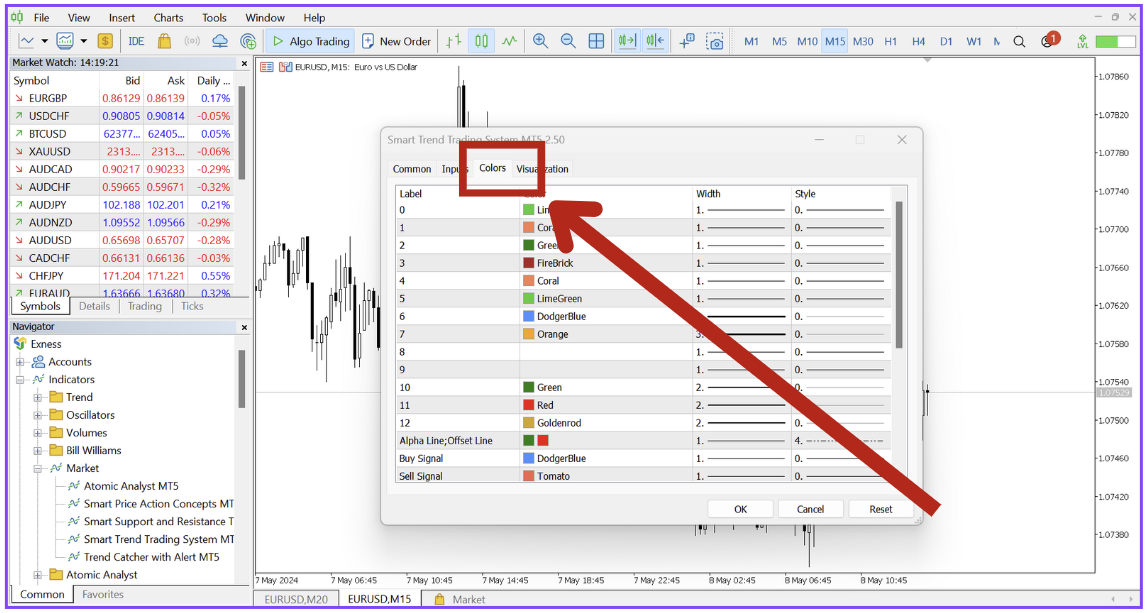
you can navigate to inputs to see all the input settings of the indicator:
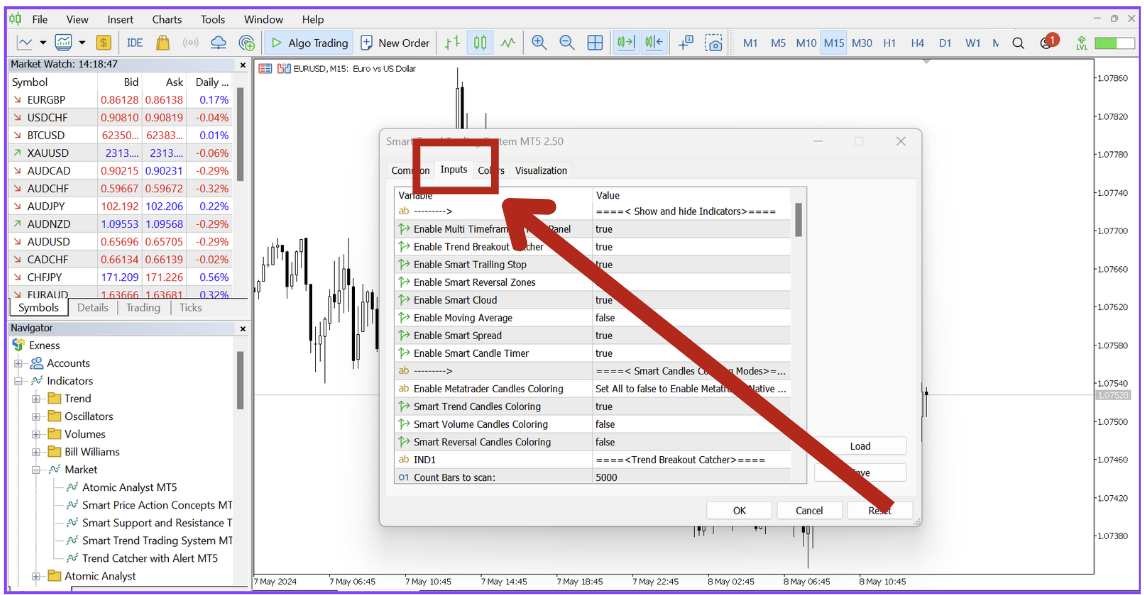
Click OK and the indicator will be applied, now the indicator is ready: