Trade Lifecycle Forensics MT5
- 实用工具
- 版本: 1.0
- 激活: 5

Flight Recorder for MT5 Trade Execution
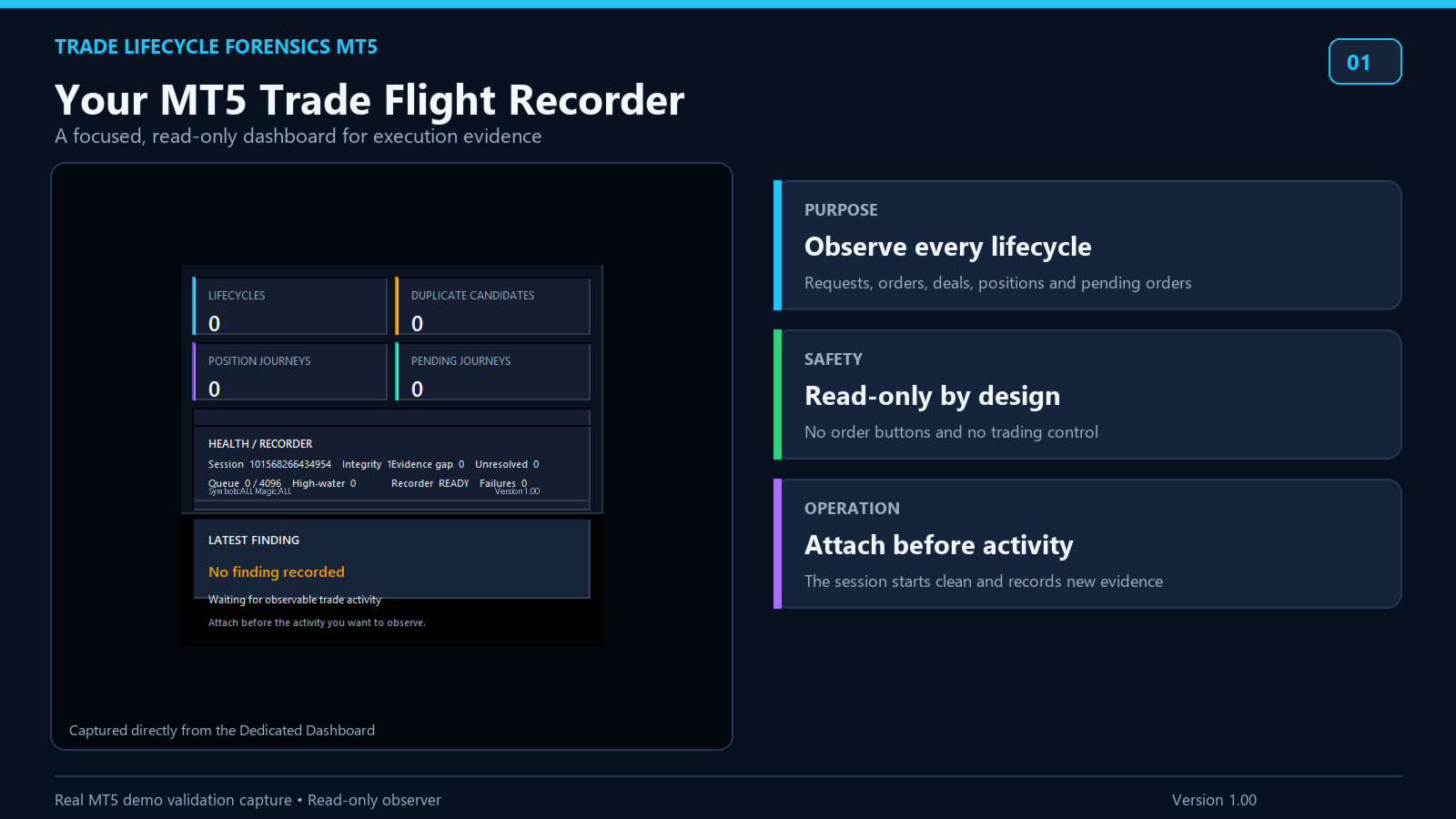
Trade Lifecycle Forensics is a read-only monitoring utility.
Attach one instance before the trading activity you want to observe. The utility watches account-wide trade transactions generated by manual trading and other Expert Advisors, then connects related request, order, deal, position, and pending-order evidence into reviewable records.
The utility does not open, modify, cancel, or close trades. It has no trading buttons and does not control other Expert Advisors.
What it shows
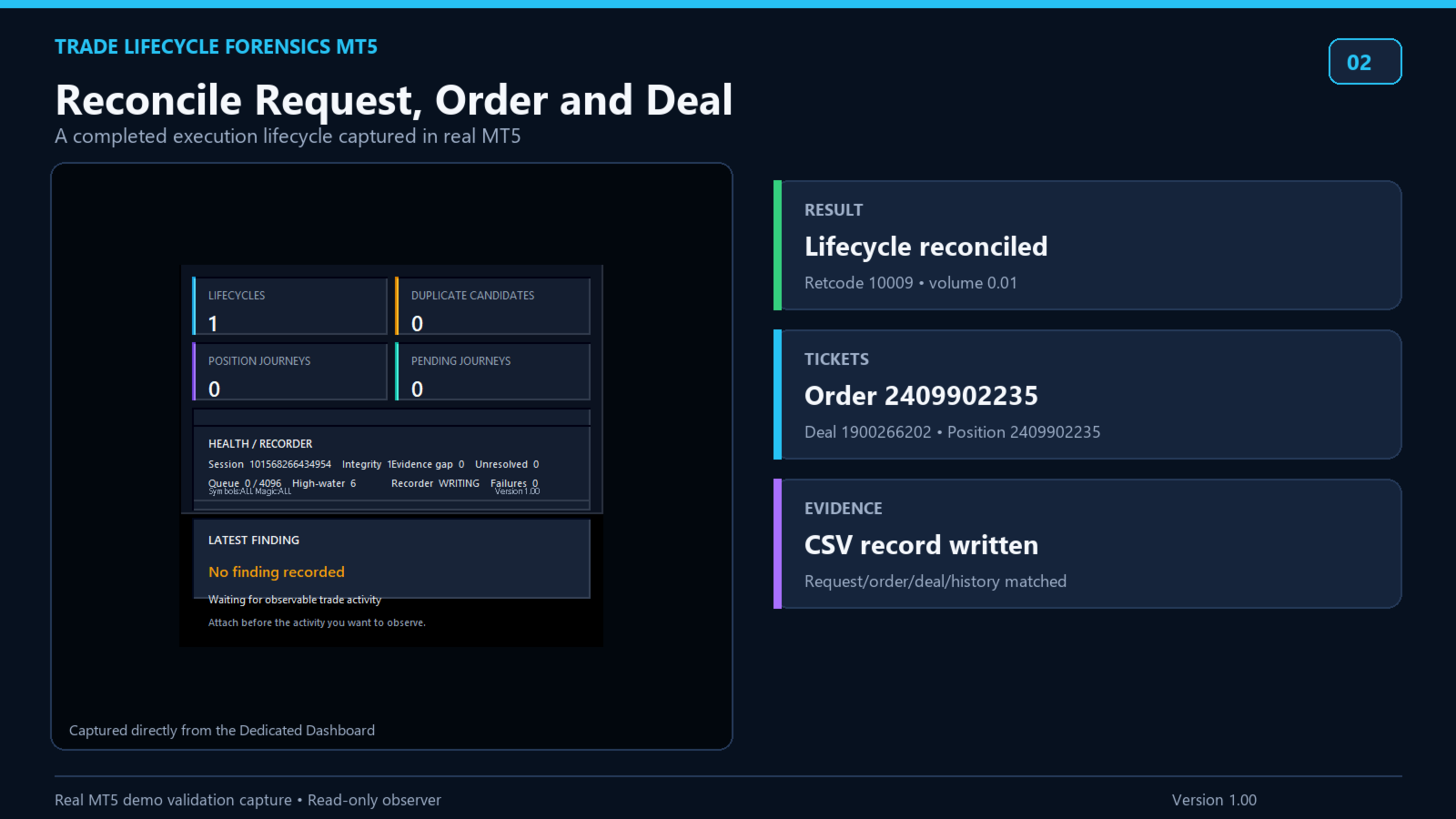
• Reconstructed execution lifecycles with related request, order, and deal tickets
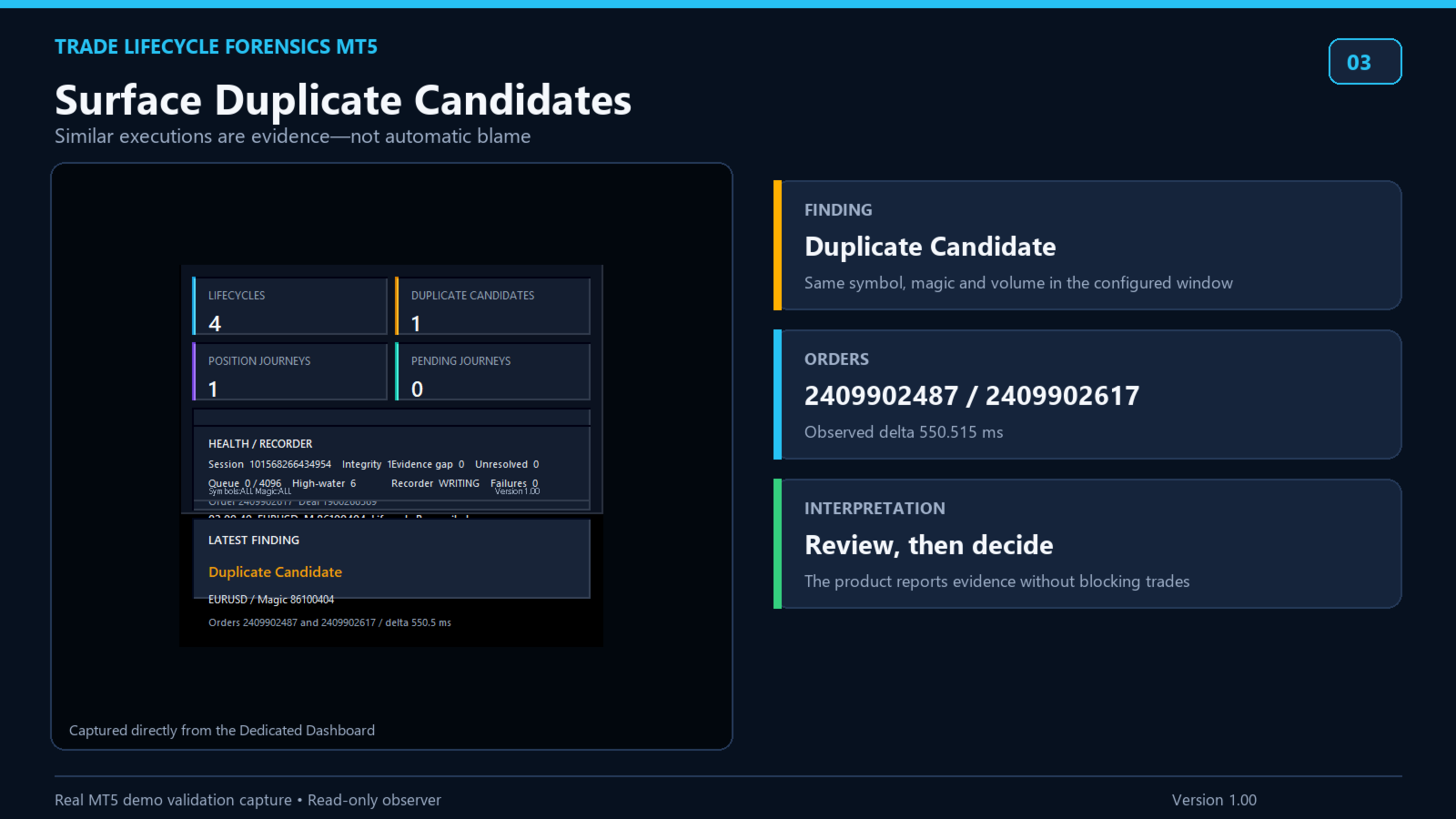
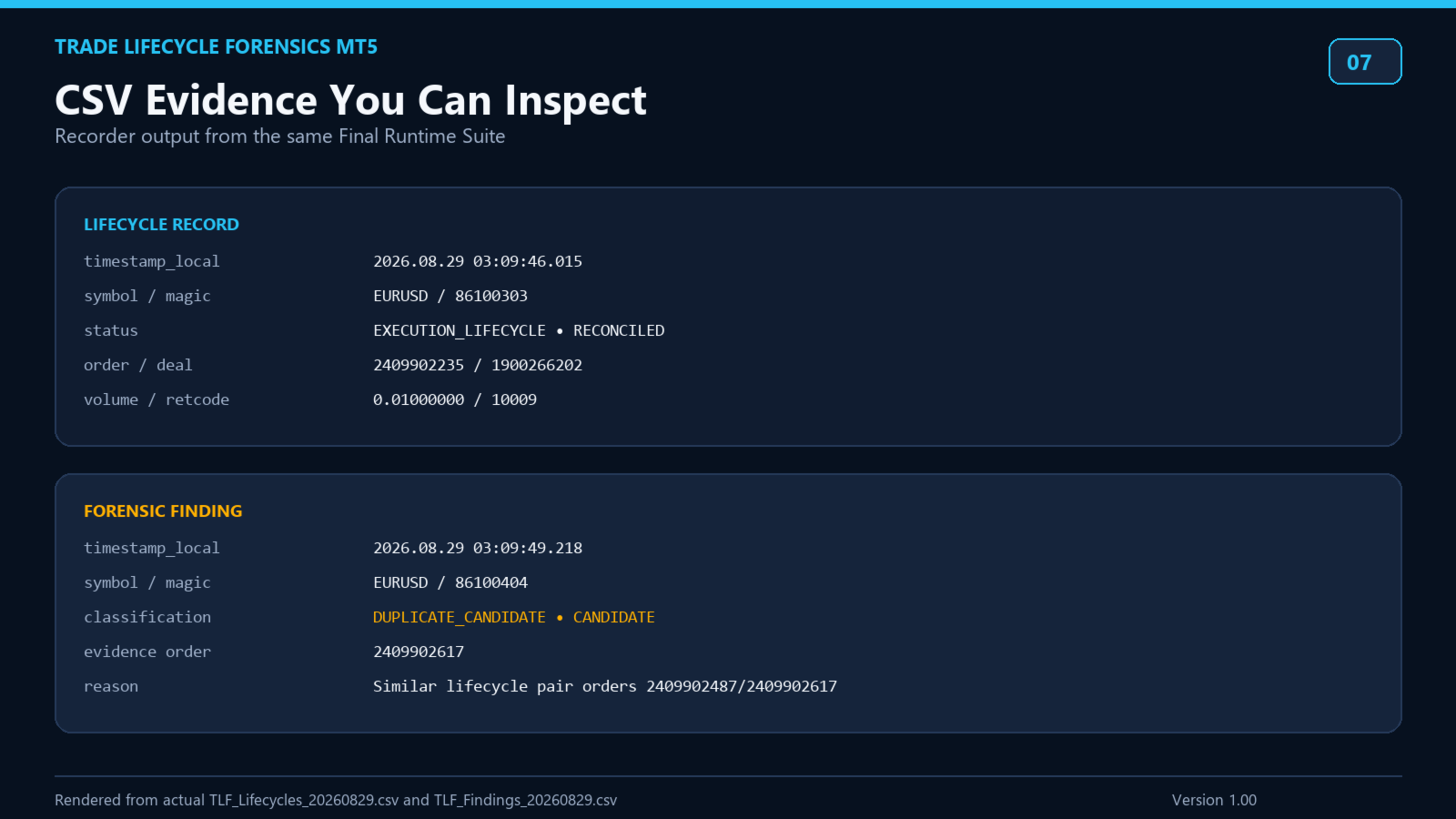
• Duplicate Candidates for similar independent lifecycles observed within the configured time window
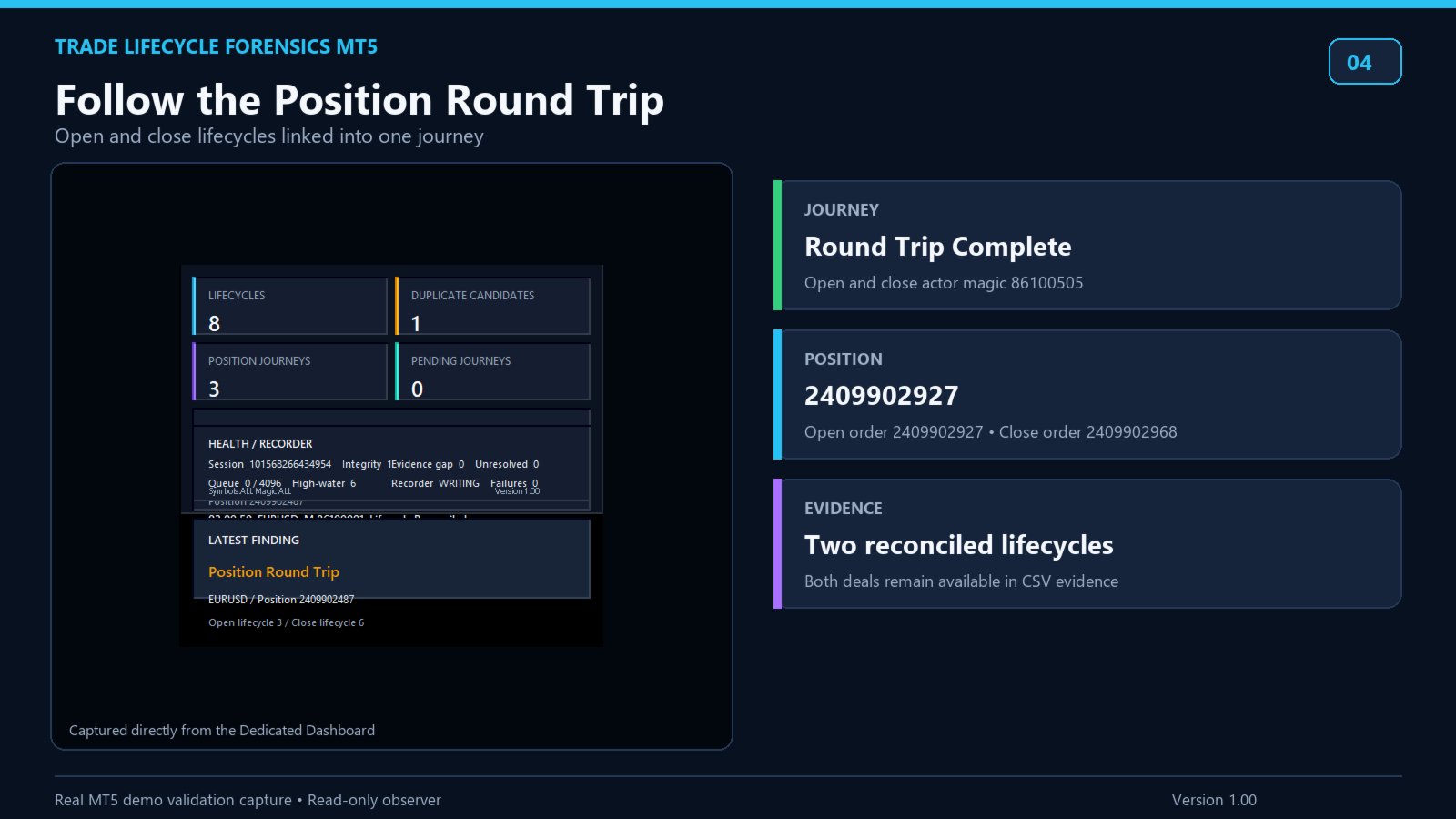
• Position Journeys for supported open-to-close relationships
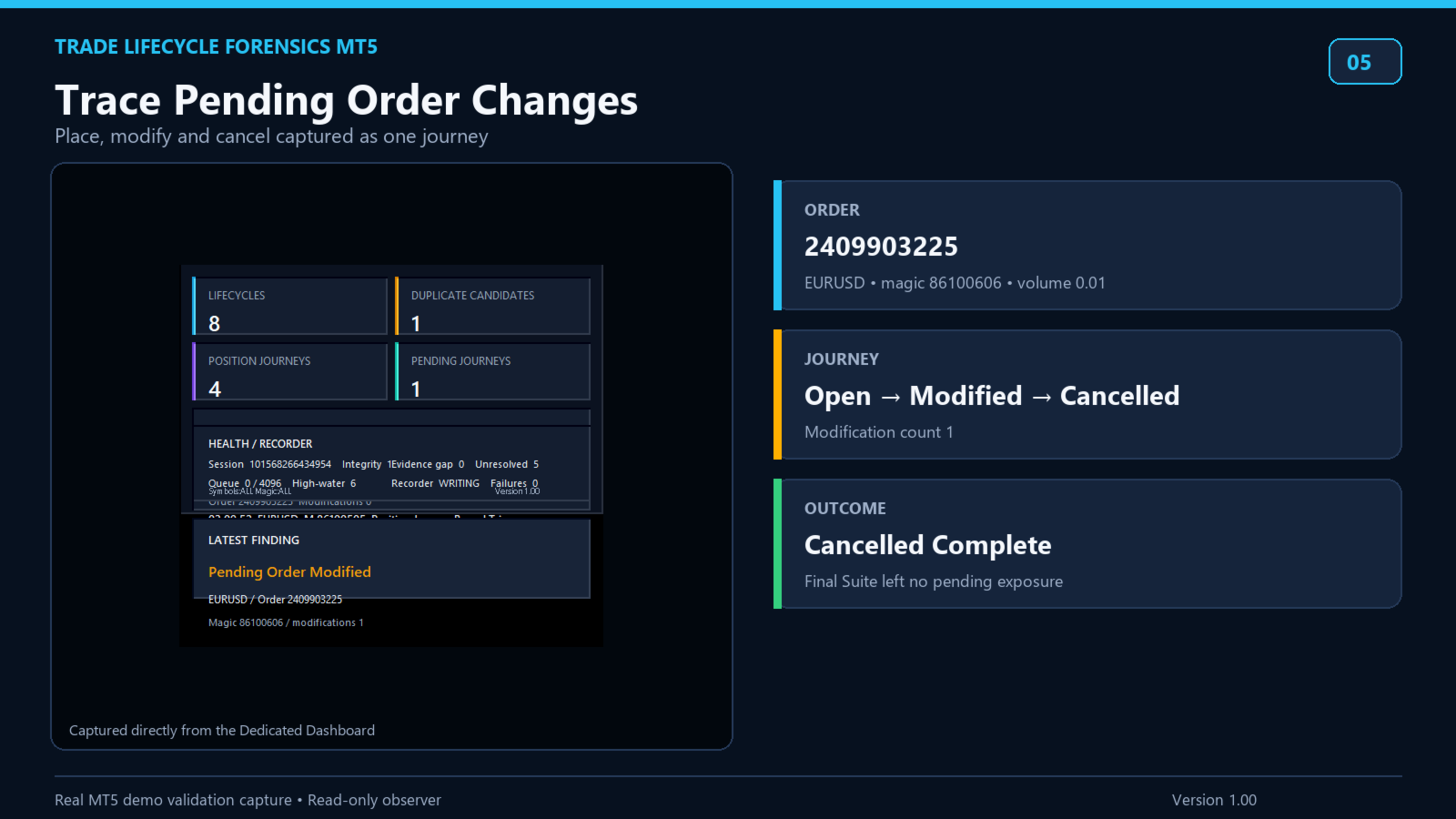
• Pending Order Journeys for placement, modification, cancellation, and observed trigger states
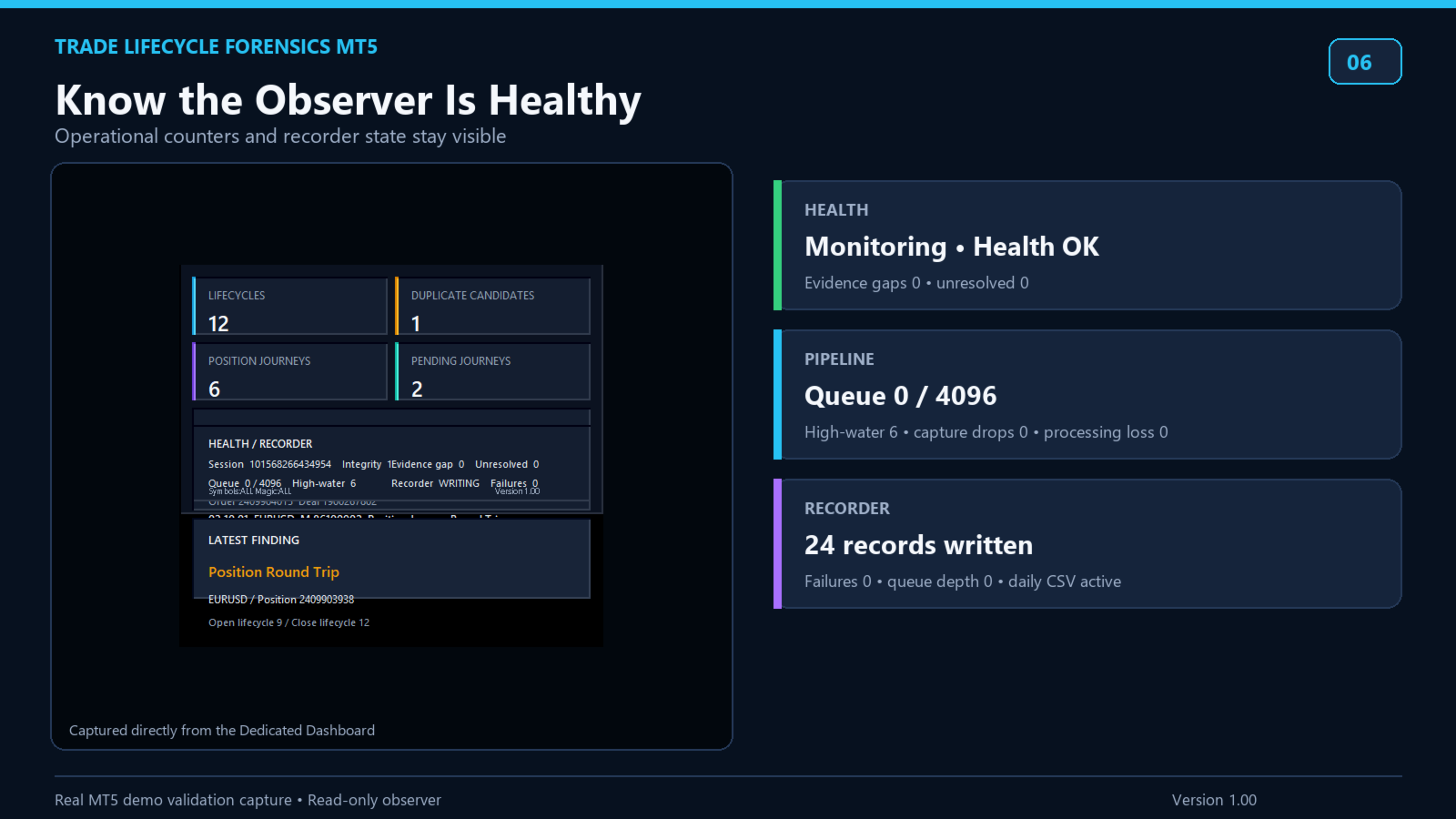
• Monitoring health, queue state, Evidence Gaps, and Recorder status
• A dedicated responsive read-only dashboard with summary cards, recent activity, latest finding, and Health / Recorder sections
• Two local daily CSV files: Lifecycles and Findings
Evidence-aware behavior
Trade Lifecycle Forensics reports only what can be supported by MT5 transaction and history evidence available after the utility has been attached.
If capture or processing evidence is lost, the integrity epoch advances and monitoring becomes DEGRADED. Affected objects are not silently classified as complete without sufficient evidence.
A Duplicate Candidate is a review prompt, not proof that a trade was accidental.
Partial fills, multiple-deal closes, reversals, and close-by structures are handled conservatively and may remain Complex or Incomplete.
Local and private
CSV data remains inside the terminal's MQL5 Files folder.
The utility uses no DLL, WebRequest, cloud service, or external network connection.
It does not record the raw account login, account holder name, computer name, or Windows user path.
Output filters
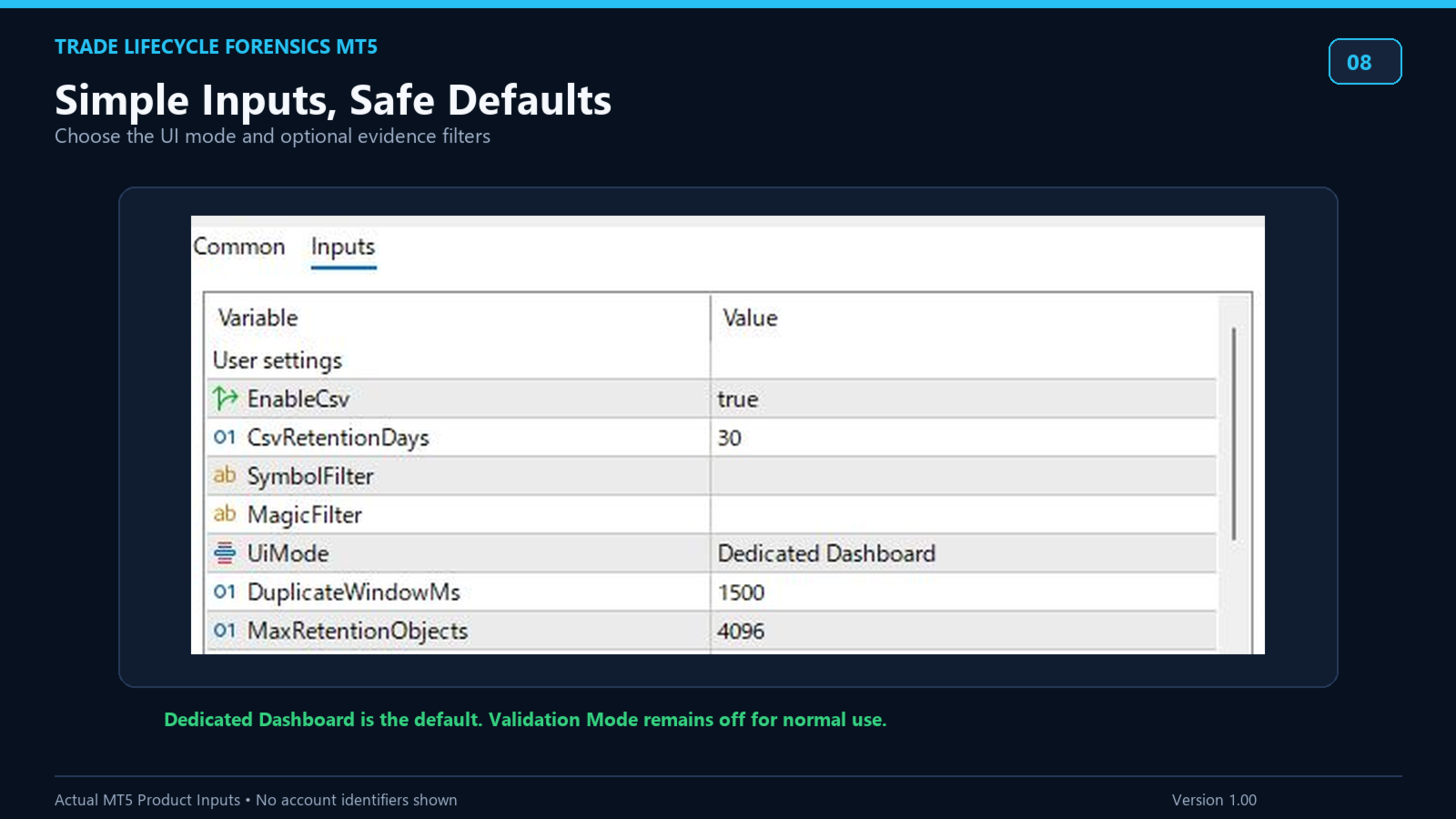
Optional comma-separated SymbolFilter and MagicFilter values limit what is displayed and written to CSV.
Capture and correlation remain account-wide, so an output filter does not remove the underlying observation path required for lifecycle reconstruction.
Getting started
1. Install the product from the MetaTrader 5 Market.
2. Attach one instance to a dedicated chart before the activity you want to observe.
3. Dedicated Dashboard is the default UI mode. Chart Overlay and Off are also available.
4. Keep EnableCsv enabled if you need local CSV files.
5. Leave SymbolFilter and MagicFilter empty to show all output.
6. Review the dashboard, Experts log, and CSV records after your trading activity occurs.
Important notes
The chart symbol and timeframe do not limit account-wide capture.
The utility can only reconstruct activity supported by evidence observed after attachment. Broker transaction behavior and available history may differ between environments.
Test the utility in your own account environment and review the documented limitations before operational use.