
ICT Killzone and Session Tracker
- Göstergeler
- Sürüm: 1.20
- Güncellendi: 11 Eylül 2026

Hangi seansın açık olduğunu, ne kadar kaldığını ve bir sonrakinin ne zaman başlayacağını anında görün; her seansın en yükseği ve en düşüğü de doğrudan grafiğe çizilsin. ICT Killzone and Session Tracker, işlem gününü grafiğinize GMT olarak yerleştirir; böylece hangi aracı kurumda olursanız olun aynı şekilde okunur ve bir seans ya da killzone açıldığı veya kapandığı anda sizi uyarabilir. Sinyal yok, yeniden çizim yok.
Neleri gösterir
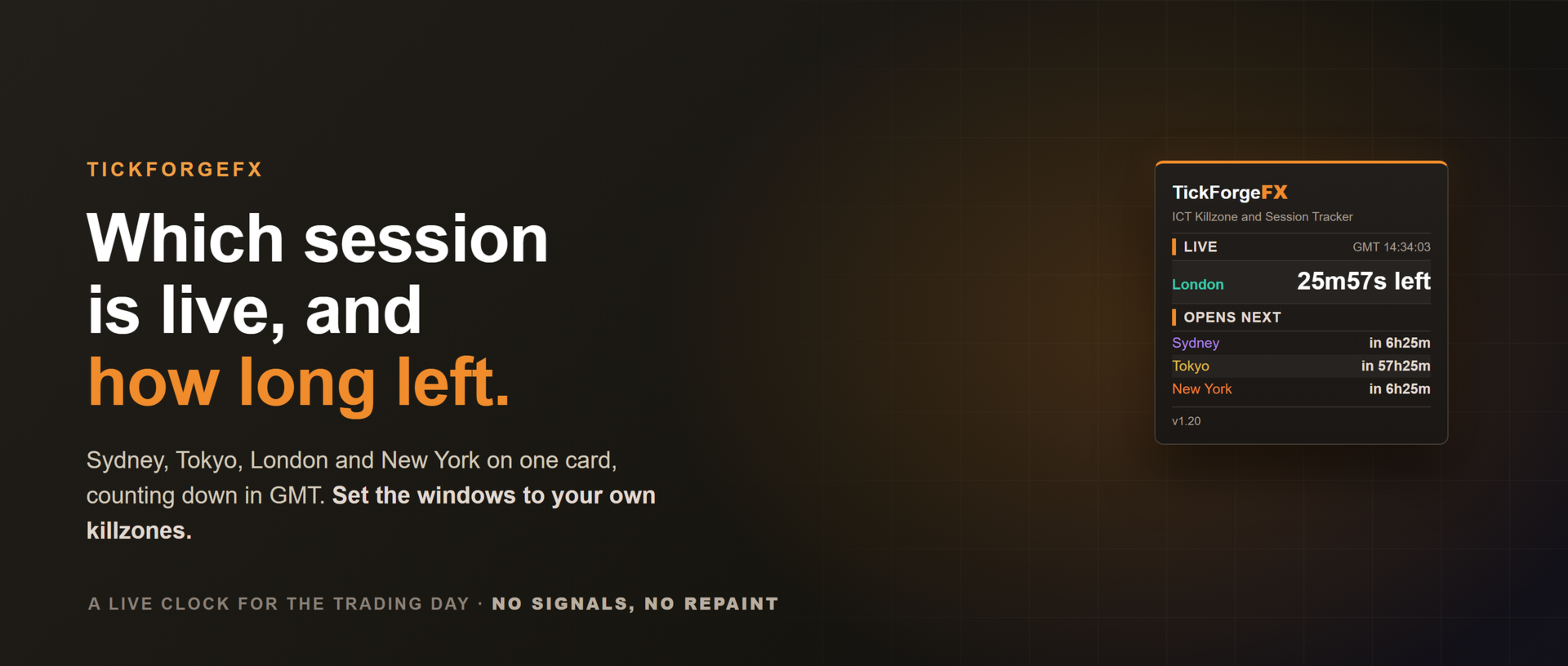
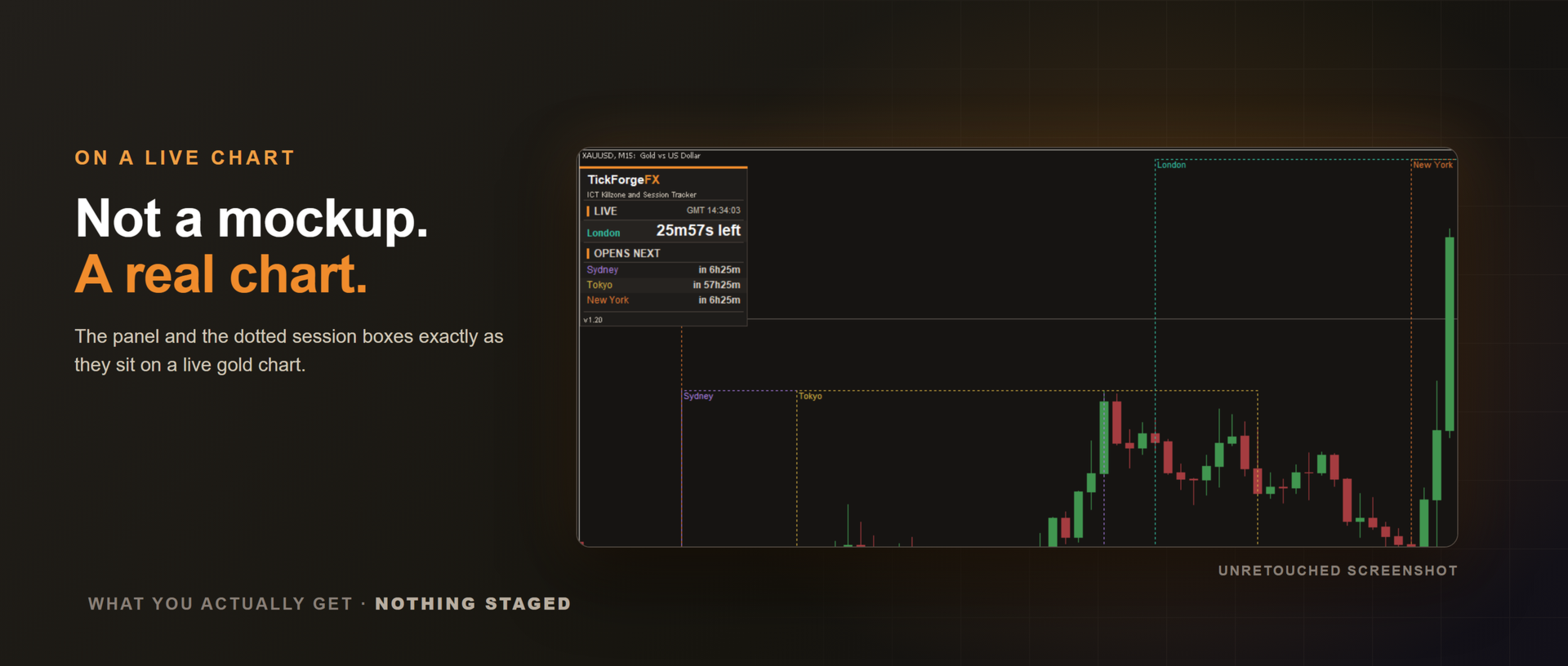
- Canlı seans paneli. GMT saati ve Sidney, Tokyo, Londra ile New York için birer satır. Her satır ya "açık" bilgisini kalan süreyle birlikte, ya da açılmasına ne kadar kaldığını gösterir. Devam eden seans kendi rengiyle vurgulanır.
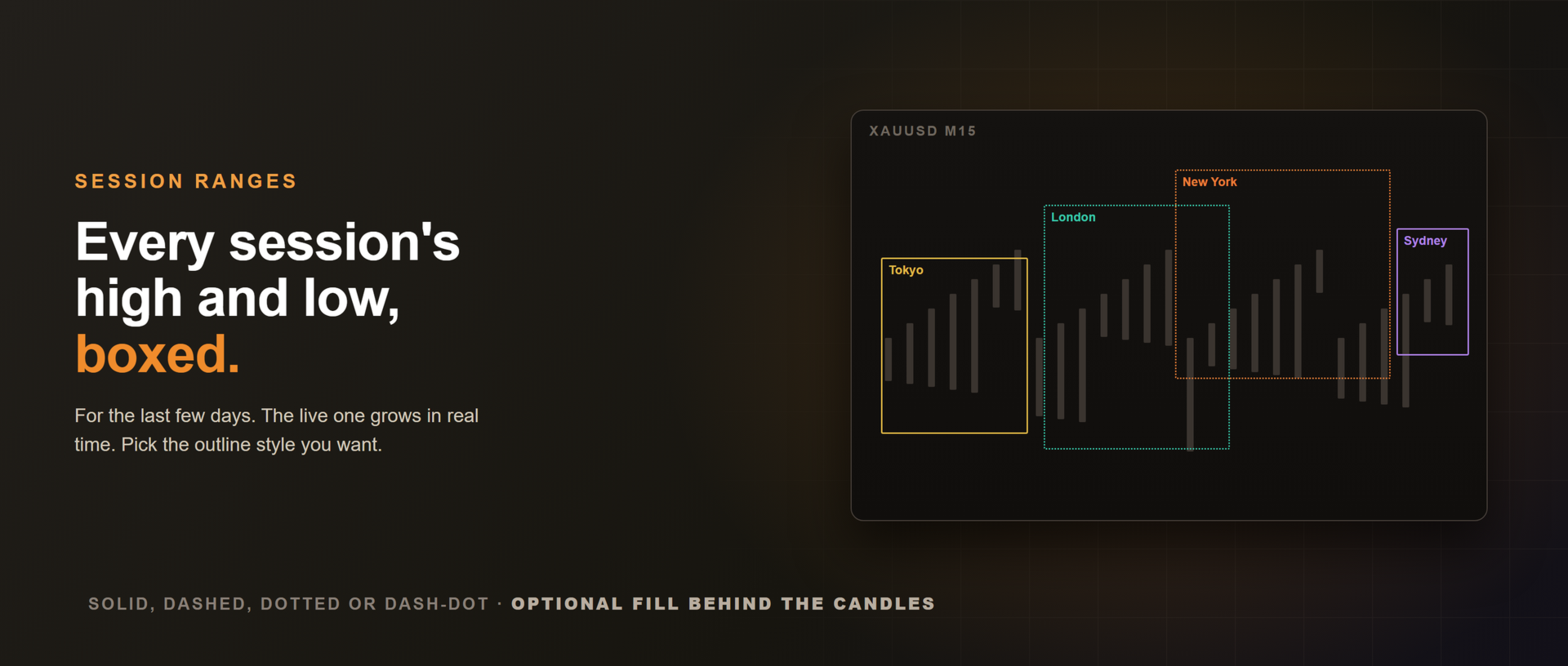
- Range kutuları. Her seansın kendi saatleri boyunca en yüksekten en düşüğe çizilir; etiketli ve seansa göre renklendirilmiş şekilde, son birkaç güne ait. Devam eden seansın kutusu gerçek zamanlı olarak uzar.
Kendi killzone'larınıza göre ayarlanır
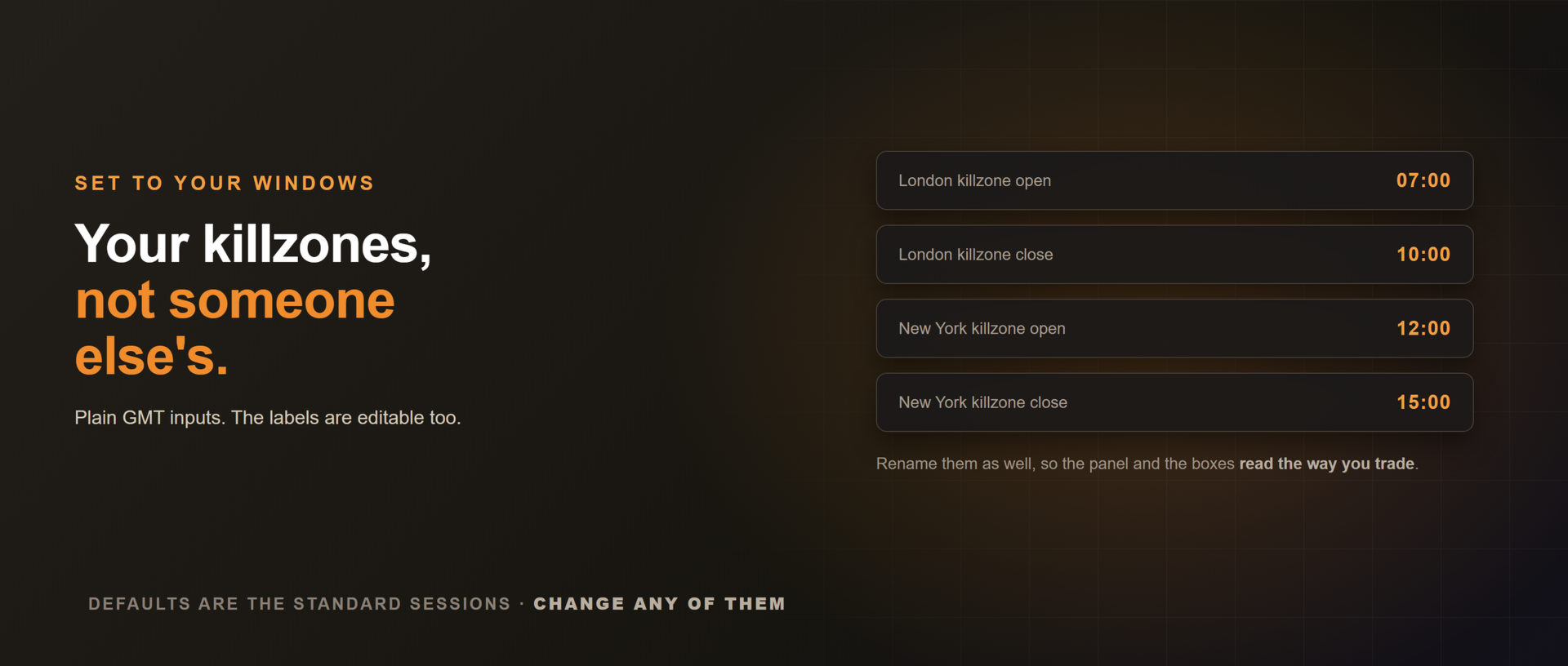
Seans saatleri sade GMT alanlarıdır. Standart seanslar için varsayılan değerleri bırakabilir ya da kendi killzone aralıklarınızı girebilirsiniz; örneğin Londra killzone'unu GMT 07:00 ile 10:00 arasına ayarlamak gibi. Etiketler de değiştirilebilir, böylece panel ve kutular sizin kullandığınız adlarla okunur.
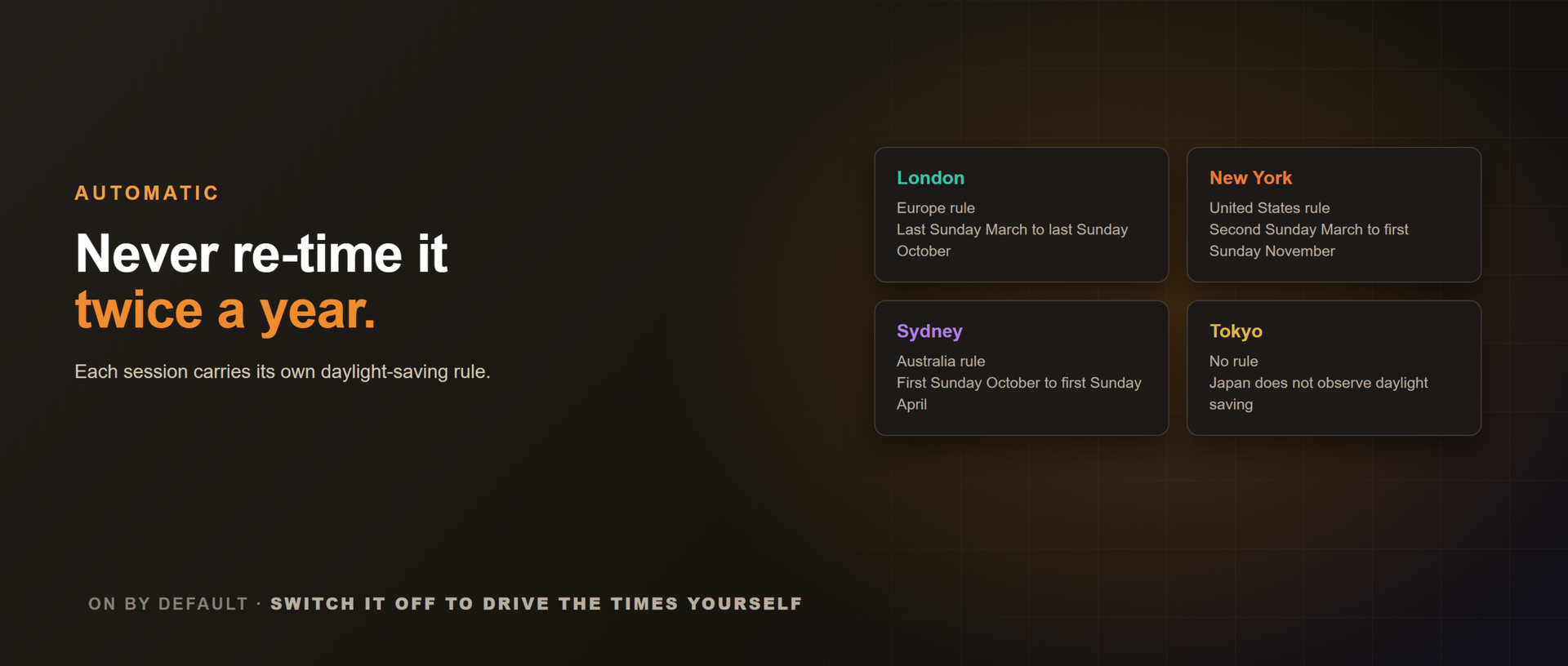
Yaz saati otomatik
Yılda iki kez elle düzeltmeniz gerekmez. Her seans kendi yaz saati kuralını taşır (Avrupa, Amerika, Avustralya; Tokyo'da yok) ve kendi bölgesinin yazı boyunca bir saat kayar. Böylece panel de kutular da yıl boyunca doğru kalır. Varsayılan olarak açıktır; saatleri kendiniz yönetmek isterseniz kapatabilirsiniz.
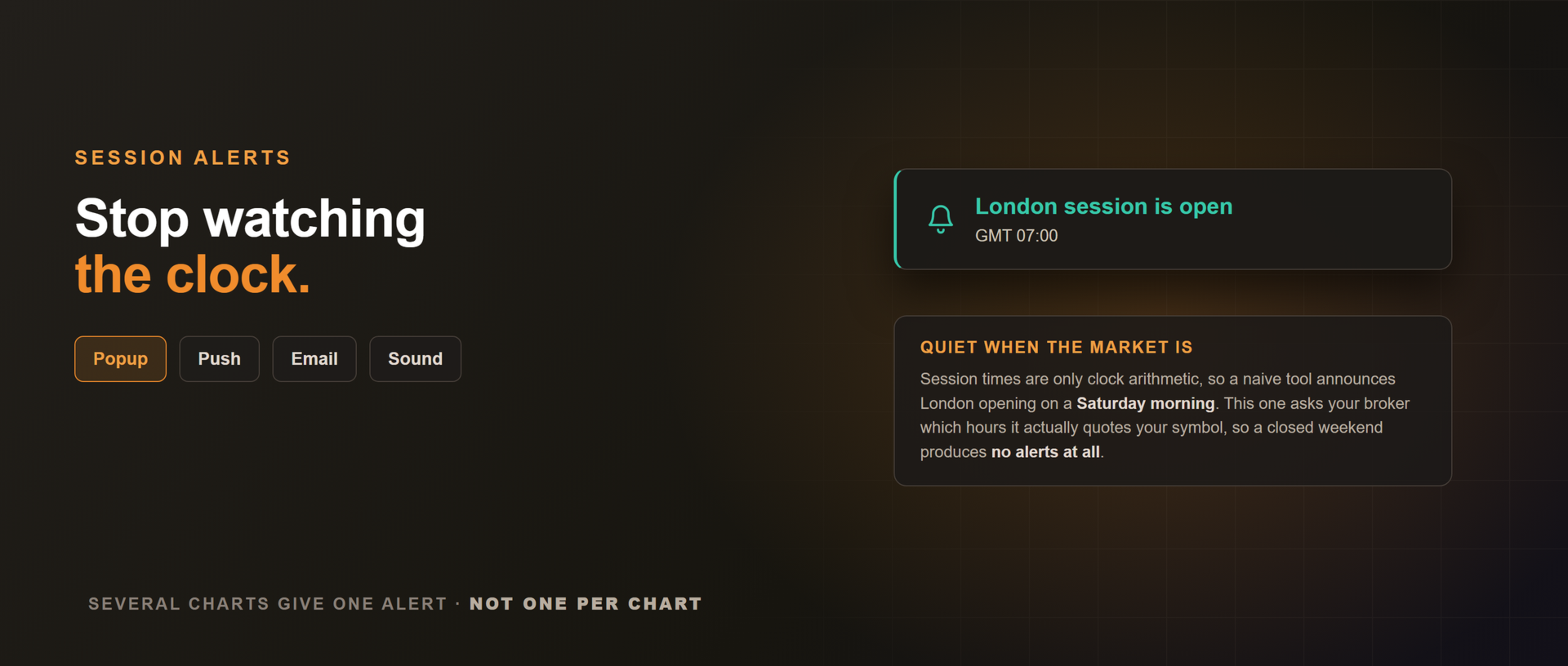
İsteğe bağlı seans uyarıları, piyasa sessizken onlar da sessiz
Bir seans veya killzone açıldığı ya da kapandığı anda açılır pencere, ses, MetaTrader mobil uygulamasına anlık bildirim veya e-posta. Varsayılan olarak kapalı.
Seans saatleri aslında yalnızca saat hesabıdır; bu yüzden özensiz yazılmış bir araç cumartesi sabahı da "Londra açıldı" der. Bu araç, aracı kurumunuza o enstrümanı gerçekte hangi saatlerde kote ettiğini sorar ve o saatlerin dışında susar. Dolayısıyla kapalı bir hafta sonunda hiç uyarı üretmez. Pazar açılışında, zaten devam etmekte olan bir seans kendi açılışını duyurur; siz yokken gerçekleşmiş bir kapanış ise duyurulmaz. Birden fazla grafikte çalıştırdığınızda grafik başına değil, toplamda tek bir uyarı alırsınız; çünkü bir seansın açılması saate dair bir gerçektir, enstrümana dair değil.
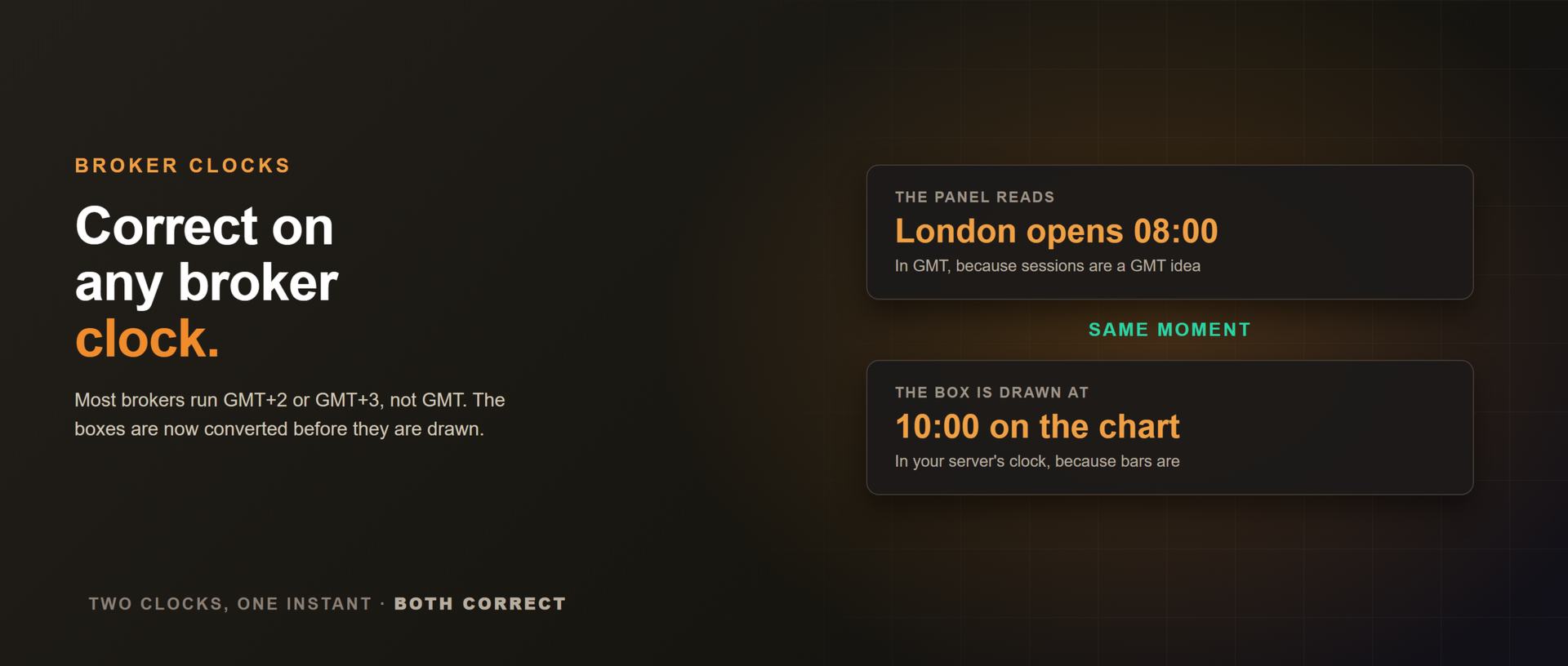
Her aracı kurum saatinde doğru
Panel GMT ile hesaplar, kutular ise çizilmeden önce sizin sunucu saatinize çevrilir. GMT+3 bir aracı kurumda Londra kutusu grafikte 10:00'da başlar, panel ise 08:00 GMT gösterir. Aynı an, iki farklı saat, ikisi de doğru.
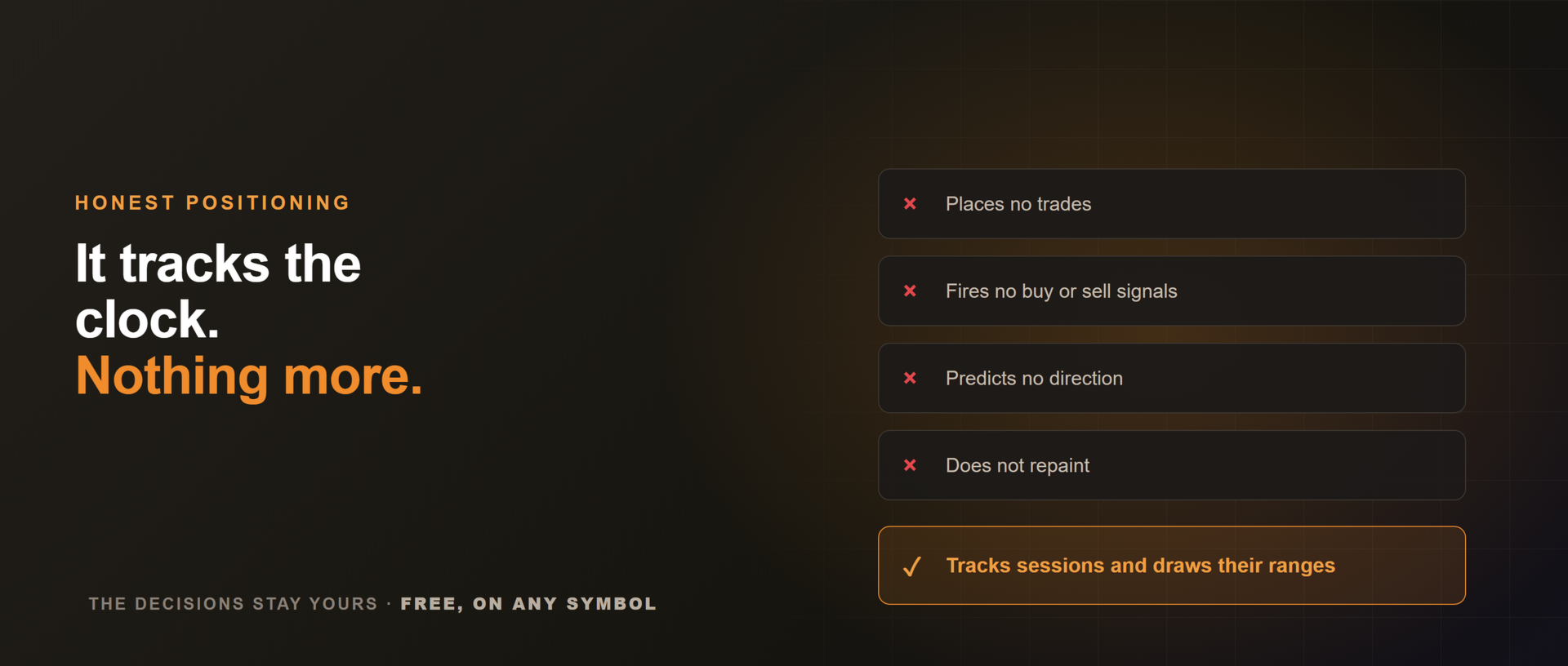
Ne yapmaz
İşlem açmaz, sinyal üretmez, yön tahmini yapmaz. Seansları takip eder ve aralıklarını çizer. Kararlar sizde kalır.
Her enstrümanda çalışır ve seans aralıklarının asıl önem taşıdığı gün içi zaman dilimlerinde (M1 ile H1 arası) en verimlidir. Ücretsiz. Killzone'larla işlem yapıyorsanız, dürüst bir değerlendirme başkalarının bunu bulmasına yardımcı olur; neyin daha keskin olabileceğine dair bir not da aynı ölçüde işe yarar.















































This is clean and very useful. I just wish there's an option to change the session line style. I prefer to see the line in Dots.