
ICT Killzone and Session Tracker
- Indicadores
-
Amal Yuldashev
 TickForgeFX: trading tools for MetaTrader 5 and MetaTrader 4, built to hold up on a live chart
 - Versão: 1.20
- Atualizado: 11 setembro 2026
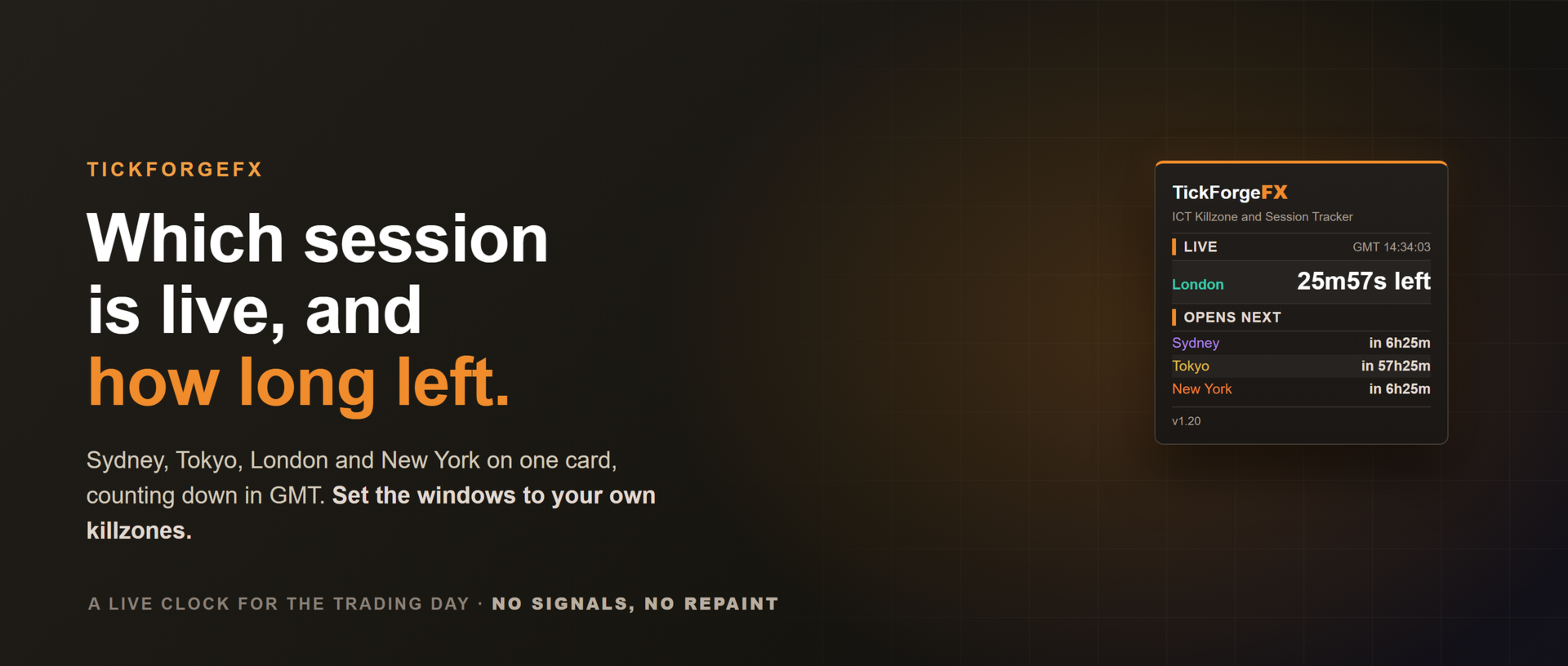
Saiba qual sessão está aberta, quanto tempo ainda resta e quando começa a próxima, com a máxima e a mínima de cada sessão desenhadas no gráfico. O ICT Killzone and Session Tracker coloca o dia de negociação no seu gráfico em GMT, então a leitura é a mesma em qualquer corretora, e ele pode avisar você no instante em que uma sessão ou killzone abre ou fecha. Sem sinais, sem repintura.
O que ele mostra
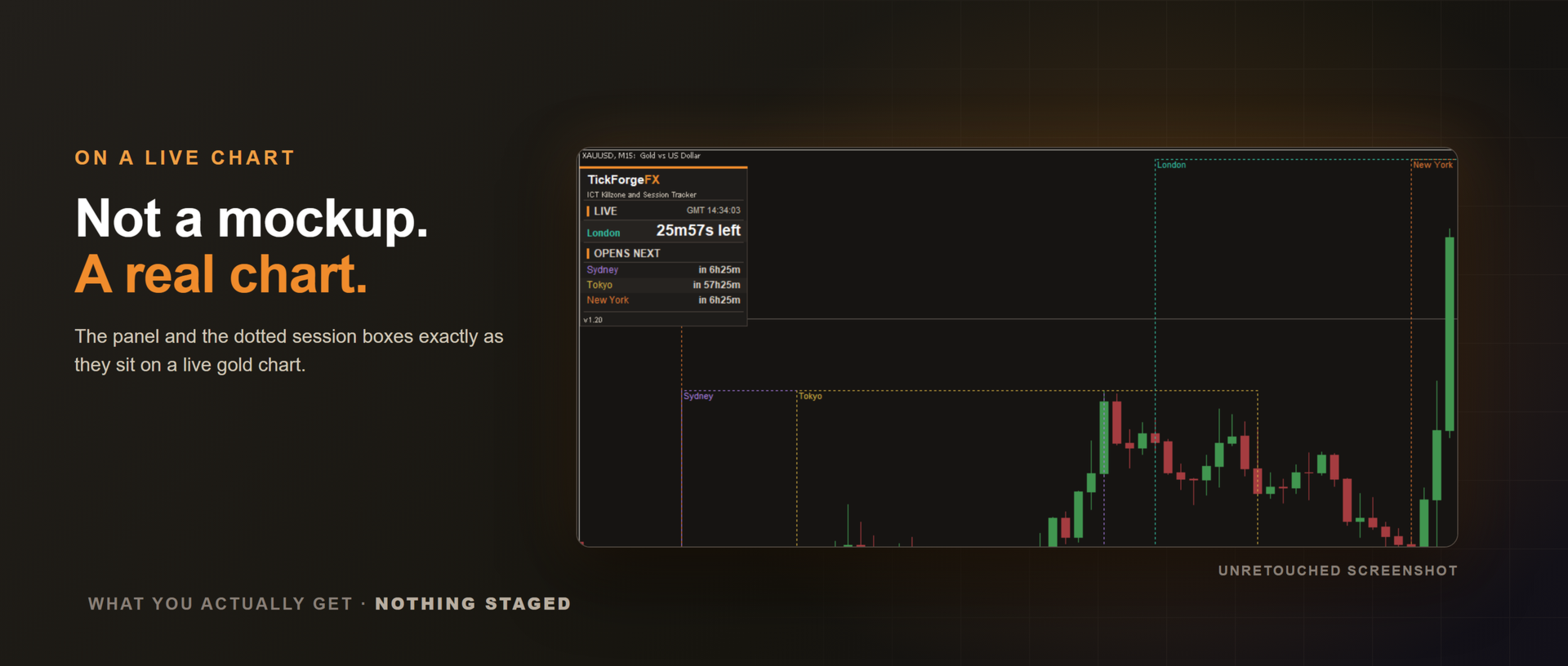
- Painel de sessões ao vivo com relógio GMT e uma linha para Sydney, Tóquio, Londres e Nova York. Cada uma mostra que está ativa junto com o tempo restante, ou quanto falta para abrir. A sessão em andamento fica destacada na cor dela.
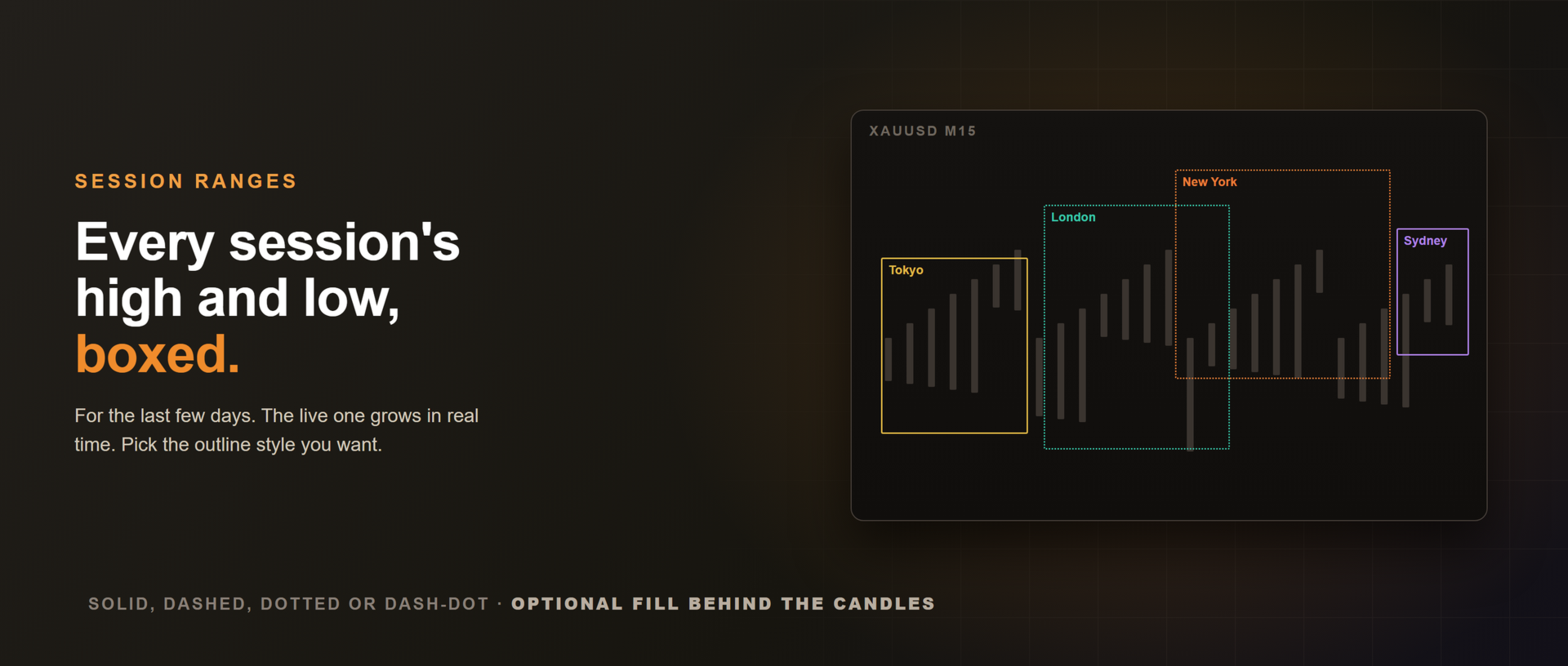
- Caixas de range traçadas da máxima até a mínima de cada sessão ao longo do horário dela, com etiqueta e cor próprias, dos últimos dias. A caixa da sessão em andamento cresce em tempo real.
Ajustado às suas killzones
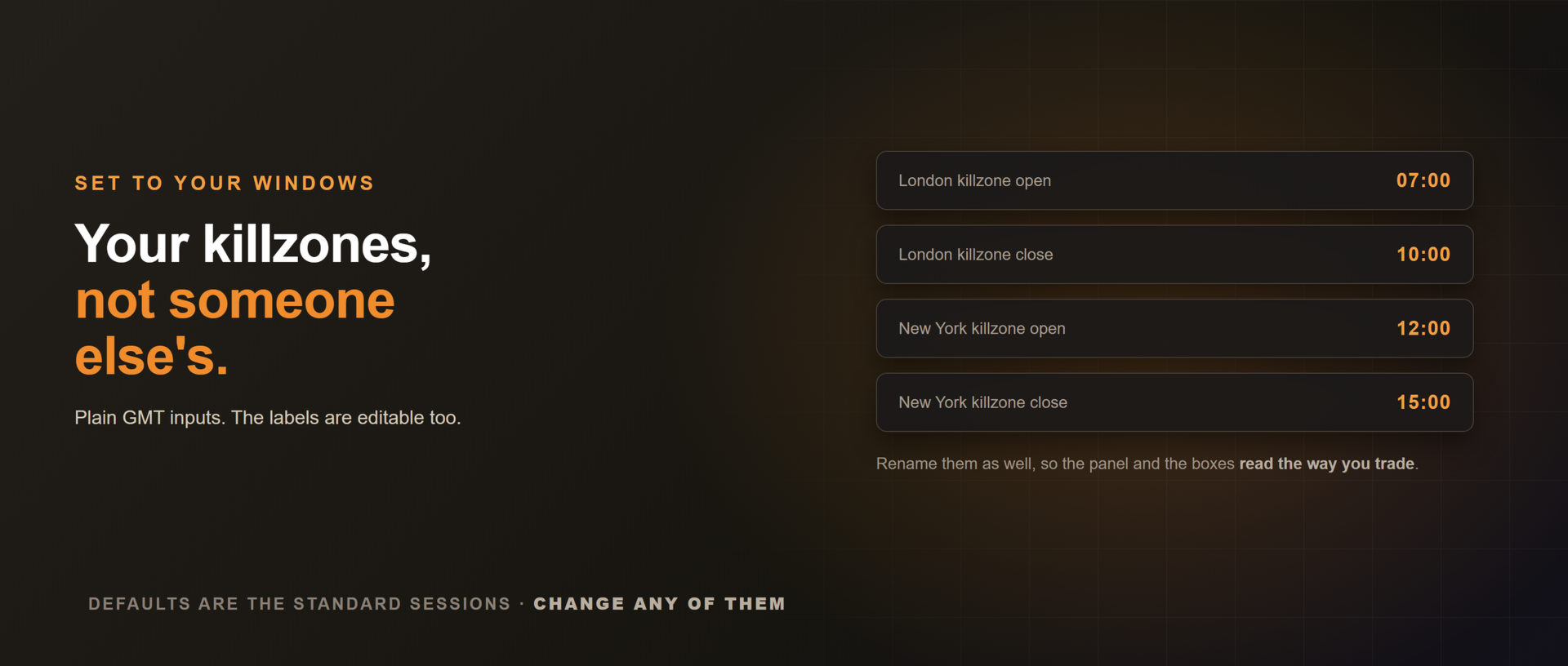
Os horários de sessão são campos simples em GMT. Deixe os valores padrão para as sessões clássicas, ou coloque as suas janelas exatas de killzone, por exemplo uma killzone de Londres das 07:00 às 10:00 GMT. Os rótulos também podem ser editados, para que o painel e as caixas falem a sua língua.
Horário de verão automático
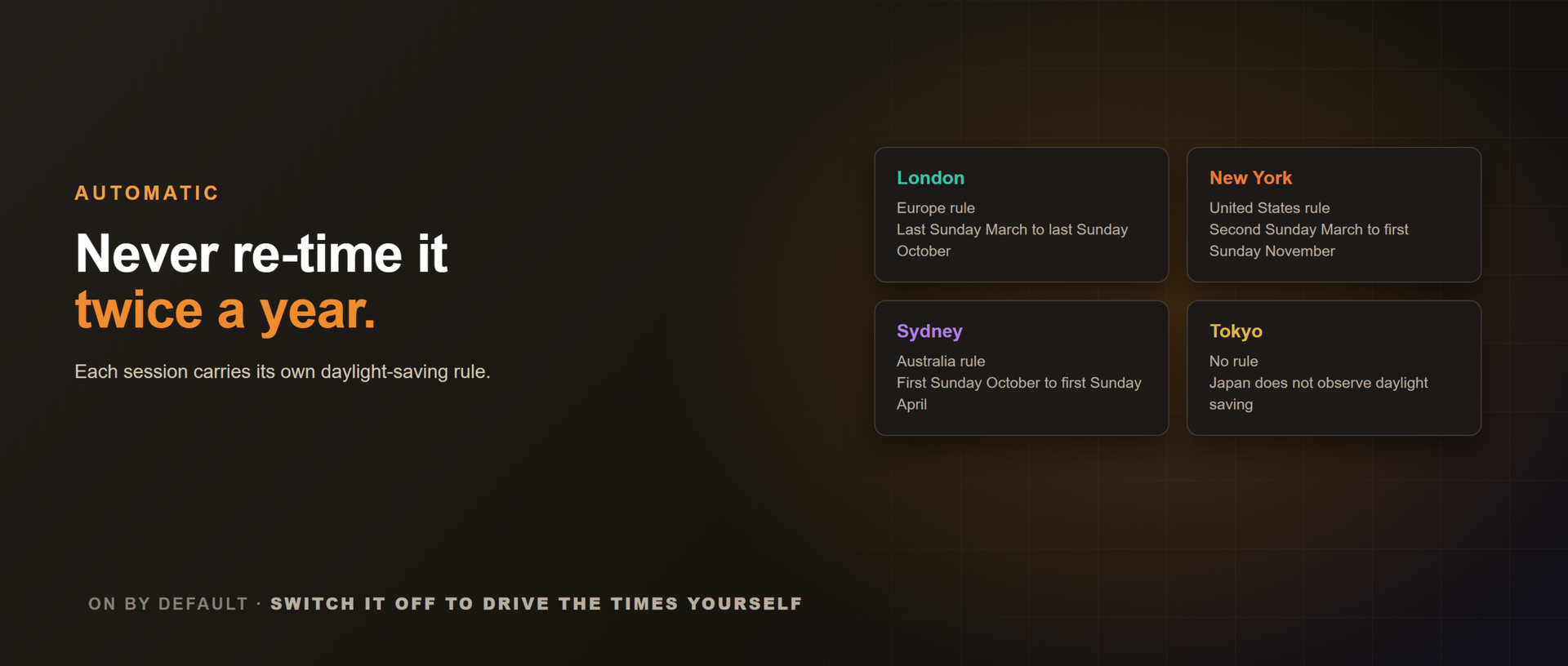
Você nunca precisa reajustar duas vezes por ano. Cada sessão carrega a própria regra de horário de verão (Europa, Estados Unidos, Austrália, ou nenhuma no caso de Tóquio) e se desloca em uma hora durante o verão da região dela, então painel e caixas continuam corretos o ano inteiro. Ligado por padrão, e opcional caso você prefira controlar os horários na mão.
Alertas de sessão opcionais, quietos quando o mercado está
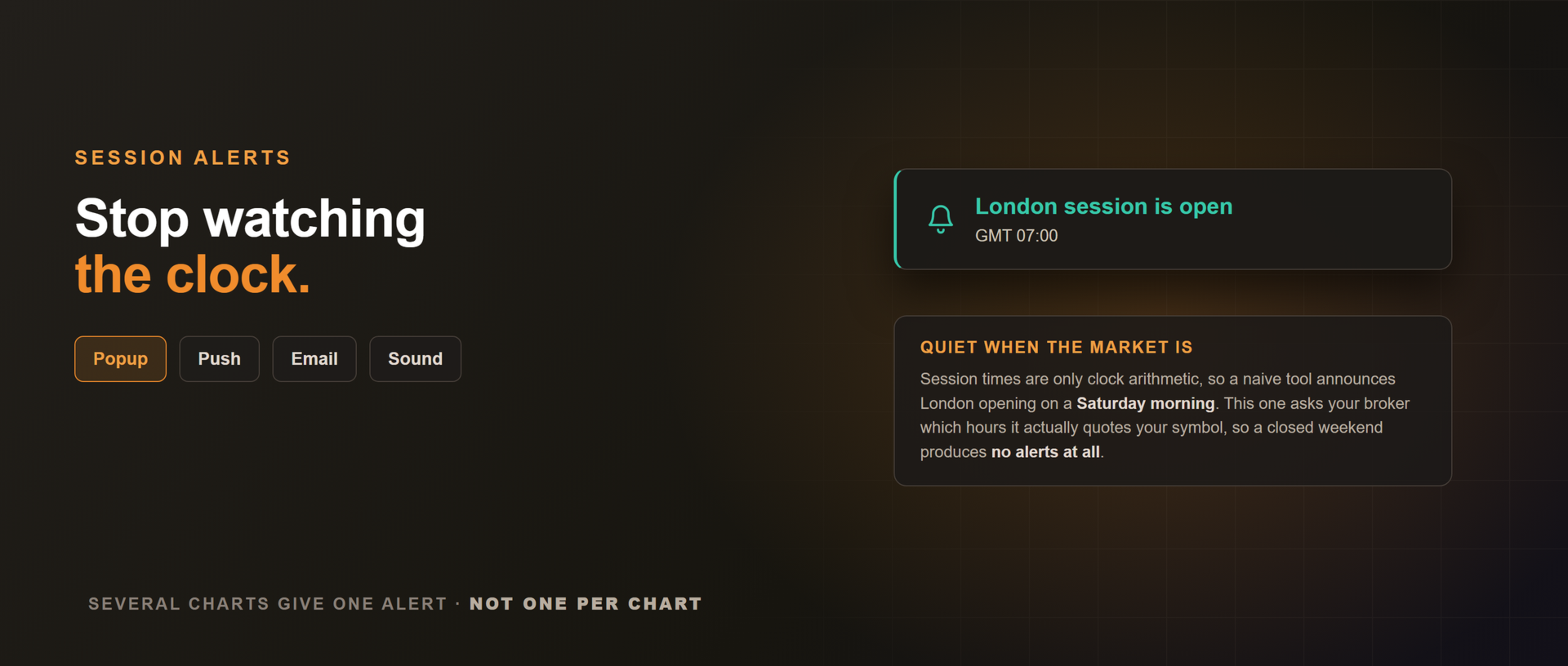
Pop-up, som, notificação push para o aplicativo do MetaTrader, ou e-mail no instante em que uma sessão ou killzone abre ou fecha. Desligados por padrão.
Horário de sessão é pura conta de relógio, então uma ferramenta ingênua anuncia a abertura de Londres num sábado de manhã. Esta aqui pergunta à sua corretora em quais horas ela realmente cota o seu ativo e fica em silêncio fora disso, de modo que um fim de semana fechado não gera alerta nenhum. Na reabertura de domingo, uma sessão que já está rodando anuncia a abertura dela, e nada anuncia um fechamento que aconteceu enquanto você estava fora. Rodando em vários gráficos você recebe um alerta, e não um por gráfico, porque a abertura de uma sessão é um fato do relógio e não do ativo.
Correto em qualquer relógio de corretora
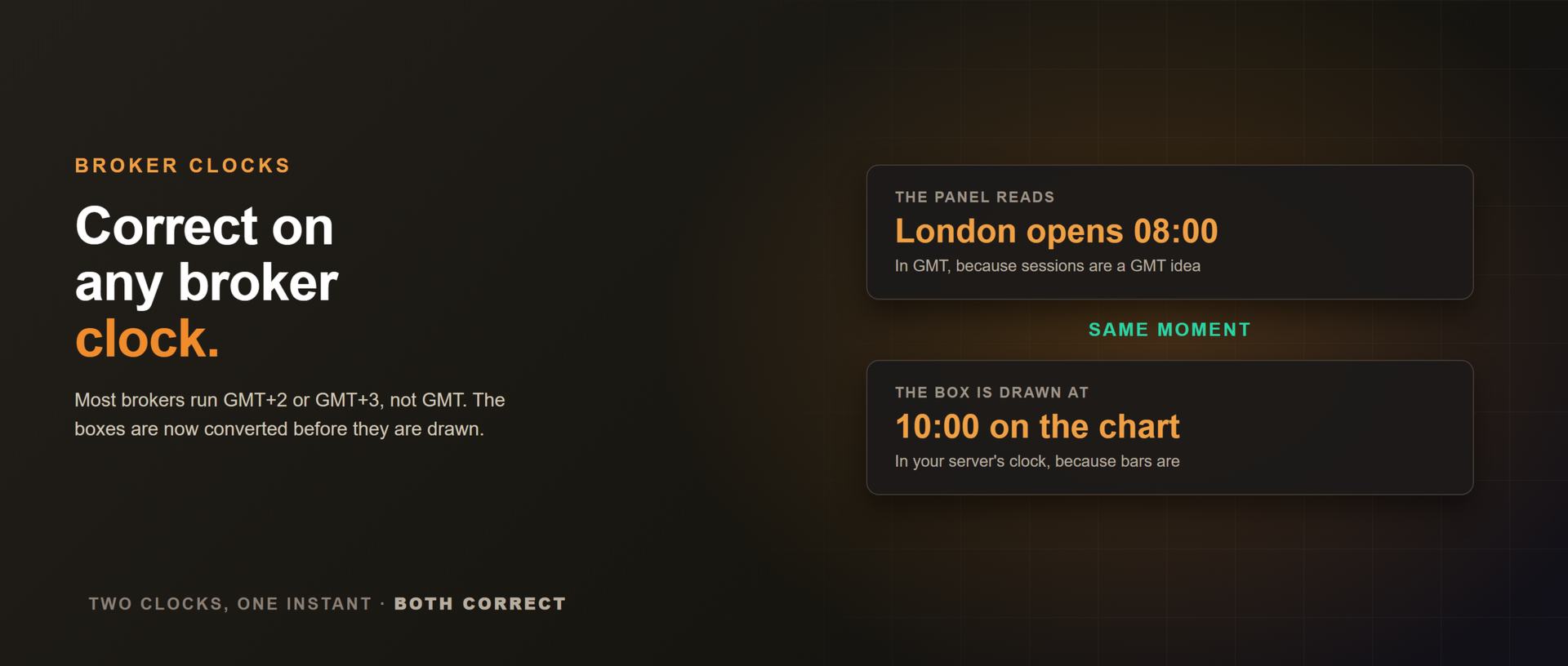
O painel raciocina em GMT e as caixas são convertidas para o horário do seu servidor antes de serem desenhadas. Numa corretora GMT+3, a caixa de Londres começa às 10:00 no gráfico enquanto o painel marca 08:00 GMT. Mesmo instante, dois relógios, os dois certos.
O que ele não faz
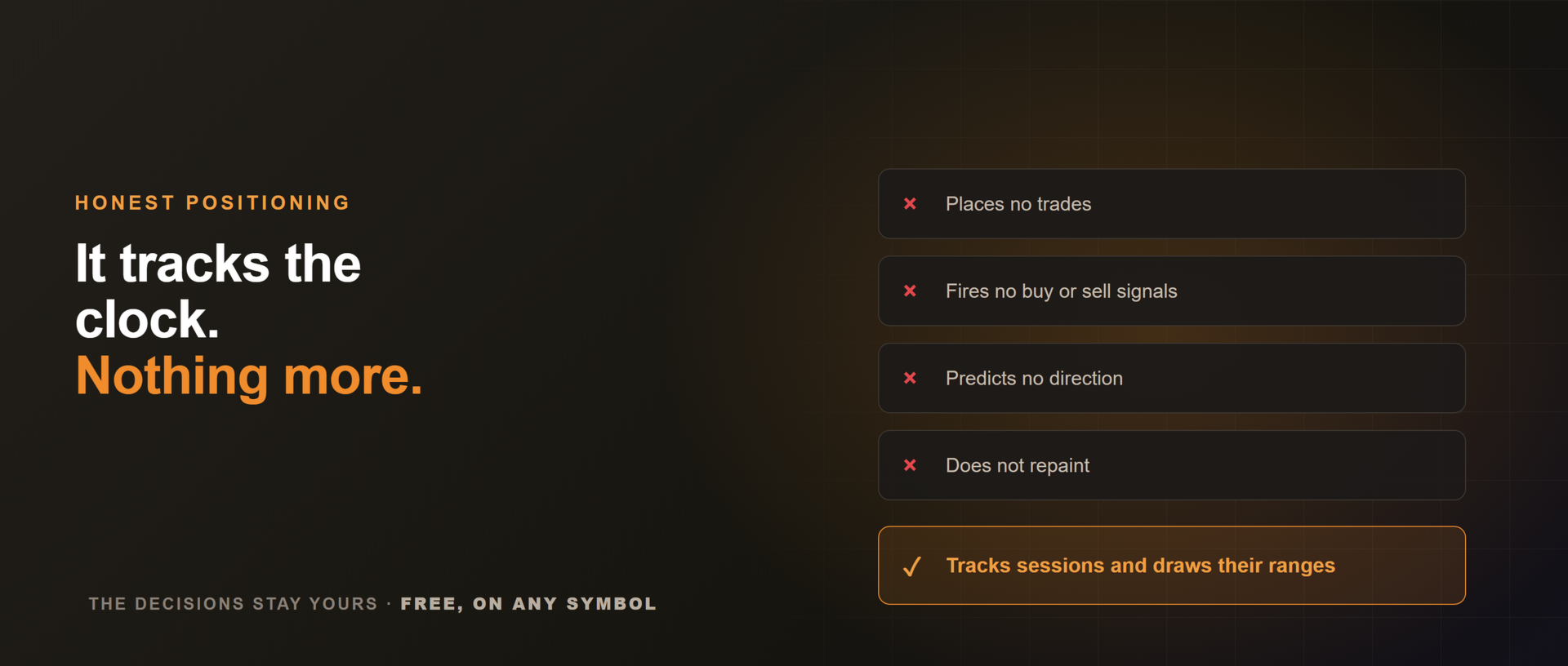
Não abre operações, não emite sinais e não prevê direção. Ele acompanha as sessões e desenha os ranges delas. As decisões continuam sendo suas.
Funciona em qualquer ativo, e rende mais nos tempos gráficos intradiários (M1 a H1), onde os ranges de sessão importam. Gratuito. Se você opera as killzones, uma avaliação honesta ajuda outros a encontrá-lo, e um comentário sobre o que deixaria a ferramenta mais afiada ajuda igual.















































This is clean and very useful. I just wish there's an option to change the session line style. I prefer to see the line in Dots.