Pew Pew MT5

  • Uzmanlar
  • Wilna Barnard
    Wilna Barnard
    2.6 (10)
    MetaTrader 5 için Expert Advisors geliştirmeyi seviyorum ve bir yılı aşkın süredir MQL5 geliştirme alanında aktifim. Bu süre boyunca trading otomasyonu, risk yönetimi, temiz kodlama uygulamaları ve ürün güvenilirliği hakkında çok şey öğrendim.
  • Sürüm: 1.0
  • Etkinleştirmeler: 10

Pew Pew is an advanced mean reversion Expert Advisor with a predictive grid recovery system designed to adapt to real market conditions.

Developed through extensive coding, testing, and refinement, it uses thousands of lines of structured logic to adjust recovery behaviour according to volatility, news impact, and changing price action.

The result is a more professional and flexible approach to automated recovery with the ability to hide SP/TP from your broker.

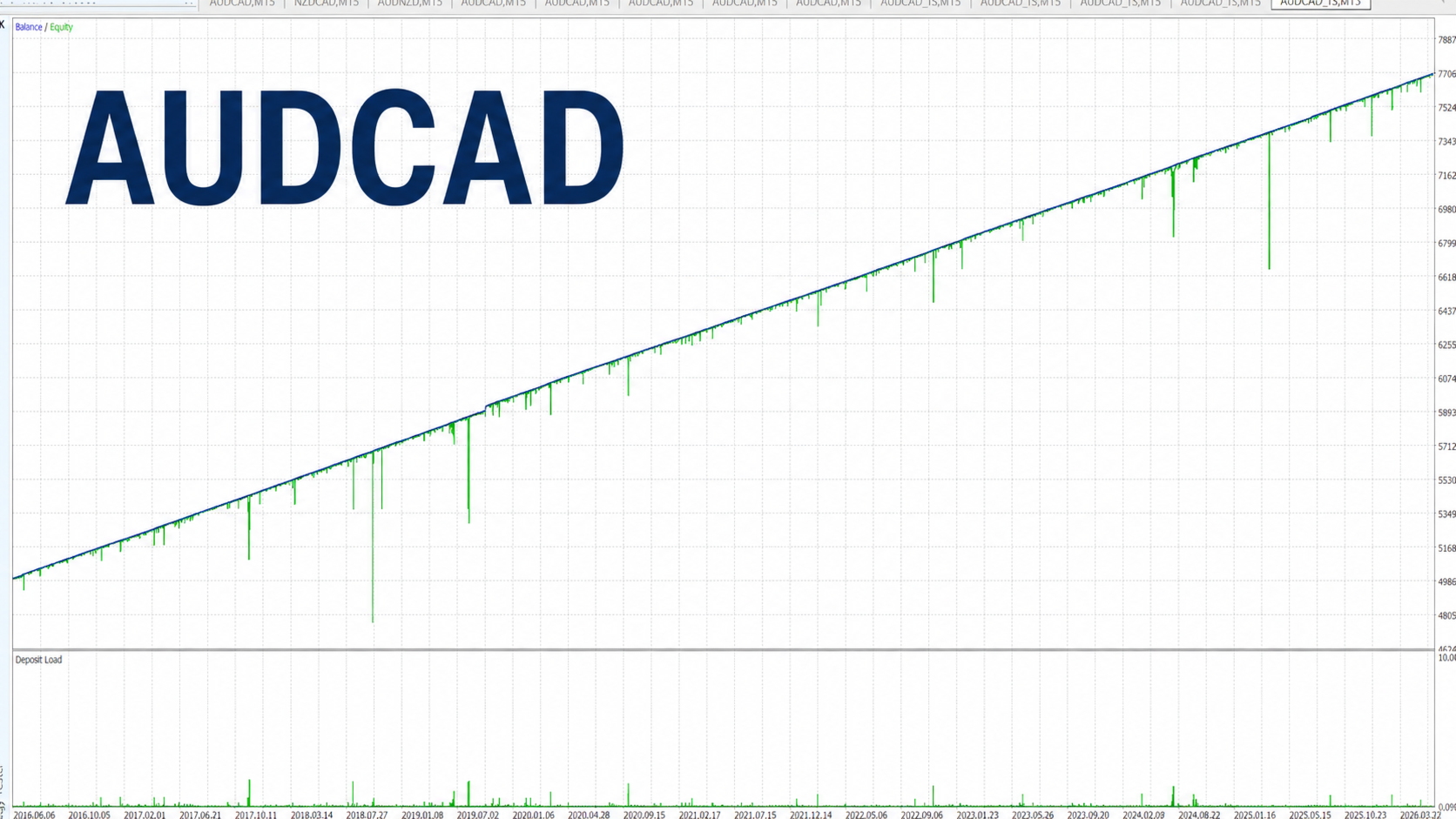
Optimized for AUDCAD, AUDNZD, and NZDCAD. Other suitable symbols may also be tested.

Timeframe: M15

Features:

·       One-Chart Setup: Trade all configured symbols from one chart.

·       Multi-Symbol Support: Use a comma-separated symbol list.

·       Single-Symbol Mode: Trade one selected pair if preferred.

·       Easy News Setup: Simple news feed setup instructions included.

·       Automatic News Timing: News times adjust automatically, with optional user offset.

·       Hidden SL/TP Option: Manage SL and TP internally if required.

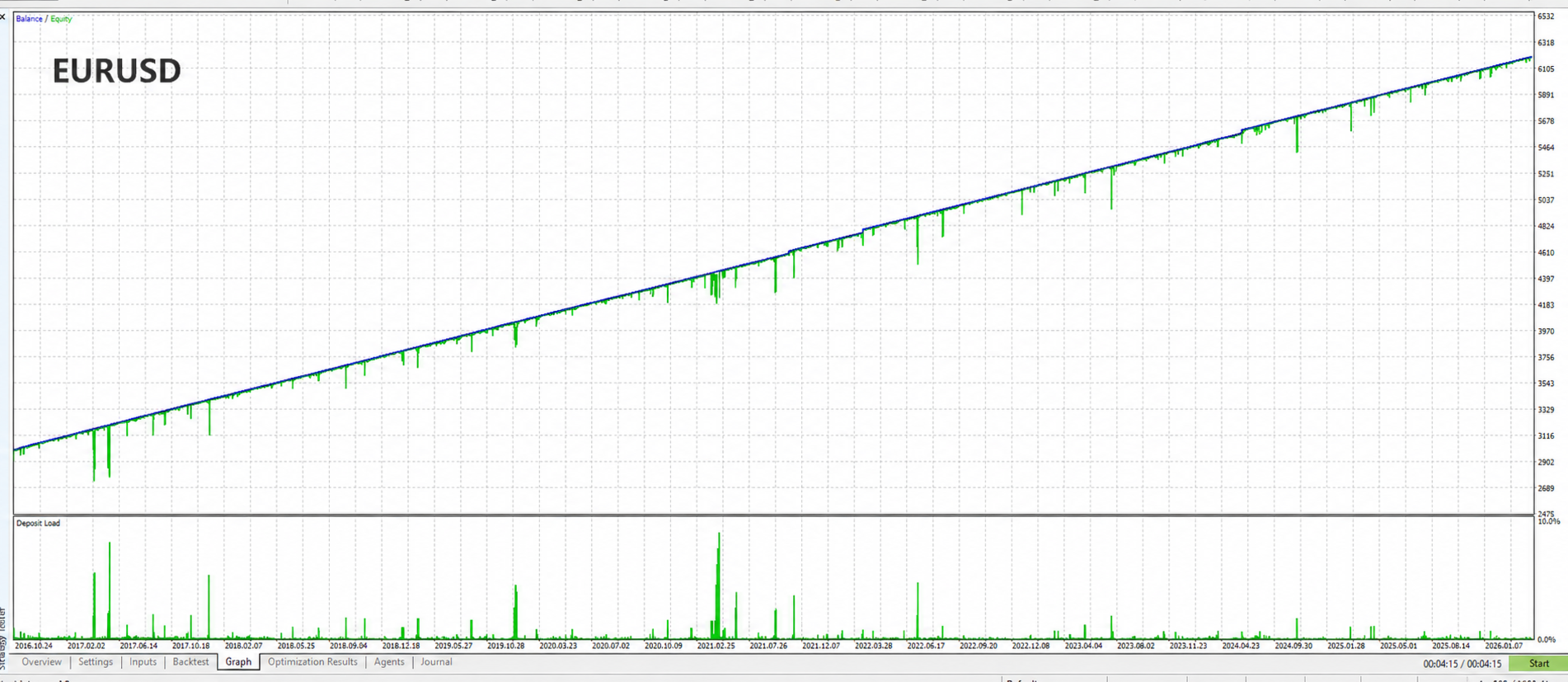
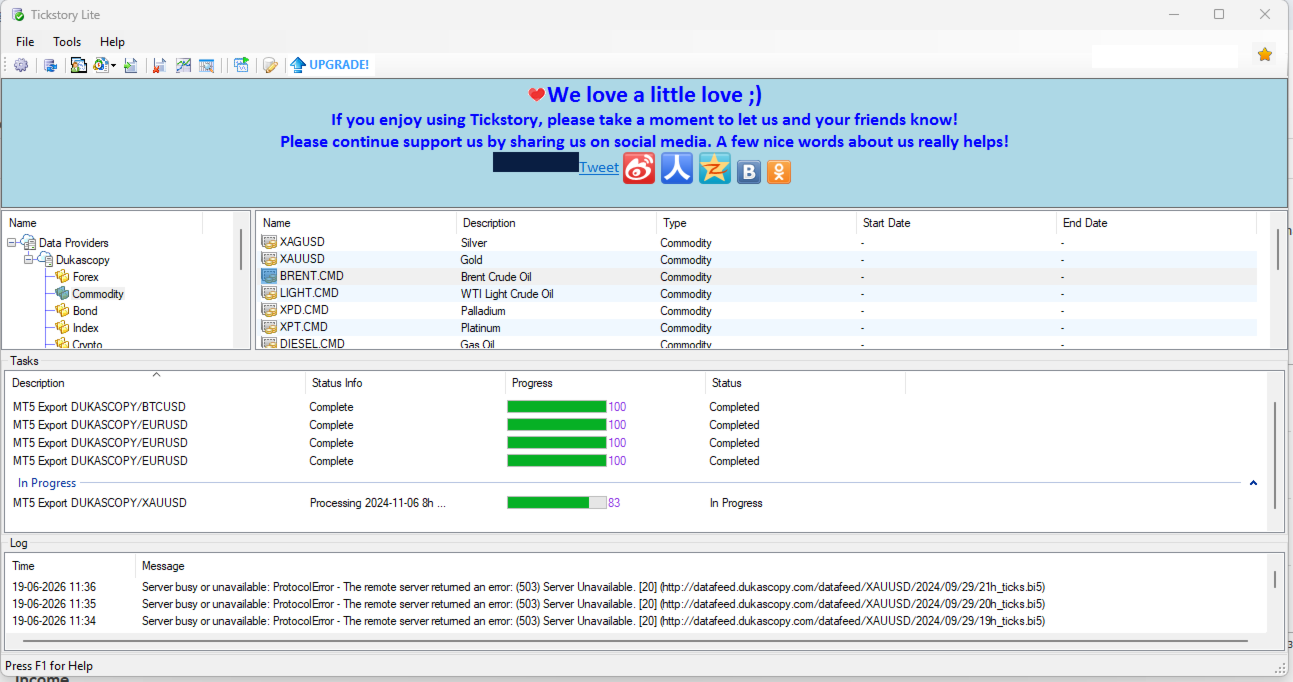
·       10-Year Backtest: Tested using Dukascopy real tick data.

·       Competitive Pricing: Strong value compared to similar advanced EAs.

How to Install

  • Attach the EA to one M15 chart only. AUDCAD M15 is recommended.
  • The EA can manage all configured symbols from this single chart.
  • Required symbols should load automatically into Market Watch. If not, manually add the intended trading symbols.
  • If your broker uses a symbol suffix, for example AUDCAD.a, update the symbol names in the EA Symbol input.
  • Use the recommended pairs: AUDCAD, AUDNZD, and NZDCAD.
  • No .set files are required. The recommended settings are already built into the EA.
  • For the news filter and automatic time detection to work, allow WebRequest access in MT5.

To add the news URL in MT5:

  1. Go to Tools Options Expert Advisors.
  2. Tick Allow WebRequest for listed URL.
  3. Click Add and enter:
    nfs.faireconomy.media
  4. Click OK and restart the EA if required.

Requirements

·       A hedging account is required.

·       A reliable ECN broker is recommended for better execution conditions.

·       The EA should run continuously on a VPS for stable operation.

·       Adequate free margin is important, especially when using grid recovery.

·       A healthy account balance is recommended where possible, as this provides more room for recovery and helps reduce the risk of margin pressure.

·       Lower leverage accounts should use conservative risk settings, while higher leverage accounts may allow more flexibility depending on broker conditions and user risk preference.


Strategy

Pew Pew uses RSI-based mean reversion logic to identify potential reversal entries. If price moves against the trade, the EA activates a predictive grid recovery system that adjusts according to volatility, news conditions, and market behaviour.

Tired of being stop hunted ?

Hidden SL/TP options are also available for users who prefer to manage protective levels internally.

A properly funded account is recommended to maintain sufficient free margin during recovery.


Chart Panel

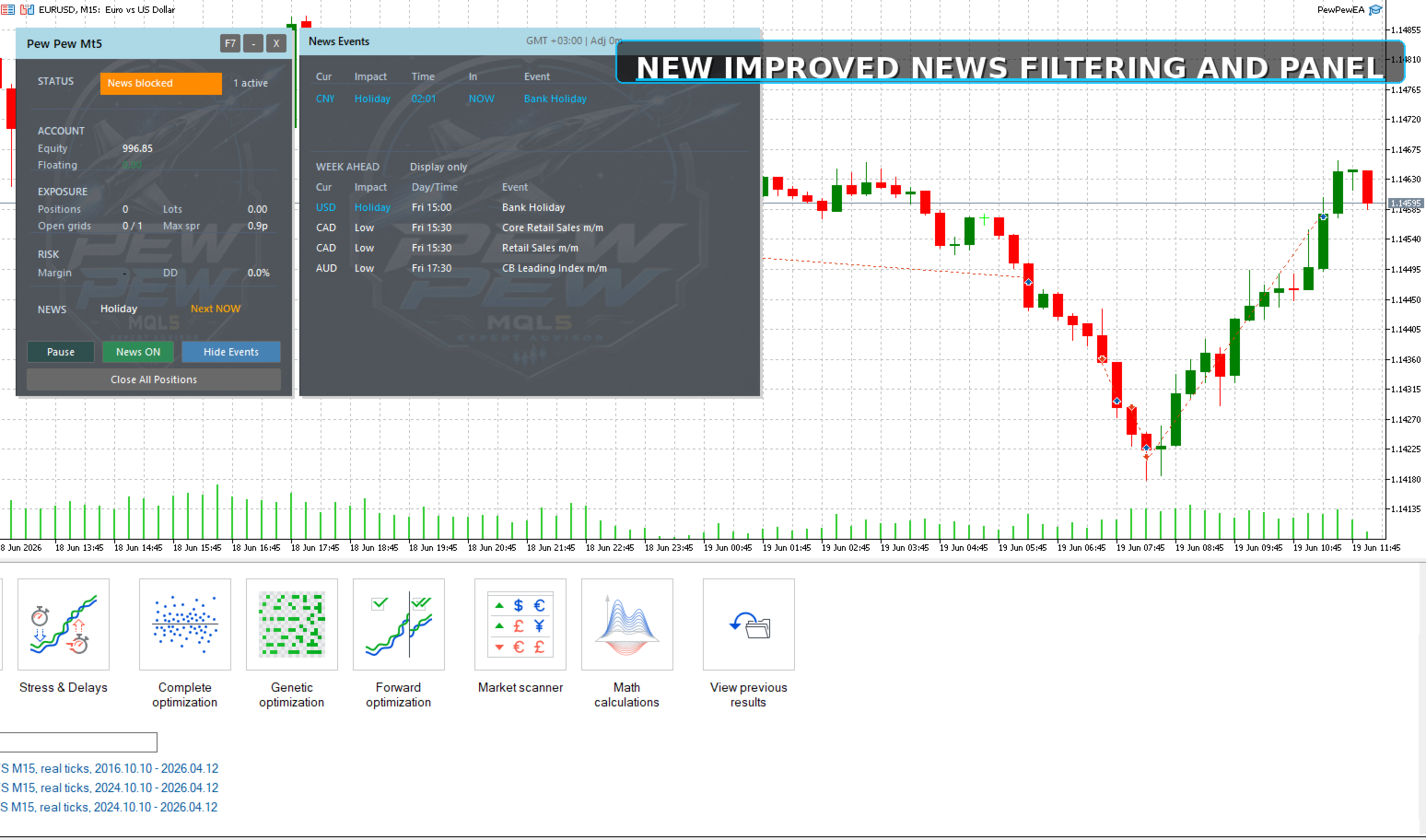
Pew Pew includes an on-chart panel for professional monitoring and runtime control. The panel displays key information such as trading status, account equity, EA profit/loss, margin status, drawdown, upcoming news, and active grid activity. It also provides controls for pausing or resuming trading, enabling or disabling the news filter, viewing news events, minimizing the panel, and removing the EA. Users can choose between an animated spaceship-style panel background, a static background colour, or disable the panel completely.

Disclaimer

Always test on a demo account before live use. Trading involves risk, and past results do not guarantee future performance. Use responsible risk settings and ensure sufficient free margin at all times.


Yazarın diğer ürünleri
Wall Street Scalper
Wilna Barnard
3 (2)
Overview Wallstreet Scalper is a breakout-style Expert Advisor built for U.S. indices (US30, US500, US100) on the M5 timeframe. The EA seeks to capture momentum when price breaks out of recent highs or lows, while applying layered protective mechanisms to keep risk under control. It is optimized for both personal trading and prop-firm challenges , with a unique ATR-based system that adapts all key distances to market volatility. Core Strategy Breakout Entries: Pending Buy/Sell Stop orders are pl
Bushido Scalper
Wilna Barnard
3.67 (3)
Bushido Scalper Overview The Bushido Scalper is an advanced Expert Advisor (EA) designed for the USD/JPY and EUR/USD currency pairs. It utilizes a scalping strategy aimed at capturing small, rapid price movements and executing trades efficiently in highly liquid markets. Key Features Scalping Strategy : Tailored for short-term trades that capitalize on quick price fluctuations. Compatible Pairs : Optimized specifically for USD/JPY and EUR/USD. Integrated Filters : Includes RSI and News filters
Tetsu Bitcoin Scalper
Wilna Barnard
2.5 (2)
I am pleased to introduce the Bitcoin Scalping Bot, designed with precision, adaptability, and efficiency for the dynamic cryptocurrency market. Developed to deliver consistent and reliable performance, this bot is suitable for traders of all experience levels, aiming to enhance your scalping strategies. Key Features Strategic Entry Points The bot places buy stop and sell stop orders at the highs and lows of the last X bars to ensure optimal positioning. It also features an advanced trailing s
FREE
Filtrele:
Değerlendirme yok
Değerlendirmeye yanıt