RM Control Deck Pro
- Индикаторы
- Версия: 1.21
- Активации: 5

HOW TO USE (in 30 seconds)
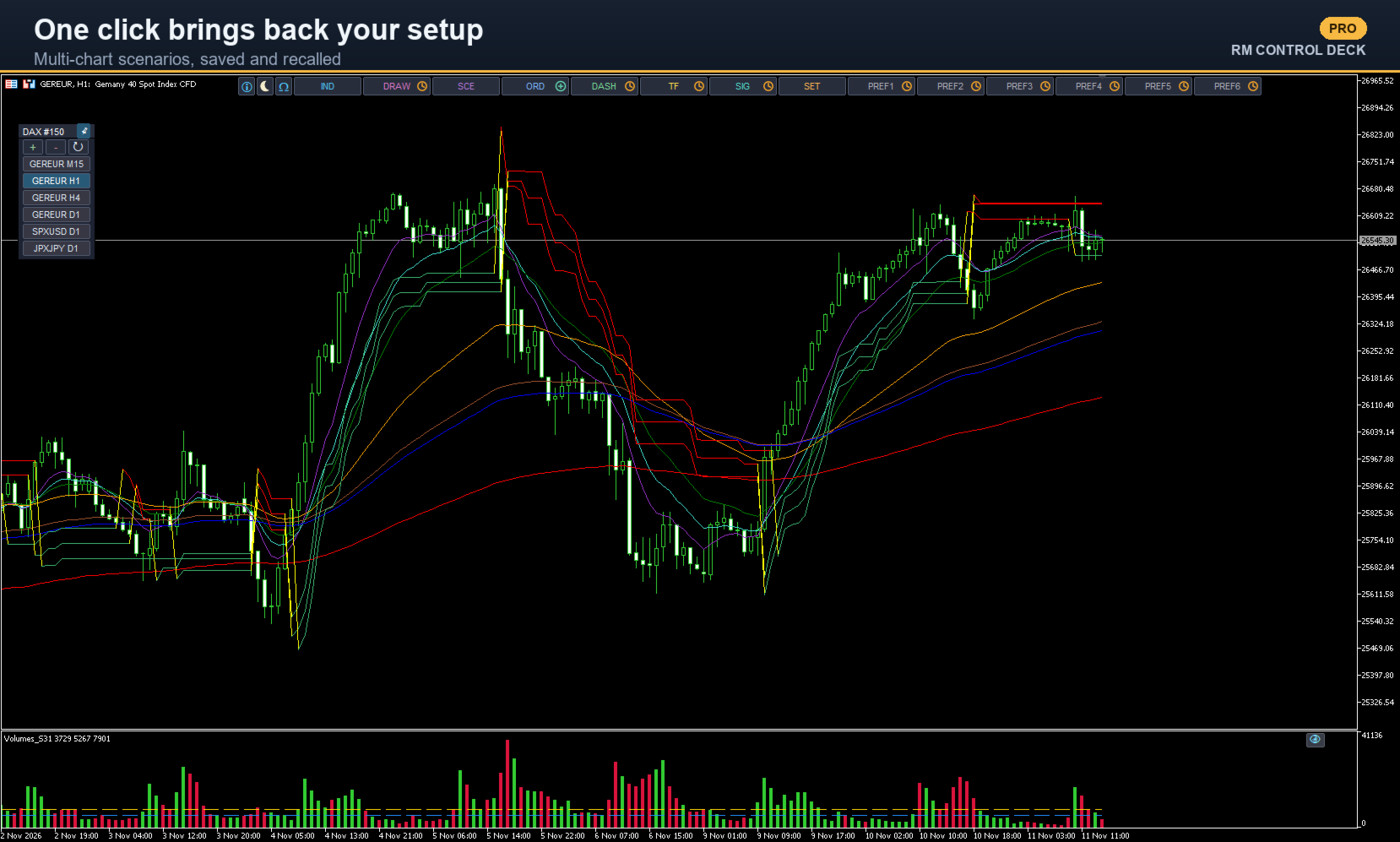
1. Attach RM Control Deck to the chart, click the chart and press the SPACEBAR to show (or hide) the Deck's bar.
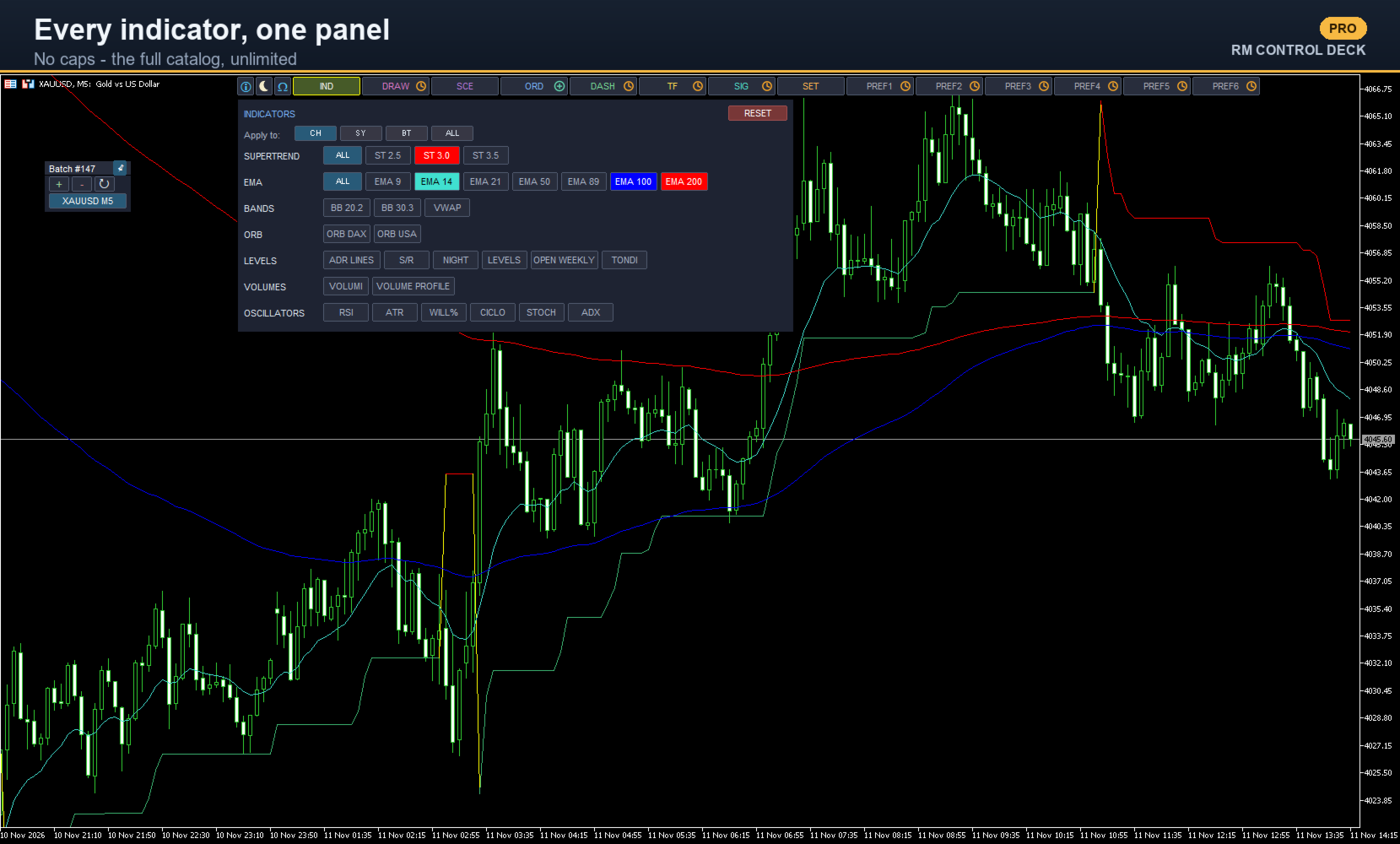
2. Toggle an indicator: open IND and click it.
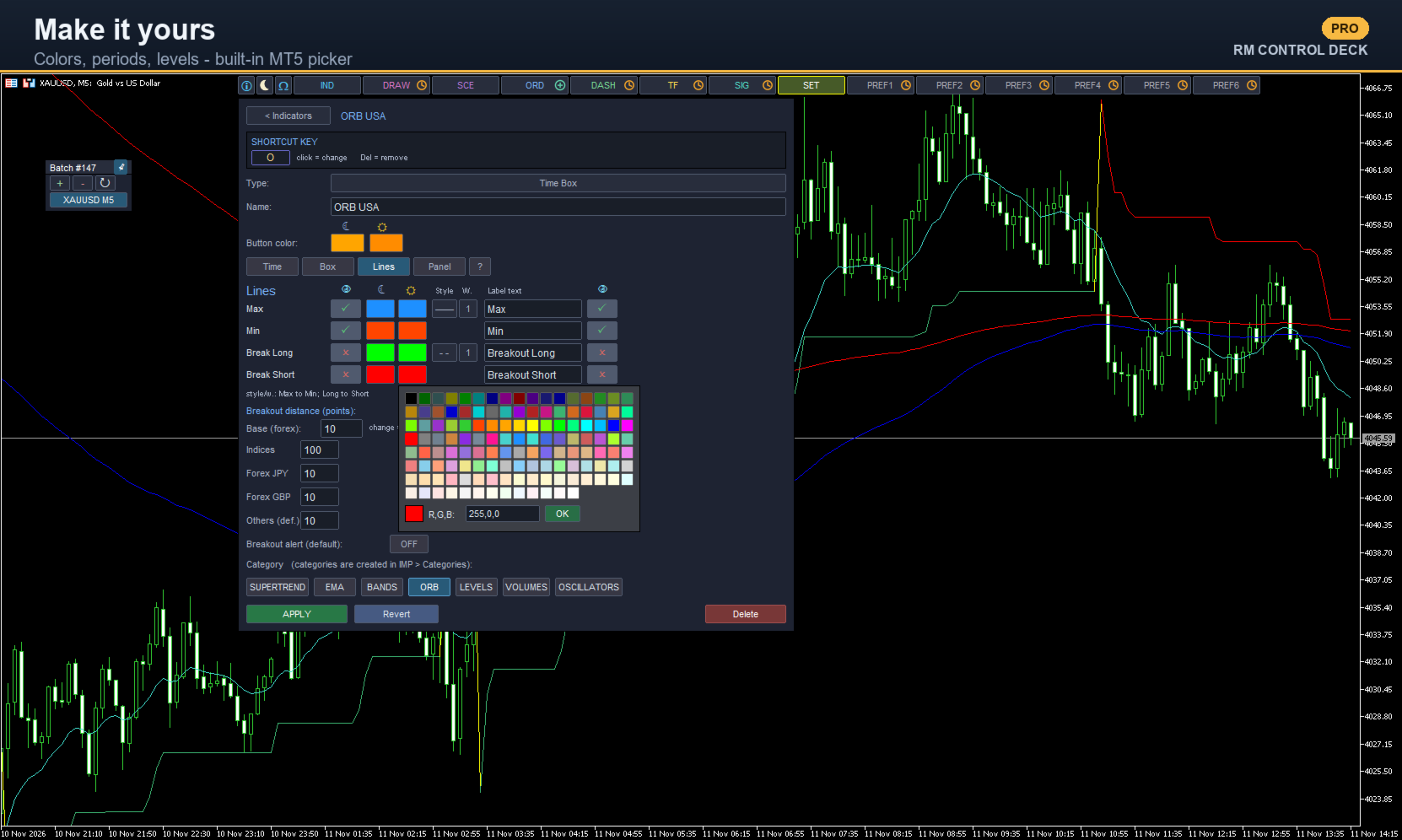
3. Make it yours: choose WHICH indicators go on the buttons and set each up your way (type, parameters, colors, periods, style, shortcut), group them in categories and reorder them. From SET, or Ctrl+click a button for its settings.
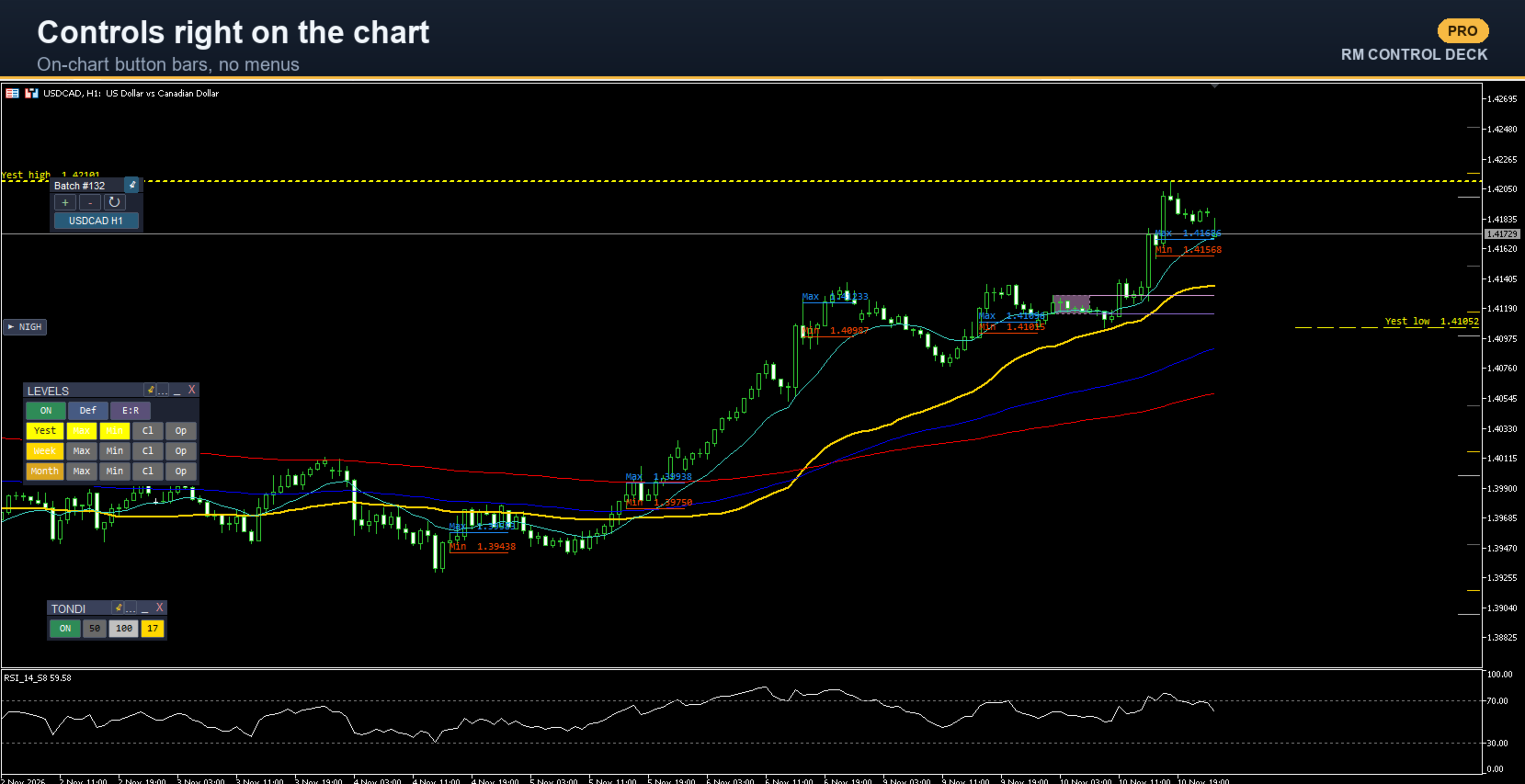
4. On-chart button bar (Time Box, Levels, Volume Profile, Round Numbers, Support/Resistance): Shift+click the indicator while it's ON.
5. Scenarios (whole indicator sets): open SCE, click a scenario to apply it, Ctrl+click to edit.
6. Arrange it your way: the batch bar and the panels/button bars can be dragged anywhere, pinned in place, and docked to the chart edge (they shrink to a tab, reopen with a click).
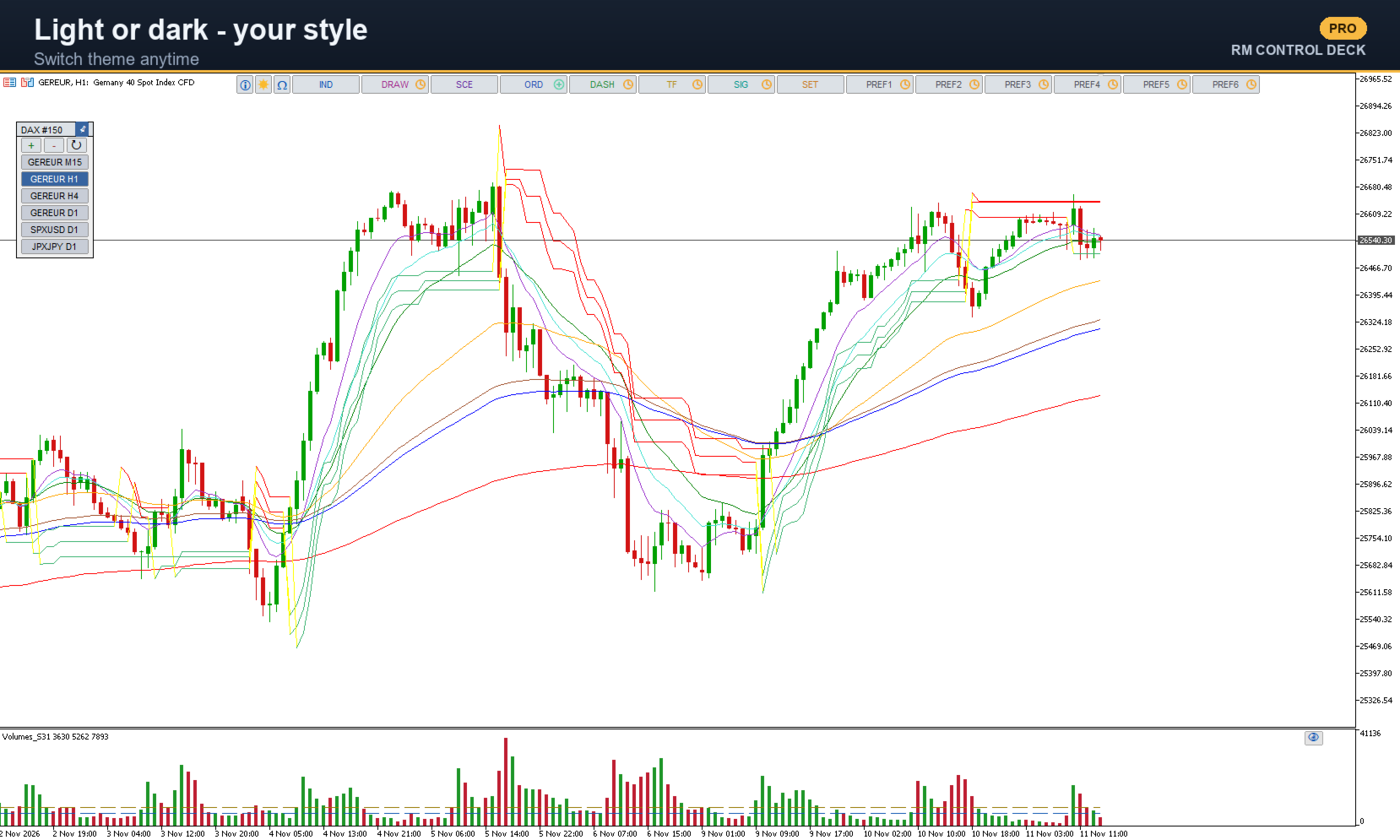
7. Light/dark theme: the sun/moon button, top-left.
8. Shortcuts: assign a key to an indicator (toggles it); Shift+key opens its button bar.
Items marked with a clock icon are coming soon.
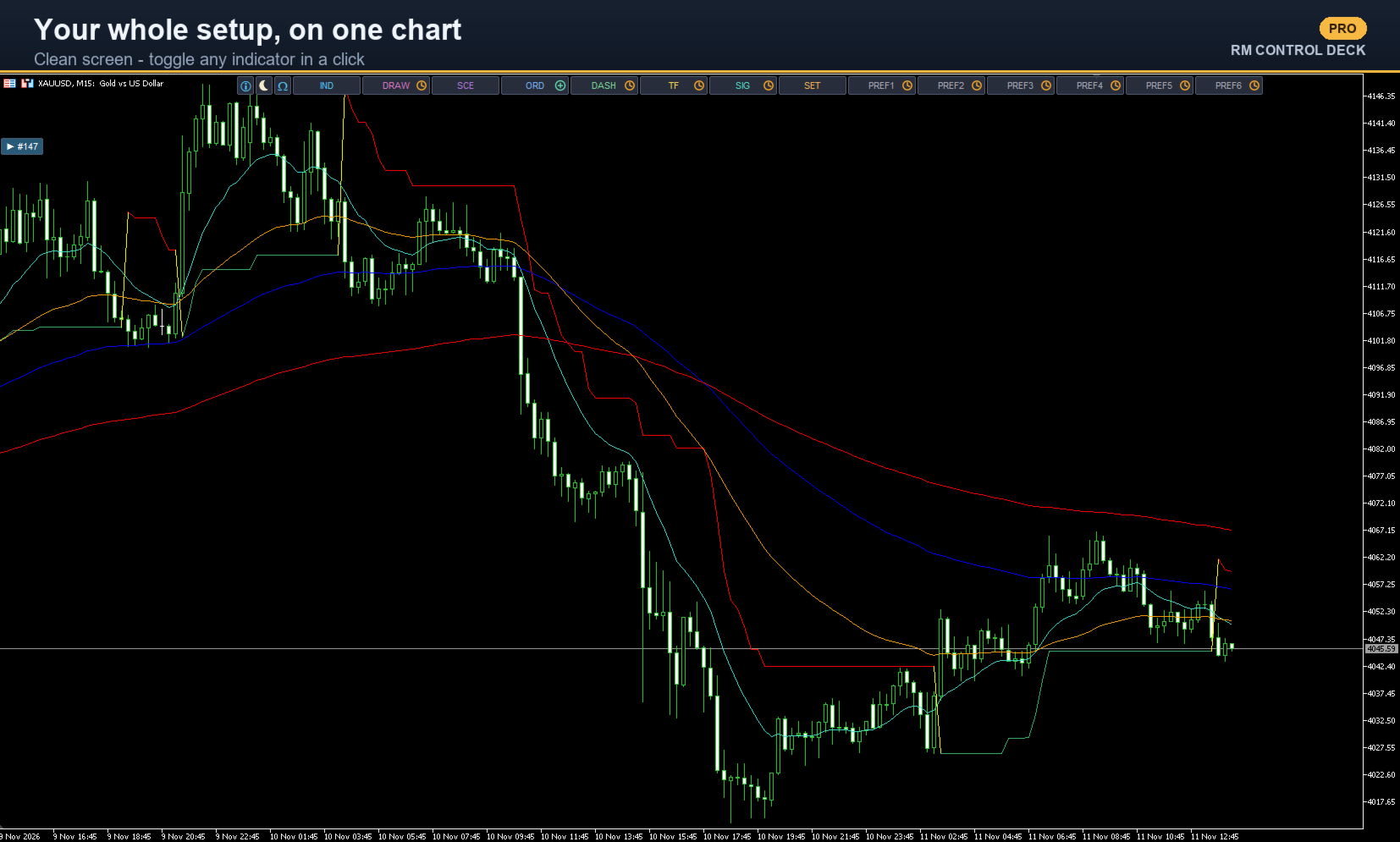
RM Control Deck puts a compact bar ("slot bar") and a panel on your chart so you manage all your indicators without digging through menus: toggle them on/off with one click, set their colors, periods and style from a built-in panel with the native MT5 color picker, group them into categories and reorder them by dragging. You can save "scenarios" — full sets of indicators, even across multiple charts — and recall them in one click whenever you need.
This is the Pro edition, with no limits and every feature unlocked:
- UNLIMITED catalog and scenarios (no cap).
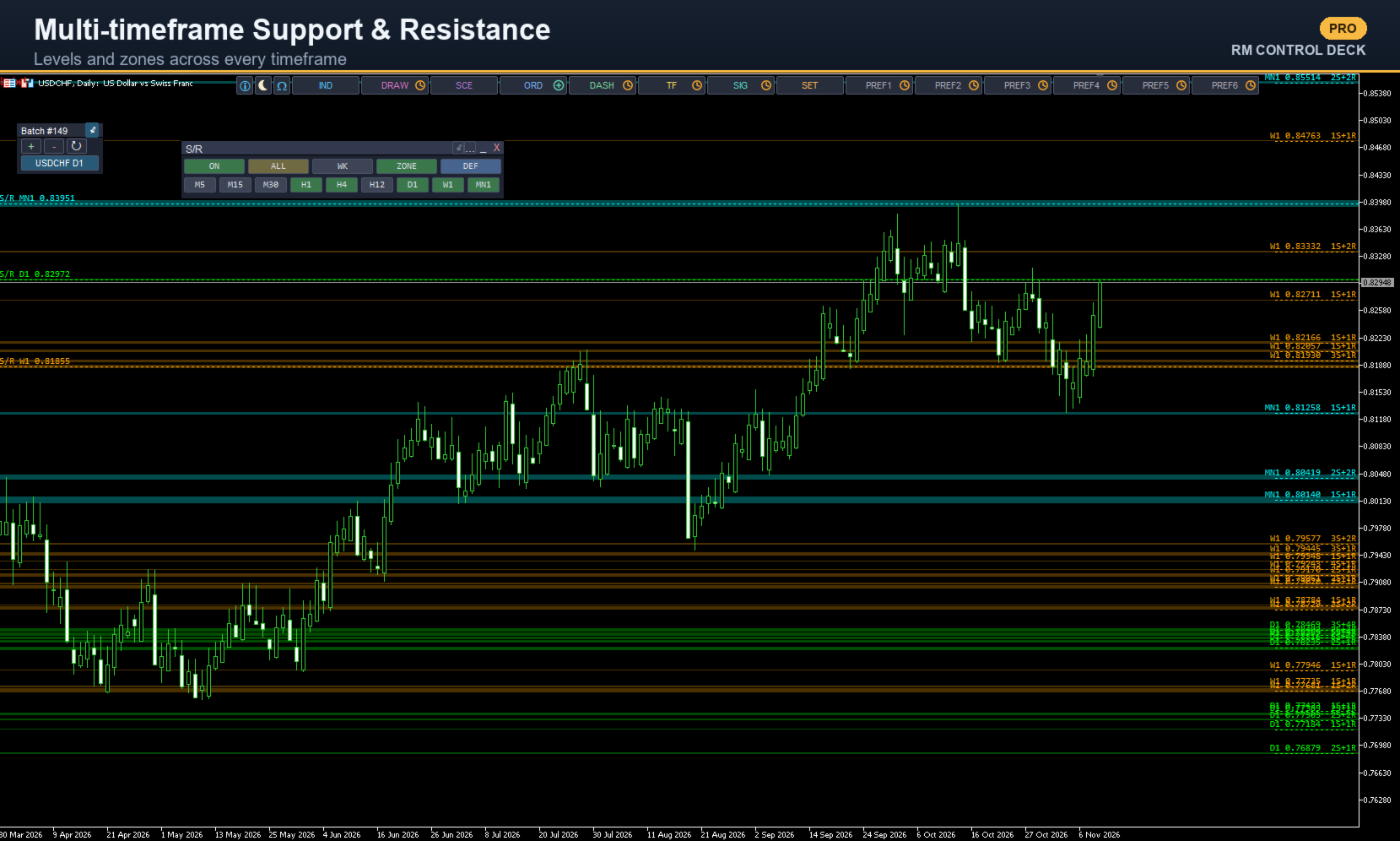
- Multi-timeframe Support & Resistance: levels and zones computed across several timeframes, with an on-chart button bar to toggle timeframes on the fly.
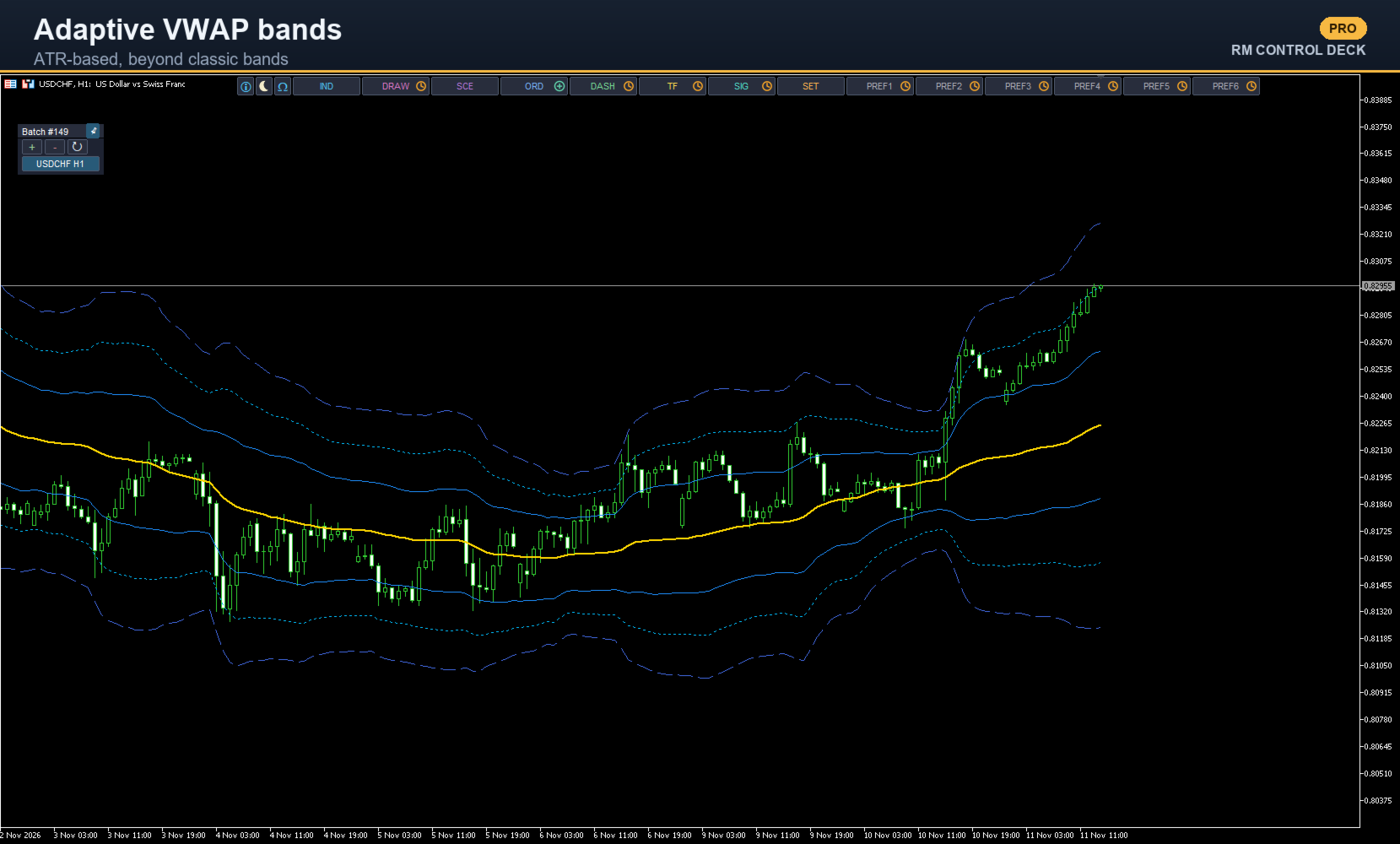
- Adaptive VWAP bands (ATR-based), in addition to the classic ones.
- Volumes threshold lines (moving average and threshold) on top of the histogram.
- All categories and types available.
Clean screen, keyboard shortcuts, on-chart button bars, and everyone sets it up their own way. It works on any symbol and timeframe, is in English and Italian and has light and dark themes. Tested on Windows and on Mac (MT5 via Wine), with Retina / high-density display support. No DLL.
Available indicators: Supertrend, Moving Averages (EMA/SMA/...), Bollinger Bands, VWAP (classic and adaptive), RSI, ATR, Williams %R, Stochastic, ADX, Cycle, Volumes (histogram + lines), Volume Profile / Market Profile, horizontal Levels, Round Numbers, ADR Lines, Time Box / Night Box (time-session box with breakout), multi-timeframe Support & Resistance.
Coming soon: new operational dashboards and a signals & alerts module, fully customizable favorites button bars, and the Position Manager integrated into the Deck. Plus new indicators, more languages (all of them over time) and configurable on-chart drawing tools (lines, channels, segments, Fibonacci, rectangles).