Centucode Trade Copier MT5
- Утилиты
- Версия: 2.2
- Активации: 7

Centucode Trade Copier MT5 is a trade-copying utility designed to synchronize trading activity between MetaTrader 5 terminals running on the same Windows computer or VPS.
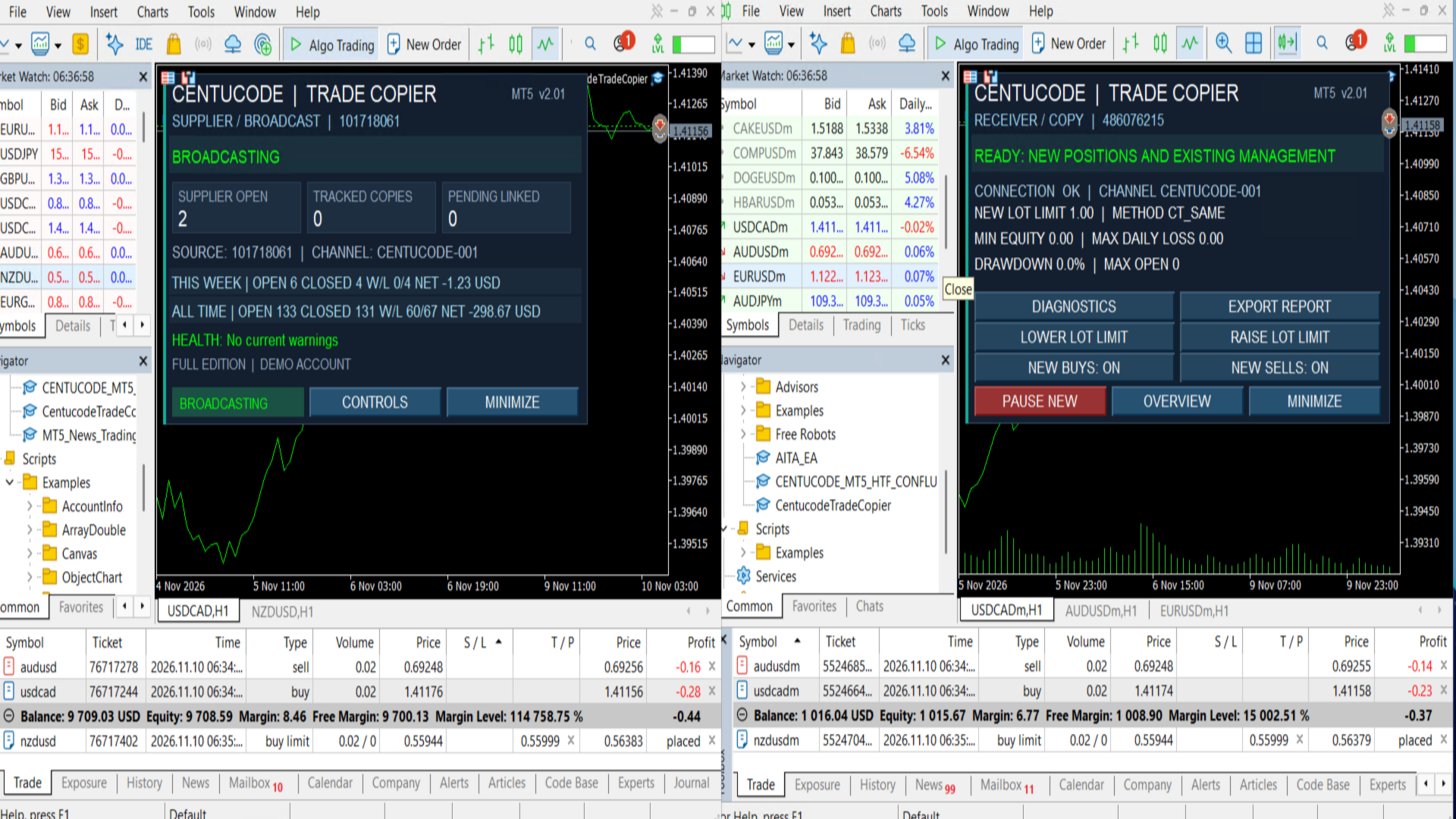
The copier supports Supplier and Receiver operating modes, allowing one trading account to broadcast transactions to several receiving accounts. Multiple suppliers can also be followed by a hedging receiver using separately configured EA instances.
Main features
-
Market BUY and SELL position copying.
-
Pending-order creation, modification and cancellation on supported hedging receivers.
-
Full and proportional partial-close synchronization.
-
Automatic synchronization of Stop Loss and Take Profit.
-
Automatic broker symbol matching and manual symbol mapping.
-
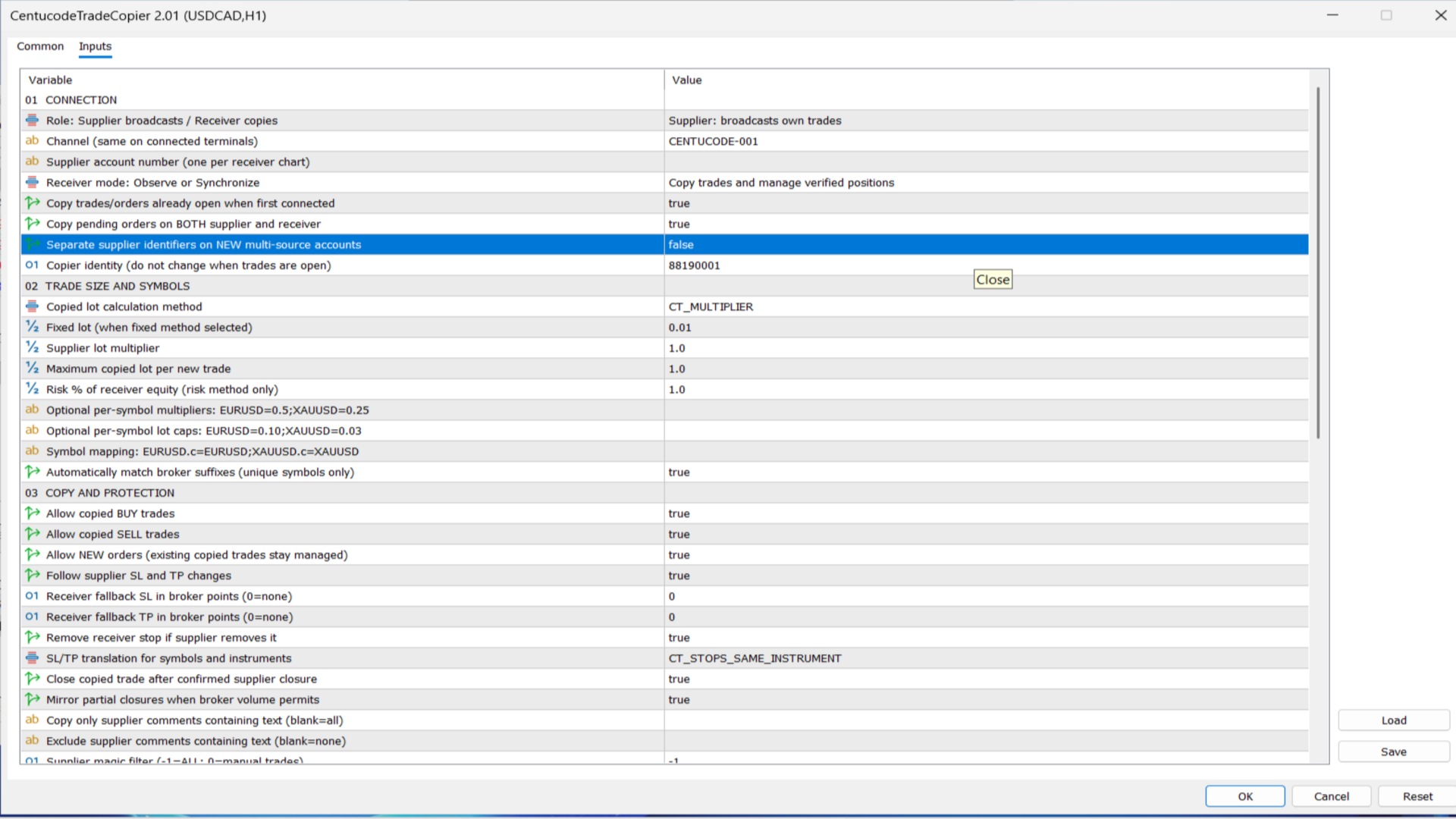
Fixed lots, lot multipliers, balance/equity proportional and risk-based sizing.
-
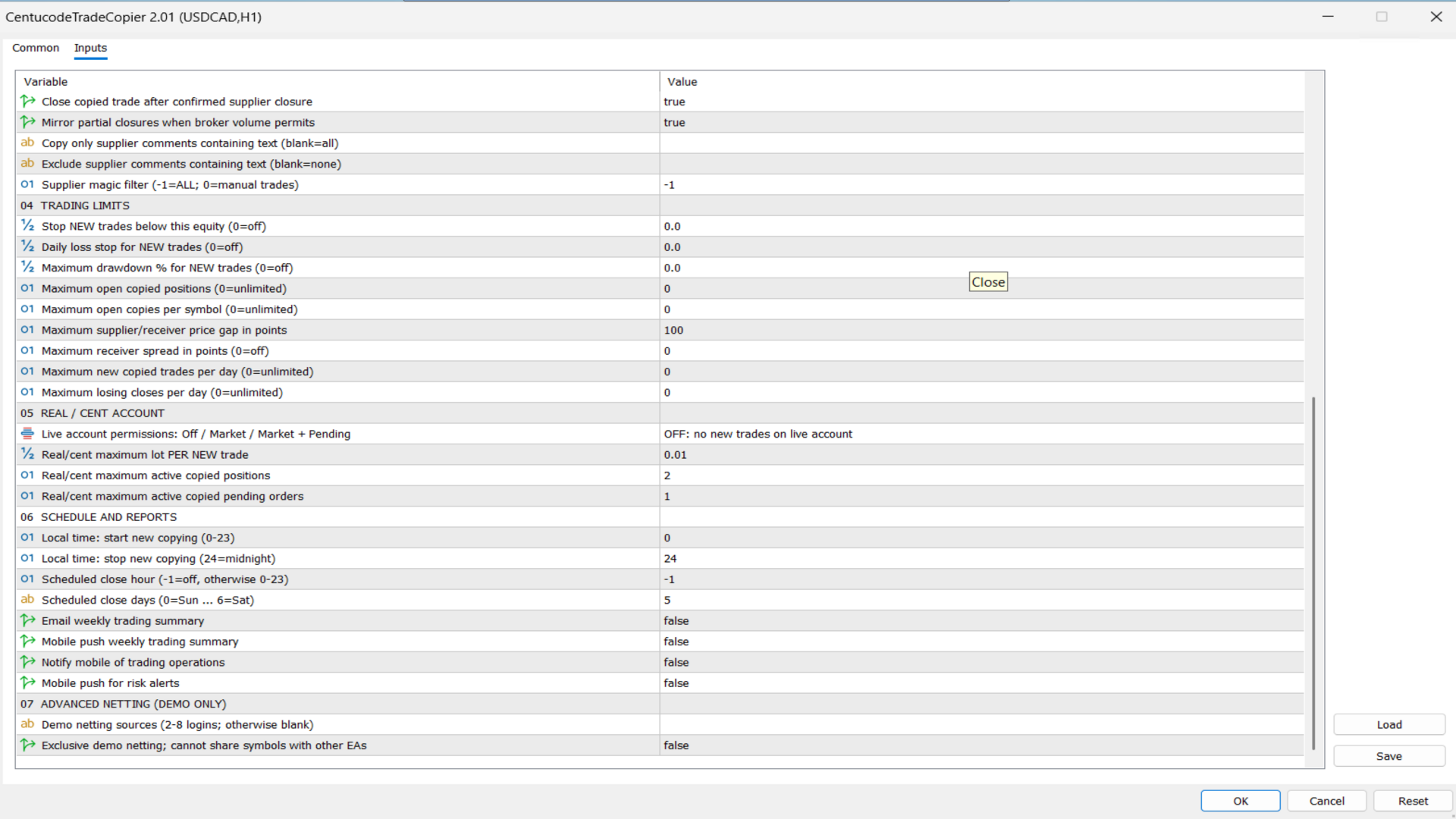
Per-symbol volume limits, copying filters and risk-management controls.
-
Optional copying of existing supplier trades.
-
Persistent trade mappings, restart recovery and duplicate-protection mechanisms.
-
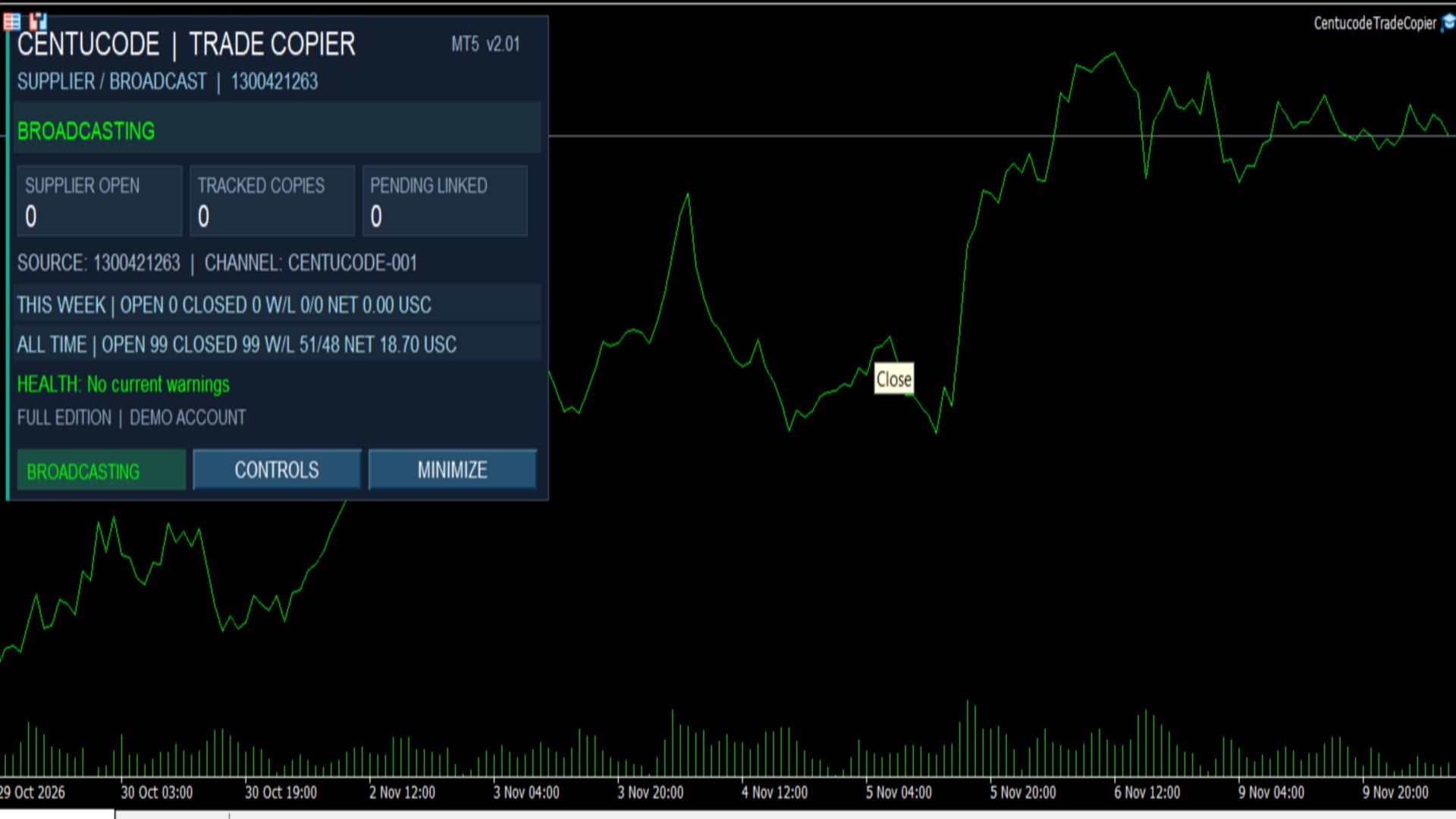
Weekly and all-time trading statistics.
-
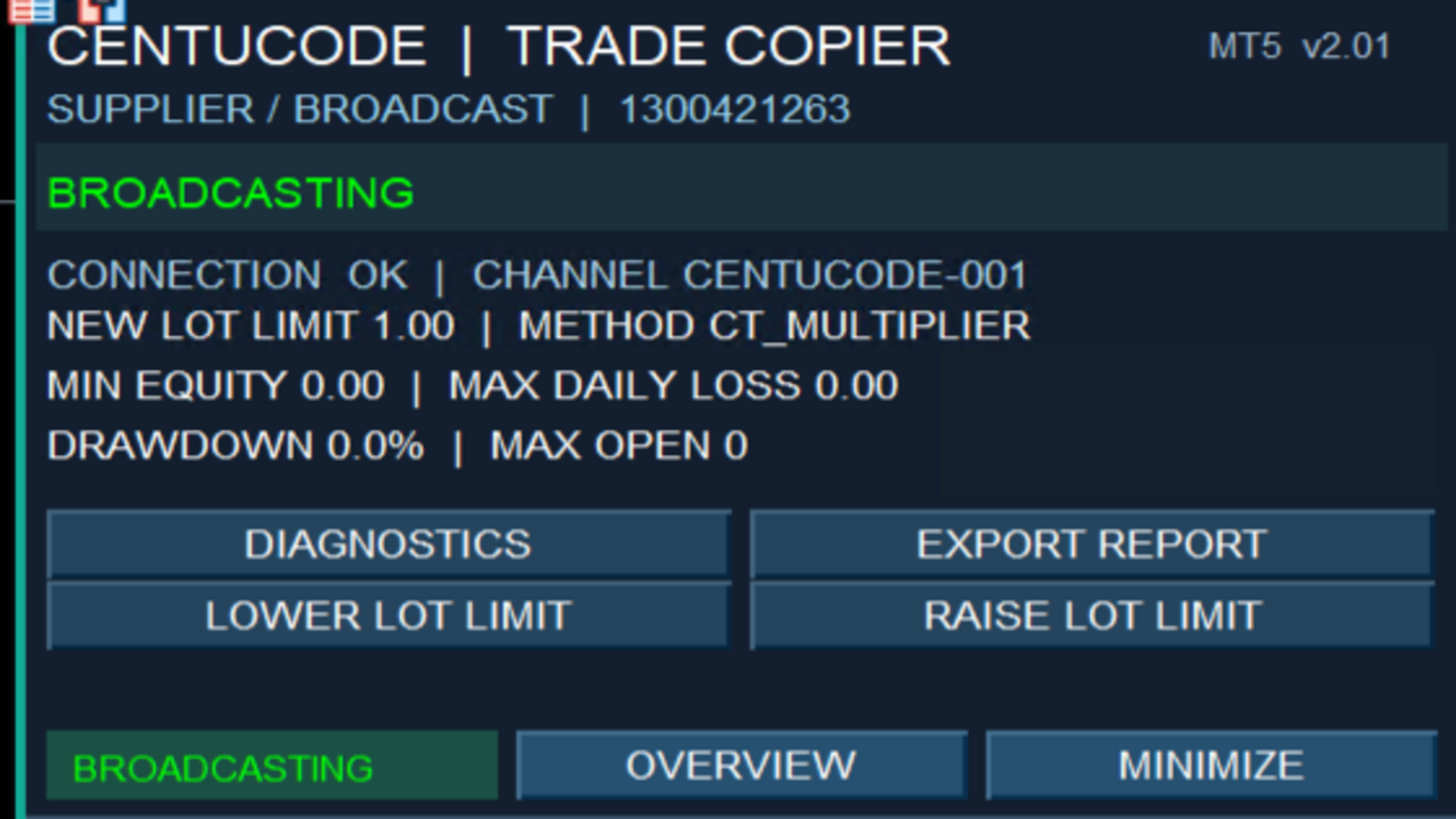
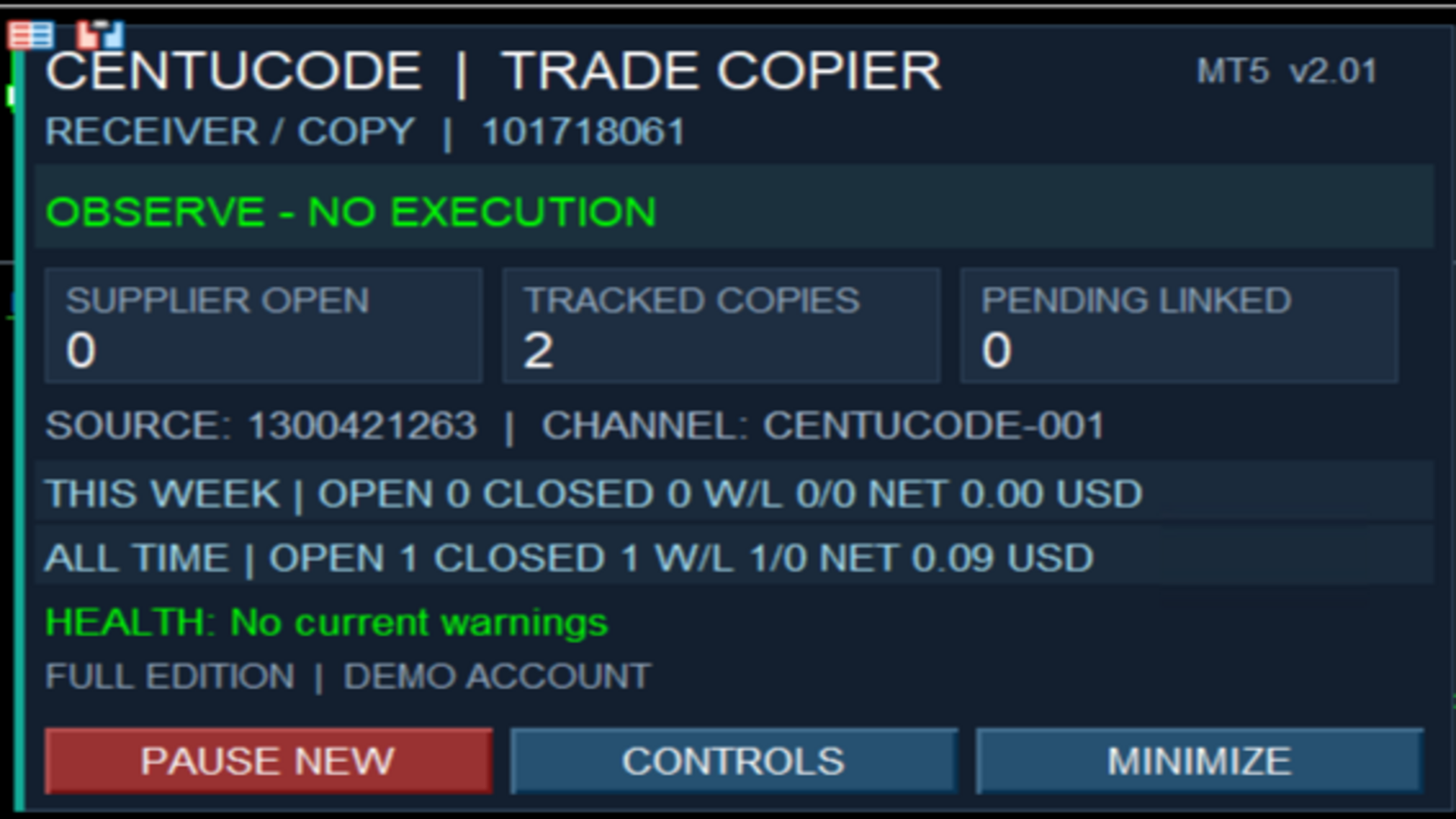
A chart dashboard with status monitoring and copying controls.
-
An exclusive-symbol mode for MT5 netting receivers.
How it works
Install the product in the supplier and receiver MT5 terminals. Select the relevant operating mode, configure a shared communication channel and enter the supplier account number on the receiver. Choose the required volume calculation, symbol mappings and copying controls.
The terminals must remain connected and operating for trade synchronization.
Important considerations
The copier does not generate trading signals. It follows eligible trading activity from the configured supplier.
Trade execution depends on broker quotations, available symbols, contract specifications, trading permissions and market conditions. Copied positions may differ in price or volume, and operations may be rejected by the receiving broker.
MT4 connectivity and communication between different computers or VPSs are not included in this edition.
Test configurations using demo accounts before enabling live trading. Trading involves financial risk, and no trading result is guaranteed.
Support is available through MQL5 product comments and messaging.