Google SheetExporter
- Утилиты
- Версия: 2.0
- Обновлено: 3 сентября 2026

Google SheetExporter — MT5 ↔ Google Sheets
Google SheetExporter automatically exports your full MetaTrader 5 deal history to Google Sheets and keeps it synchronized. Every few minutes, your complete trading history appears in your own spreadsheet: every deal, every position matched from entry to exit, every EA identified by name.
WHAT IT DOES
• Exports the complete deal history (default: 10 years back) — not just open positions
• Re-syncs automatically on a timer (default every 5 minutes), starting immediately on attach
• Matches deals into complete trades: open time, close time, volume, net profit (profit + commission + swap), open/closed status
• Identifies which EA made each trade — even when brokers overwrite comments with [tp], [sl] or "from #…" on closing deals • Keeps a local CSV backup in MQL5\Files as a safety copy
SETUP — ABOUT 5 MINUTES
- Create an empty Google Sheet
- Extensions → Apps Script → delete the default code → paste the code from https://jpst.it/5d79A → deploy
- Deploy → New deployment → Web app → Execute as: Me → Access: Anyone → copy the web app URL
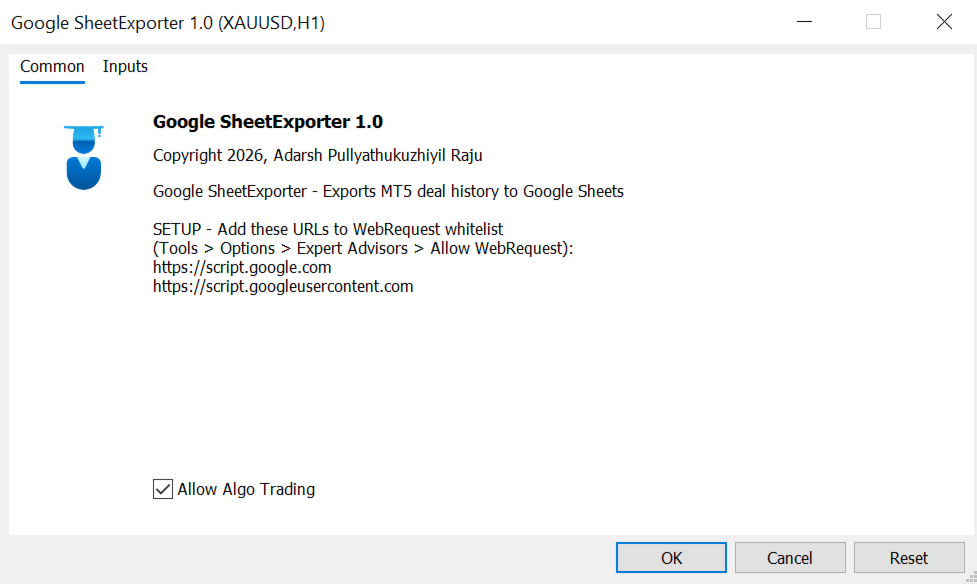
- On MT5, Attach Google SheetExporter to any chart and paste the web app URL into the WebAppURL input
- In MT5: Tools → Options → Expert Advisors → tick "Allow WebRequest" and add these two URLs: https://script.google.com and https://script.googleusercontent.com
- Done — the first full sync runs immediately
YOUR SPREADSHEET — 3 AUTOMATIC TABS
- Raw Deals — one row per deal: Ticket, PositionID, Entry, Time, Type, Symbol, Volume, Price, Profit, Commission, Swap, NetProfit, Magic, Comment, EA_Name, Series
- Matched Trades — one row per trade (deals grouped by position): OpenTime, Symbol, Volume, OpenPrice, CloseTime, NetProfit, Status, EA_Name, Series
- EA Mapping — the self-maintaining brain: magic number → EA name. Auto-filled rows need no action. Yellow rows ("NEEDS NAME") = type the EA name once. Orange rows ("CONFLICT") = the same magic carries different names; type the correct one. Highlights clear and all history relabels automatically on the next sync. Your edits are never overwritten.
SMART EA IDENTIFICATION — 6 LAYERS, NOTHING MISSED
- Comment match — EA names matched inside deal comments (case/spacing tolerant, broker junk stripped)
- Position inheritance — a deal with an overwritten comment inherits the EA of its sibling deals
- EA Mapping sheet — magic numbers you named (highest priority, your edits always win)
- Auto-learned magic map — magic numbers learned from confirmed deals
- Auto-detection — EA names detected from repeated comment patterns, fully automatic
- Manual trades — correctly labeled "Manual"; deposits/withdrawals labeled "Account Operation" Anything left over shows exactly which magic number to name — one entry in the EA Mapping tab fixes the entire history, past and future.
FAQ
Q: Do I need the spreadsheet ID or any IDs at all? A: No. The receiver script is bound to the sheet — paste it, deploy, done.
Q: Can I run it on several accounts? A: Yes — use one spreadsheet per account (each sync rebuilds the tabs).
Q: How much history can it hold? A: Google Sheets allows ~10 million cells per spreadsheet — decades of intraday history. Large exports are written in chunks.
Q: Does it trade or interfere with my EAs? A: No. It is a pure reporting utility; it only reads history.
Q: The log shows status -1 after an edit? A: After changing the Apps Script code you must redeploy a new version (Deploy → Manage deployments → Edit → New version). Also verify both whitelist URLs are present.
IMPORTANT NOTES
• This is a utility product — it does not open, close or modify trades.
• Sync happens from the terminal: if the terminal is closed, syncing pauses and resumes with full history on the next start.
• Never share your web app URL publicly — anyone with it could write to your sheet.
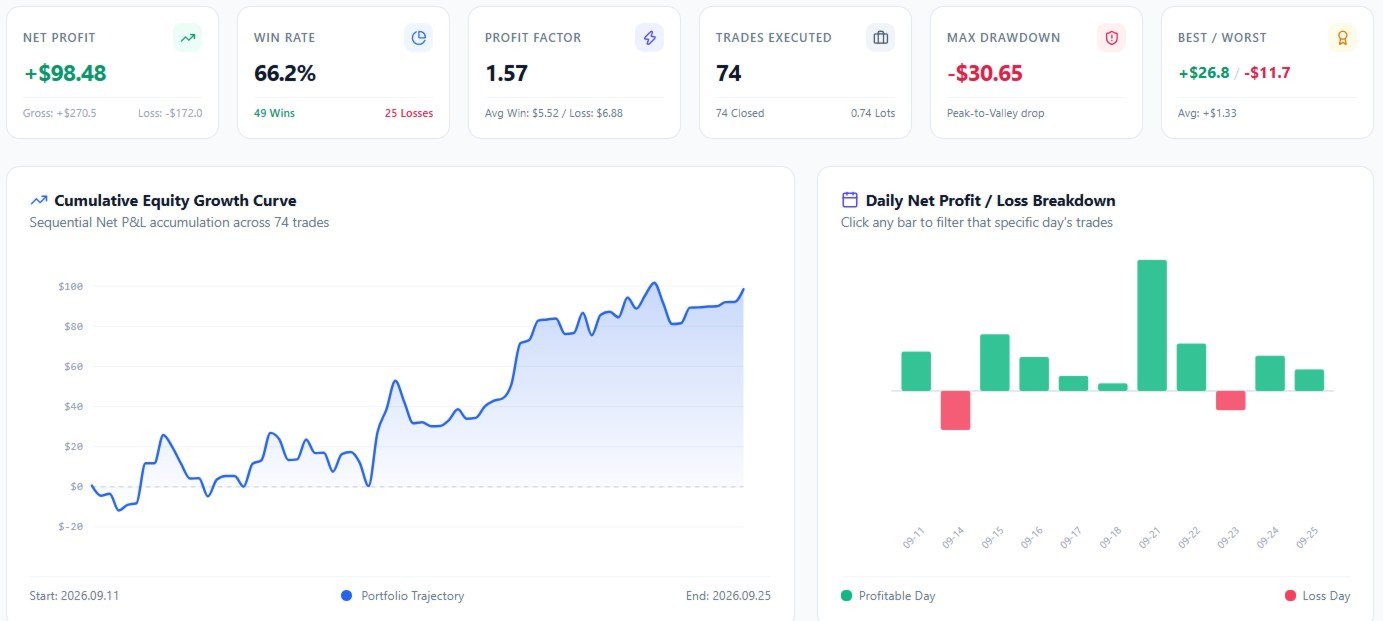
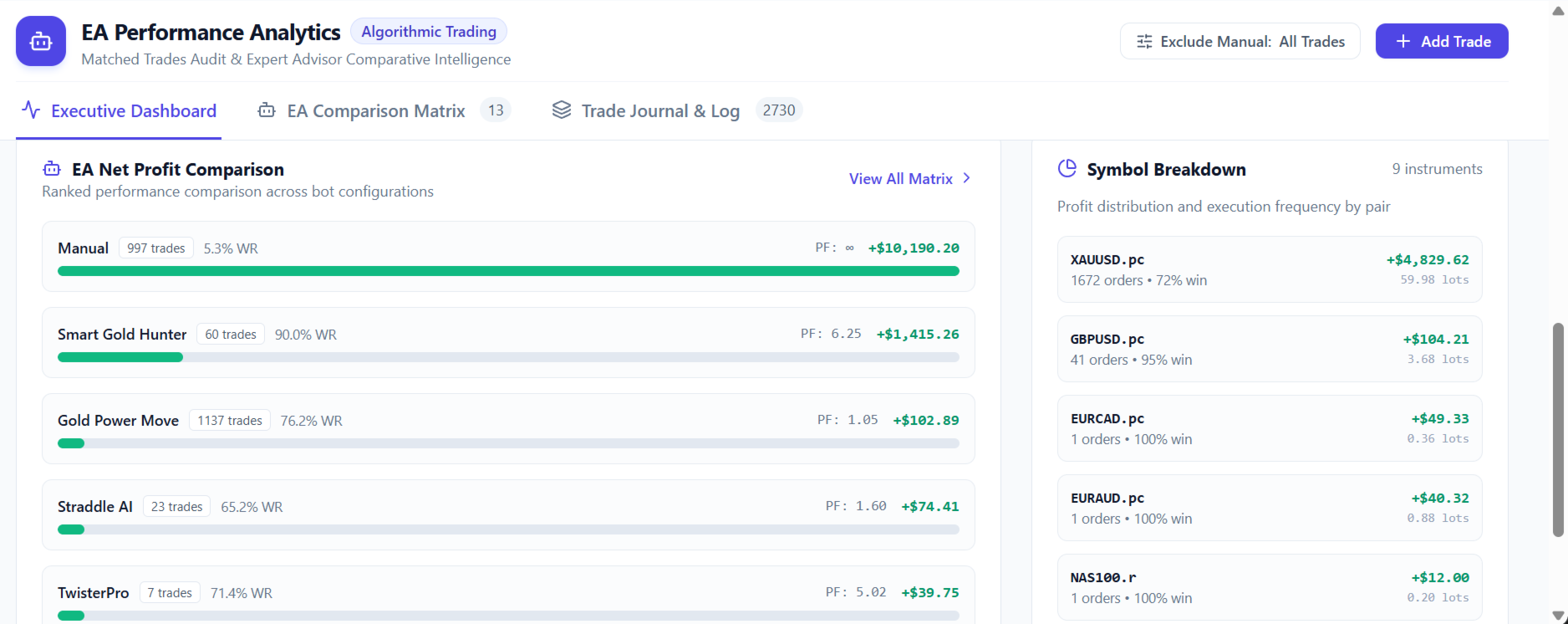
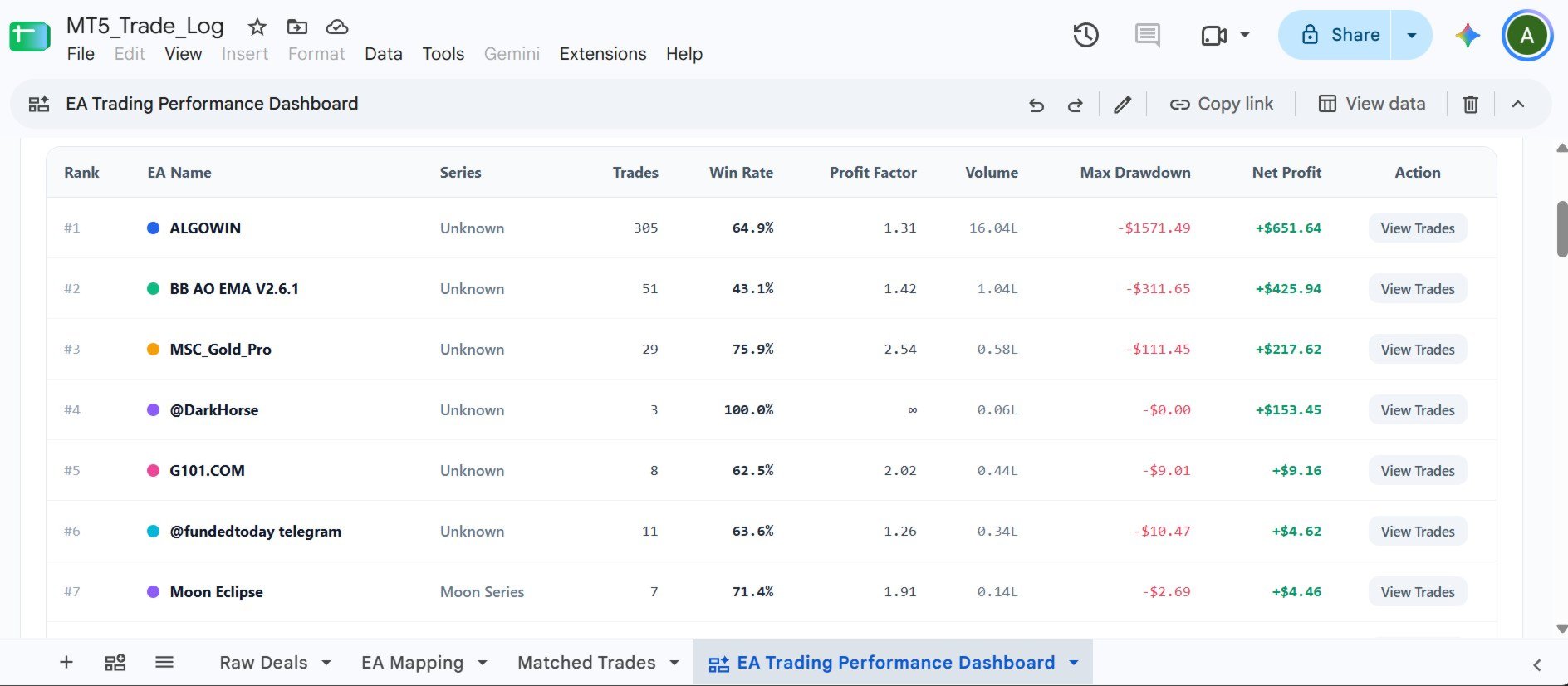
Protip: In Google Sheets, go to matched trades sheet, then click on create a canvas, now in Gemini ask to build an interactive dashboard for analyzing EA performance based on the matched trades. Simply describe what you want, and Gemini will generate it.