GridZone Alpha
- Утилиты
- Версия: 2.0
- Обновлено: 26 апреля 2026
- Активации: 10

GridZone Alpha: The Ultimate Semi-Automated Grid & Zone Manager
GridZone Alpha is an advanced, interactive trading panel designed for the modern manual trader. Stop staring at the charts waiting for the perfect entry, and stop relying on rigid, fully automated bots that cannot read market context.
With GridZone Alpha, you provide the human analysis by identifying your support, resistance, or supply/demand zones. Once confirmed, the Limit Order Engine takes over, instantly deploying a precision, self-healing grid to farm the zone while protecting your capital with built-in margin safeguards and dynamic tripwires.
Now in Version 2.0: We have transformed the EA into a complete trading command center, adding Bi-Directional Duo Mode, visual session tracking, and a real-time data dashboard.
🔥 How It Works (The 3-Step Workflow)
-
Analyze: Select your strategy on the interactive dashboard. Choose Single Mode for directional trading (Buy or Sell) or Duo Mode to bracket the market for breakouts.
-
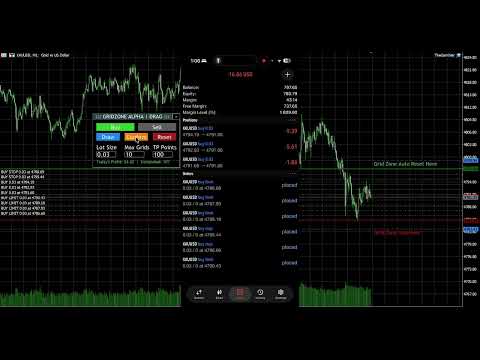
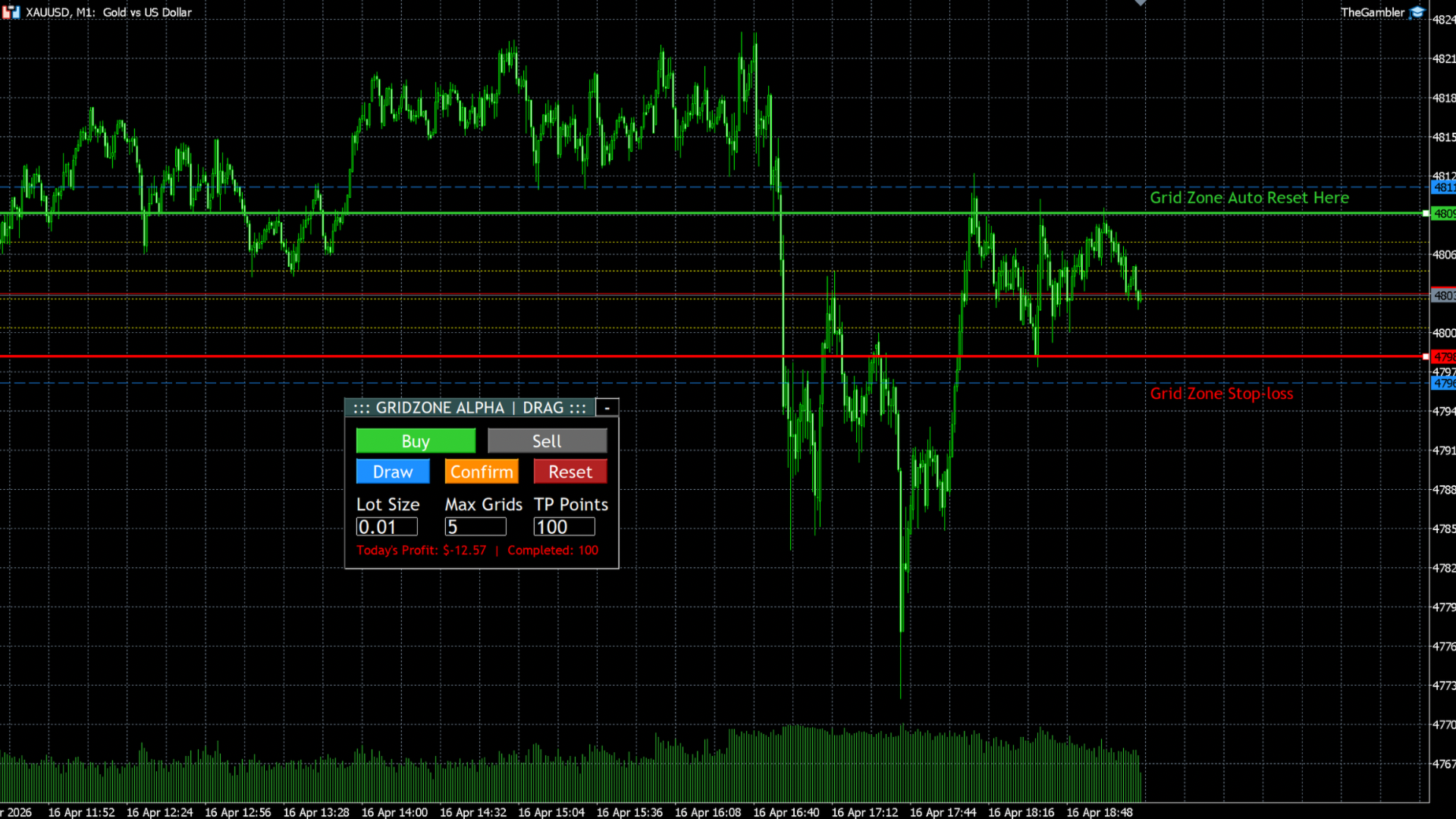
Draw & Define: Click "Draw" to project your zones directly onto the chart. You can easily drag the lines to frame your setup, or manually type the exact High/Low prices into the dashboard for pixel-perfect precision.
-
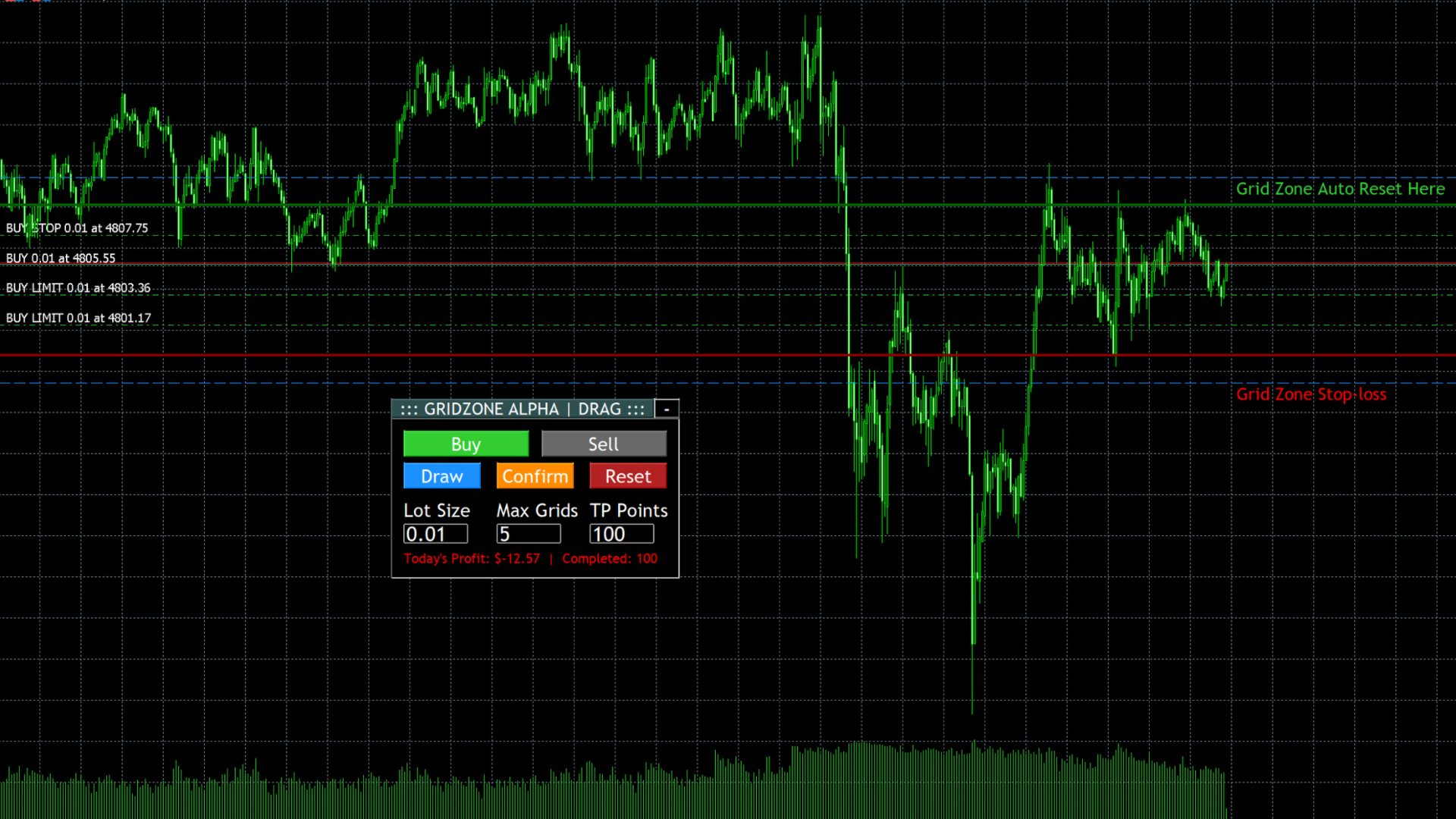
Confirm: Click "Confirm" and walk away. The EA instantly blankets the zone with Stealth Limit/Stop Orders and manages the entire trade cycle for you.
🌟 Key Features & Advanced Mechanics
-
Duo Mode (Bi-Directional Trapping): Don't want to guess the market direction? Switch to Duo Mode to lay down a Buy Zone below the price and a Sell Zone above the price simultaneously. Perfect for trading high-impact news straddles or farming sideways consolidation.
-
Visual Market Sessions (Auto-Timezone): The EA dynamically calculates your broker's timezone offset to draw sleek, semi-transparent background boxes representing the Tokyo, London, and New York sessions. Visually track daily volatility windows and overlaps without cluttering your candles.
-
The Stealth Limit Order Engine: The moment you confirm your zone, the EA deploys physical Limit and Stop orders to eliminate slippage. Take Profits are managed "virtually" (hidden from the broker) to keep your chart clean and protect your exit strategy.
-
The Self-Healing Grid: When a grid layer hits its Take Profit and closes, the EA instantly replaces that exact pending order. It will continuously "farm" the zone until the market moves on.
-
Customizable Auto-Reset Tripwires: The EA waits patiently for the price to touch your zone. If the market aggressively pumps or dumps away from your setup, the EA instantly deletes all pending orders, closes open positions, and resets the chart automatically. The exact Point distance for this Stop-Loss/Reset trigger is now fully customizable in the EA settings.
-
Live Market Dashboard: A sleek, fully draggable on-chart panel gives you instant control over Lot Size, Max Grids, and TP Points. The V2 update introduces a real-time data row displaying your current Market Session, live Spread, and a Candle Countdown Timer.
-
Bulletproof Margin Guard: GridZone Alpha actively protects your broker connection. Before drawing a zone, it calculates the exact margin required for your pending grids. If funds are insufficient, it pauses execution and alerts you with a clear on-chart warning, preventing terminal spam and account freezes.
⚠️ Important Note for Buyers
This is a Semi-Automated Trading Utility, NOT a fully automated "set and forget" robot. GridZone Alpha requires the trader to manually initiate the "Draw" and "Confirm" sequence based on their own market analysis.
⚙️ External Input Parameters
-
Magic Number: 88888 (Customizable to run multiple instances on different charts).
-
Auto-Reset & SL Distance (Points): Define exactly how far the price must move outside your zone to trigger a safety wipe.
-
Session Visualizer Toggles: Turn the background session boxes on/off and fully customize the colors for Tokyo, London, and New York to match your chart's aesthetic.
(All other critical execution settings—Lot Size, Max Grids, Zone Prices, and Take Profit—are dynamically controlled directly from the on-chart panel!)