A Chart Manager Pro
- Утилиты
- Версия: 1.75
- Обновлено: 9 сентября 2026
- Активации: 10

7 themes, custom colors, auto re-apply timer to override EA resets. Zoom, shift, chart mode, all toggles.
A well-optimized, lightweight solution that allows you to restore and preserve your preferred chart colors and settings cluttered by the dirty EAs.
Easily set, customize, and maintain your preferred chart colors and display settings.
Zero indicator buffers. No tick processing. Colours are resolved once on load.
Re-apply pushes pre-resolved values with minimal overhead.
Journal logging can be disabled.
The Pro version adds log control, custom colors and a periodic re-apply timer that overrides any EA that changes your chart appearance.
7 THEMES
- Current Colors — keeps your existing chart colors untouched
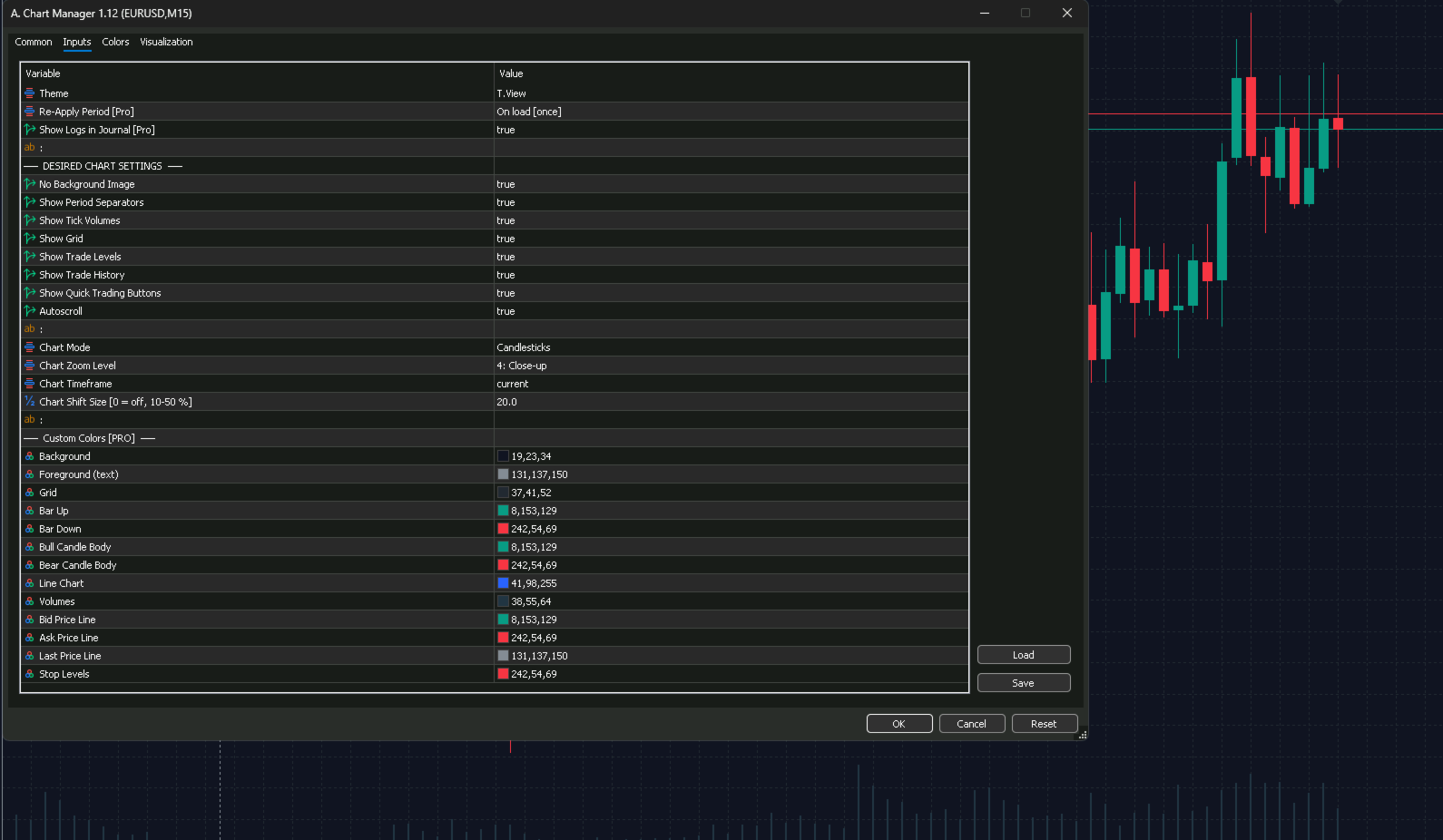
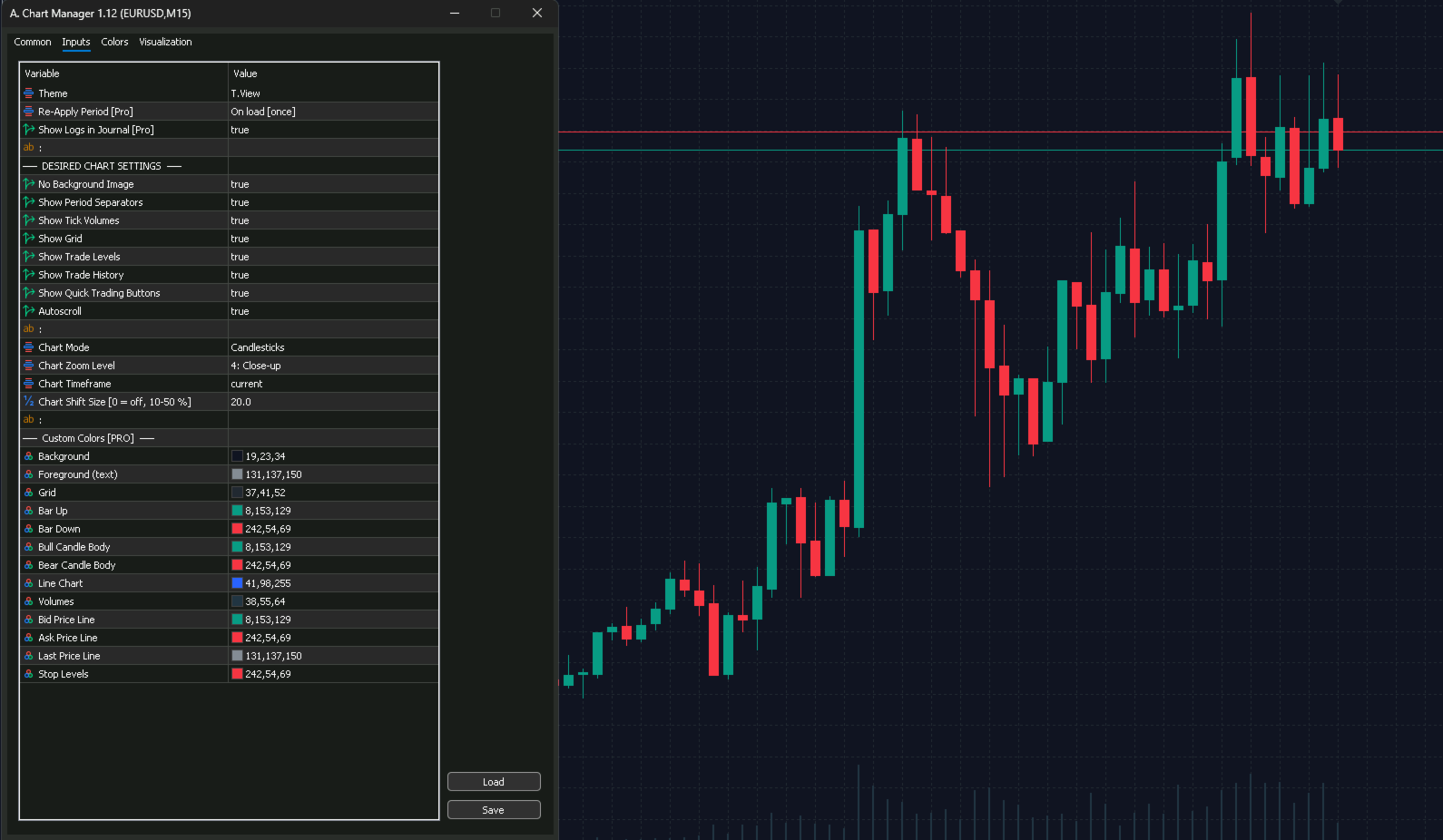
- T.View — TradingView's dark blue with teal and red candles
- Black — pure black OLED-friendly with deep green and red
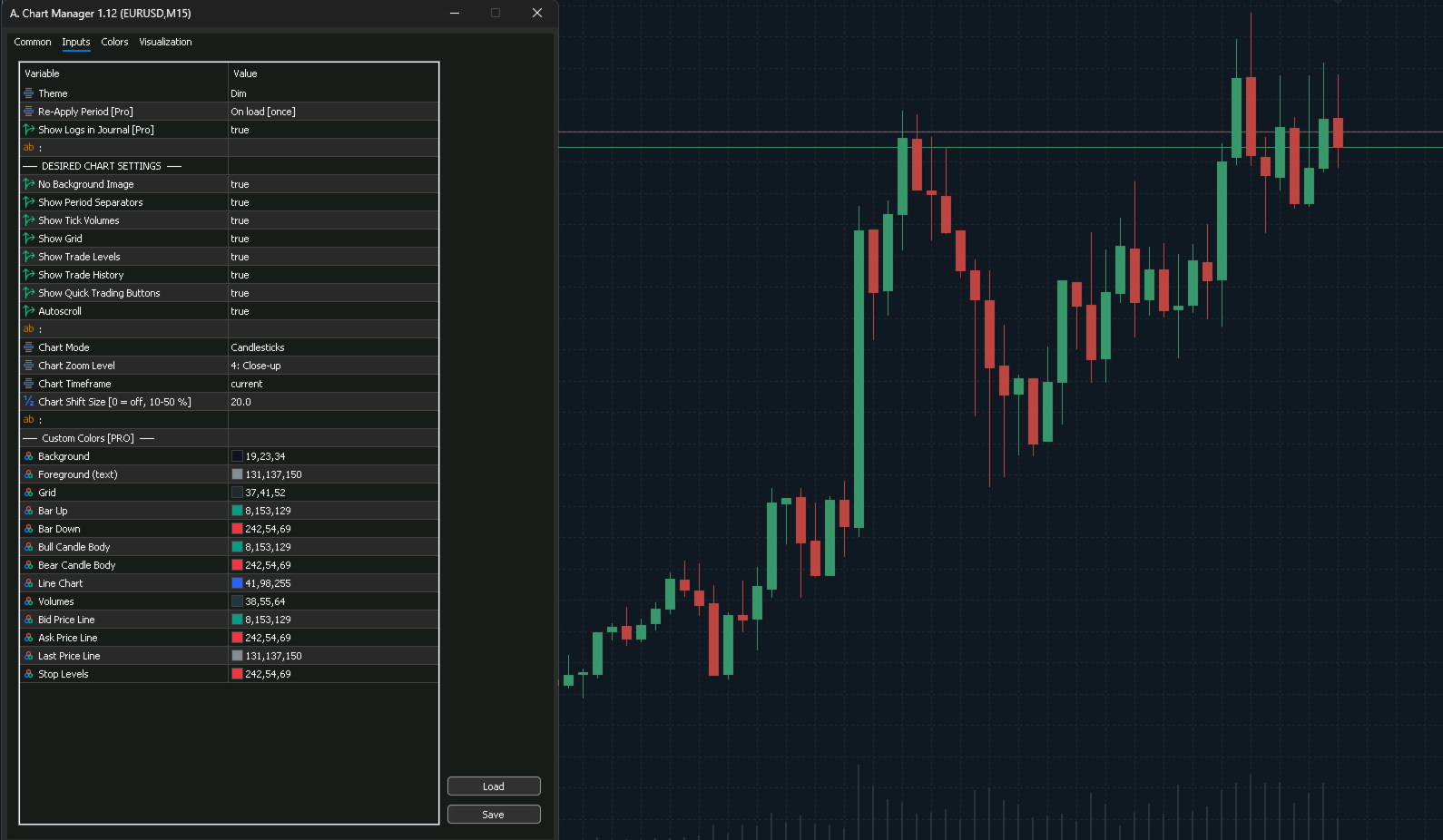
- Dim — soft dark theme with muted eye-friendly tones
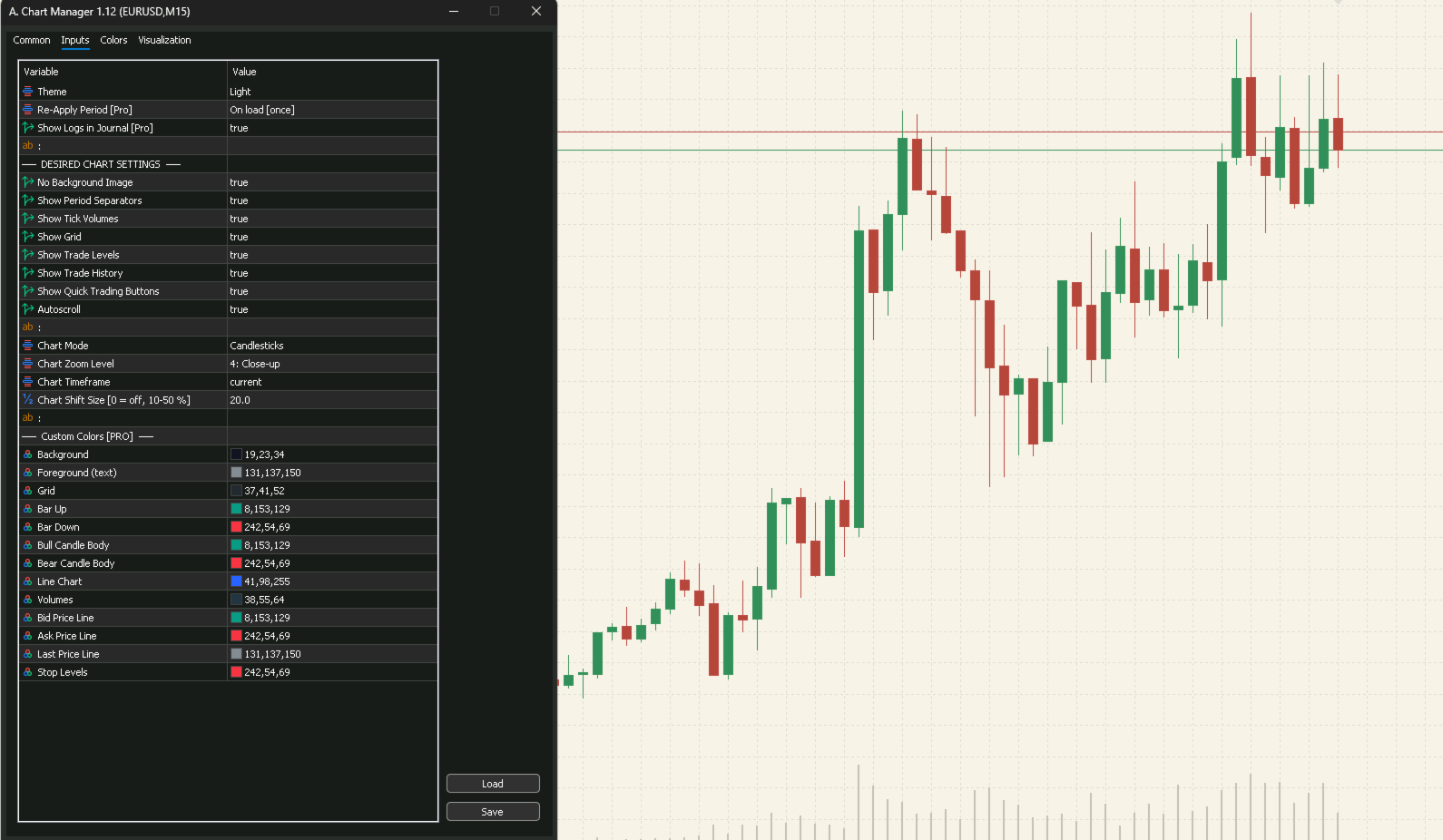
- Light — warm linen background with earthy palette
- White — clean white with classic bold green and red
- Custom Colors — full control over all 13 chart color properties
AUTO RE-APPLY TIMER
EAs that override your chart colors are no longer a problem. Set the re-apply period from 5 minutes to 24 hours and your preferred theme and settings are automatically restored.
- 5 minutes — for aggressive EAs that frequently reset colors
- 15 minutes — balanced protection
- 1 hour — light maintenance
- 12 hours — twice daily refresh
- Every day — daily reset
- On load — apply once, no timer
CHART SETTINGS
- Background image removal left by EA's (safe — only removes background-layer bitmaps, preserves EA panels)
- Period separators, grid, tick volumes, trade levels, trade history
- One-click quick trading panel
- Autoscroll toggle
- Chart mode — Candlesticks, Bars, or Line
- Zoom level — 0 Panoramic to 5 Micro
- Timeframe selection
- Chart shift adjustable size 0 to 50 percent
HOW TO USE
1. Attach to chart
2. Select the Theme
3. Setup Refresh Timer
4. Review the Logs settings
5. Configure Chart color to your likes
Done — your chart is styled instantly and forver!
Export and Import the desired look and feel any time anywhere.
Positive comments, review and ideas are welcomed to make this Indicator even better!