
Market Volume Profile Modes
- Индикаторы
- Версия: 1.0

Overview
Market Volume Profile Modes is a powerful MT5 volume distribution indicator that integrates multiple Volume Profile variants. Users can switch between different analysis modes through a simple menu selection. This indicator helps traders identify key price levels, support and resistance zones, and market volume distribution.
Core Concepts
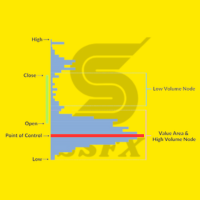
• POC (Point of Control): The price level with the highest volume concentration, representing the market's accepted "fair value" area
• VAH (Value Area High): Upper boundary of the value area, typically used as resistance reference
• VAL (Value Area Low): Lower boundary of the value area, typically used as support reference
• Value Area: The price range containing a specified percentage (default 70%) of total volume
Mode Descriptions
This indicator supports 8 different Volume Profile modes, suitable for various trading styles and analysis requirements:
| Mode Name | Description | Usage |
|---|---|---|
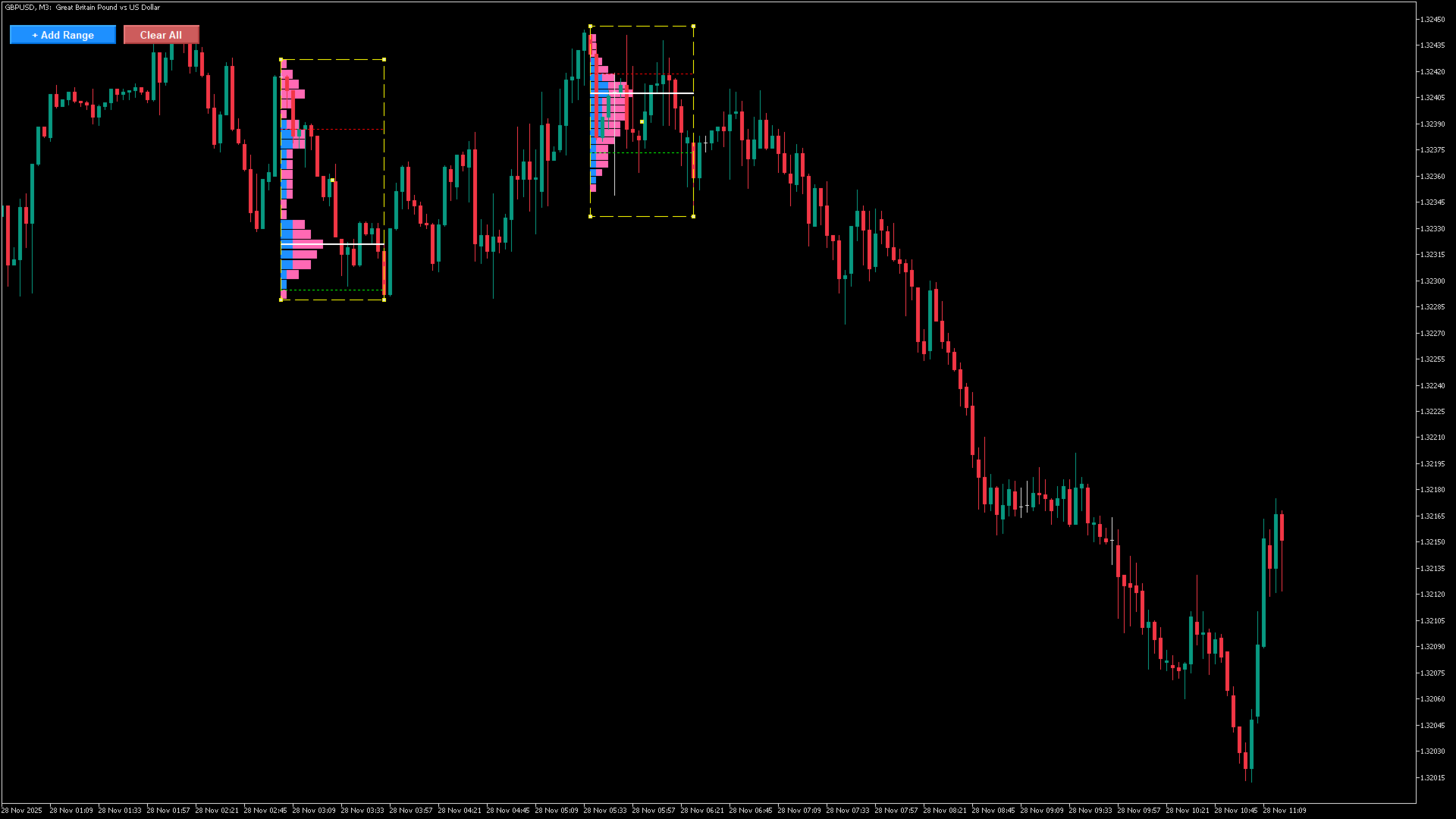
| Fixed Range (VPFR) | Manually drag rectangle to select any range | Click "+ Add Range" button to create rectangle, drag to adjust |
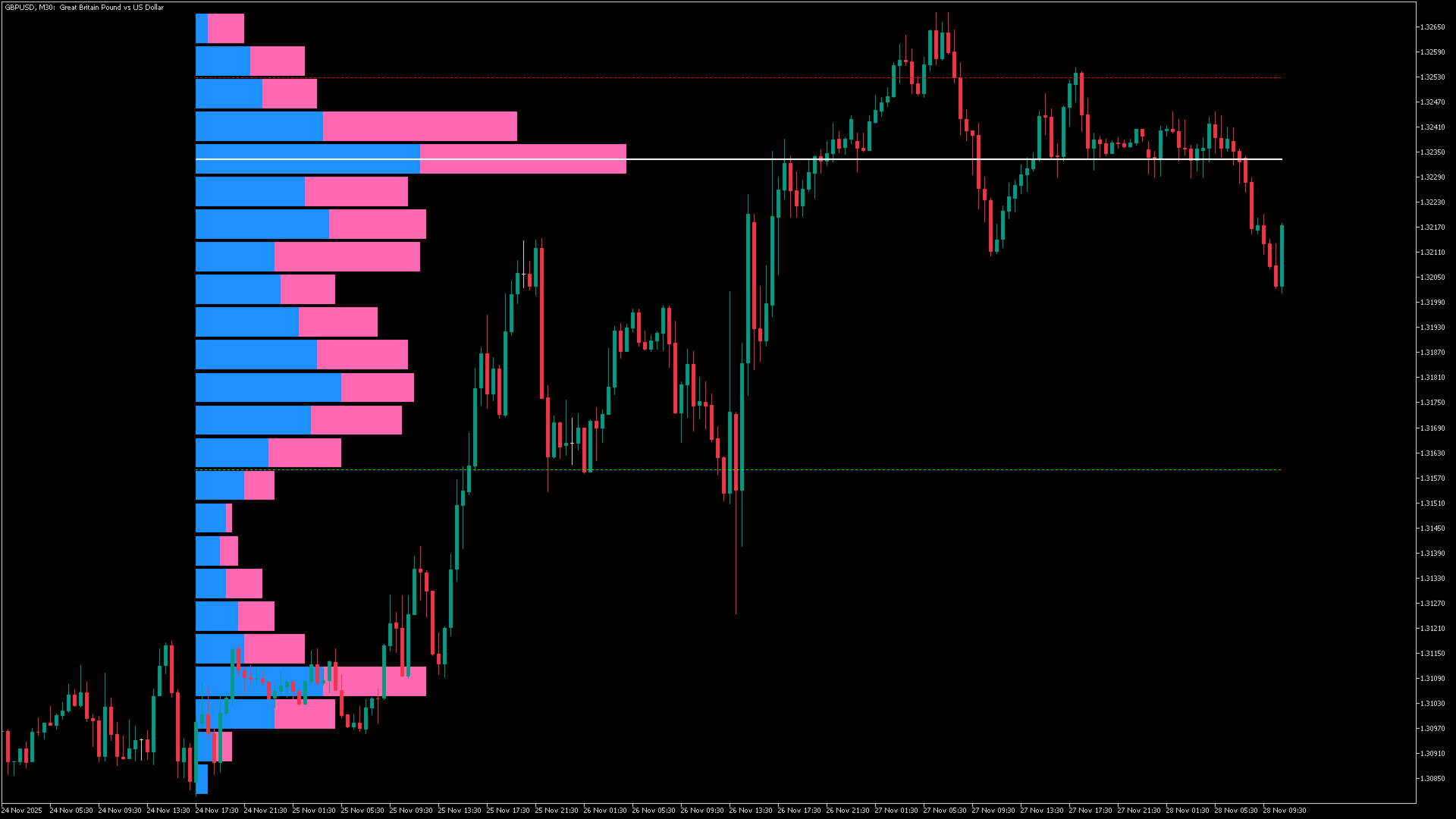
| Visible Range (VRVP) | Automatically calculate current visible chart range | Updates automatically with chart scrolling and zooming |
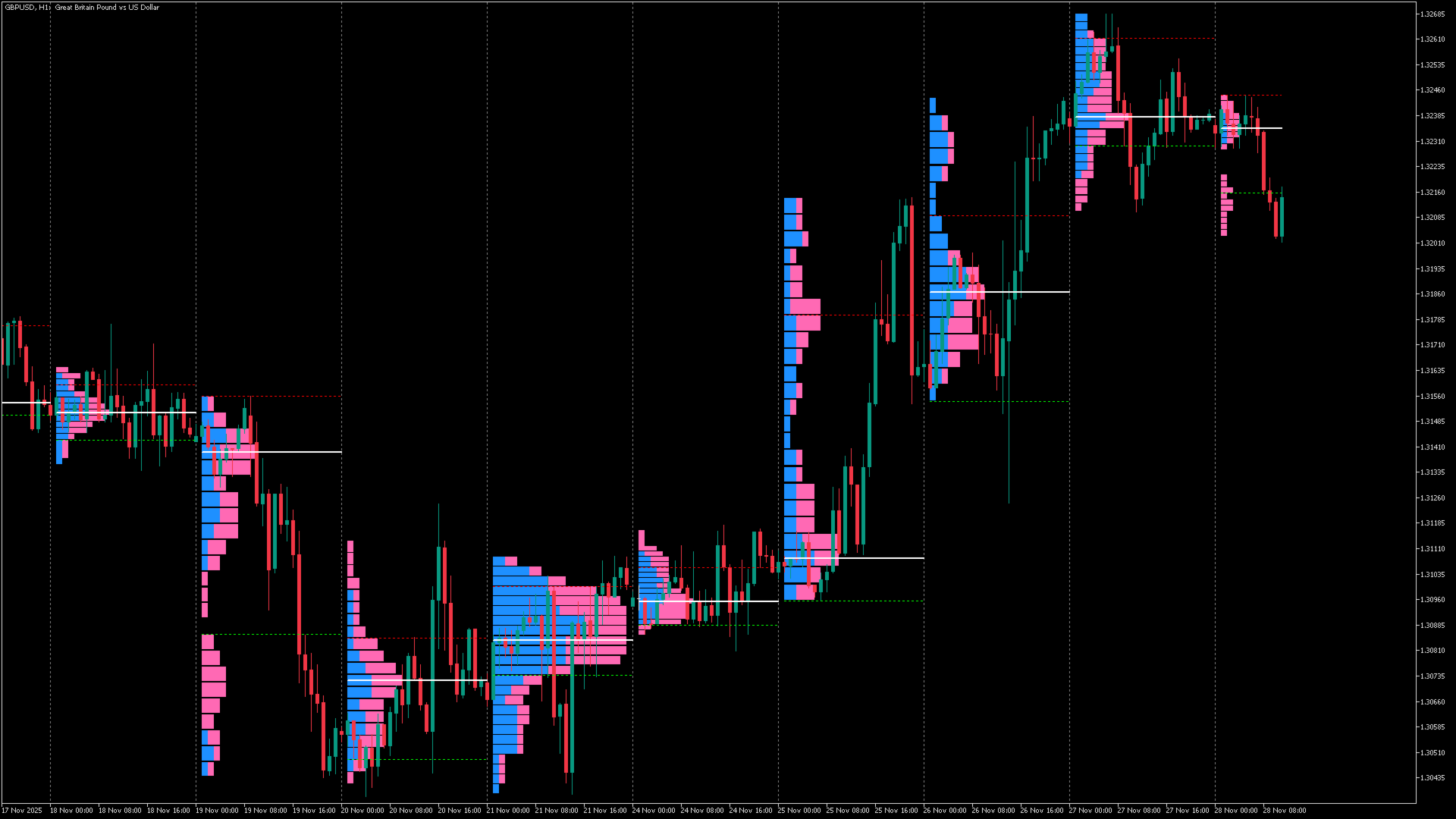
| Session (Daily) | Display separate Profile for each trading day | Auto-splits by date, shows daily volume distribution |
| Weekly | Display separate Profile for each week | Splits by week, suitable for weekly analysis |
| Monthly | Display separate Profile for each month | Splits by month, suitable for monthly analysis |
| Hourly | Display separate Profile for each hour | Suitable for intraday scalping traders |
| 4 Hour | Display separate Profile every 4 hours | Suitable for short to medium-term traders |
| Custom(N Bars) | Custom number of bars per period | Set via Custom Mode: Number of Bars parameter |
Parameter Settings
Below is a detailed description of all configurable parameters:
| Parameter Name | Description | Default Value |
|---|---|---|
| Volume Profile Mode | Select Profile calculation mode | Session (Daily) |
| Custom Mode: Number of Bars | Number of bars for custom mode | 20 |
| Max Profiles to Display | Maximum number of Profiles to show | 10 |
| Profile Position | Profile display position (Left/Right) | Left |
| Number of Rows | Number of Profile rows (precision) | 24 |
| Profile Width (%) | Profile width as percentage of period | 40.0 |
| Bar Gap (%) | Gap percentage between adjacent rows | 5.0 |
| Bullish Volume Color | Color for bullish volume | DodgerBlue |
| Bearish Volume Color | Color for bearish volume | HotPink |
| Show POC Line | Whether to display POC line | true |
| POC Color/Width/Style | POC line color, width, style | White / 2 / Solid |
| Show VAH Line | Whether to display Value Area High line | true |
| VAH Color/Width/Style | VAH line color, width, style | Red / 1 / Dot |
| Show VAL Line | Whether to display Value Area Low line | true |
| VAL Color/Width/Style | VAL line color, width, style | Lime / 1 / Dot |
| Value Area % | Value Area percentage | 70.0 |
| Range Rectangle Color | Rectangle color (Fixed Range mode) | Yellow |
| Range Rectangle Width | Rectangle line width | 1 |
| Range Rectangle Style | Rectangle line style | Dash |
| Show Session Divider | Whether to show period divider lines | true |
| Session Divider Color | Divider line color | Gray |
Usage Tutorial
Using Fixed Range Mode
- After adding the indicator to the chart, set Volume Profile Mode to "Fixed Range (VPFR)"
- "+ Add Range" and "Clear All" buttons will appear in the top-left corner
- Click "+ Add Range" button to create a yellow dashed rectangle in the visible chart area
- Drag the rectangle corners or edges to adjust the analysis range
- Volume Profile will automatically be drawn within the rectangle
- You can create multiple rectangles for multi-area analysis
- Click "Clear All" button to remove all rectangles and Profiles
Using Session/Weekly/Monthly Modes
- Select the corresponding mode (e.g., Session)
- The indicator will automatically split by time period and draw Profiles
- Control the display quantity via Max Profiles to Display parameter
- Gray dotted lines indicate period dividers (can be disabled via parameter)
Trading Applications
Support and Resistance Identification
- POC levels typically form strong support or resistance
- VAH and VAL form value area boundaries; price tends to oscillate within this range
- Low Volume Nodes (sparse volume areas) - price tends to move quickly through these zones
Entry Strategies
- Consider entering when price retests the POC
- Price breaking through VAH/VAL and retesting can serve as entry signals
- Confirm with other technical indicators (e.g., candlestick patterns, momentum indicators)
Stop Loss and Take Profit Settings
- Stop loss can be placed below VAL (long) or above VAH (short)
- Take profit can reference the next Volume Profile's POC or VA boundaries















































Hola. Estoy integrando Market Volume Profile Modes con un EA propio en MT5 llamado R4X. El indicador seguirá siendo utilizado normalmente y no queremos modificar, copiar ni redistribuir su código. Necesitamos saber si autoriza que nuestro EA lea programáticamente los niveles calculados por el indicador para uso personal, mediante iCustom() / CopyBuffer() u otro método que usted recomiende. Específicamente necesitamos obtener: - POC (Point of Control) - VAH (Value Area High) - VAL (Value Area Low) - Idealmente, identificar también a qué perfil/período corresponde cada nivel (sesión/diario, H4, semanal, etc.). ¿El indicador expone estos valores mediante buffers de MT5? Si es así, ¿podría indicarnos: 1. Número de buffer del POC 2. Número de buffer del VAH 3. Número de buffer del VAL 4. Si los buffers cambian según el modo seleccionado 5. Qué parámetros debemos pasar a iCustom() para seleccionar Session/Daily, H4, Weekly, etc. 6. Si los valores históricos de POC/VAH/VAL permanecen disponibles para que el EA pueda leer perfiles anteriores 7. Si existe algún buffer adicional para LVN/HVN o niveles relevantes del perfil Si POC/VAH/VAL no están expuestos mediante buffers y se dibujan como objetos gráficos, ¿existe una forma oficial/recomendada de que un EA obtenga esos niveles? Finalmente, agradeceríamos confirmación expresa de que autoriza esta integración para uso personal, manteniendo el indicador original protegido y sin redistribuir su código. El objetivo es únicamente que R4X trate POC, VAH y VAL como niveles/zonas de reacción del mercado dentro de nuestro análisis técnico. Gracias.