Zone Limite
- Utilitários
-
Gabriel Paul Ange Perrin
 Gabriel Perrin, Independent trader since 2015, based in France. I design and test utilities and Expert Advisors for MetaTrader: trade management tools (breakeven, stop loss management, daily profit and loss notifications, limit order zones) and trading robots.
- Versão: 1.0
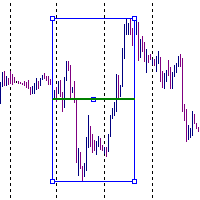
Want to scale into a price zone instead of betting on a single level? Zone Limite places all your limit orders for you, evenly spread between two prices, in one click.
🔹 How it works
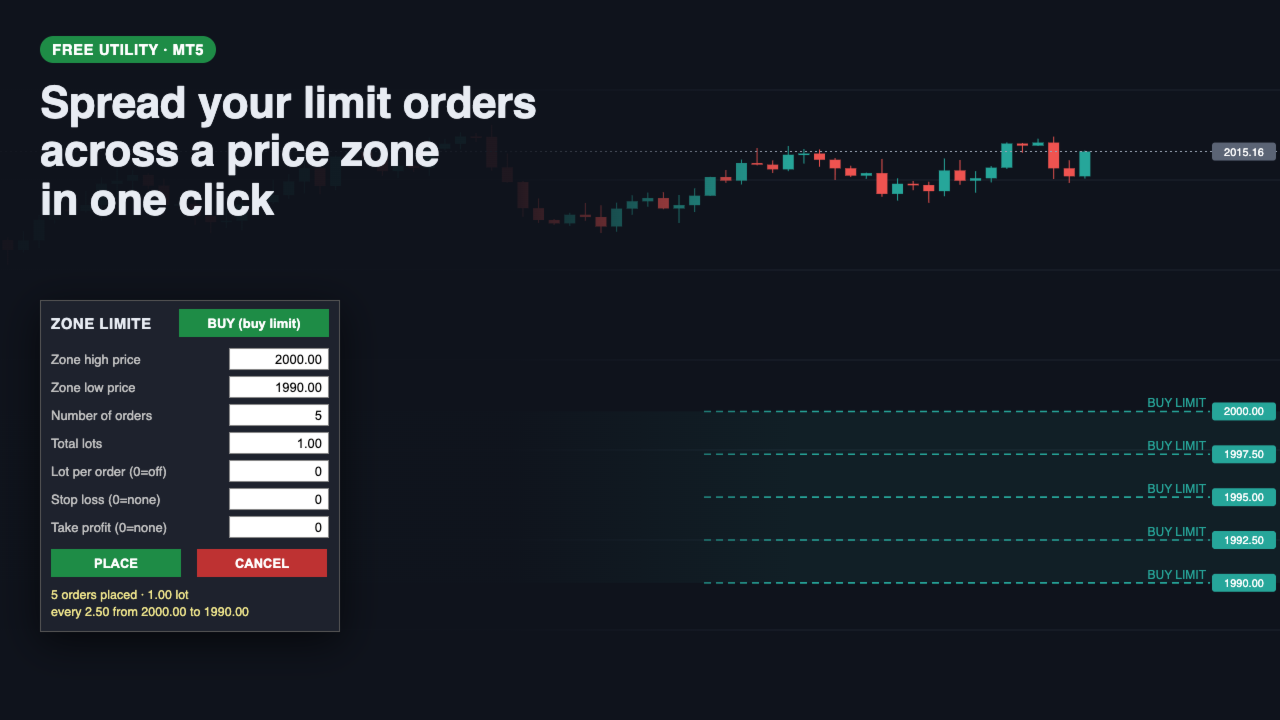
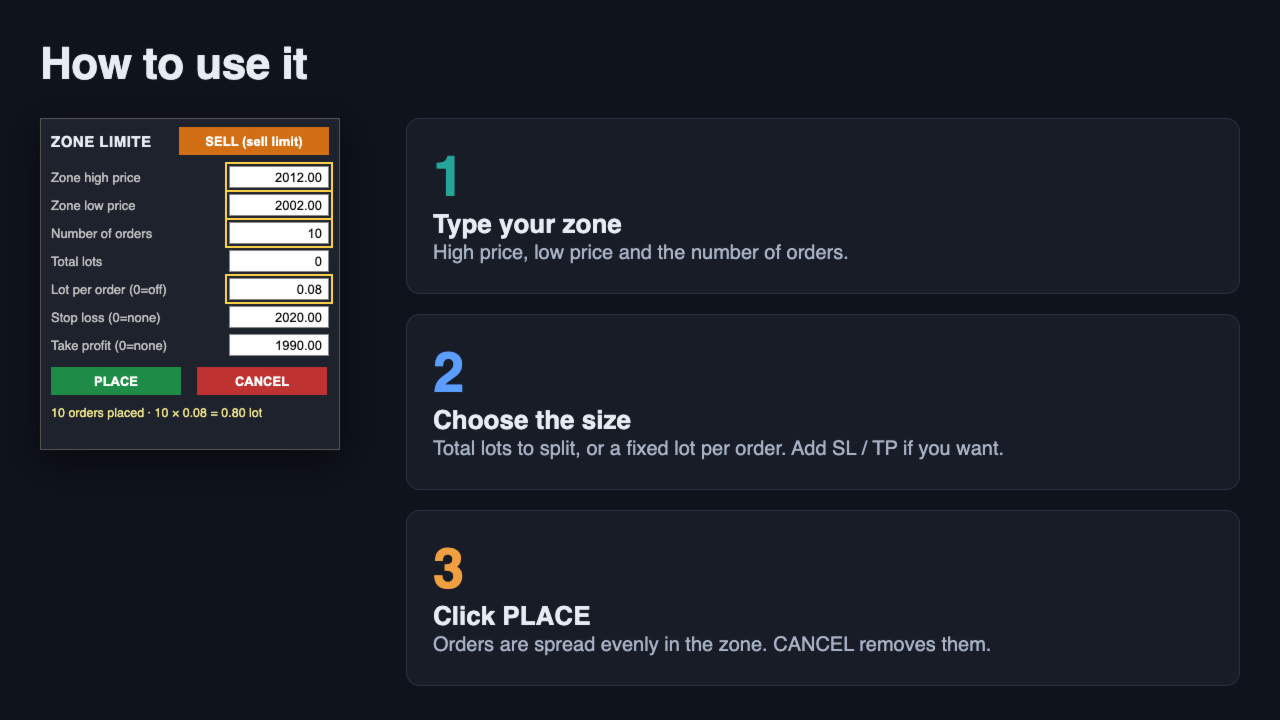
Type the zone high price, the zone low price and the number of orders in the panel on your chart, then click PLACE. The utility places the orders at equal distances, from the top of the zone to the bottom.
Example: zone 2000.00 → 1990.00, 5 orders, 1.00 lot = 5 buy limits of 0.20 lot at 2000.00, 1997.50, 1995.00, 1992.50 and 1990.00.
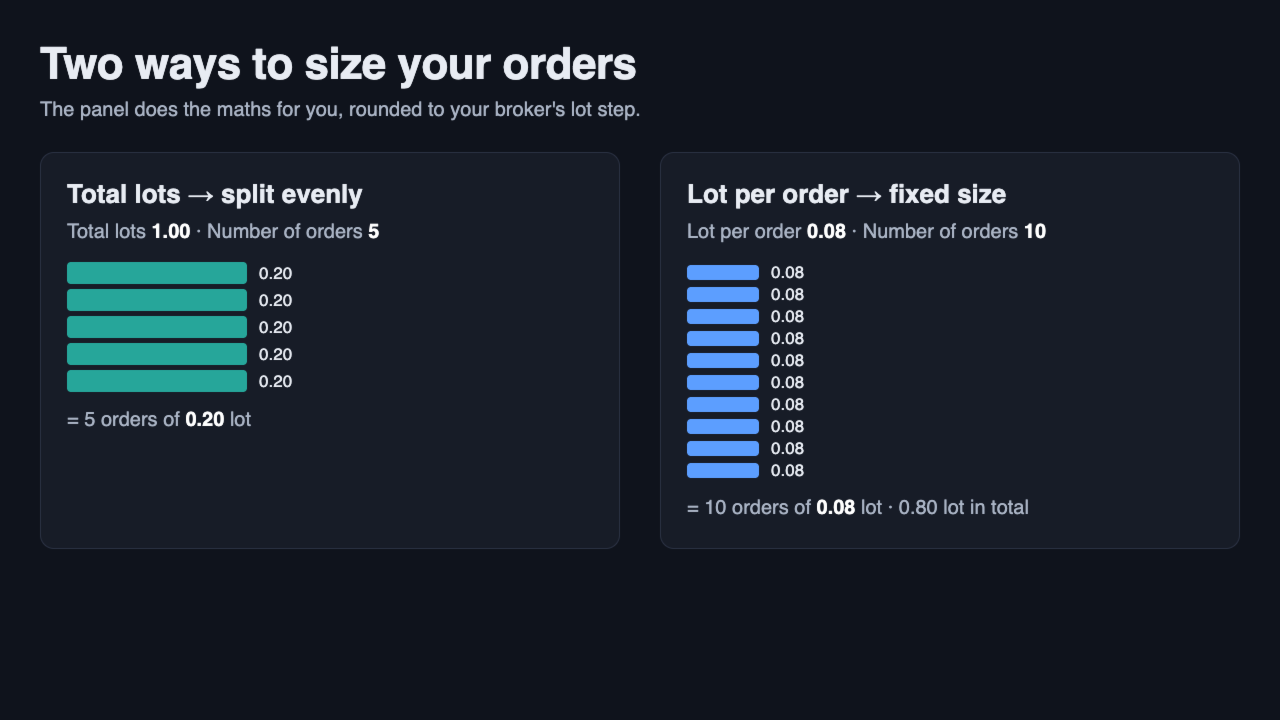
⚙️ Two ways to size your orders
🔸 Total lots: the utility splits the total evenly, rounded to your broker's lot step (the remainder goes to the first orders, so the total is always exact).
🔸 Lot per order: every order gets exactly this lot (for example 10 orders of 0.08 = 0.80 lot). When it is filled in, Total lots is ignored.
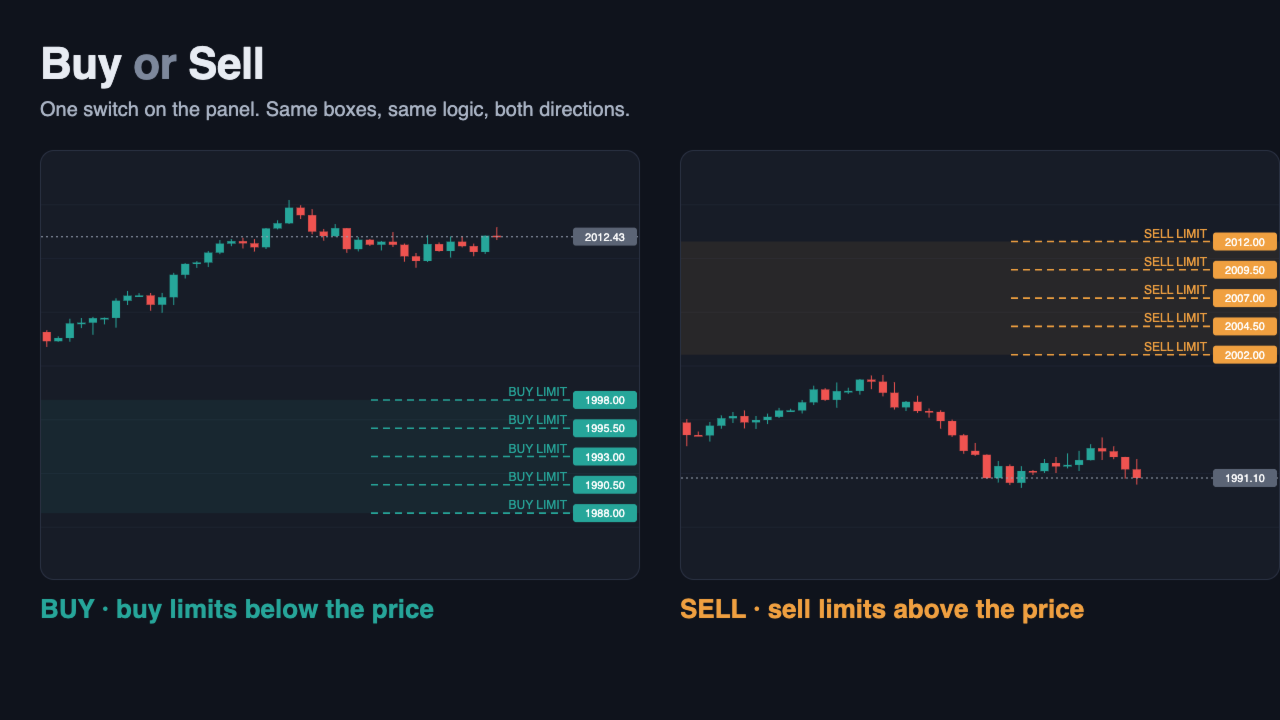
✔️ Buy or Sell: one switch on the panel. Buy limits below the price, sell limits above it.
✔️ Optional Stop Loss and Take Profit, applied to every order of the zone.
✔️ CANCEL removes only the pending orders placed by this utility. Open positions and other EAs' orders are never touched.
✔️ Clear refusals, nothing half-placed: lot under the broker minimum, wrong side of the price, stop level too close… the status line tells you why, and no order is sent.
✔️ Your values are remembered when you change timeframe.
✔️ Same boxes in the settings: every panel box also exists as an input, so you can save your favourite setup in a .set file.
✔️ Works on any symbol (forex, gold, indices, crypto), on hedging and netting accounts.
✔️ English and French interface (follows your terminal language).
🛡️ Nothing happens until you click PLACE. The utility never opens a trade on its own.
📌 Inputs
- Side: Buy (buy limit) or Sell (sell limit)
- Zone high price / Zone low price
- Number of orders
- Total lots
- Lot per order (0 = use Total lots)
- Stop loss price (0 = none) / Take profit price (0 = none)
- Magic number (to tell its orders apart from other EAs)
💡 Tip: combine it with my free Breakeven Bot to move all your positions to breakeven in one click once the zone has filled.