Symbol Spec Inspector
- Utilitários
- Versão: 1.0

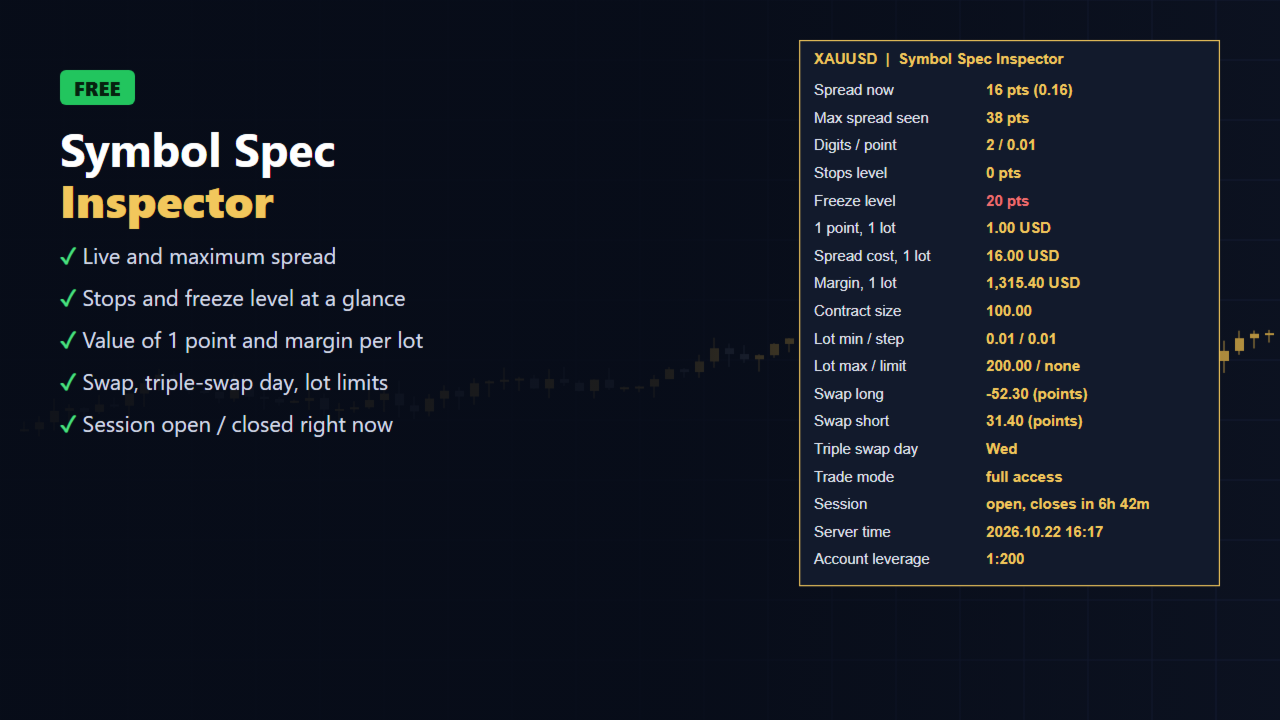
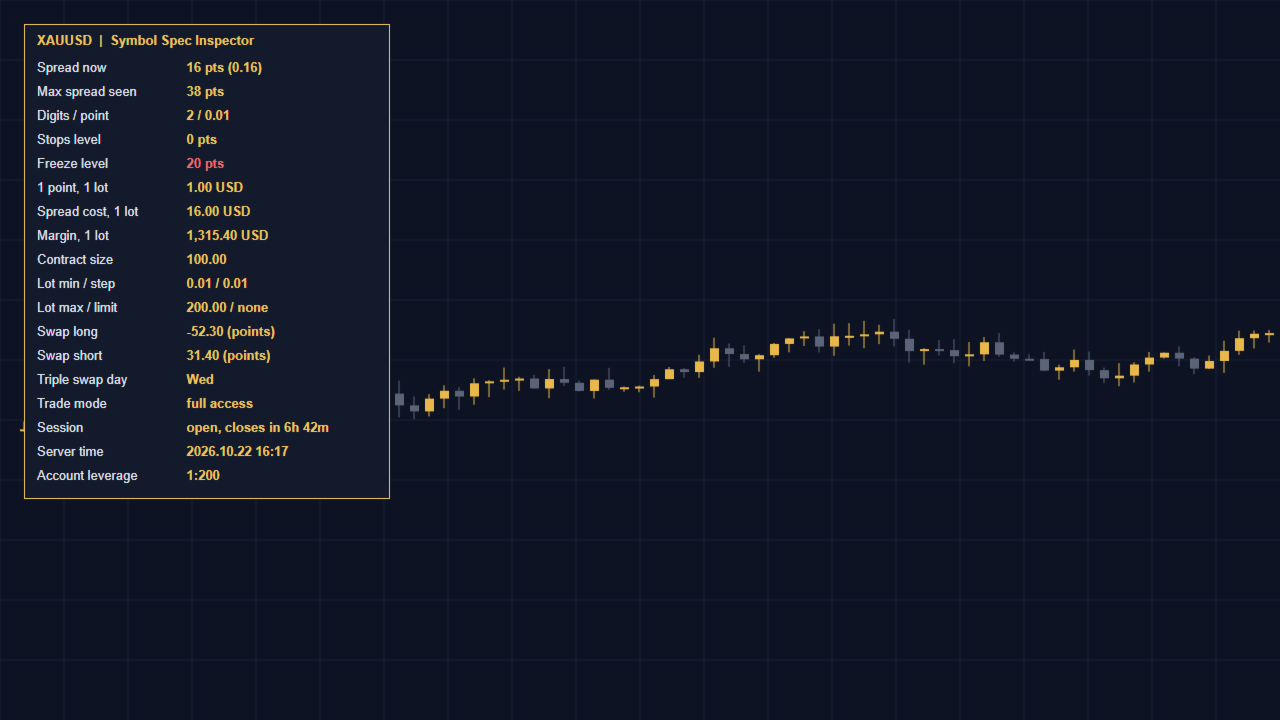
Symbol Spec Inspector shows the real trading conditions of the chart symbol in one compact panel. Your broker's specification window hides most of these values, and some of them change during the day. The panel updates every second.
What you see
- Live spread in points and in price, plus the maximum spread seen since the panel was attached
- Stops level and freeze level (highlighted when they are not zero)
- Value of one point for 1.0 lot and the cost of the current spread for 1.0 lot, in your account currency
- Margin required for 1.0 lot at the current price
- Contract size, minimum / step / maximum lot and the symbol volume limit
- Swap long and short with the swap mode, and the triple-swap day
- Trade mode (full, close only, long only, short only, disabled)
- Session status: open with time to close, or closed now
- Server time and account leverage
Who it is for
- Traders who compare brokers or account types and want the real numbers, not the advertised ones
- Gold and index traders who need to know the value of a point before sizing a position
- EA developers who need to check stops and freeze levels before testing
Notes
- Information only: the indicator never opens, modifies or closes orders.
- Works on any symbol and timeframe, on hedging and netting accounts.
- Inputs: panel side (left or right), offsets, font size and colours.
Need to size positions by risk as well? Try the free SL Line Lot Calculator from the same author. For one-click trading with risk-based lots, see Risk Pilot Panel.