Funded Account Guard
- 유틸리티
- 버전: 1.0

Funded Account Guard monitors the whole trading account and enforces the risk limits you set. When a limit is reached, it closes all positions, deletes pending orders and blocks new entries until the limit period ends. It is intended for funded and evaluation accounts with a daily loss limit and a maximum drawdown limit, and for any trader who wants a fixed daily stop.
The utility does not open trades, does not give signals and does not move stop loss or take profit levels.
Rules
- Daily loss limit, measured from the balance, the equity or the higher of both at the daily reset.
- Maximum drawdown limit: static from the initial balance, or trailing by equity or by balance.
- Maximum number of entries per day.
- Maximum lots per day.
- Warning when a chosen share of a limit has been used.
How it acts
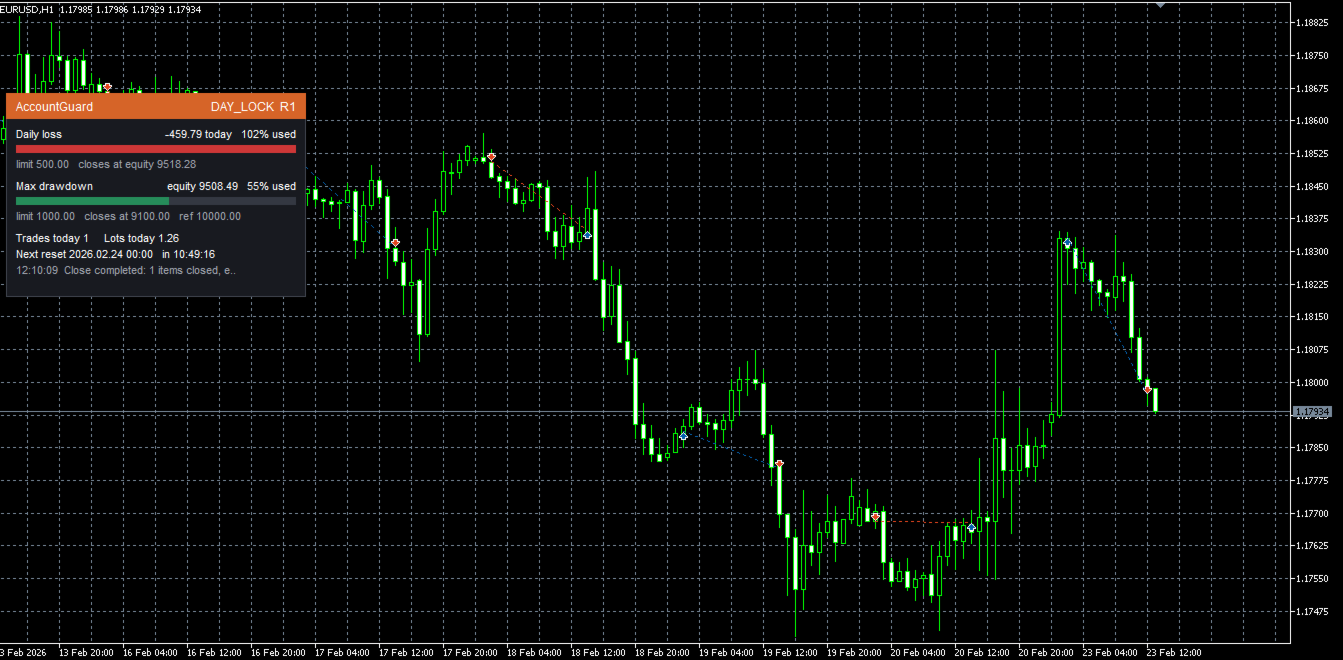
When the daily loss limit is reached, all positions are closed and the account stays locked until the next daily reset. When the maximum drawdown limit is reached, the account stays locked until you press the unlock button on the panel. When a daily cap is reached, existing positions are kept and new entries are closed as soon as they appear. During a lock, any new position or pending order, from manual trading or from other Expert Advisors, is closed or deleted.
A safety buffer lets the guard act before the real limit, to leave room for slippage. Limits can be set in percent of the initial balance or in money. The daily reset time is set in server time.
Panel and notifications
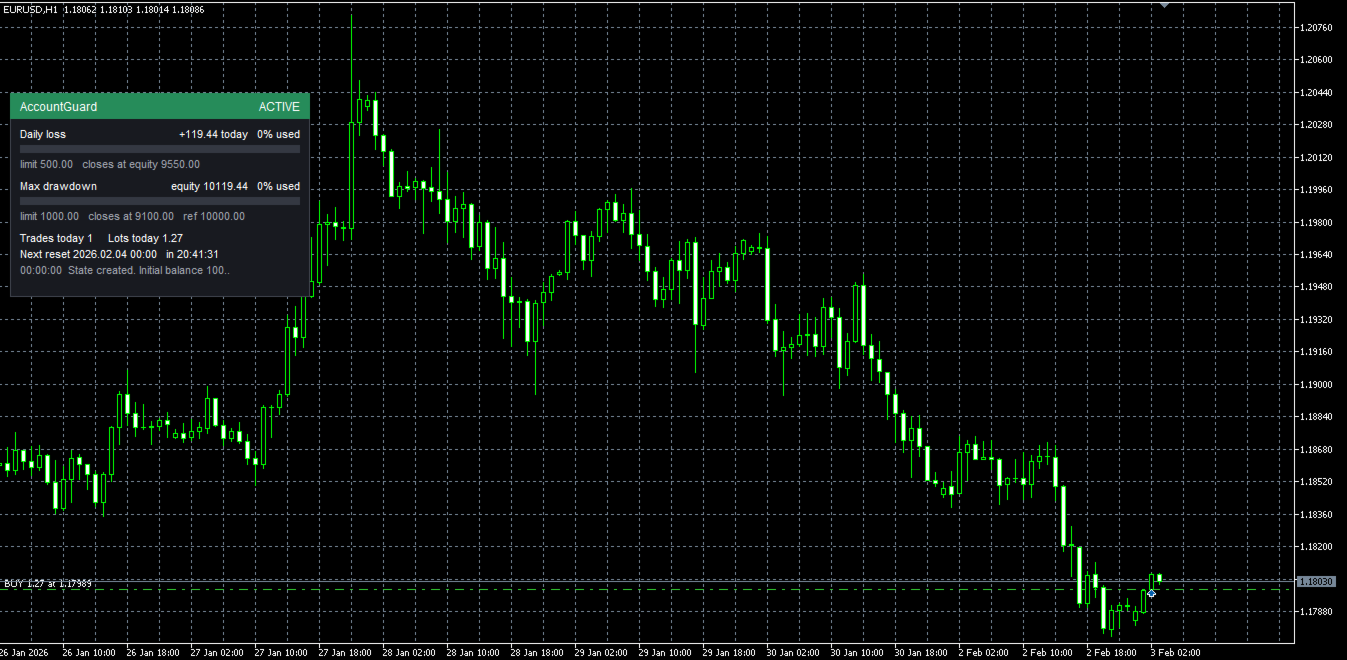
The panel shows the state, the amount of each limit, the equity level at which the guard will close, the share already used, the daily counters and the time to the next reset. Events are sent as push notifications and, if you enter your own bot token and chat id, as Telegram messages. For Telegram, add the address api.telegram.org to the list of allowed URLs in the terminal options.
The state is saved to a file, so a lock survives a restart of the terminal or a reload of the Expert Advisor.
Strategy Tester
The guard does not trade. In the Strategy Tester only, it opens one sample trade per day so that you can watch the limits act. This never happens on a live chart.
Limitations
- The guard runs inside the terminal. If the terminal is closed, the computer is off or the connection is lost, there is no protection.
- It cannot control the closing price. A gap, strong slippage or low liquidity can make the final loss exceed the limit. The safety buffer reduces this risk but does not remove it.
- It cannot prevent an order from being sent. It closes the position afterwards, and that costs spread and commission.
- The calculation of your firm is the one that counts. Set the reset time, the reference and the limits exactly as your firm defines them.
- Use one instance per account, on any chart, with algorithmic trading enabled.
For a version adapted to specific rules, contact the author through MQL5 messages.