Session Clock Advanced
- 지표
-
Muhammad Hassan Muhammad Ahmad Atiyah
 Welcome to EDGE Matrix! We specialize in quantitative, rules-based automated trading models for Gold (XAUUSD). Safe, disciplined execution with strict risk management.
 - 버전: 2.20
- 활성화: 8
Know exactly where you are in the trading day — at a glance.
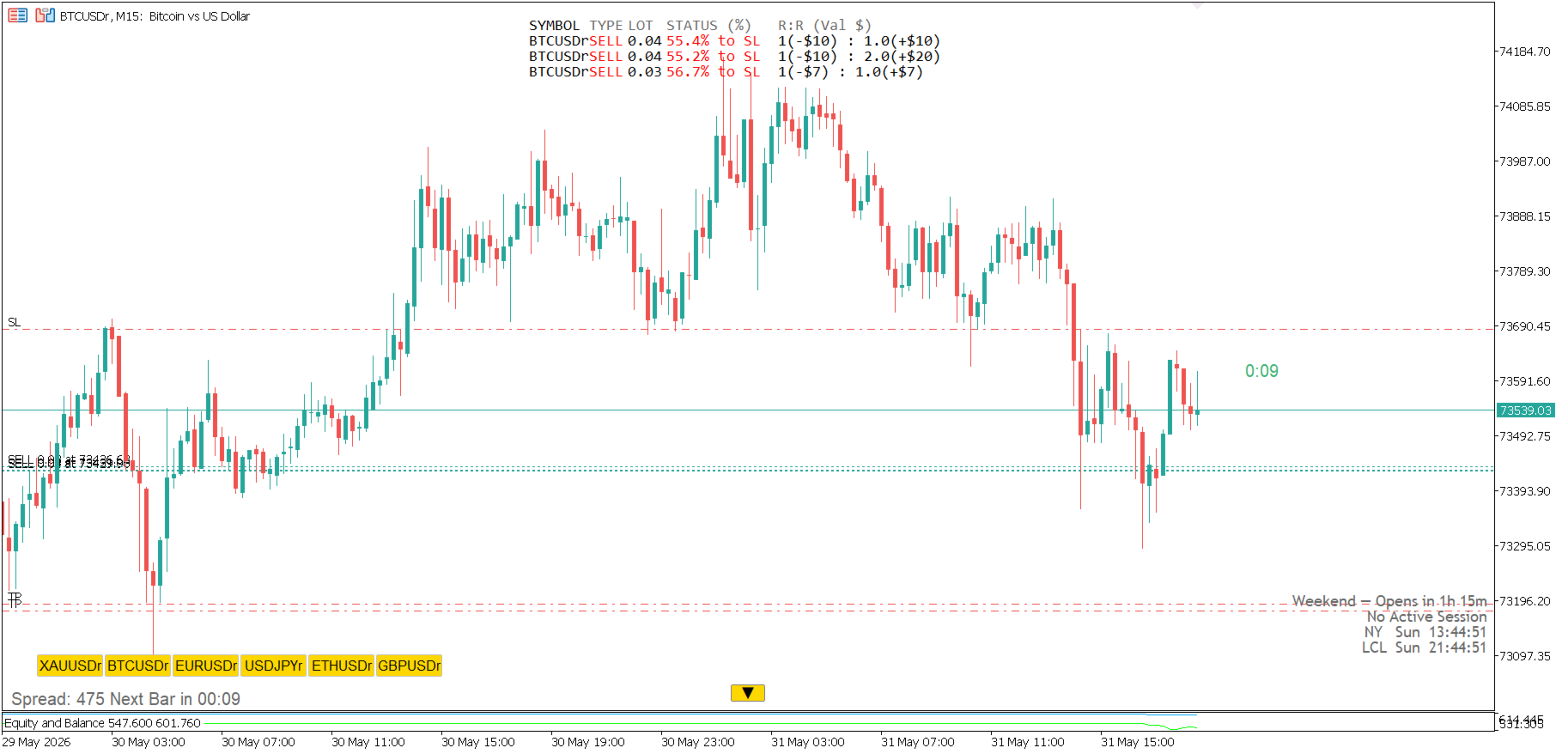
Session Clock Advanced displays two live clocks directly on your chart: your local time (auto-detected from your PC) and New York time. No manual offset needed.
But it goes further than a simple clock.
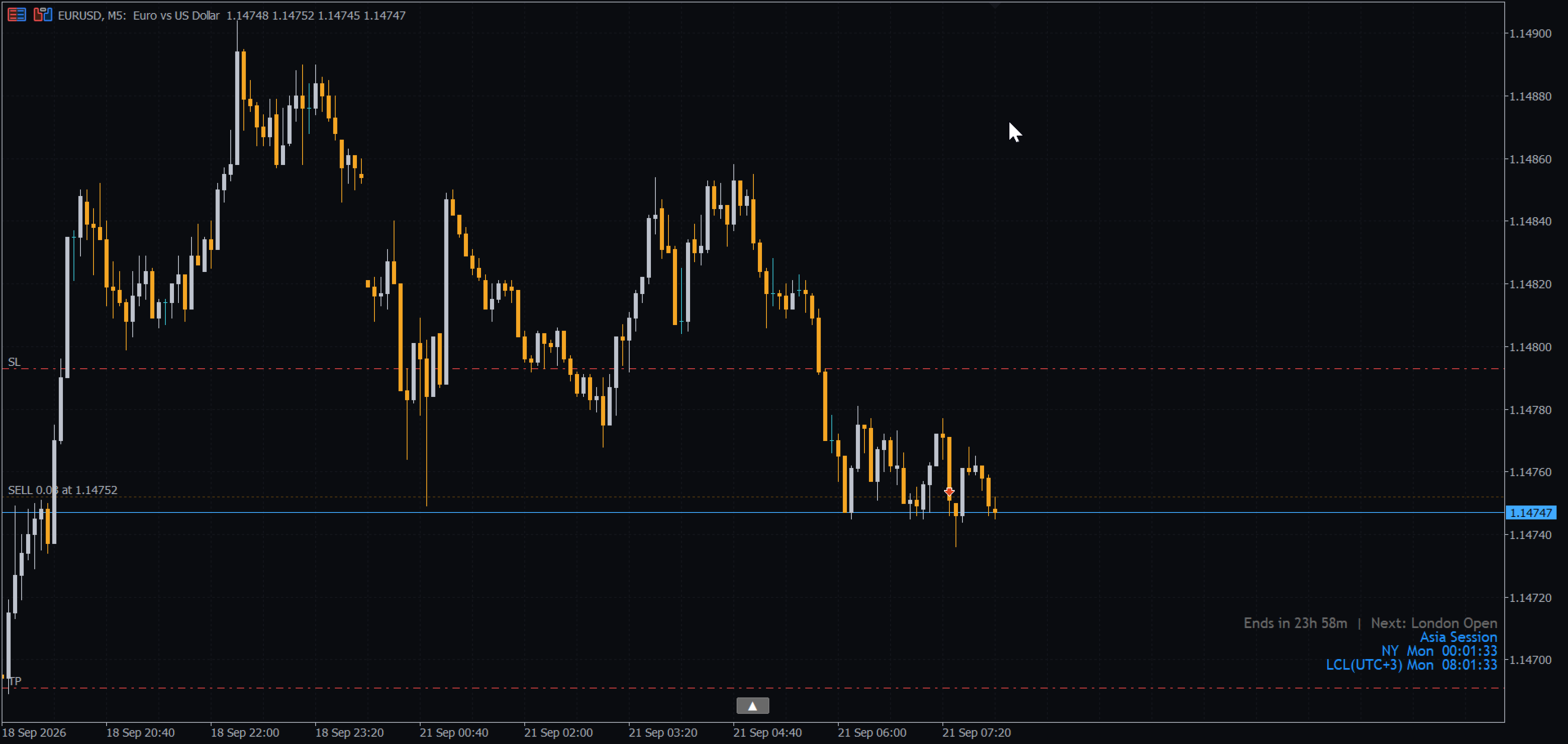
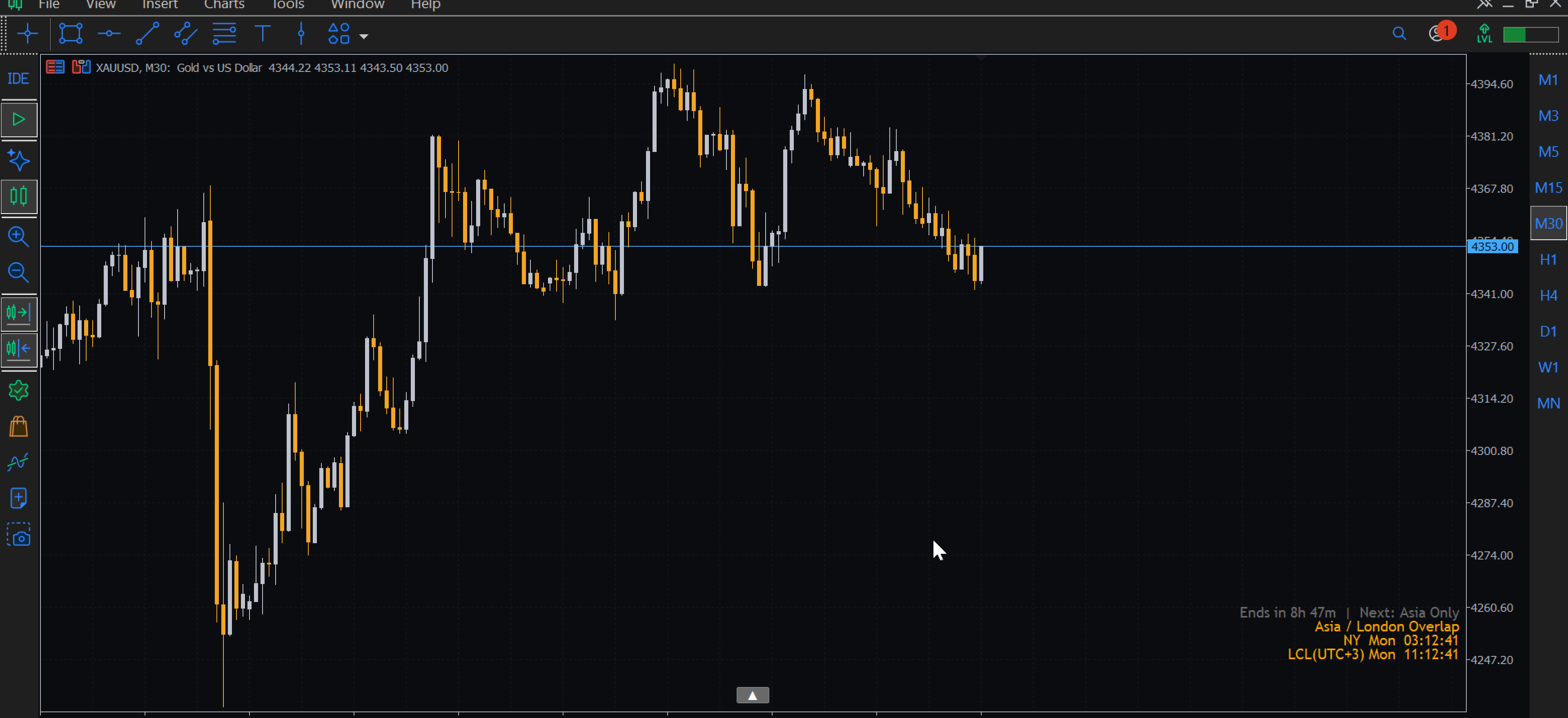
The indicator detects the active trading session in real time — Asia, London, New York, or any overlap — and changes color automatically so you always know the market context without reading the time.
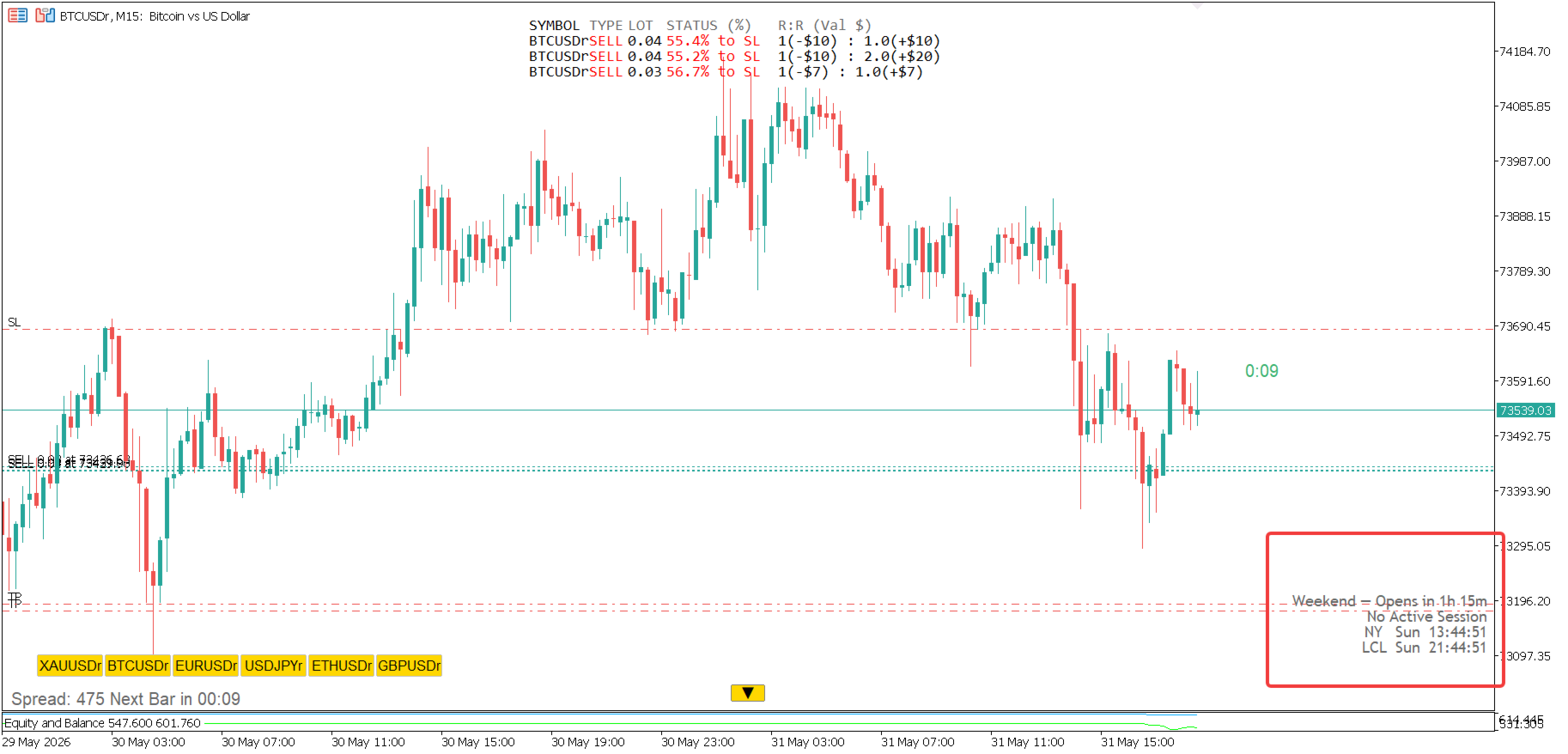
A live countdown shows exactly how many hours and minutes remain until the current session ends, and which session opens next. When markets are closed on weekends, it shows the time until the next open.
Every session has fully customizable hours, so you can match your broker's server time precisely — including overnight sessions like 20:00 to 02:00.
FEATURES:
— Auto-detects your local time zone (no manual UTC input needed)
— Displays local time + New York time simultaneously
— Live session detection: Asia / London / New York / Overlaps
— Color changes automatically with each session
— Countdown timer: time remaining + next session name
— Weekend detection with time until market open
— Fully customizable session hours, names, and colors
— 12H / 24H time format with optional seconds
— 8 chart positions (corners, center, middle)
— Clean compact display — minimal screen space
— Works on all symbols and timeframes
INPUTS:
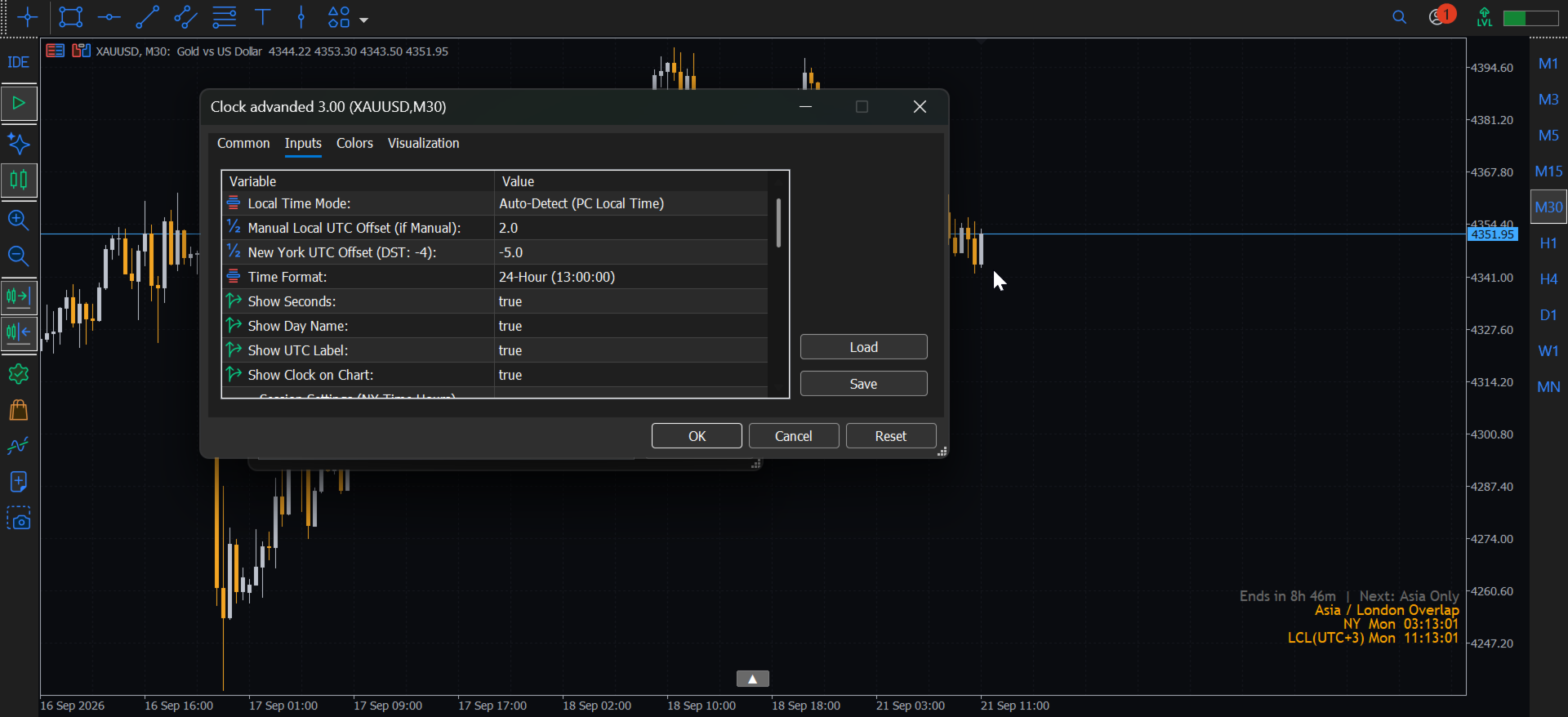
— Local Time Mode: Auto-detect or manual UTC offset
— New York UTC Offset: adjust for daylight saving (-4 or -5)
— Asia / London / New York: start hour, start minute, end hour, end minute
— Session label: customize the name shown on chart
— Colors: separate color per session + overlap + dead zone
— Font, size, position, margins