RiskFlow Pro
- 유틸리티
- 버전: 4.10
- 업데이트됨: 21 4월 2026

RiskFlow Pro is a professional manual trading dashboard for MetaTrader 5, designed to eliminate the three biggest time sinks in manual trading: calculating lot sizes correctly, managing trades after entry, and staying within prop-firm risk rules. Drag, click, trade — every decision takes seconds, not minutes.
Free for the first 500 downloads only. Grab yours before it is gone.
WHAT IT SOLVES
Most manual traders lose money not from bad setups, but from small operational mistakes: miscalculating lot size on instruments with unusual contract specs such as Gold, Indices, or Crypto; forgetting to move the stop loss to breakeven after price runs in their favor; missing partial-profit opportunities when busy or distracted; and blowing prop-firm daily drawdown limits in the heat of a trade. RiskFlow Pro handles all of this in one compact dashboard that sits on your chart.
INSTANT POSITION SIZING
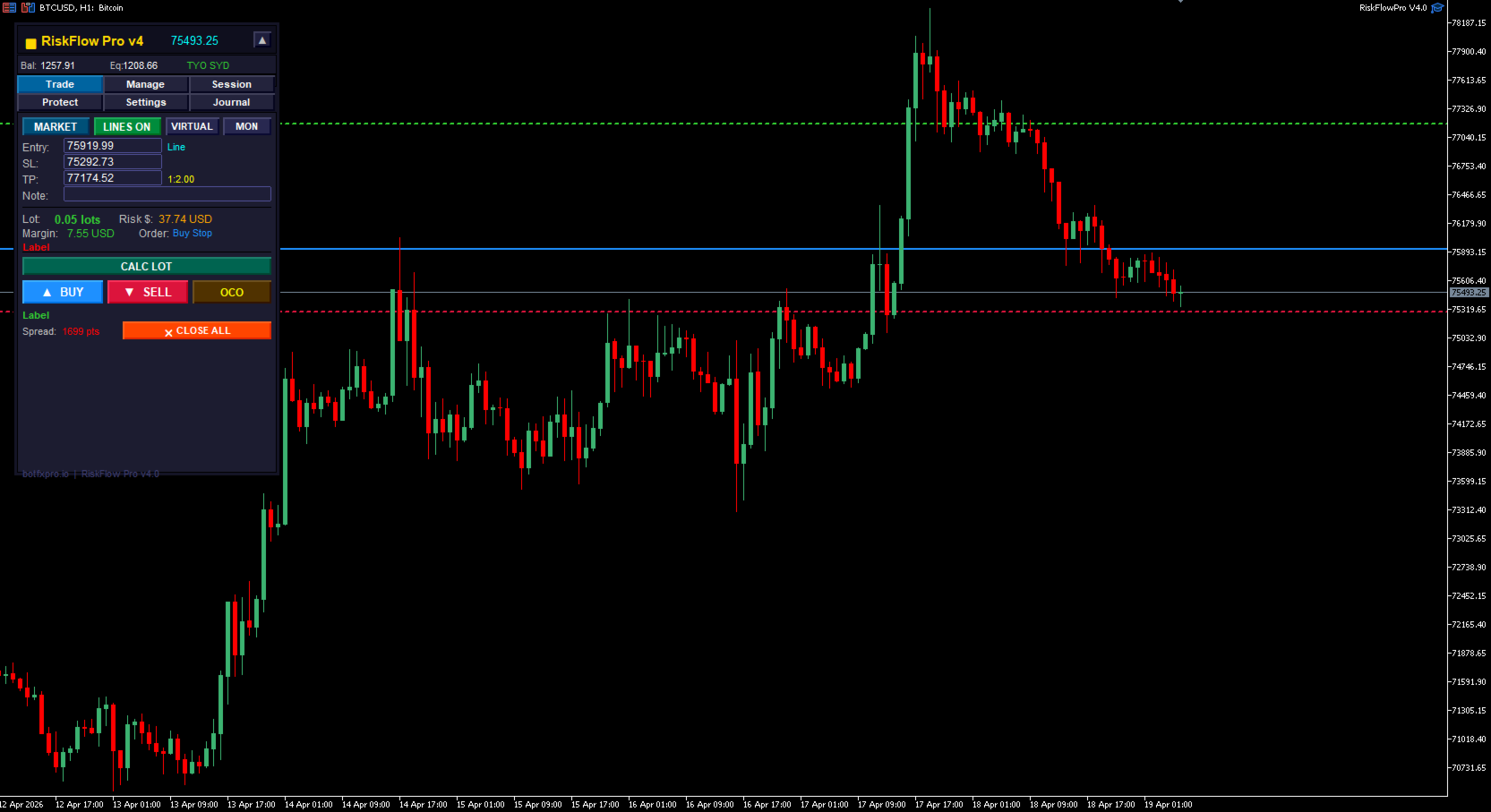
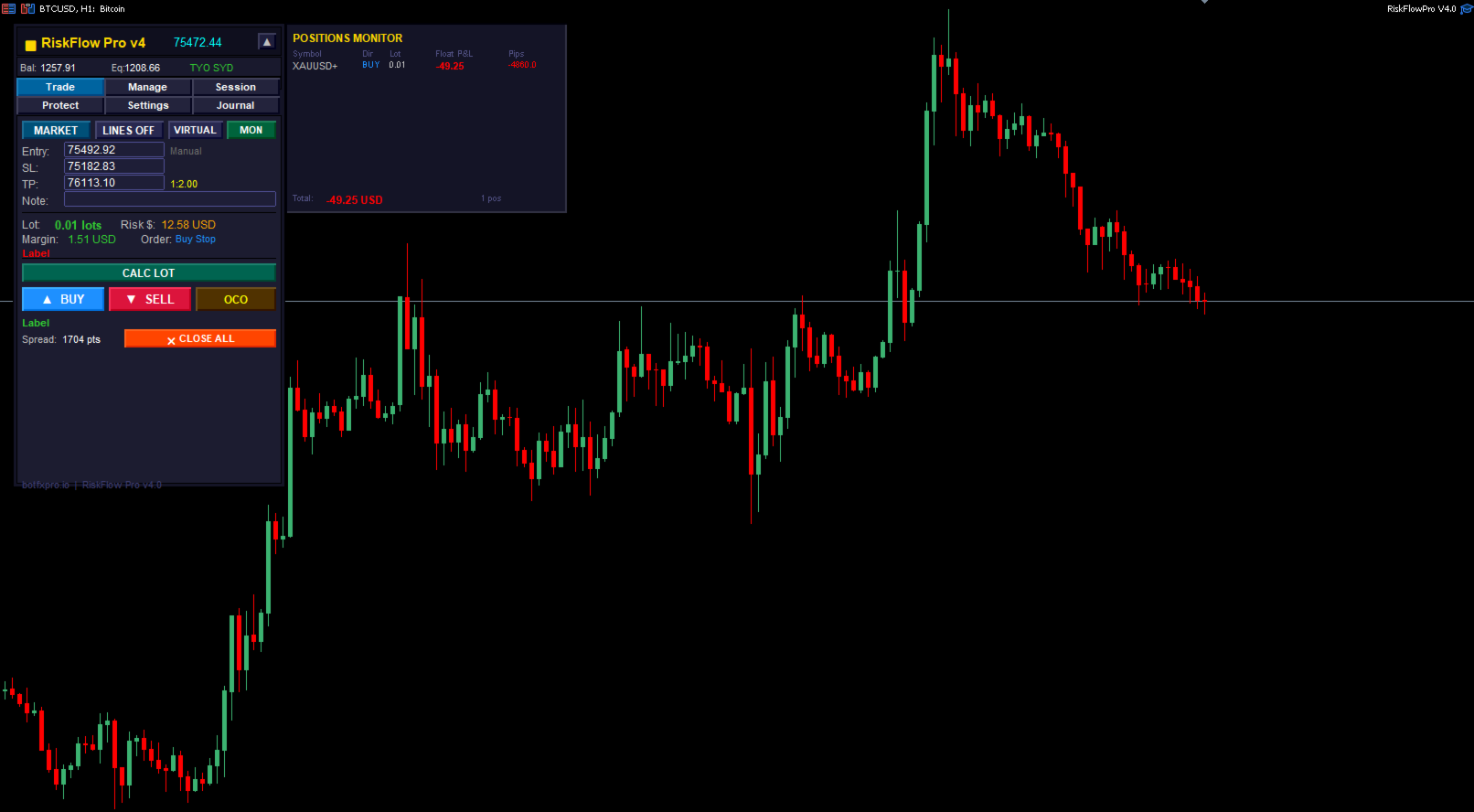
Enter your stop loss price, or drag a line directly on the chart, and the lot size is calculated instantly from your chosen risk percentage, fixed dollar amount, equity percentage, or free margin percentage. The calculation reads each symbol's real tick size and tick value directly from your broker, so it works correctly for Forex, Gold, Silver, Oil, Dollar Index, Stock Indices, Crypto CFDs, and any other MT5 symbol. No more Excel calculators. No more mental math.
DRAG-TO-TRADE INTERFACE
Activate Line Mode and drag Entry, Stop Loss, and Take Profit lines directly on the chart. Risk-to-reward ratio, lot size, required margin, and order type (Market, Limit, or Stop) update in real time as you drag. When you are satisfied with your setup, click Buy or Sell to execute.
MULTI-LEVEL TRADE MANAGEMENT
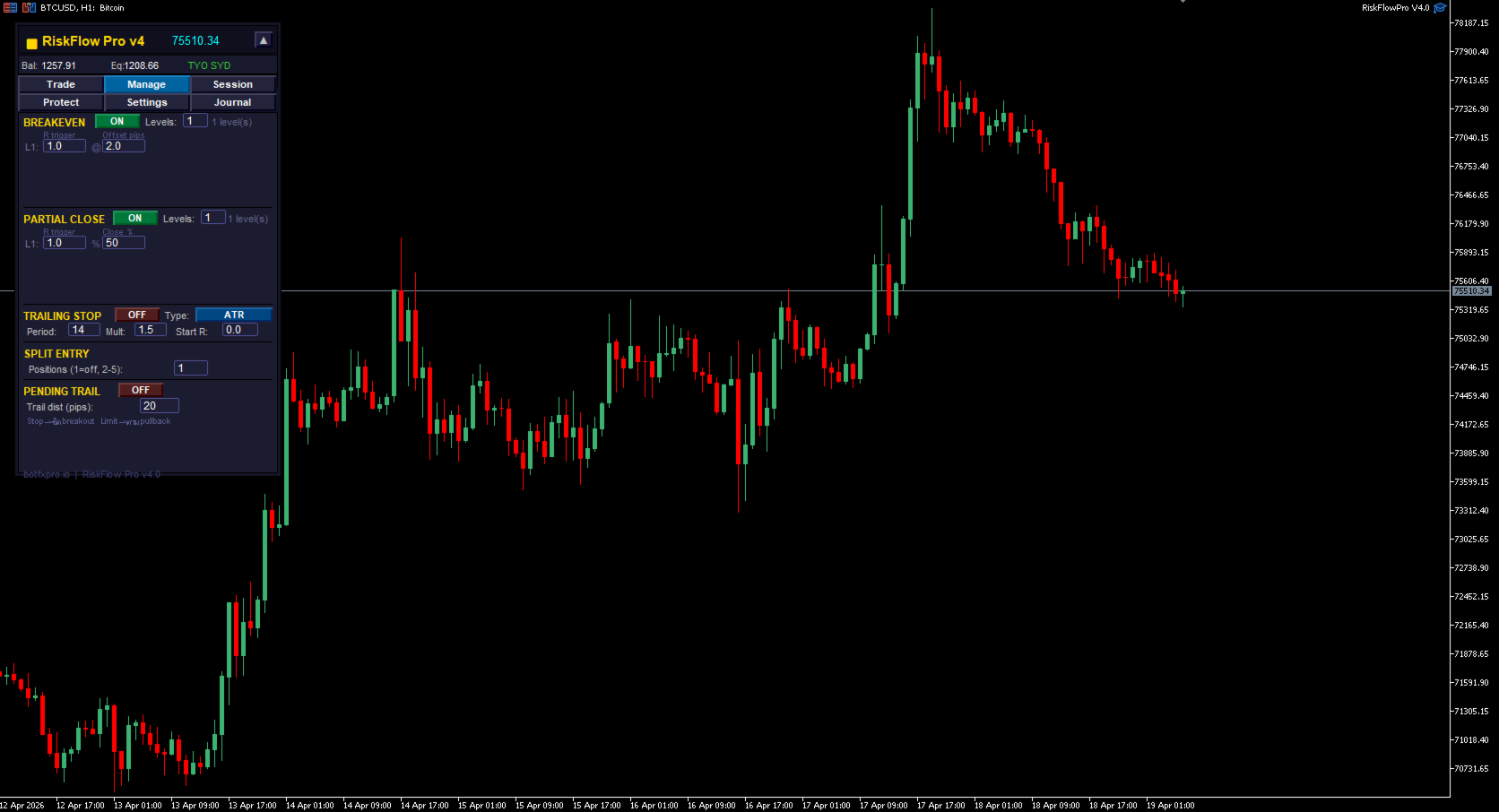
Set up to four breakeven levels and four partial-close levels per trade, each triggered independently by R-multiple. Once configured, the EA manages your position automatically: moving the stop loss to breakeven with an optional offset, and closing predefined portions of your position at each profit target. Fire-and-forget trade management that protects winners and lets them run.
FOUR TRAILING STOP MODES
Choose the trailing style that fits your strategy: ATR-based trailing for volatility-adaptive stops, Fixed pips for consistent distances, Percentage of price for scaling instruments, or Moving Average trailing for trend-following trades. Each mode can be configured to activate only after a minimum R-multiple of profit, so your stop does not move until the trade is genuinely working.
FTMO AND PROP-FIRM RISK MANAGER
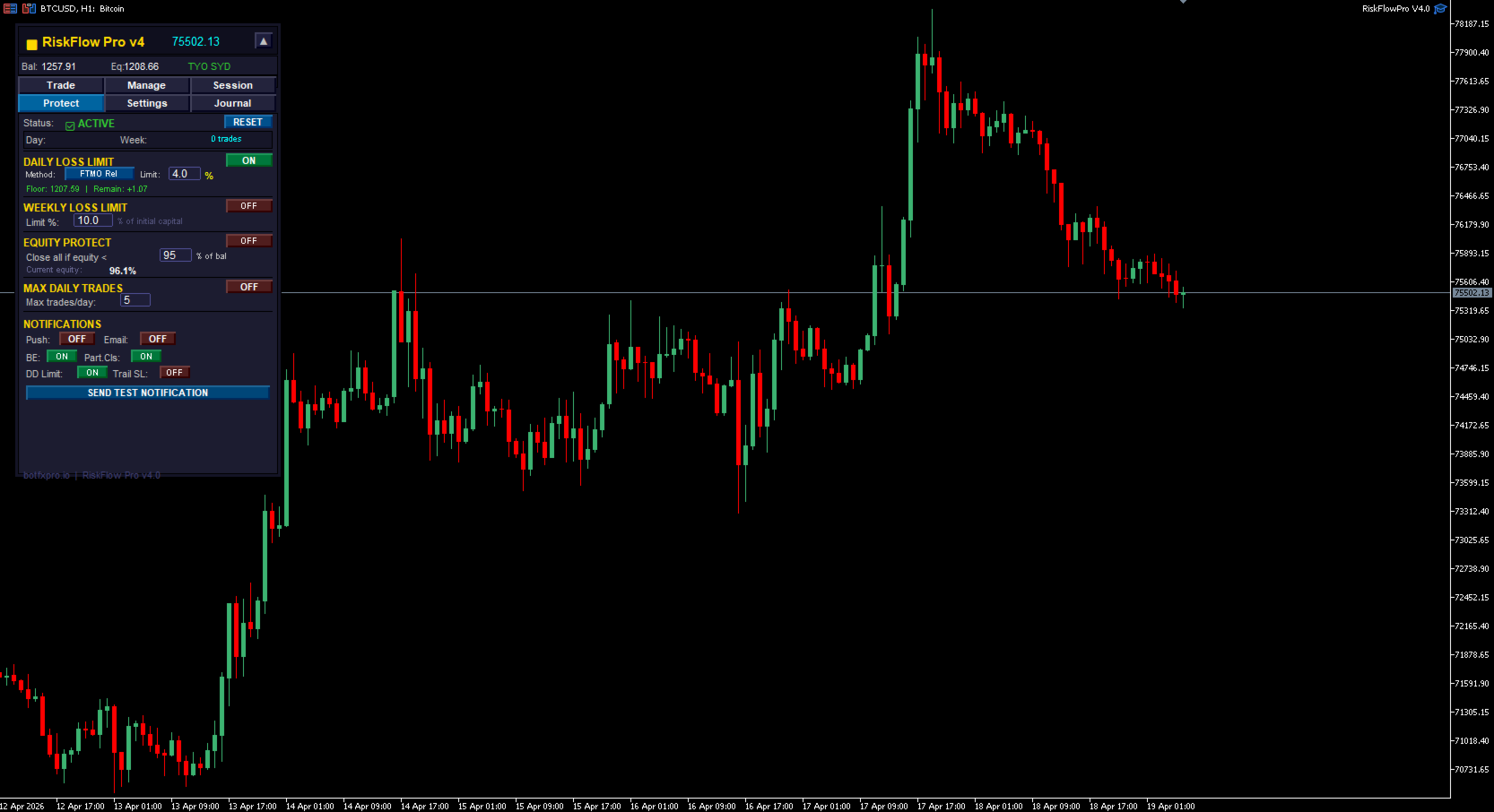
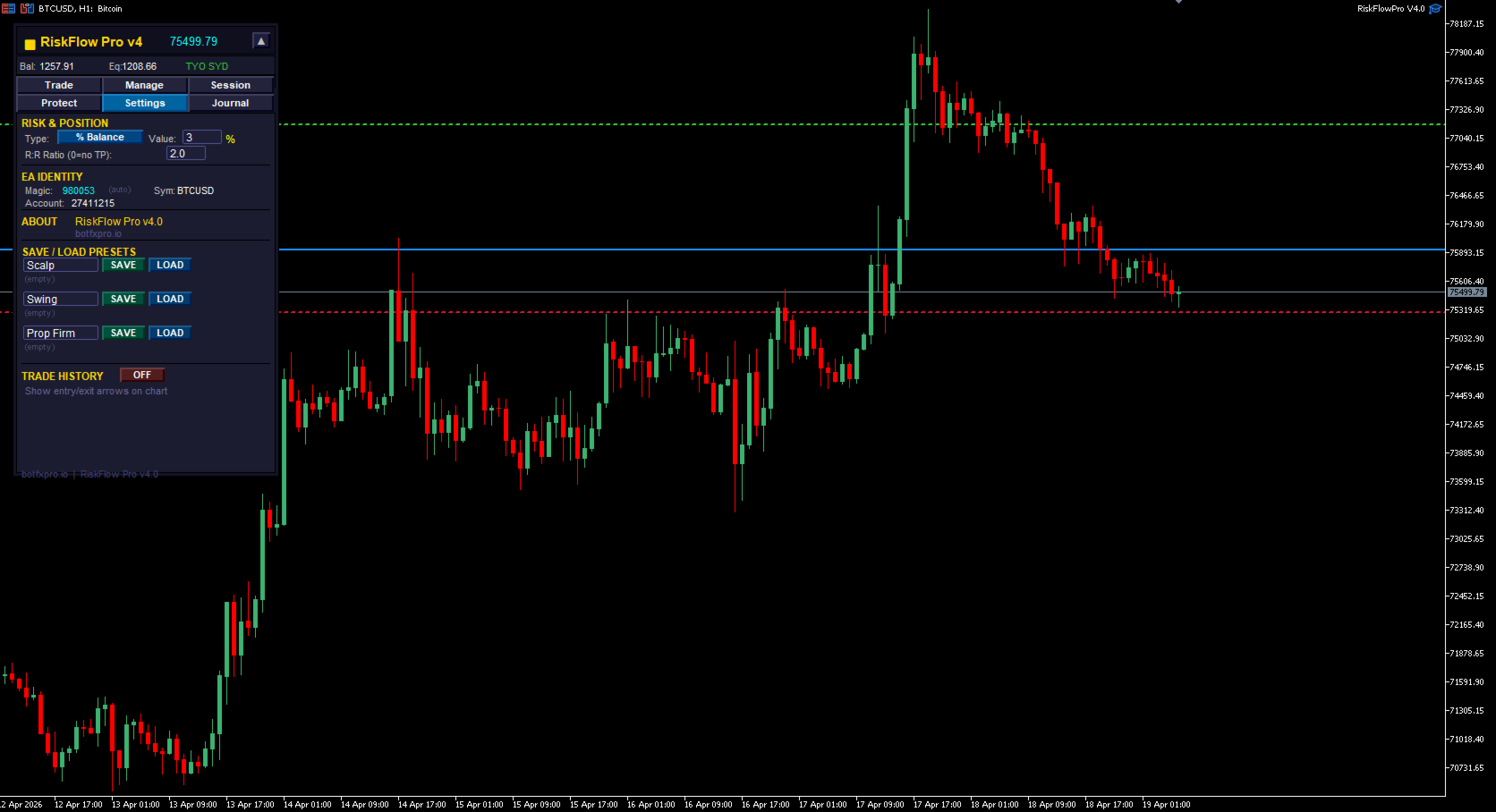
Built-in daily drawdown protection with four calculation methods: FTMO Relative, Standard Relative, Absolute, and Fixed Dollar. The daily reset happens at Central European midnight to match FTMO rules exactly, regardless of your broker server time. Additional protections include a weekly loss limit, equity protection triggered when account equity falls below a percentage of balance, and maximum daily trades counter. When a limit is hit, new orders are blocked automatically until the next reset.
SPLIT ORDERS
One click sends up to five positions divided evenly across the same entry price. Useful for scaling out of winners at different targets without the hassle of calculating individual lot sizes.
VIRTUAL STOP LOSS AND TAKE PROFIT
Stealth mode hides your SL and TP from the broker by managing them internally within the EA. Useful for traders who prefer not to expose their stops on the server. The dashboard continues to track and display your virtual levels exactly as if they were real.
OCO PENDING ORDERS
Place a Buy Stop and Sell Stop pair simultaneously. When one order triggers, the opposite order is automatically cancelled. Ideal for breakout strategies where you want to catch movement in either direction.
TRADE JOURNAL AND CSV EXPORT
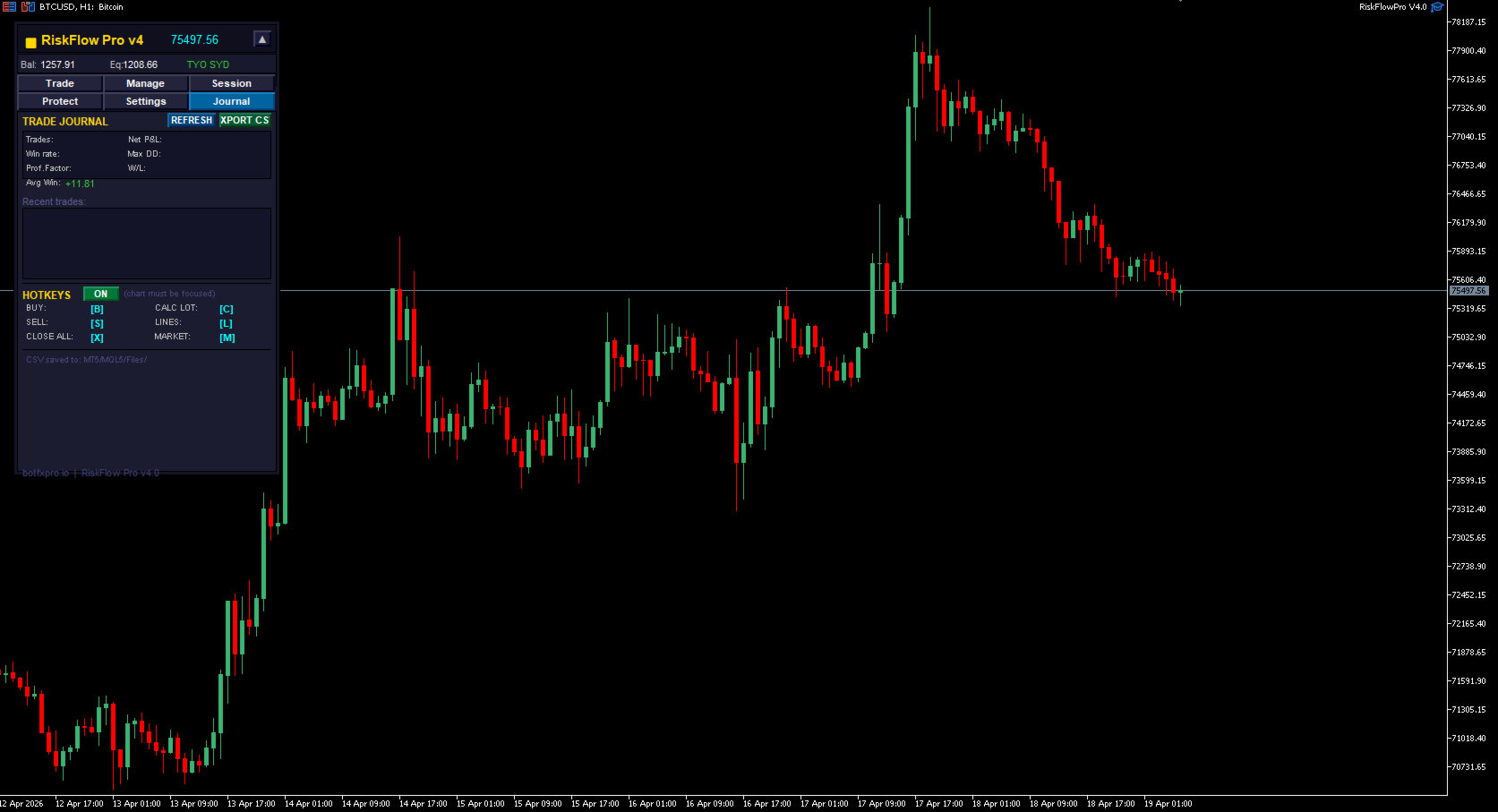
Every closed trade is logged automatically with open and close times, symbol, direction, lot size, entry and exit prices, stop loss, take profit, gross profit, commission, swap, net profit, realized R-multiple, duration in seconds, and comment. Export the full journal to CSV anytime for performance review in Excel or Google Sheets.
MULTI-SYMBOL MONITOR
A floating window tracks all open positions across every chart in one unified view. See your total exposure, floating profit and loss, and position count without switching charts.
SESSION FILTER AND SPREAD GUARD
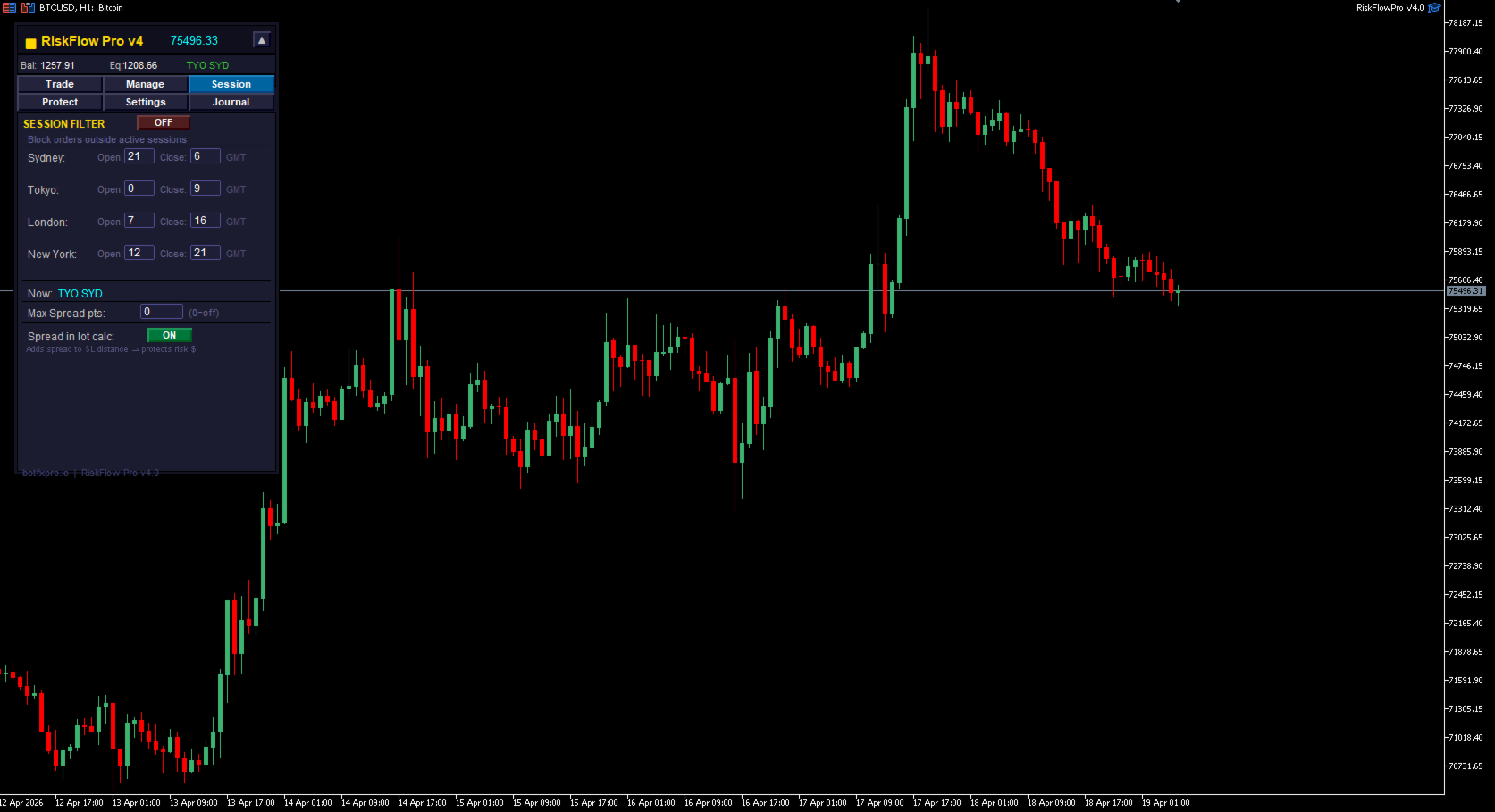
Block new orders outside your preferred trading sessions (Sydney, Tokyo, London, New York) to enforce discipline around your ideal market hours. A spread guard auto-rejects entries when the spread exceeds your defined maximum, protecting you from news-event slippage and illiquid periods.
HOTKEYS AND TAB DASHBOARD
Keyboard shortcuts for every common action: B for Buy, S for Sell, X for Close All, C for Recalculate, L for Toggle Lines, M for Toggle Market mode. The dashboard is organized into six compact tabs — Trade, Manage, Session, Protect, Settings, and Journal — keeping the interface clean and the chart uncluttered.
WHO IT IS FOR
RiskFlow Pro is built for manual traders trading Gold, Forex, Indices, or Crypto; FTMO and prop-firm challengers who need strict daily risk controls; breakout and pullback traders who prefer dragging lines to typing prices; and traders tired of Excel-based lot calculators and clunky manual workflows.
HOW TO GET THE FULL USER MANUAL
After downloading, please send me a direct message via MQL5 chat with the word MANUAL. I will reply with a link to a detailed step-by-step user guide on my website, covering every feature with screenshots and real trading examples. The full manual is the fastest way to get comfortable with the dashboard and unlock its advanced features.
FEEDBACK EQUALS FUTURE UPDATES
This is the free community edition. If you find a bug, want a new feature, or have an idea that would make your trading easier, please leave a comment below. I read every comment personally and genuinely interesting ideas will be added in future updates.
Thank you for supporting independent MQL5 development. Happy trading.
Developed by BotFX Pro — botfxpro.io