Trend Dot Indicator MT5
- 지표
- Marco Engstermann
- 버전: 1.2
- 업데이트됨: 7 12월 2025
- 활성화: 10
Trend Dot Indicator MT5
– Clean & Powerful Reversal System
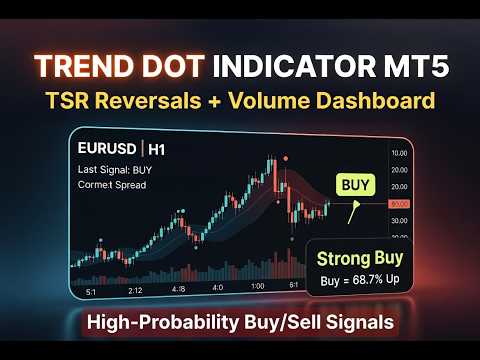
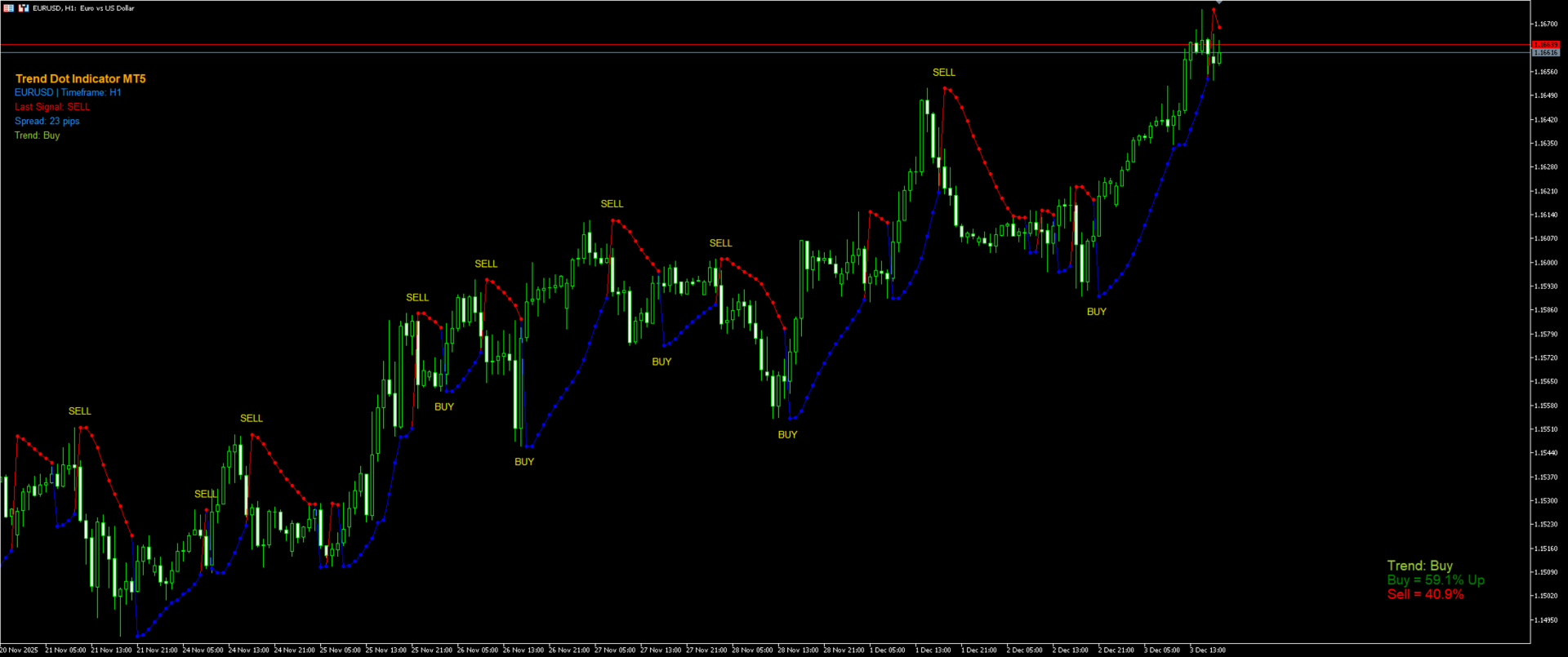
A fast-reacting Trend Step Regression (TSR) line with color-coded dots instantly shows the current trend. High-probability BUY/SELL signals appear only when a real reversal occurs, confirmed by minimum trend length and ADX strength.
Description here: https://www.mql5.com/en/blogs/post/765867
Features:
- Clear visual TSR line + dots (blue = up, red = down)
- Filtered reversal signals with text labels
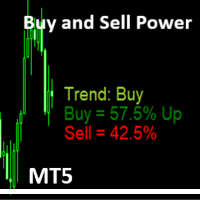
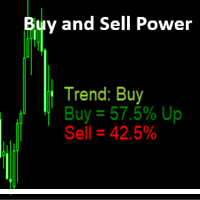
- Real-time volume pressure dashboard (Buy/Sell % + 8-level trend strength)
- Info panel: symbol, timeframe, last signal, spread, volume trend
- Alerts (pop-up, push, email)
Clean chart, strong signals, works on all markets and timeframes (best M15–D1).
Trend Dot Indicator MT5 – Input Parameters (Full Description)
TSR Settings
- TSR Step (default 0.02) — Initial and increment size of the acceleration factor. Smaller = smoother, larger = more reactive.
- TSR Maximum (default 0.2) — Caps the acceleration so the line never lags too far behind price.
- Min Bars in Trend for Signal (default 4) — Prevents signals on very short, fake reversals. Only issues a signal if the previous trend lasted at least this many bars.
- Signal Offset (default 0.0004) — Distance (in price) that BUY/SELL labels and arrow buffers are shifted from the TSR line for clear visibility.

- ADX Period (default 14) — Period of the built-in ADX filter.
- ADX Threshold (default 25.0) — Minimum ADX value required for a signal. Filters out ranging/choppy markets.
- Enable Alerts / Mobile / Email — Turn pop-up, push, and email notifications on/off independently.
- Label Shift (default -2) — Horizontal position of the BUY/SELL text labels (in bars).
Volume Settings
- Volume Period (default 14) — Number of recent bars used to calculate buying vs. selling pressure percentages.
- Refresh Rate — How often the volume dashboard updates (Every tick → 1 hour, or synchronize with current chart timeframe).
- Font Size, XOffset, YOffsets — Precise placement and size of the volume labels (Buy %, Sell %, Trend Strength).
- All colors — Fully customizable for Buy/Sell percentages and every trend-strength level (Strong Buy, Max Up, Trend Change Soon, etc.).
Dashboard Settings
- Dashboard X / Y — Pixel position of the main information panel (symbol, timeframe, last signal, spread, volume trend).
All parameters are logically grouped and come with sensible defaults — just attach and trade, or fine-tune in seconds for any market or timeframe.
Risk Warning:
Trading financial markets involves significant risk of loss and is not suitable for all investors. Past performance is not indicative of future results. The Trend Dot Indicator MT5 is provided for informational purposes only and does not constitute financial advice. Use at your own risk; the developer assumes no liability for any losses incurred.