Pro Panel MT5
- Experts
- 버전: 1.5
- 업데이트됨: 2 10월 2026
- 활성화: 5

Pro Panel
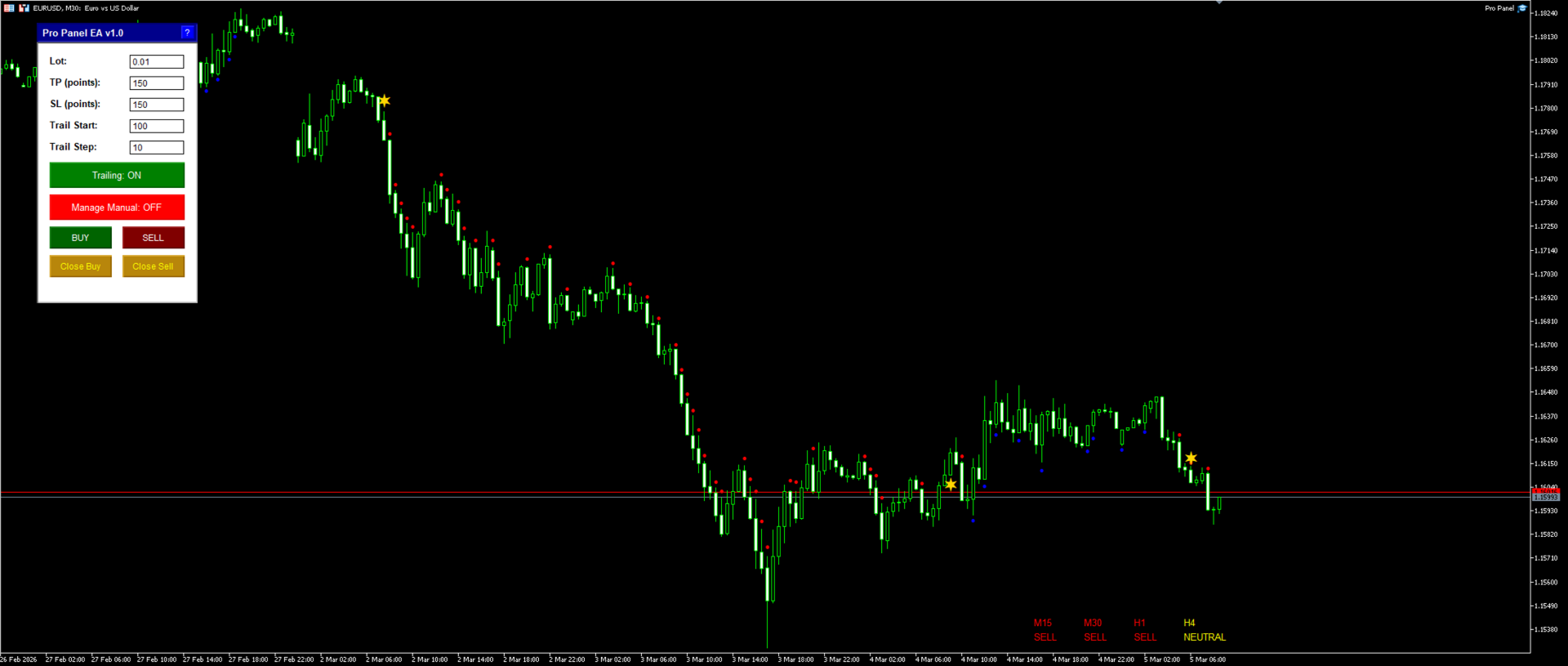
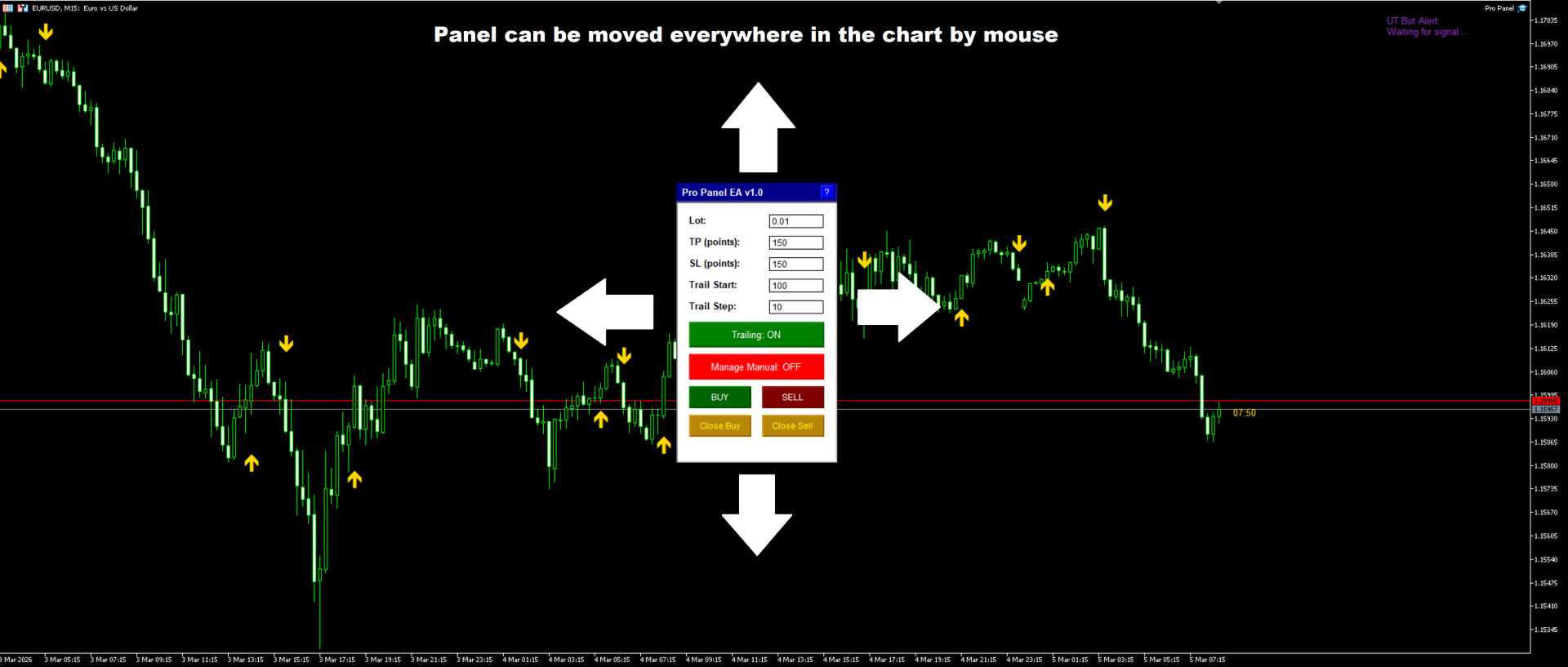
The Pro Panel EA is a user-friendly, draggable graphical interface for MetaTrader 5, designed to streamline trading operations.
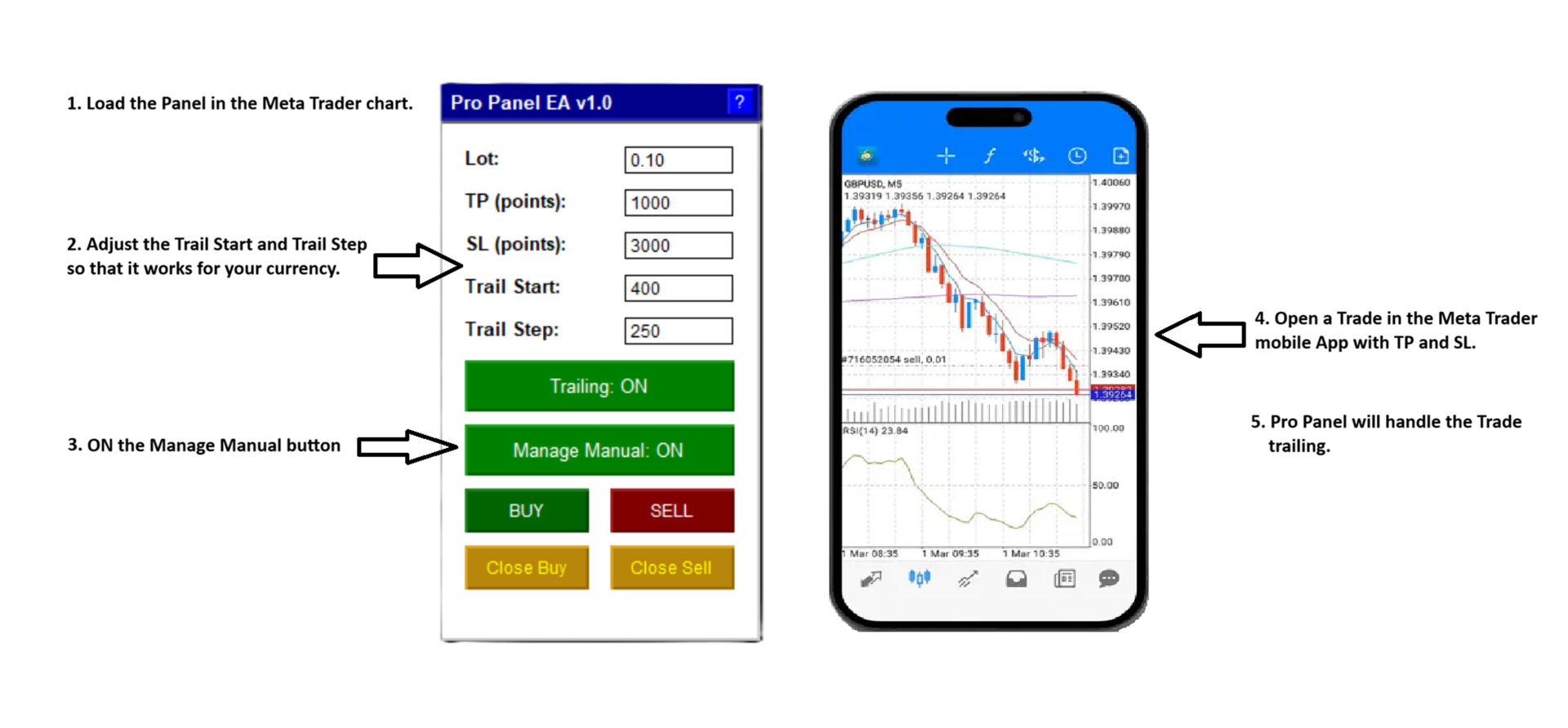
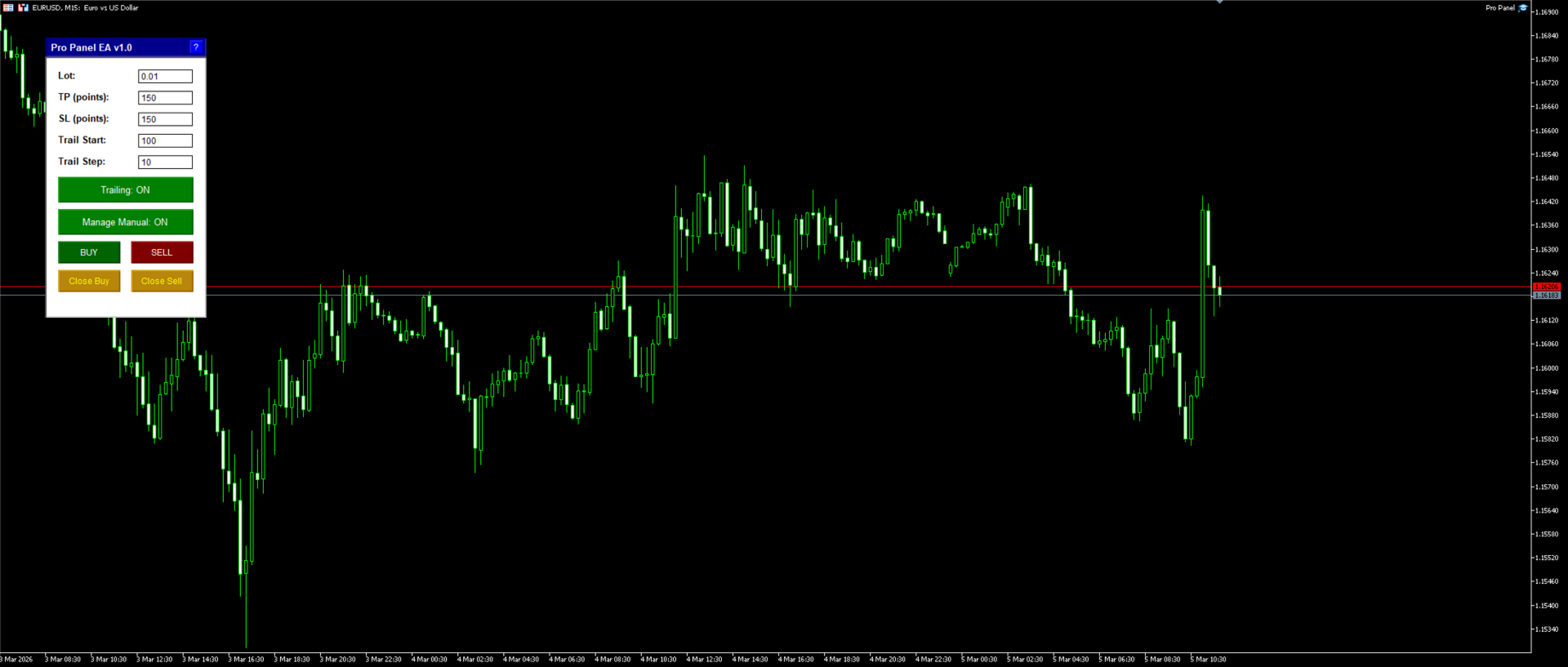
It features editable fields for lot size, take profit (TP) and stop loss (SL) in points, and trailing stop parameters (start and step).
Key buttons allow quick opening of buy or sell positions, as well as closing all buys or sells, with options to filter by the EA's magic number or include manual trades (e.g., from the MT5 mobile app).
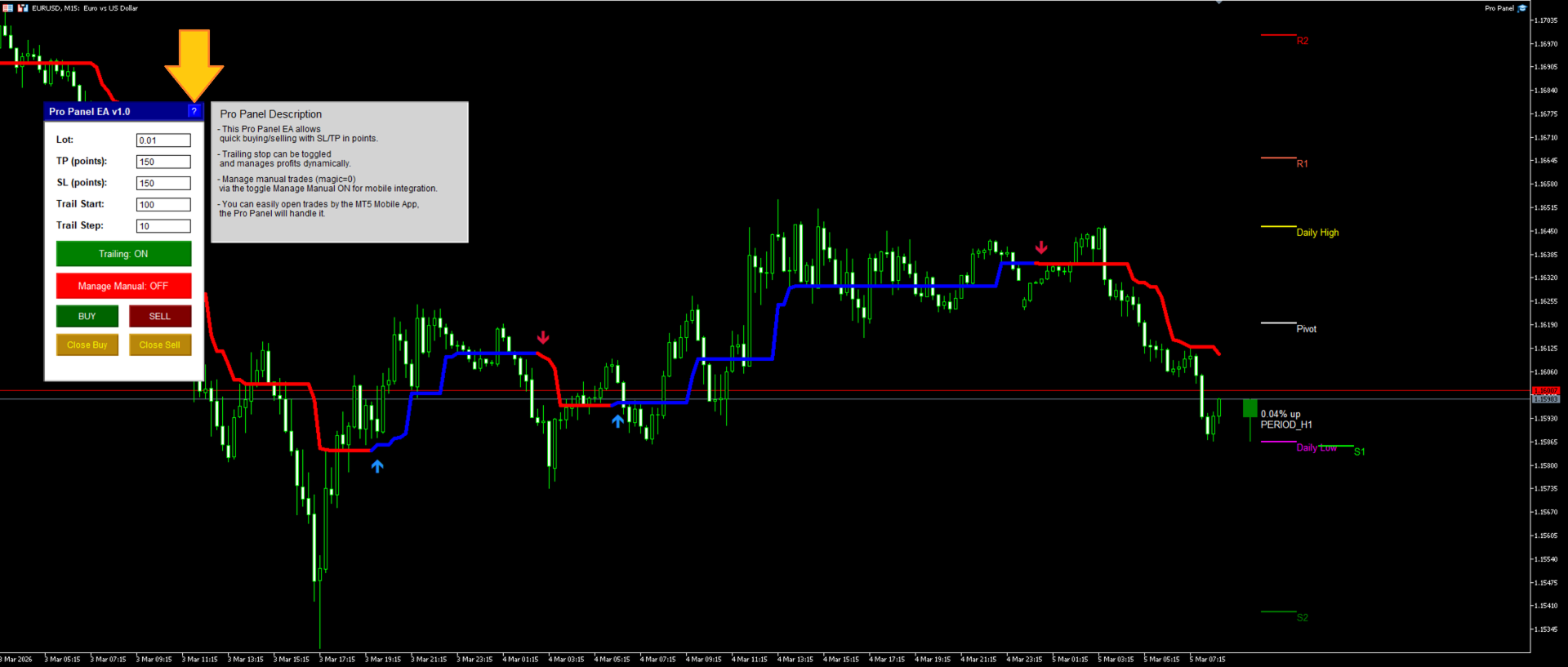
Toggles enable/disable trailing stops and manual trade management, while a "?" button reveals a help sub-panel with usage tips.
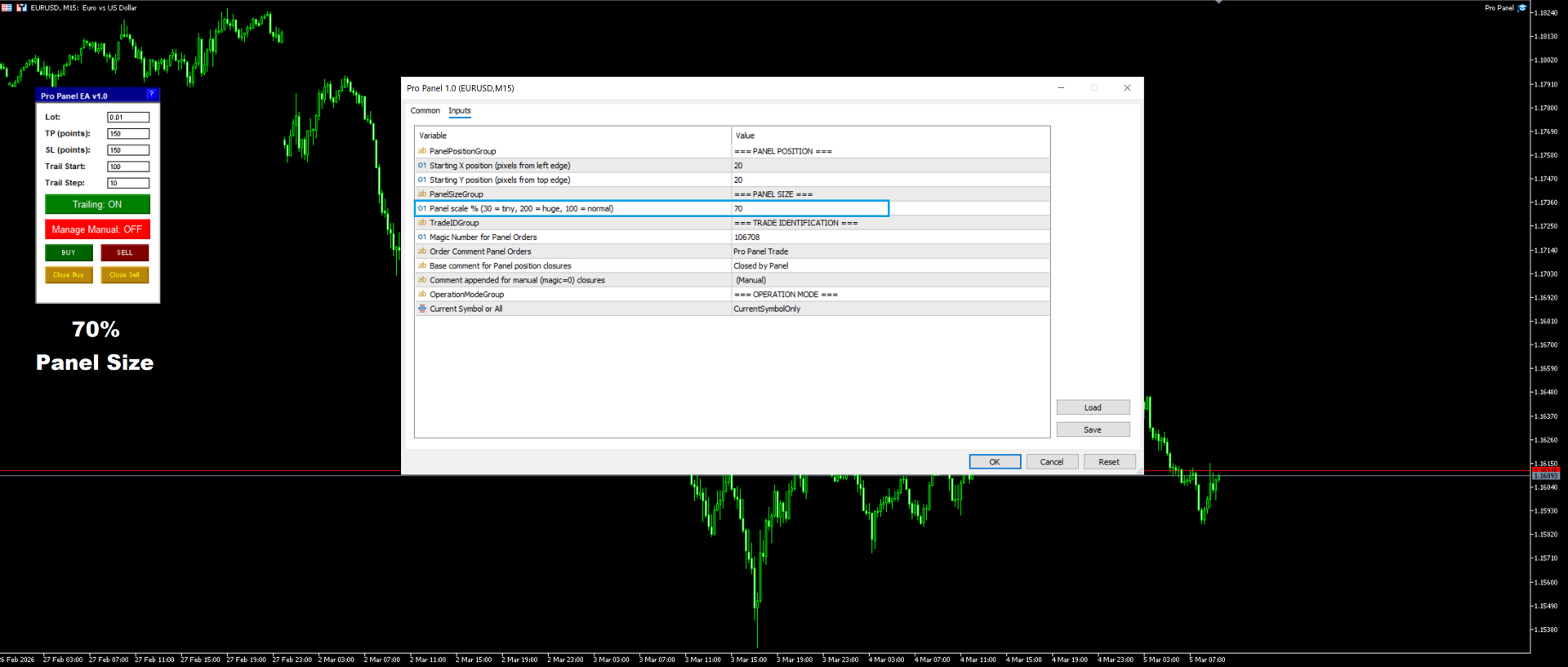
The panel is scalable (30-200% via input), persists settings across sessions, and supports current-symbol or all-symbols modes, making it ideal for efficient desktop-mobile hybrid trading.
This Pro Panel allows quick buying/selling with SL/TP, Trailing and mobile integration.
When Manage Manual = ON, new trades opened from MT5 Mobile automatically get SL/TP.
Trailing stop can be toggled and manages profits dynamically (works on manual too).
Support and questions via MQL5 product comments.
For questions, updates, and to connect with other traders, join my official MQL5 group ForexEAandMore
Version 1.4:
Points or ATR
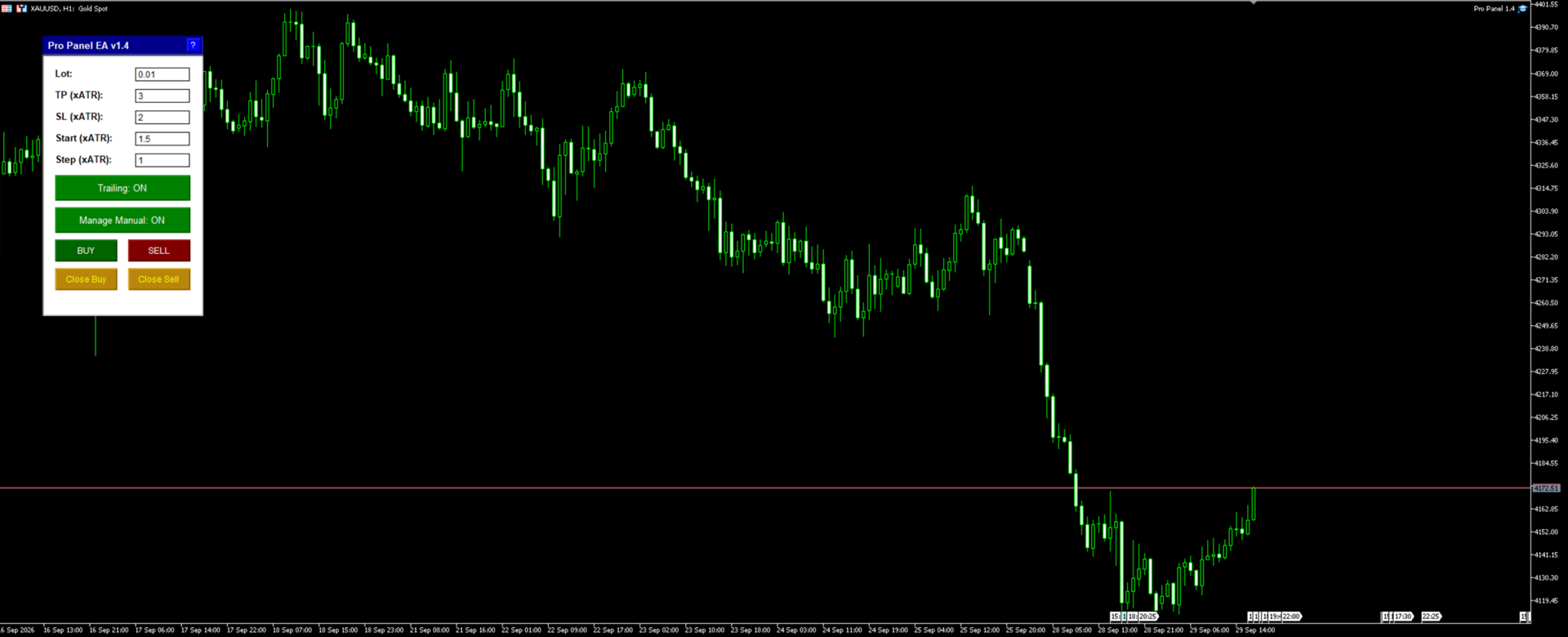
- There are two new dropdowns in the EA settings: "SL & TP unit" and "Trailing Start & Step unit". Each can be set to Points or ATR multiplier, so you can mix them.
- I also added ATR period and ATR timeframe inputs.
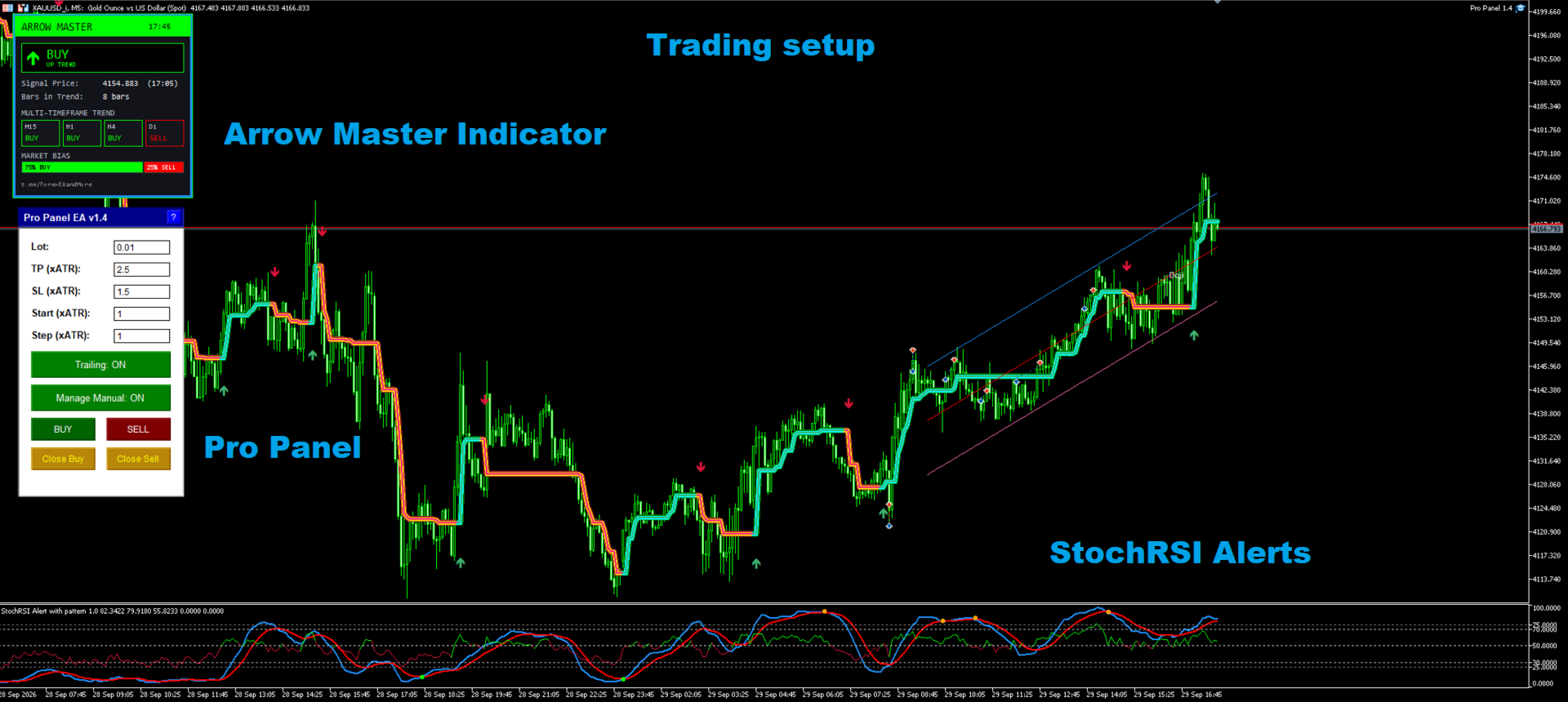
- In ATR mode the panel fields become multipliers. The defaults are TP 3, SL 2, trail start 1.5 and trail step 1. The labels change to "TP (xATR)" and so on.
- ATR is read from the last closed bar, per symbol, so it also works with "All Symbols".
- ATR mode is used for panel Buy/Sell orders, auto SL/TP on manual trades, and trailing.
- Saved field values are stored separately for points and ATR, so switching the mode doesn't load a points value like 500 as an ATR multiplier.
Settings
Lot: Position size in lots (e.g., 0.01, minimum based on broker).
TP (points): Take Profit offset in points (e.g., 500; 0 = none).
SL (points): Stop Loss offset in points (e.g., 300; 0 = none).
Trail Start: Points in profit to activate trailing stop (e.g., 250).
Trail Step: Trailing stop adjustment size in points (e.g., 50).
Trailing: Toggle ON/OFF for trailing stop functionality.
Manage Manual: Toggle ON/OFF to handle manual/mobile trades (magic=0).
Apply To: Input setting for scope (Current Symbol Only or All Symbols).
Magic Number: Identifier for EA trades (e.g., 106708).
Panel Position: Starting X/Y pixels (e.g., 20/20; draggable).
Panel Scale %: Size adjustment (e.g., 90%; 30-200 range).
Order Comment: Label for new trades (e.g., "Pro Panel Trade").
Close Comment: Base label for closures (e.g., "Closed by Panel"; appends "(Manual)" for magic=0).
Disclaimer
This indicator is provided for informational purposes only and does not constitute financial advice. Past performance calculated using historical data does not guarantee future results, and trading involves risk of loss. Always test the product in a demo account, combine it with appropriate risk management, and consult a professional advisor if necessary. The developer assumes no liability for any trading decisions made based on this tool. Translations are available via MQL5 tools for global accessibility.