Xerox Mt5
- ユーティリティ
- バージョン: 3.0
- アクティベーション: 5

XEROX Trade Copier
FOR SAME SCREEN NO NEED TO DOWNLOAD JUST PLUG AND PLAY
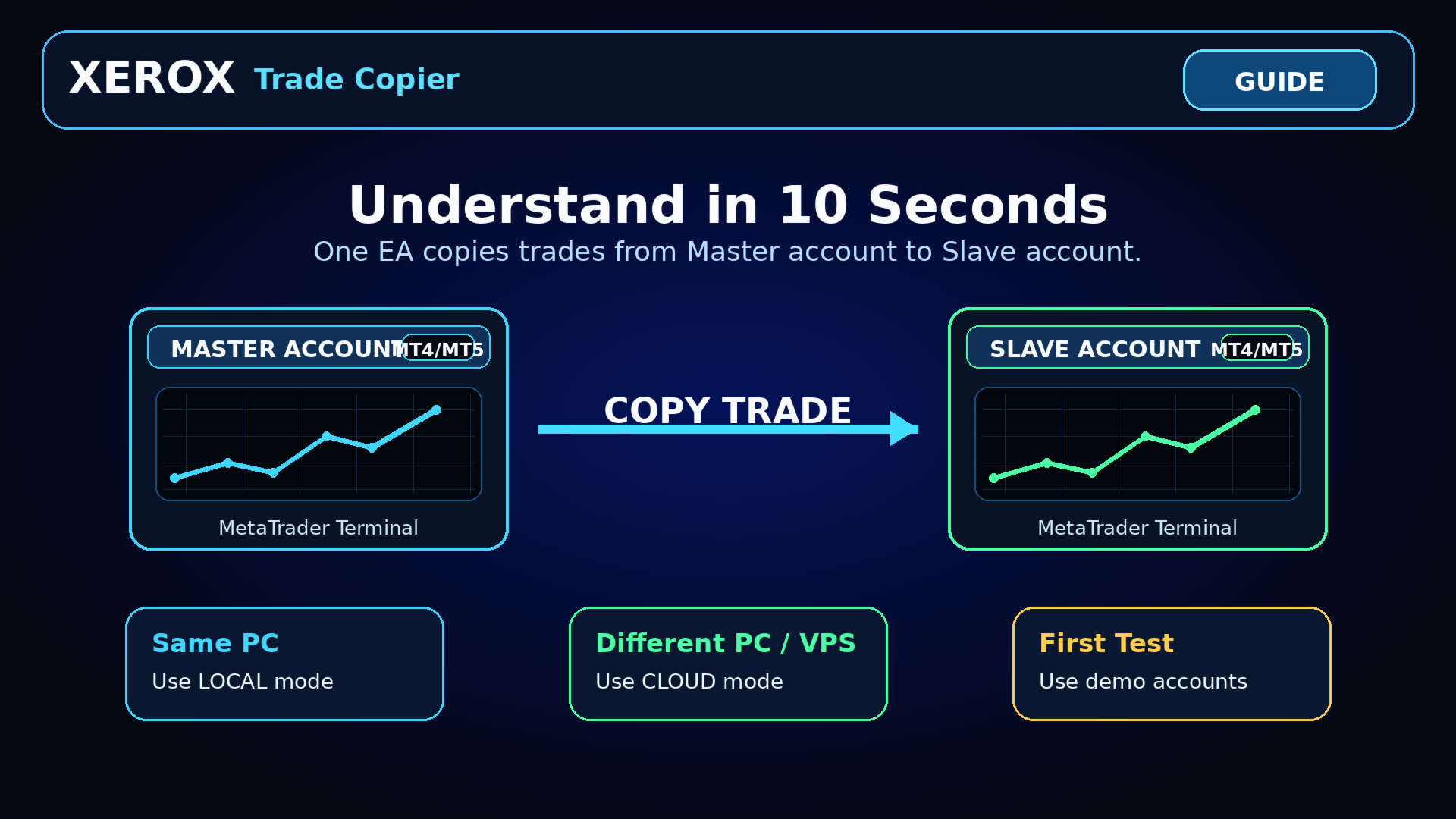
The EA works in LOCAL mode on the same computer without an external server.
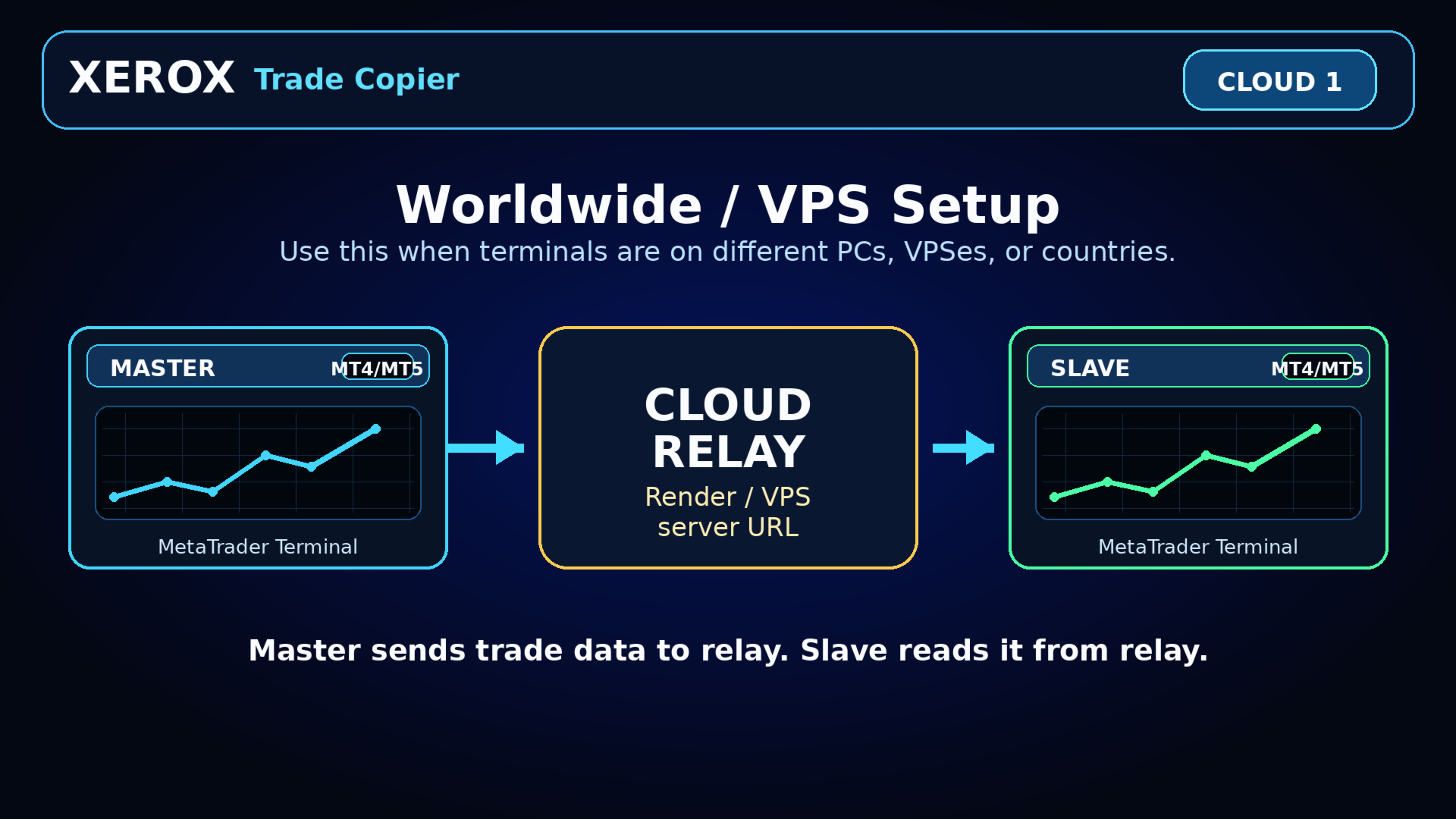
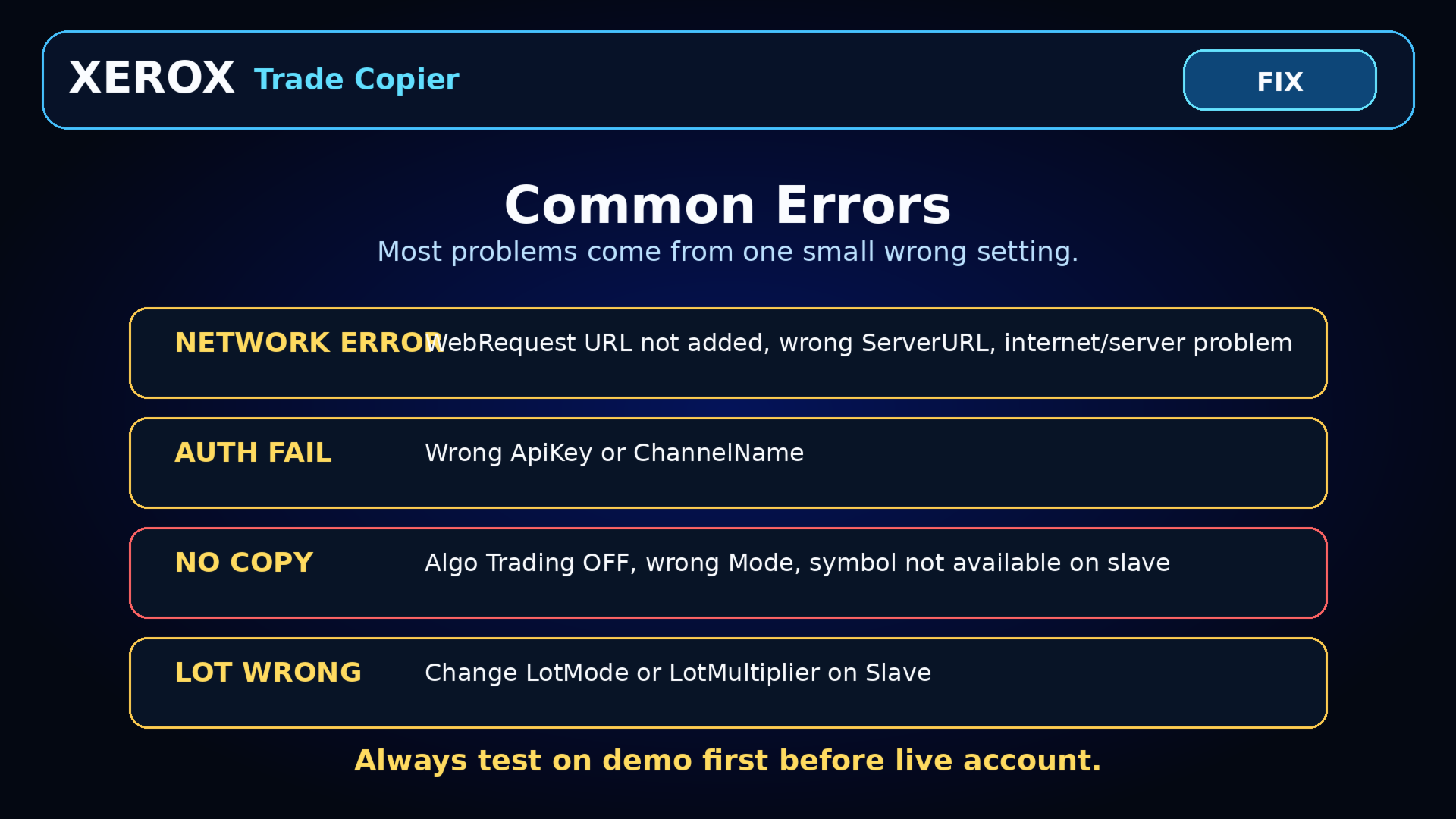
For terminals running on different computers or VPS environments, CLOUD mode requires the user to configure a compatible relay endpoint and add the URL to the terminal WebRequest allowed list.
XEROX Trade Copier is a utility Expert Advisor for copying trading actions between MetaTrader terminals.
It supports:
- MT4 to MT4
- MT5 to MT5
- MT4 to MT5
- MT5 to MT4
Two working modes:
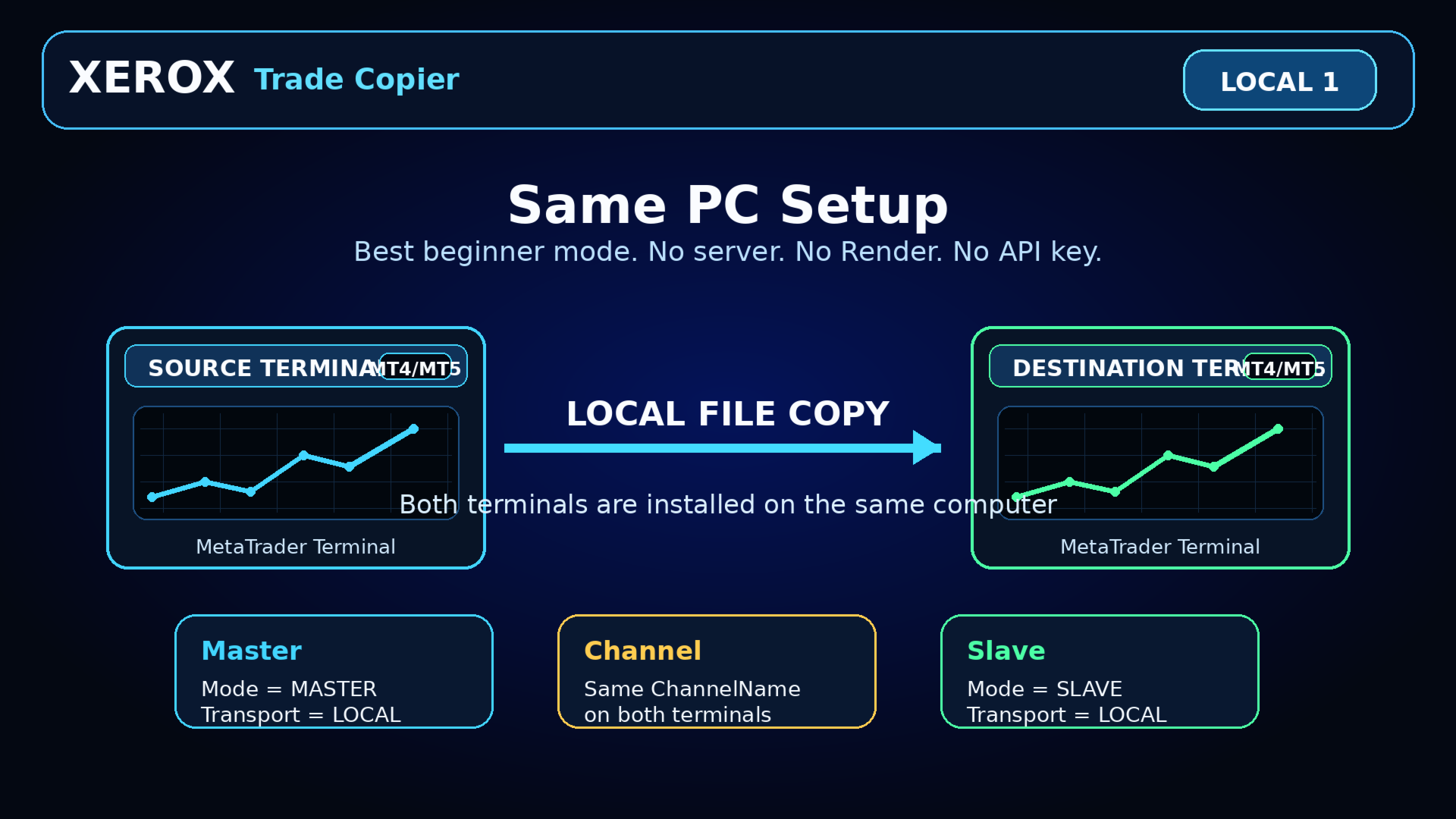
1) LOCAL MODE — Same PC
Use this when the Master terminal and Slave terminal are installed on the same computer.
No cloud server is required.
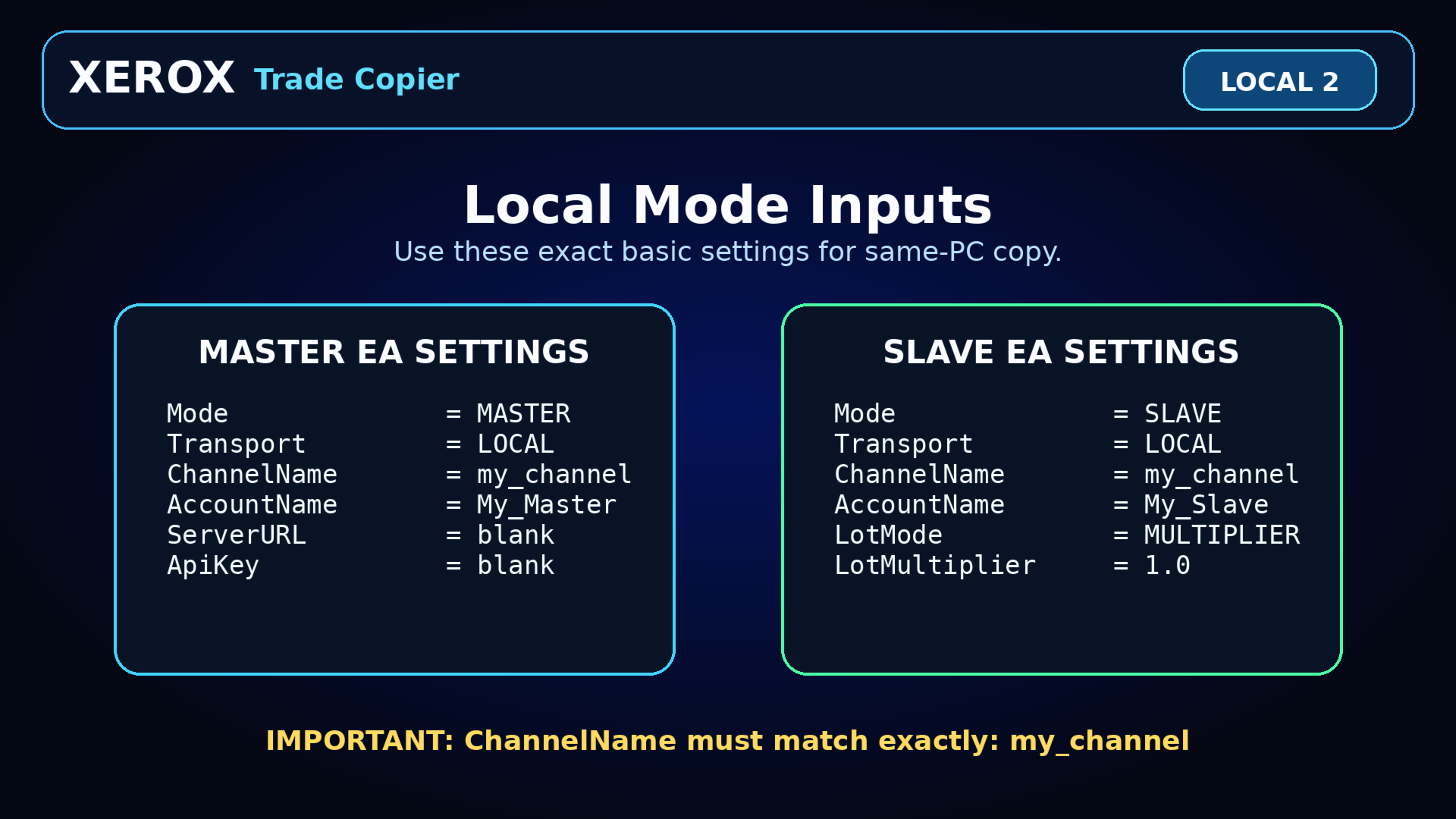
Basic setup:
- Master EA: Mode = MASTER, Transport = LOCAL
- Slave EA: Mode = SLAVE, Transport = LOCAL
- ChannelName must be the same on both terminals
2) CLOUD MODE — Different PC / VPS / Worldwide
Use this when the Master terminal and Slave terminal are on different computers, VPS systems, or countries.
This mode requires a compatible relay server URL.
Basic setup:
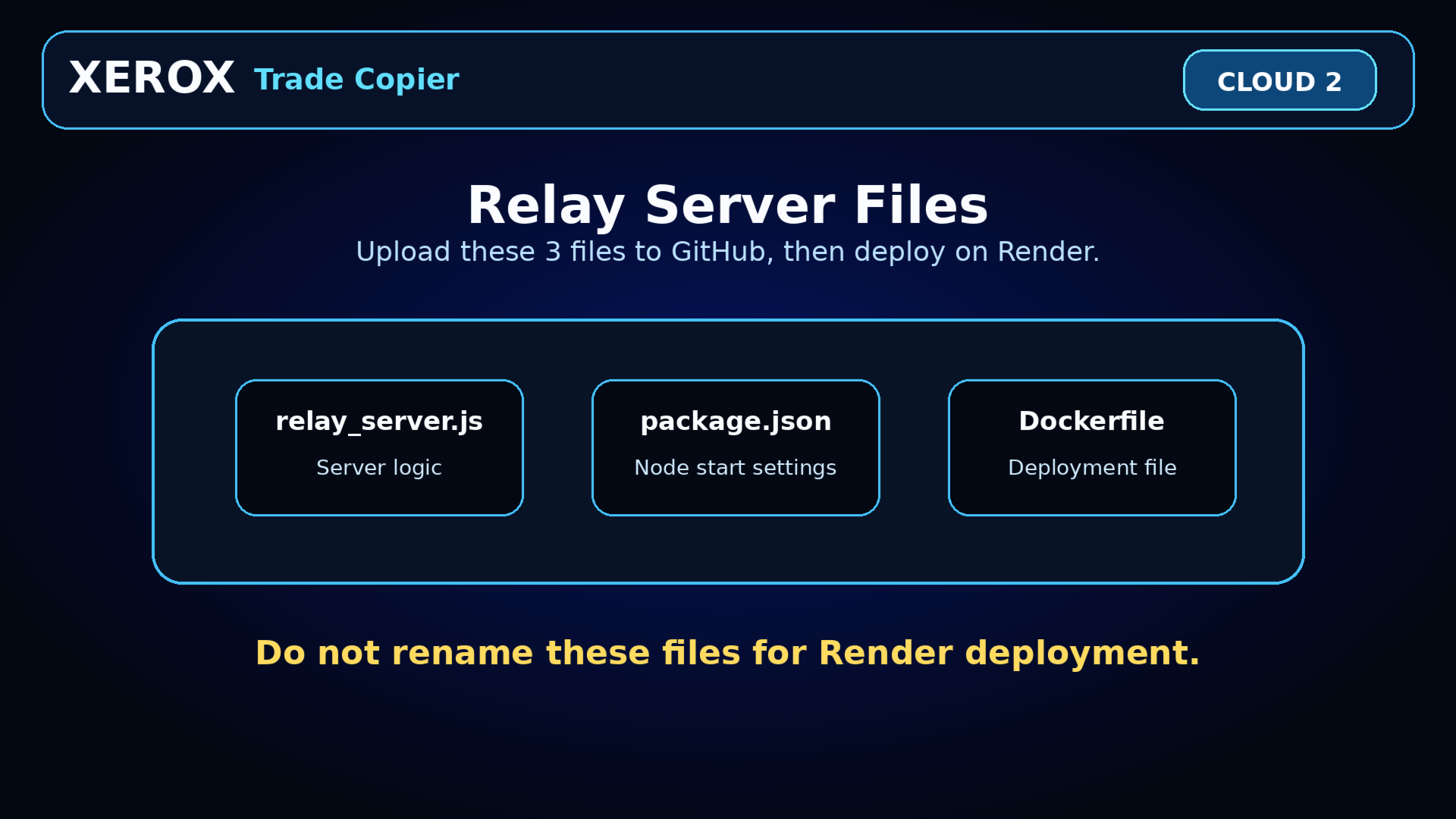
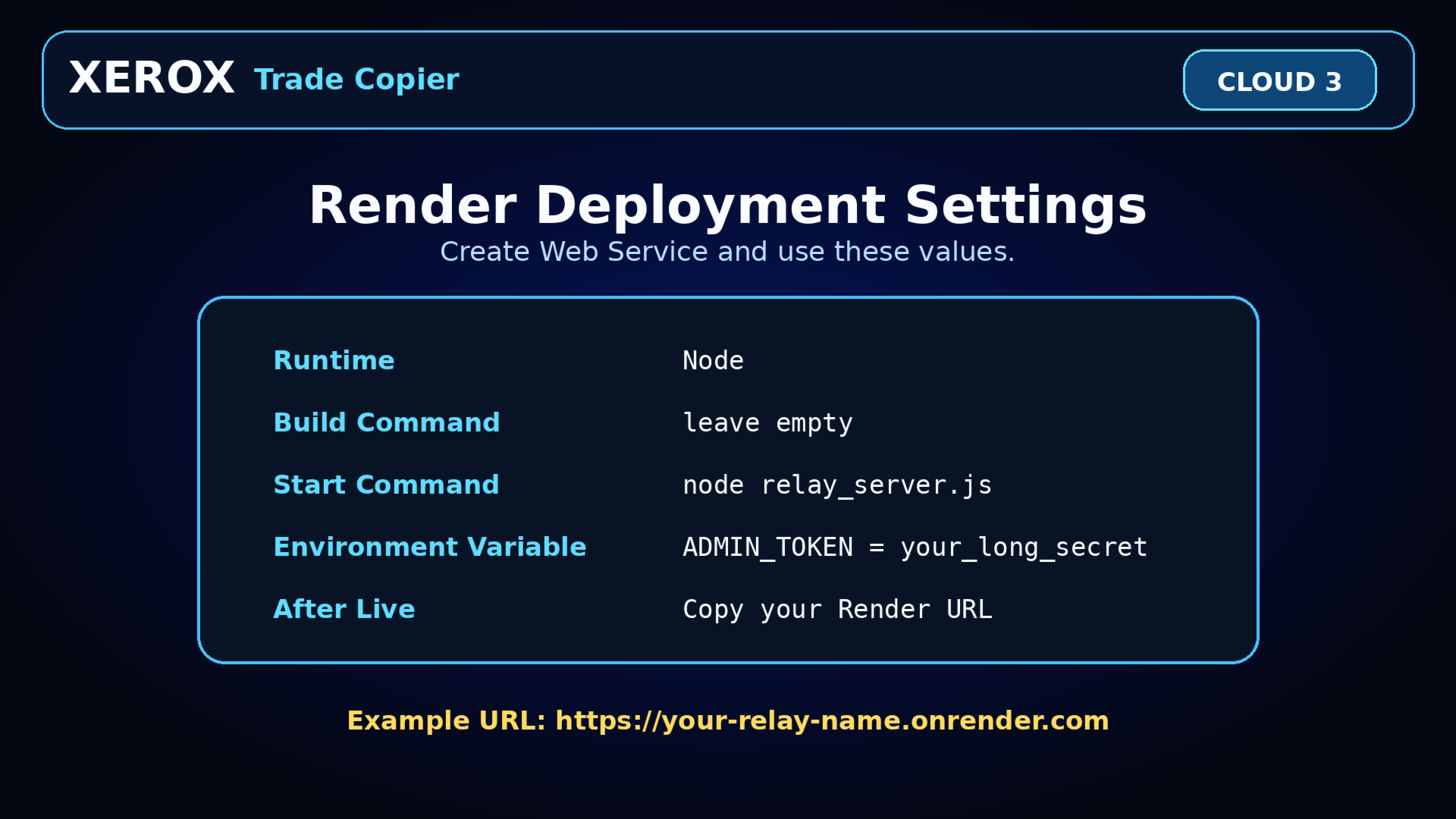
- Deploy the relay server
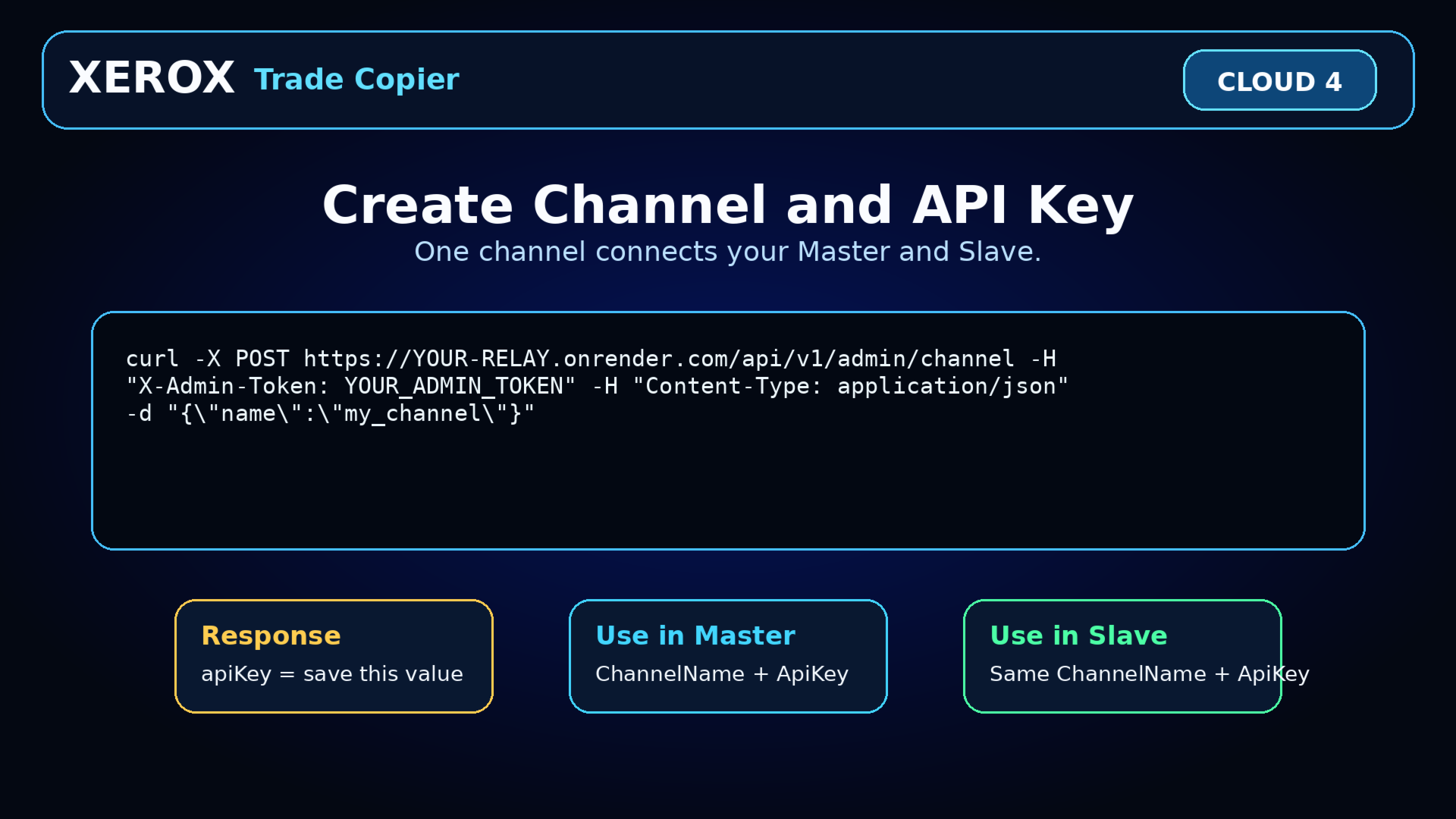
- Create a channel and API key
- Add the relay URL to WebRequest allowed list
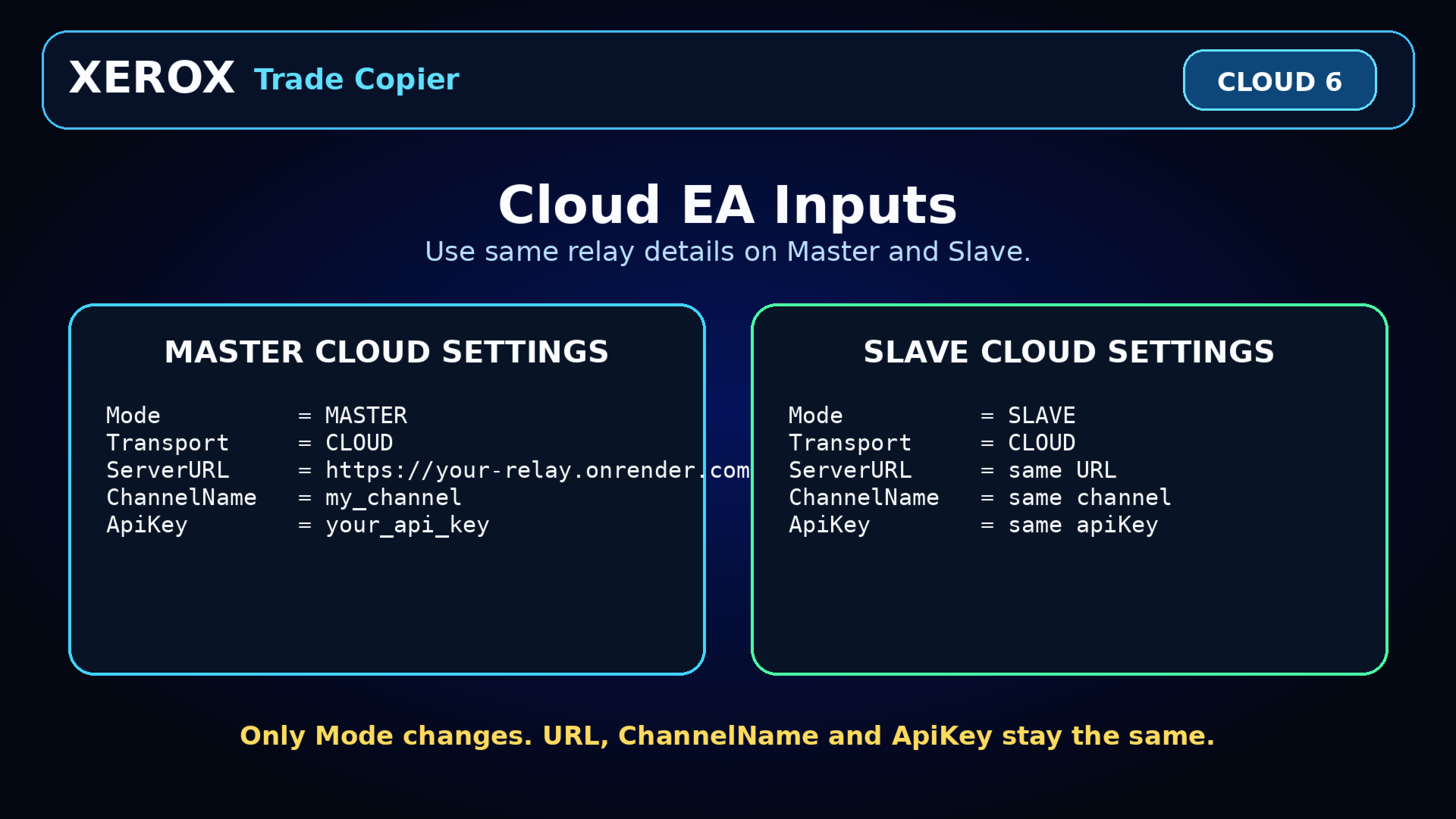
- Master EA: Mode = MASTER, Transport = CLOUD
- Slave EA: Mode = SLAVE, Transport = CLOUD
- ServerURL, ChannelName and ApiKey must match
Main features:
- Master and Slave modes
- Local same-PC copying
- Optional cloud relay copying
- Lot multiplier
- Fixed lot mode
- Balance ratio lot sizing
- Risk percentage lot sizing
- Symbol filter
- Broker suffix/prefix symbol matching
- Safety controls such as spread, slippage, signal age and maximum trades
- Optional dashboard status
Important:
This product is a trade copying utility. It does not guarantee profit, execution speed, broker fills, or trading results. Execution depends on broker conditions, internet connection, symbol availability, spreads, slippage and account permissions.
Recommended:
Test everything on demo accounts first. After confirming your setup works correctly, only then consider using it on live accounts.