Execution Suite Pro High Speed Scalping Panel
- Utilità
- Versione: 8.50

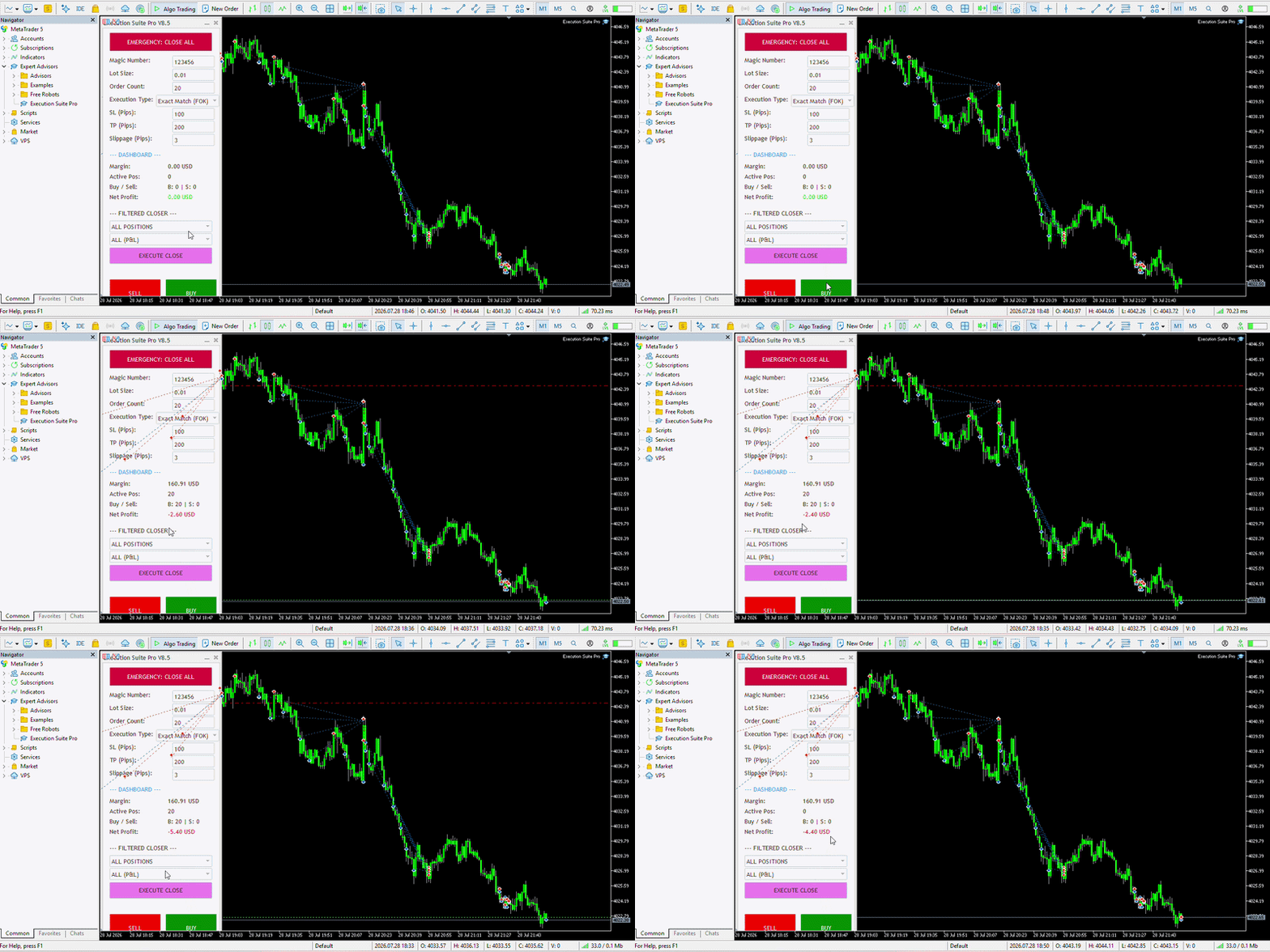
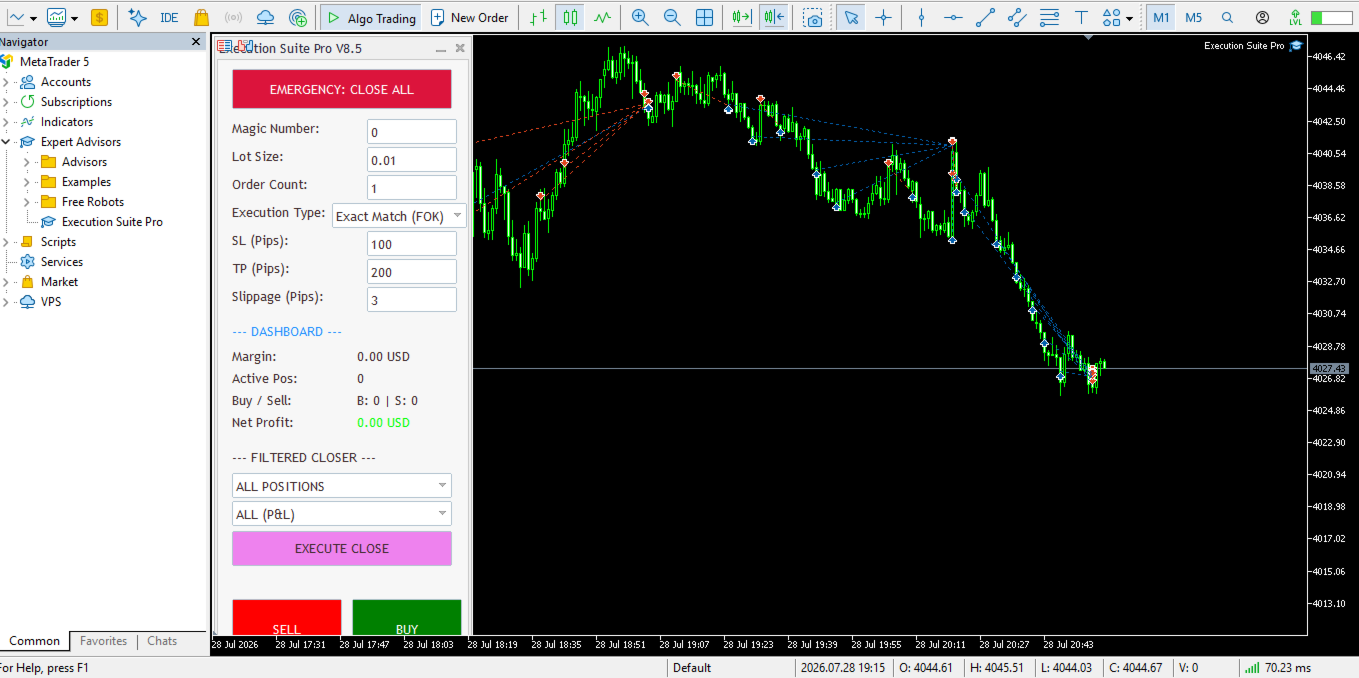
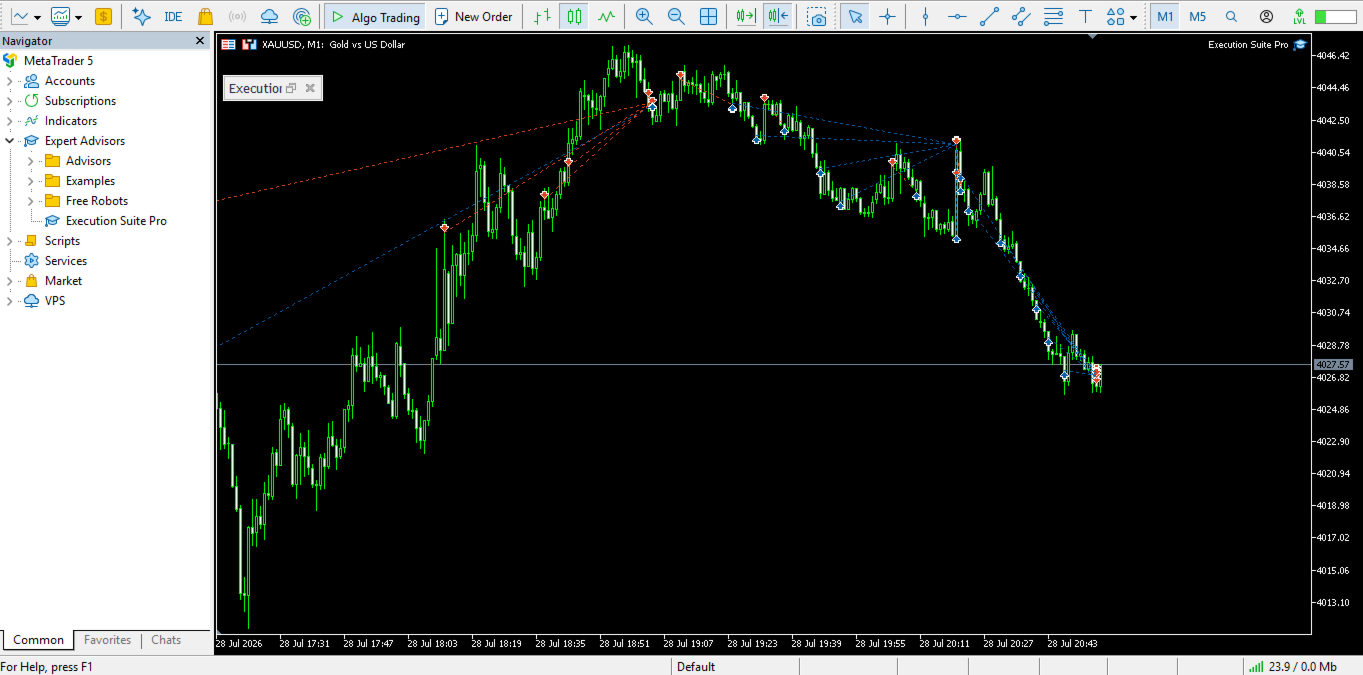
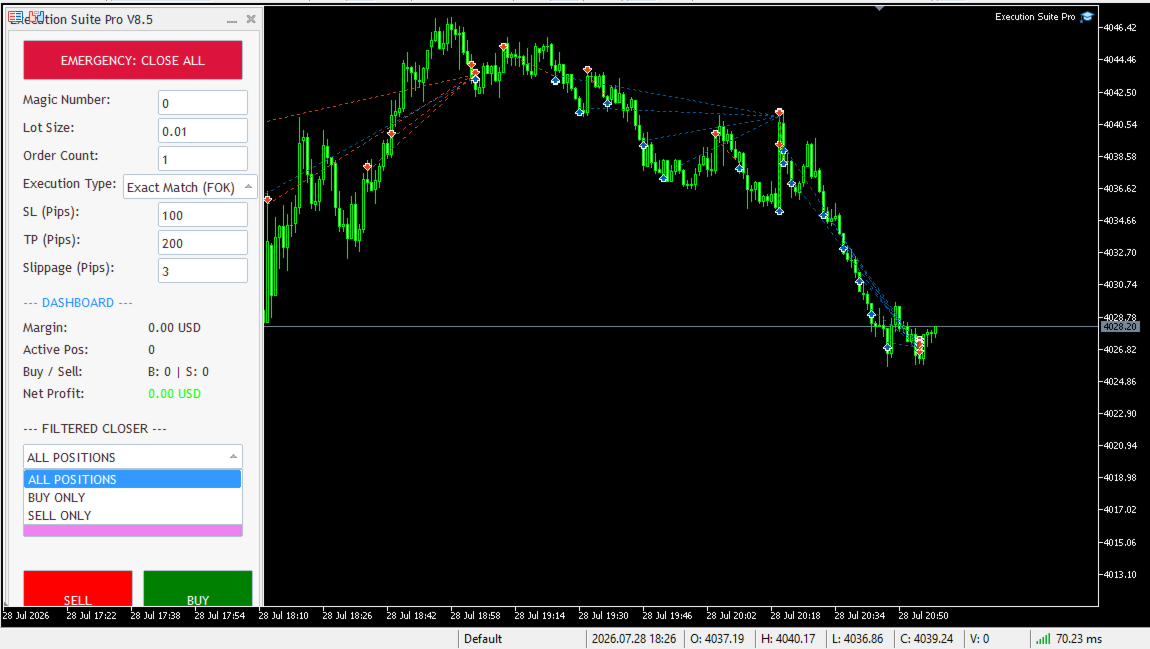
Execution Suite Pro is an on-chart trading panel designed for MetaTrader 5 manual traders and scalpers. The utility provides visual trade management directly on the chart, allowing users to execute market orders, manage positions, and apply filtered bulk closures without using standard terminal dialogs.
The panel utilizes asynchronous order dispatching (OrderSendAsync) to transmit trading requests without blocking the interface thread. It includes position filtering capabilities, multi-order execution, and an emergency closure option for rapid risk management during high market volatility.
Key Features
- Asynchronous Execution: Uses MT5 asynchronous order sending to transmit market orders without freezing the visual chart interface.
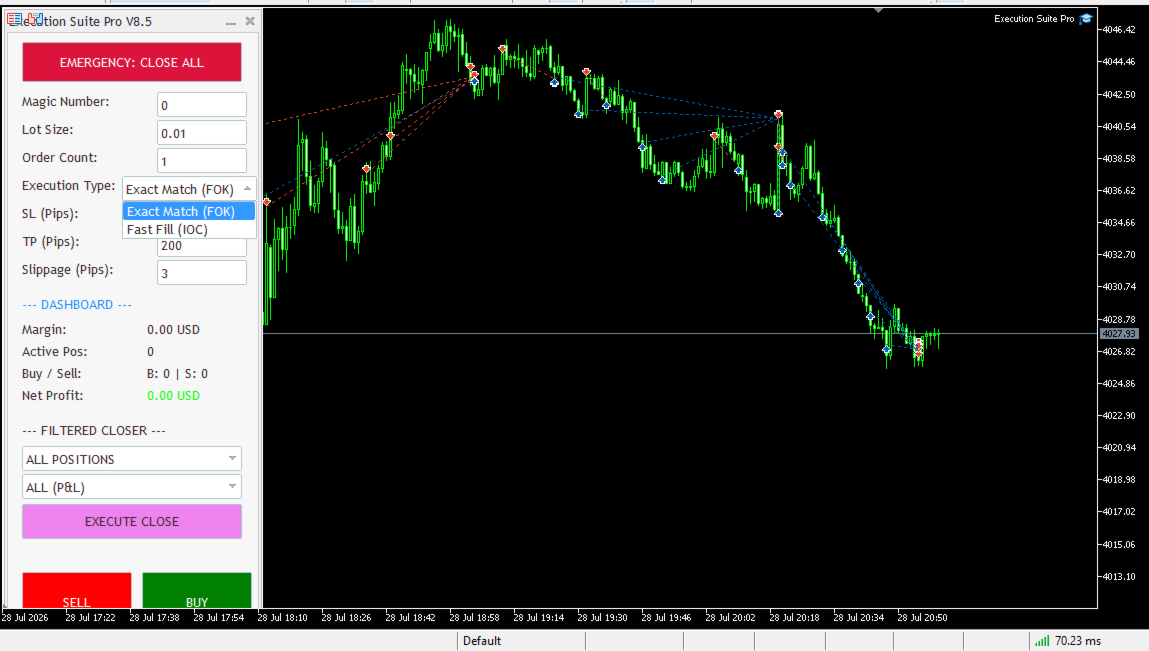
- Filtered Position Closure: Close positions based on specific criteria. Filter by direction (All, Buy Only, Sell Only) and profitability (All, Profit Only, Loss Only).
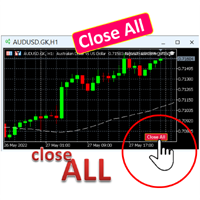
- Emergency Close All: A dedicated control to close open positions on the current chart symbol in rapid market shifts.
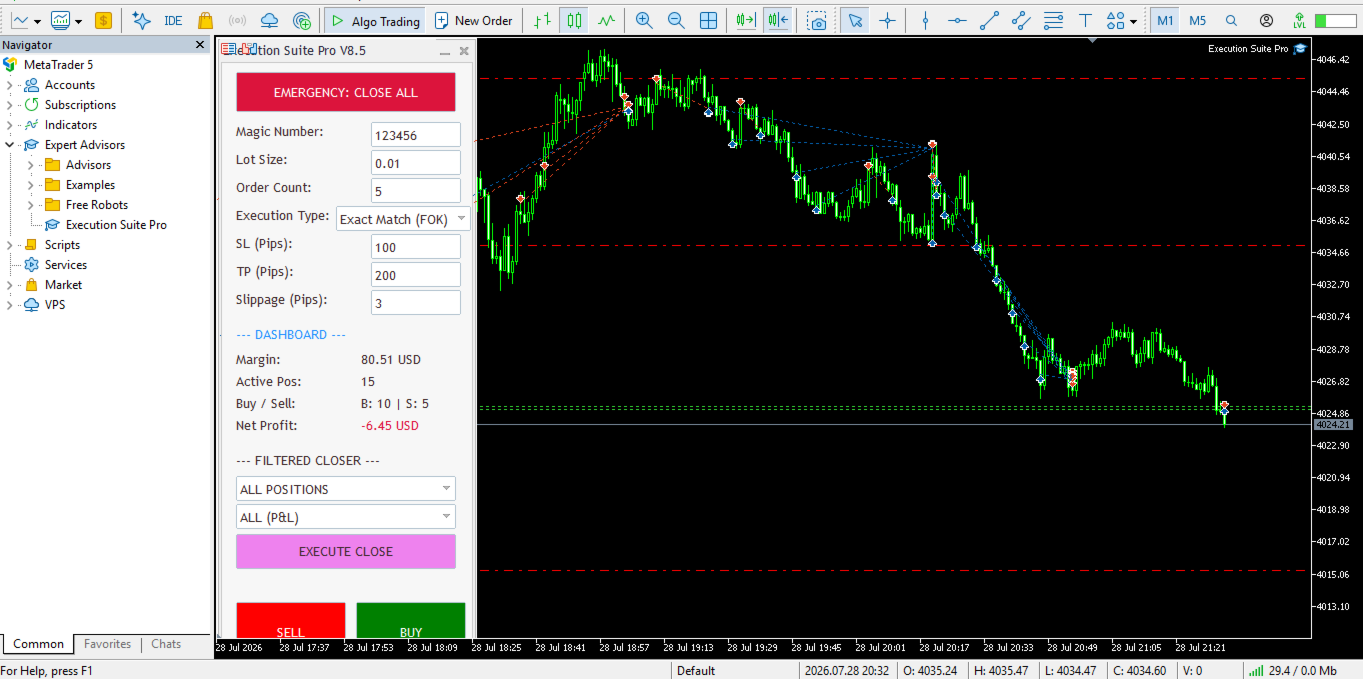
- Multi-Order Execution: Open multiple positions simultaneously with a user-defined order count.
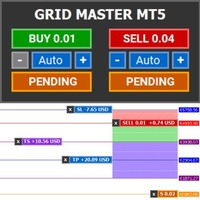
- On-Chart Dashboard: Displays current trading statistics including active margin, total open positions, directional distribution, and net floating profit/loss.
- Risk and Order Parameters: Pre-configure Magic Number, lot size, Stop Loss, Take Profit, and maximum allowed slippage.
- Broker Filling Mode Support: Compatible with broker execution policies including Fill or Kill (FOK), Immediate or Cancel (IOC), and Return.
- Visual On-Chart Controls: All primary parameters can be adjusted directly from the visual interface on the chart.
Panel Parameters and Controls
- Magic Number: Unique identifier to isolate and manage only trades opened by this panel.
- Lot Size: The trading volume for newly opened orders.
- Order Count: Number of consecutive orders sent per click.
- Execution Type: Selection of order filling policy (FOK, IOC, or Return).
- SL (Pips) / TP (Pips): Stop Loss and Take Profit levels specified in points/pips.
- Slippage (Pips): Maximum acceptable slippage tolerance for order execution.
- Close Target: Directional filter for position closure (All, Buy Only, or Sell Only).
- Close Condition: Profitability filter for position closure (All, Profit Only, or Loss Only).
Operation and Setup
- Attach the Expert Advisor to any chart.
- Ensure that the Algo Trading button is enabled in the MetaTrader 5 top toolbar.
- Configure the desired lot size, Stop Loss, and Take Profit values directly on the panel.
- For low-latency execution, running the terminal on a VPS close to your broker's server is recommended.
Broker Order Filling Modes
MetaTrader 5 brokers handle order filling policies differently. Select the mode matching your broker account specifications:
- FOK (Fill or Kill): The order must be filled completely at the specified price or better; otherwise, it is cancelled.
- IOC (Immediate or Cancel): The broker fills whatever volume is available immediately and cancels any remaining volume.
- Return: For market orders with partial execution allowed, remaining volume remains open in the market.
Support and Questions
If you have questions regarding configuration or usage, please leave a comment in the Comments tab or contact the author via private message on MQL5.com.