Grid Layer Stop
- Utilità
- Versione: 1.0

Grid Layer Stop
Position-count protection for grid, martingale, and multi-layer strategies on MetaTrader 5.
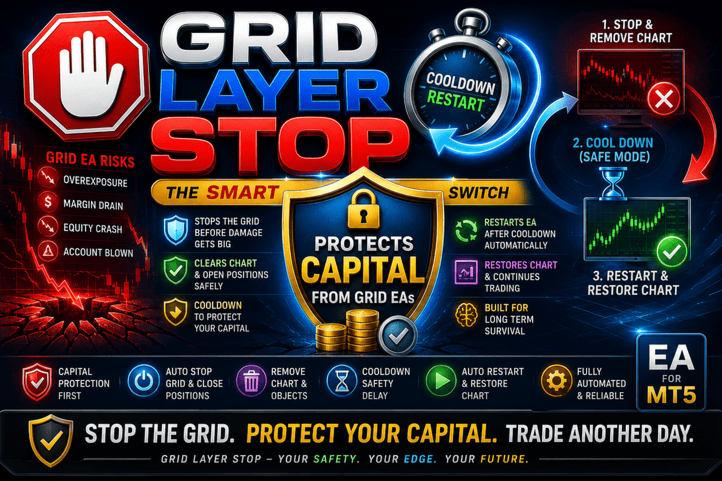
Grid Layer Stop tracks how many positions a strategy has open and takes a predefined action once that count exceeds a configured limit — closing the exposure, clearing the chart, and either locking down until manual review or restoring automatically after a cooldown. It runs independently of whatever EA is placing the trades, so it continues to enforce the limit even if the trading logic itself would keep adding to the position.
The Problem It Addresses
Most commercially available grid, martingale, and DCA EAs are built around their entry and averaging logic, not around a hard cap on how many layers they're allowed to open. Position sizing is typically left to a lot-multiplier setting, and there is rarely an independent mechanism that stops the strategy once the number of open trades passes a defined threshold — the EA will keep adding positions as long as its own conditions are met, regardless of how large the basket has grown.
That means the position-count limit, if any, has to be enforced by the trader manually, or not at all. A terminal restart, a missed check, or a strategy that keeps layering through an extended move can take the position count well past what the account was ever sized for.
Grid Layer Stop is a separate, dedicated EA that adds this missing layer: it doesn't evaluate entries or manage the grid itself, it only counts open positions against a limit you set and acts the moment that limit is crossed.
Key Features
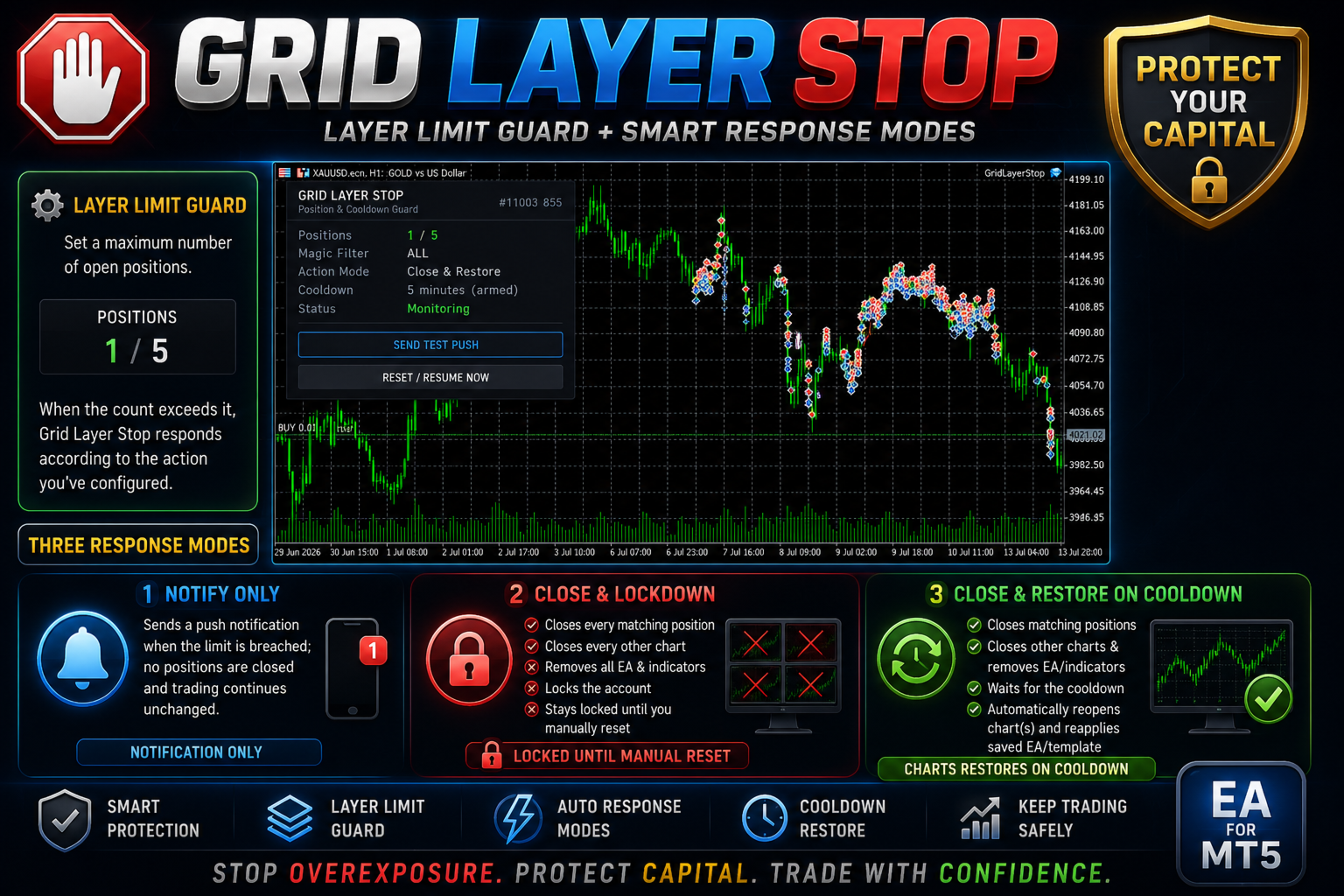
Layer Limit Guard Set a maximum number of open positions. When the count exceeds it, Grid Layer Stop responds according to the action you've configured.
Three Response Modes
- Notify Only — sends a push notification when the limit is breached; no positions are closed and trading continues unchanged.
- Close & Lockdown — closes every matching position, closes every other chart (removing whatever EA or indicator is attached to it), and holds the account in a locked state until manually reset.
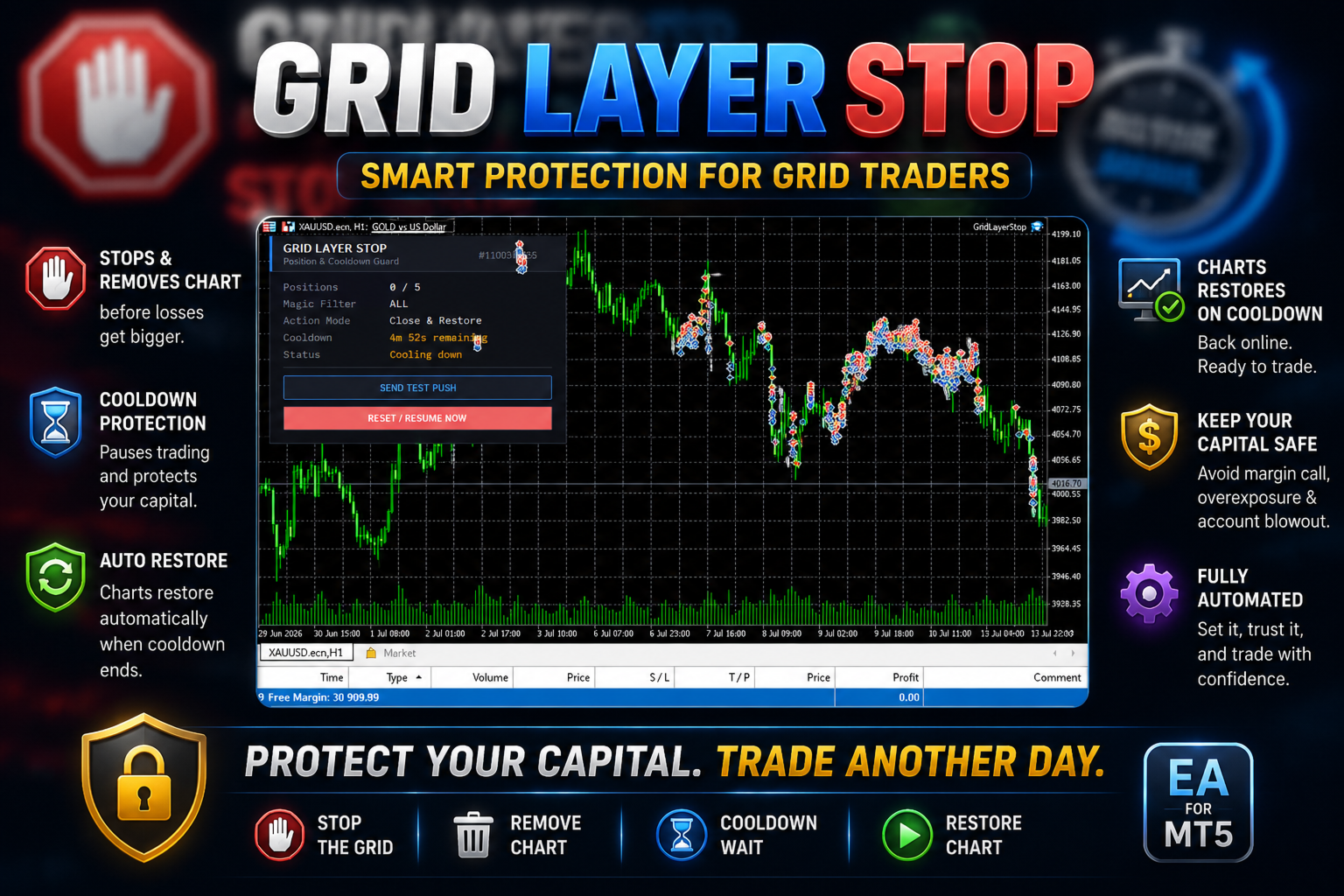
- Close & Restore on Cooldown — closes matching positions and other charts, then automatically reopens the chart(s) and reapplies the saved EA/template once a configured cooldown period has elapsed.
Configurable Cooldown Options include 1 minute, 5 minutes, 30 minutes, 1 hour, 4 hours, or "next trading day" for how long the account remains cleared before an automatic restore.
Net-Loss Gate (optional) An optional setting that holds the configured action back while the breaching positions are net flat or in profit, and only triggers it once their combined floating result turns negative.
Magic Number Filtering Can be scoped to a single strategy by magic number, or applied account-wide (magic = 0), so only the intended positions are counted and closed.
Manual Restore The on-chart "Reset / Resume Now" button reopens the closed chart(s) and reapplies their saved template/EA immediately, without waiting for any remaining cooldown.
Push Notifications Uses MetaTrader's built-in push notification system, so no external bot or webhook configuration is required. Every alert is also written to the Experts log.
On-Chart Panel Displays current position count against the limit, the active magic filter, the selected response mode, cooldown status (including a live countdown when active), and overall state.
Who It's For
- Traders running grid, martingale, or DCA strategies that do not include their own position-count cap
- Traders using third-party or purchased EAs where the position-sizing logic can't be modified directly
- Anyone who wants a fixed, independently-enforced exposure limit that does not depend on manually watching the chart
How It Works
- Attach Grid Layer Stop to one chart.
- Set the position limit and, if needed, a magic number to filter which trades it manages.
- Choose the response: notify, lock down, or close-and-restore.
- If using restore mode, select a cooldown period; if using the net-loss gate, enable it.
- The EA checks the position count on every tick, timer interval, and trade event, and acts as soon as the limit is exceeded.
Setup Requirements
- MetaTrader 5 with AutoTrading enabled
- Push notifications enabled under Tools → Options → Notifications (optional, recommended)
- Attached to a single chart, with algo-trading permission enabled on that chart
Grid Layer Stop is a risk-management utility. It manages position count and exposure according to the rules configured by the user; it does not generate trading signals, predict market direction, or guarantee any outcome. Past performance of any strategy it supervises is not indicative of future results.