CapGuard Risk Manager
- Utilità
- Versione: 5.0
- Aggiornato: 30 giugno 2026

CapGuard Risk Manager
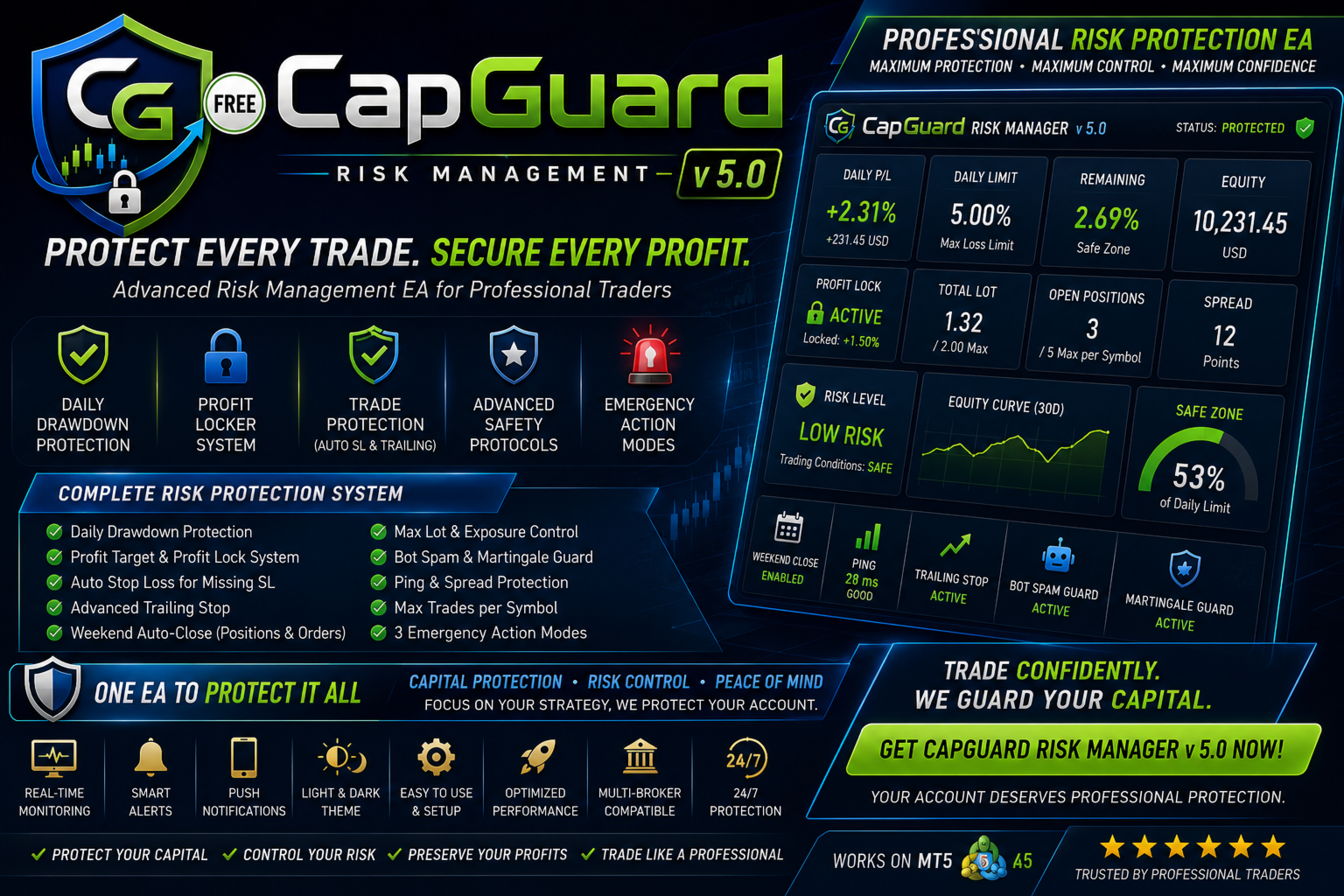
Protect your capital, pass Prop Firm challenges, and eliminate emotional trading with CapGuard Risk Manager.
Whether you are an algorithmic trader running multiple EAs, a manual trader struggling with discipline, or a Prop Firm challenger needing strict risk controls, CapGuard Risk Manager is your ultimate safety net.
This professional utility runs on a single chart but protects your entire MT5 account. It continuously monitors your equity, open positions, and server stability to ensure your daily drawdown limits are never breached and your profits are safely locked.
🔥 KEY FEATURES
🛡️ 1. Prop-Firm Ready Risk Limits (Daily Drawdown)
-
Daily Loss Limit (%): Automatically calculates your daily risk based on the day-start equity.
-
Hard Equity Stop: Set an absolute minimum equity level. If breached, all trades are closed instantly.
-
Max Total Lot Exposure: Prevents over-leveraging by restricting the total allowed lot size across all symbols.
🔒 2. Dynamic Profit Locker
-
Never give your daily profits back to the market! Set a Daily Profit Target (%), and once reached, the system will lock in a guaranteed minimum profit. If the market reverses, the EA secures your locked profit and closes all trades.
⚡ 3. Advanced Bot & Trade Protections
-
Anti-Martingale Guard: Detects and stops rogue EAs from dangerously multiplying lot sizes.
-
Bot Spam Guard: Limits the maximum number of open positions per symbol.
-
Auto-StopLoss & Trailing Stop: Automatically injects a hidden SL to unprotected trades and trails your profits tick-by-tick.
-
Weekend Gap Protector: Automatically flattens your portfolio and deletes pending orders at a specified time on Friday to avoid Monday gap disasters.
🌐 4. Environment Monitors
-
Latency (Ping) Monitor: Pauses trailing stops if your VPS-to-Broker connection becomes unstable.
-
Dynamic Spread Filter: Pauses trailing actions during extreme spread widening to prevent stop-hunting.
🚨 5. Tiered Emergency Protocols Choose what happens when a limit is hit:
-
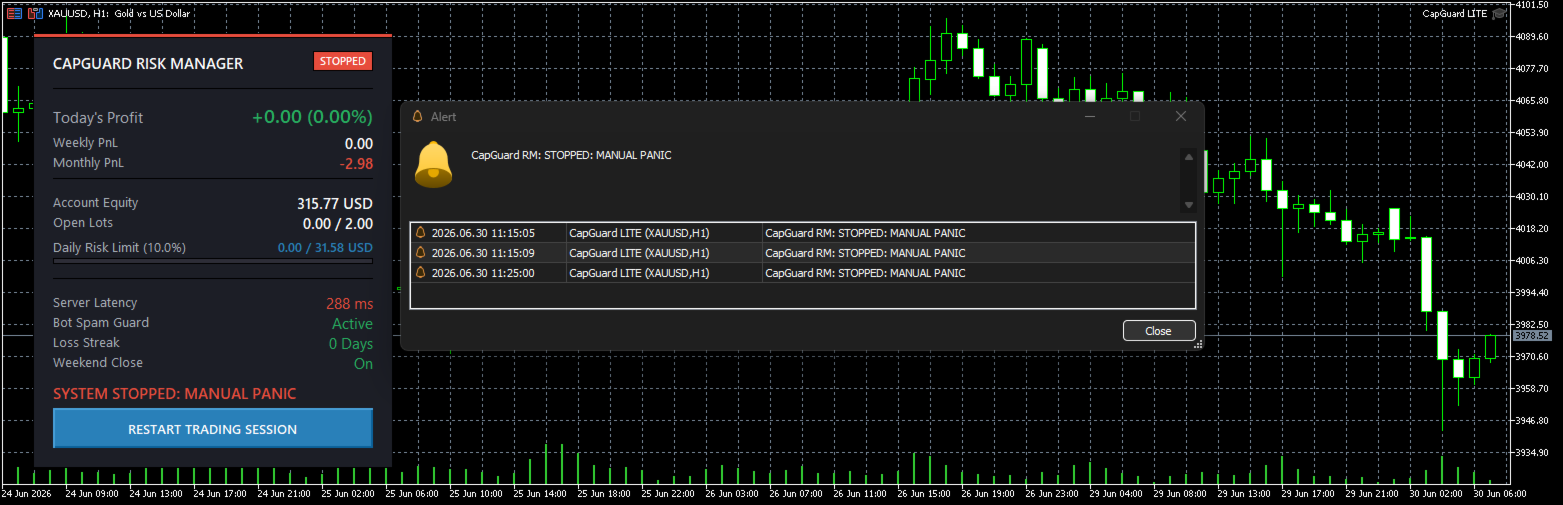
Standard: Close all open positions and delete pending orders.
-
Secure: Close everything and instantly remove the EA from the chart.
-
Maximum: Close everything and forcefully shut down the MT5 Terminal (Ultimate protection against rogue EAs).
📊 6. Modern UI Dashboard
-
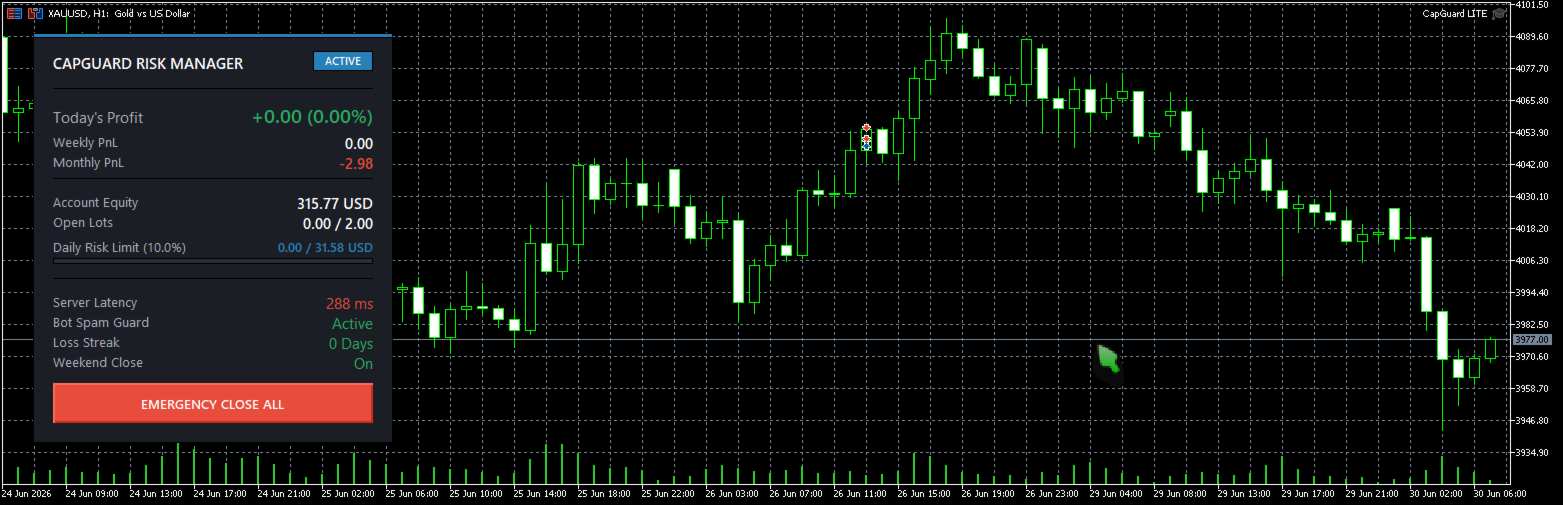
Sleek, high-contrast, non-intrusive dashboard.
-
Real-time visual Risk Progress Bar.
-
Displays Today's Profit, Weekly/Monthly PnL, Open Lots, Server Ping, and Loss Streaks directly on your chart.
⚙️ HOW TO USE
-
Attach the EA to ONLY ONE chart (e.g., EURUSD, M1 or H1).
-
It will automatically monitor and manage all trades across all pairs in your account.
-
Keep your MT5 terminal running (VPS recommended).
-
Important: If you use the "Friday Auto-Close" feature, ensure the input time matches your Broker's Server Time (Market Watch).
📦 INPUT PARAMETERS OVERVIEW
-
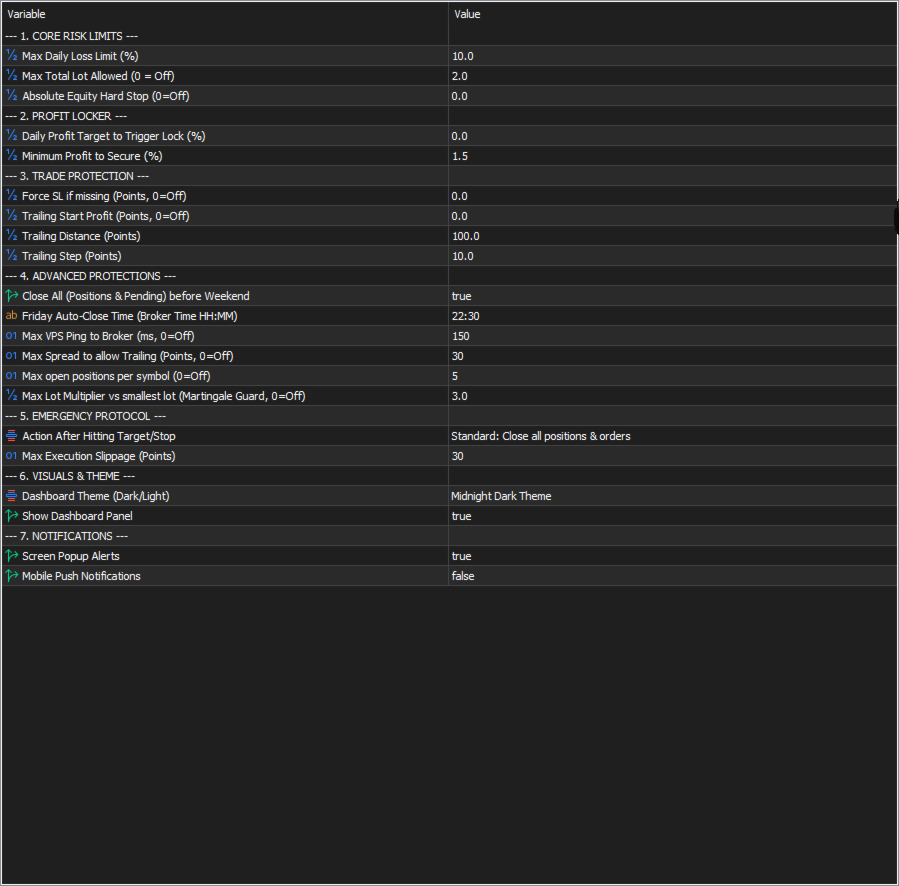
Core Risk Limits: Daily Risk (%), Max Total Lot, Hard Stop Equity.
-
Profit Locker: Target to trigger (%), Minimum Profit to secure (%).
-
Trade Protection: Auto SL points, Trailing Start / Distance / Step.
-
Advanced Protections: Friday Close Time, Max Ping (ms), Max Spread, Max Trades per Symbol, Max Lot Multiplier.
-
Theme: Dark Mode / Light Mode.
Take control of your risk today. Let CapGuard be your disciplined virtual risk manager!