QA Position Maintainer
- Utilità
-
Rohiman
 Quadrant Artifacts — MQL5 Expert Advisor developer
specializing in multi-timeframe structure analysis
for XAUUSD.
We build precision trading tools based on disciplined
Bollinger Band + Moving Average confluence methodology
across H1, M15, and M5 timeframes. - Versione: 1.10
- Attivazioni: 5
QA Position Maintainer v1.1 — Semi-Auto Trade Management
Open positions from your phone. EA maintains everything automatically on VPS 24/7.
No complex setup. No entry logic interference. Works with any manual trade opened from MT5 mobile, web terminal, or another EA.
How It Works
📱 Open position from phone → 🖥️ EA detects on VPS → 🛡️ Auto-manage SL/TP → 📬 Telegram alert to your phone
Features
🔒 Break-Even
Once profit reaches your trigger (default 150 pts), SL automatically moves to entry + lock buffer. Capital protected, trade stays open. Fires once per position — SL never moves backward.
📈 Trailing Stop
Activates after profit reaches Trail_TriggerPoints (default 200 pts). SL dynamically follows price, maintaining a fixed distance. Minimum step prevents micro-adjustments and order spam.
✂️ Partial Close at TP1
Closes a configurable percentage of the position (default 50%) when profit reaches TP1_Points (default 300 pts). Remaining position continues with full trailing protection. Executes once per ticket — no double close.
📬 Telegram Notifications
Real-time alerts sent directly to your phone for every EA action:
- 🟢 EA Online / Offline with account info
- 🔔 New position detected (symbol, type, volume, entry, SL, TP)
- 🔒 Break-Even activated (new SL level + profit in points)
- 📈 Trailing SL updated (new SL, price, current P&L)
- ✂️ Partial Close executed (lot closed, price, profit)
- ✅/❌ Position closed with final P&L including commission and swap
Each notification type can be toggled independently via input parameters.
⏰ Max Hold Time
Optional feature. Force-closes any position that has been open longer than MaxHoldHours (default 72h). Sends Telegram alert before closing. Prevents overnight swap accumulation on unwanted holds.
Activation Sequence
Three layers fire automatically in sequence based on profit distance from entry:
- +150 pts → Break-Even: SL moves to entry + 10 pts. Telegram alert sent.
- +200 pts → Trailing Stop: SL begins following price. Alert on each update.
- +300 pts → Partial Close: 50% lot closed. Remaining position continues.
All trigger levels are fully configurable via input parameters.
Input Parameters
Telegram Group
| EnableTelegram | true | Master switch for all notifications |
| TG_BotToken | "" | Bot token from @BotFather |
| TG_ChatID | "" | Your Chat ID from @userinfobot |
| TG_NotifyNewPos | true | Alert on new position detected |
| TG_NotifyBE | true | Alert on Break-Even activation |
| TG_NotifyTrail | true | Alert on each trailing SL update |
| TG_NotifyPartial | true | Alert on partial close execution |
| TG_NotifyClose | true | Alert on position close with P&L |
Break-Even Group
| EnableBreakEven | true | Enable Break-Even management |
| BE_TriggerPoints | 150 | Profit in points to activate BE. XAUUSD: 150 pts = $1.50 |
| BE_LockPoints | 10 | Points above/below entry where SL is locked |
Trailing Stop Group
| EnableTrailing | true | Enable Trailing Stop |
| Trail_TriggerPoints | 200 | Minimum profit before trailing activates |
| Trail_StepPoints | 50 | Distance from current price to SL |
| Trail_MinStep | 20 | Minimum price move before SL updates (anti-spam) |
Partial Close Group
| EnablePartialClose | true | Enable Partial Close at TP1 |
| TP1_Points | 300 | Profit target in points for partial exit |
| TP1_ClosePercent | 50.0 | Percentage of lot to close at TP1 |
Max Hold Time Group
| EnableMaxHold | false | Force close after maximum hold duration |
| MaxHoldHours | 72 | Maximum hours before forced close |
Filter Group
| MagicFilter | "" | Manage only this Magic Number. Empty = all positions |
| SymbolFilter | "" | Manage only this symbol e.g. XAUUSD. Empty = all |
Installation
- Copy QA_PositionMaintainer.ex5 to MT5 MQL5/Experts/ folder on your VPS
- In MT5: Tools → Options → Expert Advisors → Allow WebRequest → add https://api.telegram.org
- Attach EA to any chart (e.g. XAUUSD M15). One instance manages all symbols.
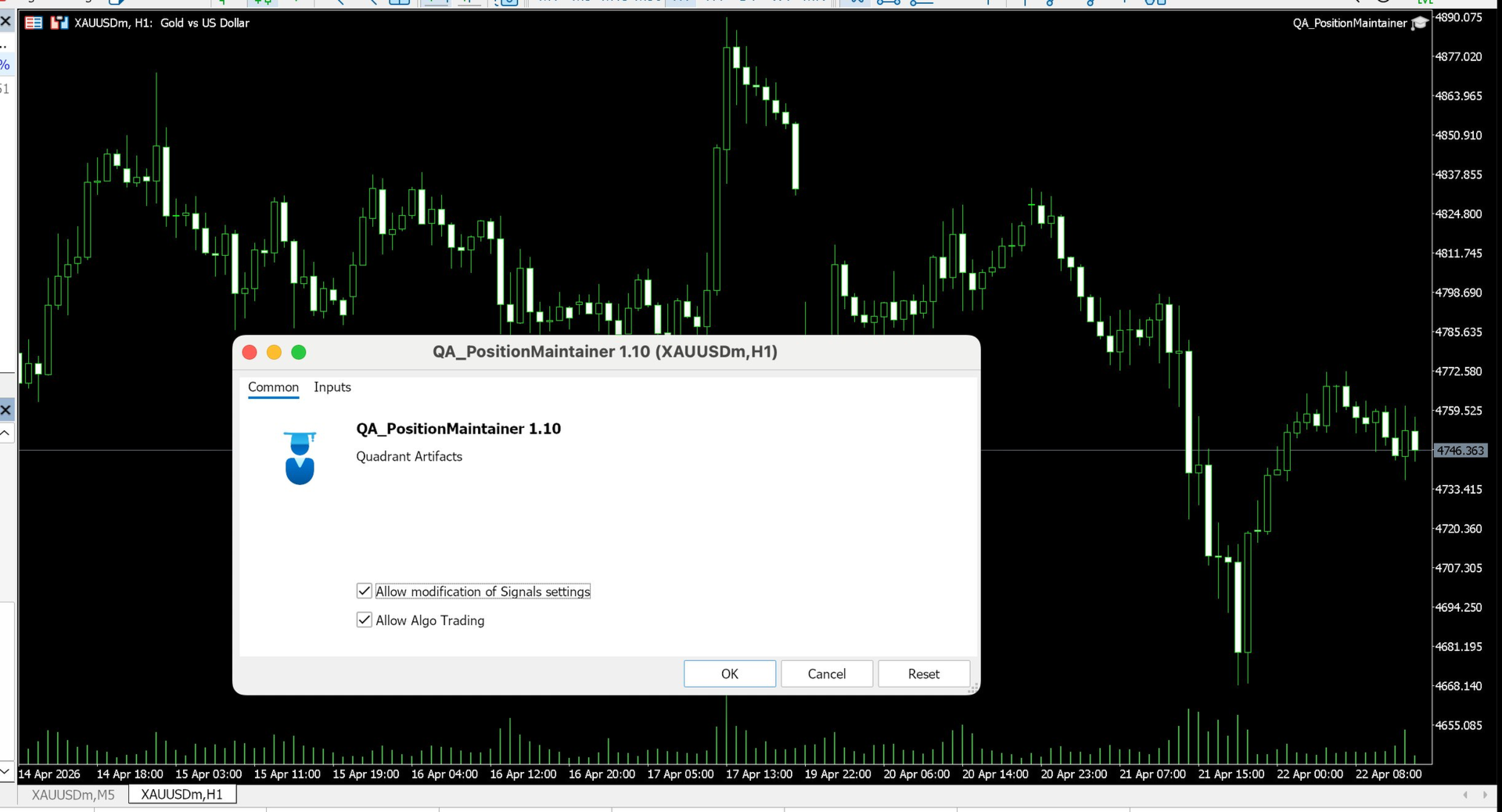
- Enable Allow Live Trading in EA properties and ensure AutoTrading is ON
- Fill in TG_BotToken and TG_ChatID. A startup message confirms EA is live.
- Open trades from MT5 mobile as normal. EA detects and manages automatically.
Telegram Setup (3 minutes)
- Open Telegram → search @BotFather → send /newbot → copy the Bot Token
- Search @userinfobot → send any message → copy the Id number (your Chat ID)
- In MT5: Tools → Options → Expert Advisors → add https://api.telegram.org to WebRequest list
- Paste token and Chat ID into EA parameters → startup message arrives on your phone
FAQ
Will it interfere with another EA's positions?
Use MagicFilter to restrict management to specific Magic Numbers only. Leave blank to manage all open positions.
Trailing alerts too frequent?
Set TG_NotifyTrail = false to disable trail alerts, or increase Trail_MinStep to reduce SL update frequency.
Telegram alerts not arriving?
Check MT5 Journal for error 4014. This means https://api.telegram.org was not added to the WebRequest whitelist in Tools → Options → Expert Advisors.
Can I attach to multiple charts?
No. Attach to one chart only. Multiple instances cause duplicate management. Use SymbolFilter for symbol-specific behavior.
Specifications
| Platform | MetaTrader 5 |
| Version | 1.1 |
| Account Types | Netting & Hedging |
| Symbols | All (Forex, Gold, Indices, Crypto) |
| Timeframe | Any chart |
| Telegram | Yes — requires WebRequest + Bot Token |
| Works with Manual Trades | Yes |
| VPS Recommended | Yes — for 24/7 management |