Visual Trade Manager
- Utilità
- Versione: 1.51
- Aggiornato: 30 marzo 2026
- Attivazioni: 10

Visual Trade Manager for MT5 is an interactive trade execution and position management tool designed for traders who want fast chart-based control over risk and execution.
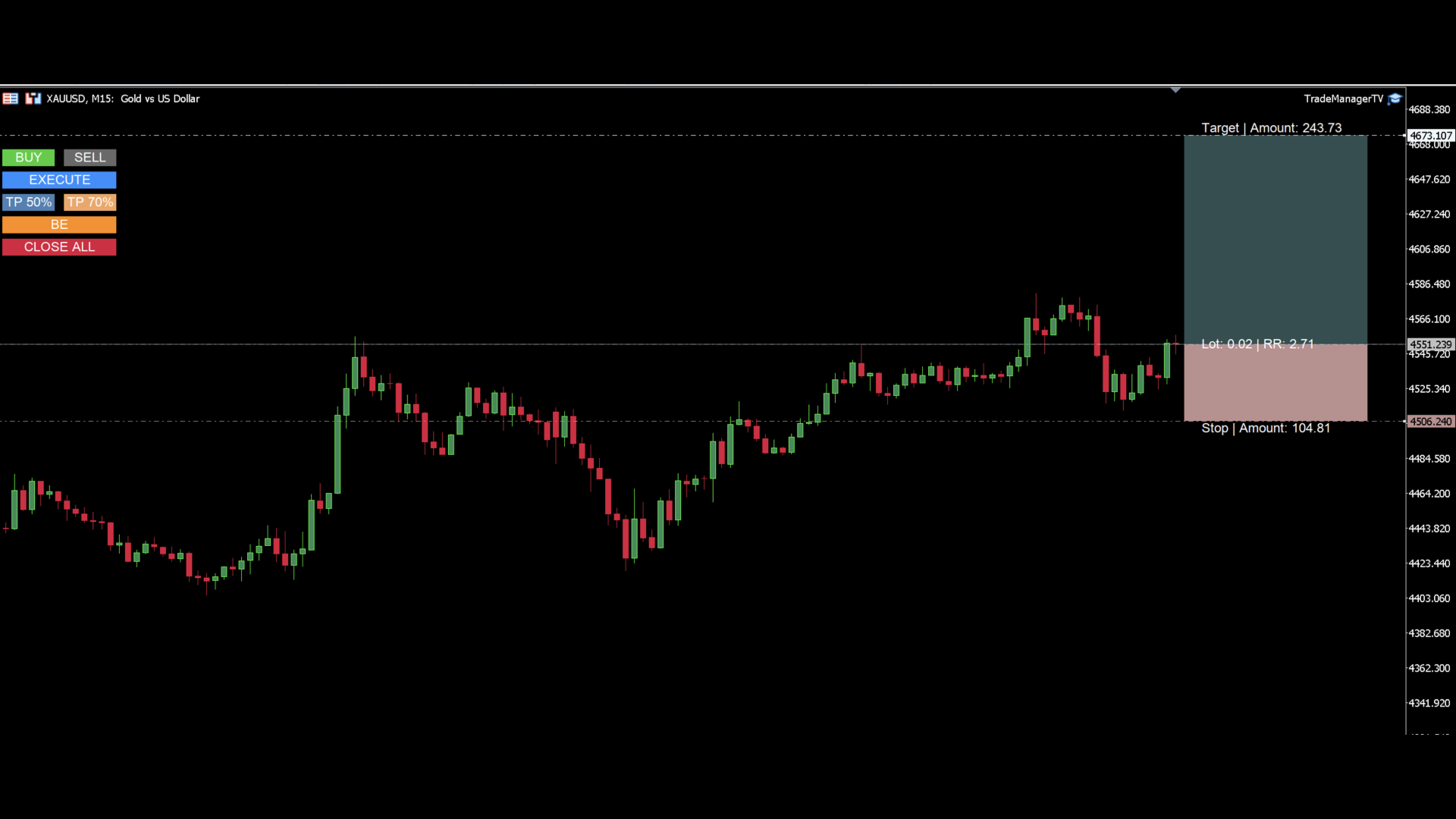
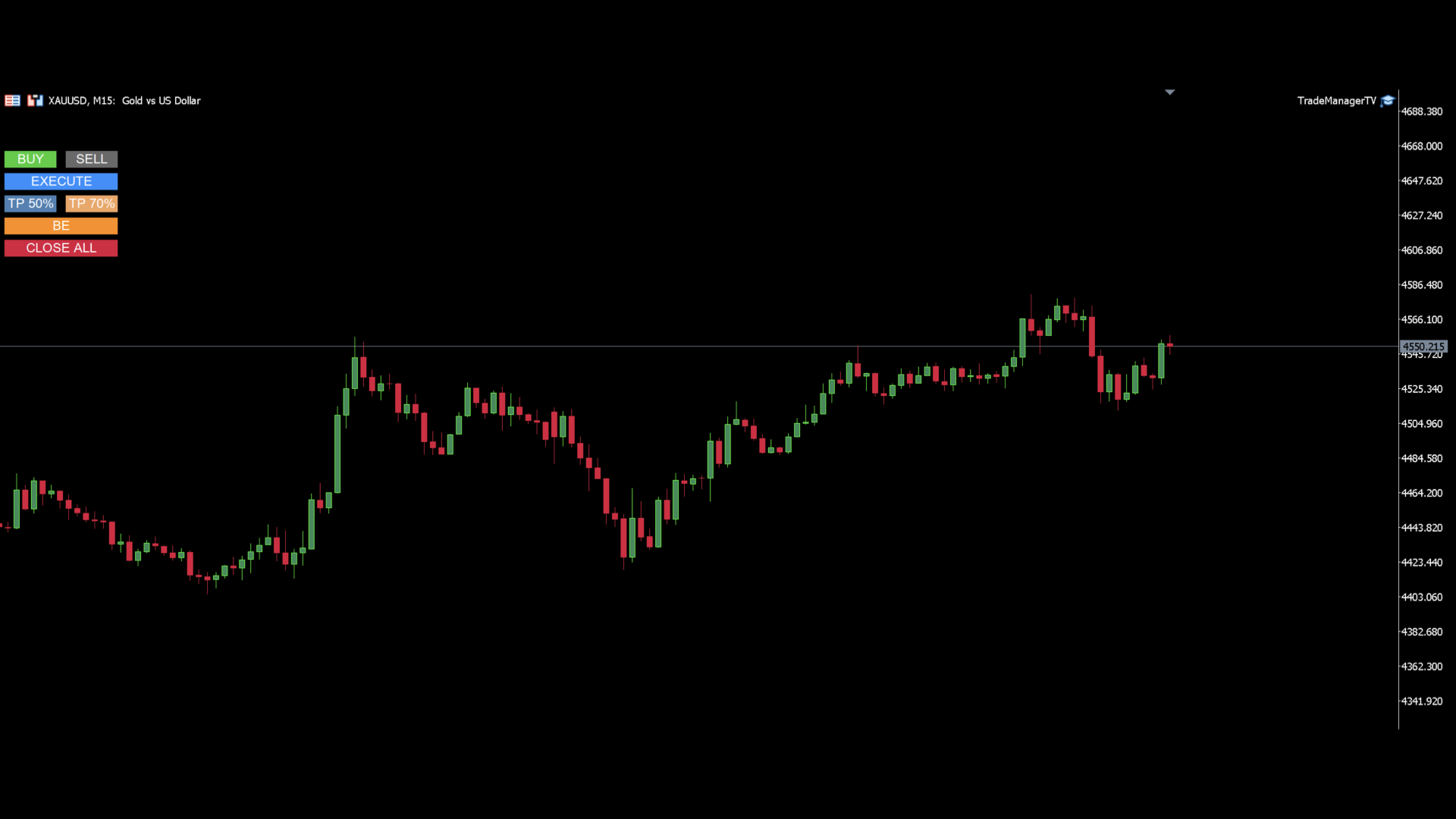
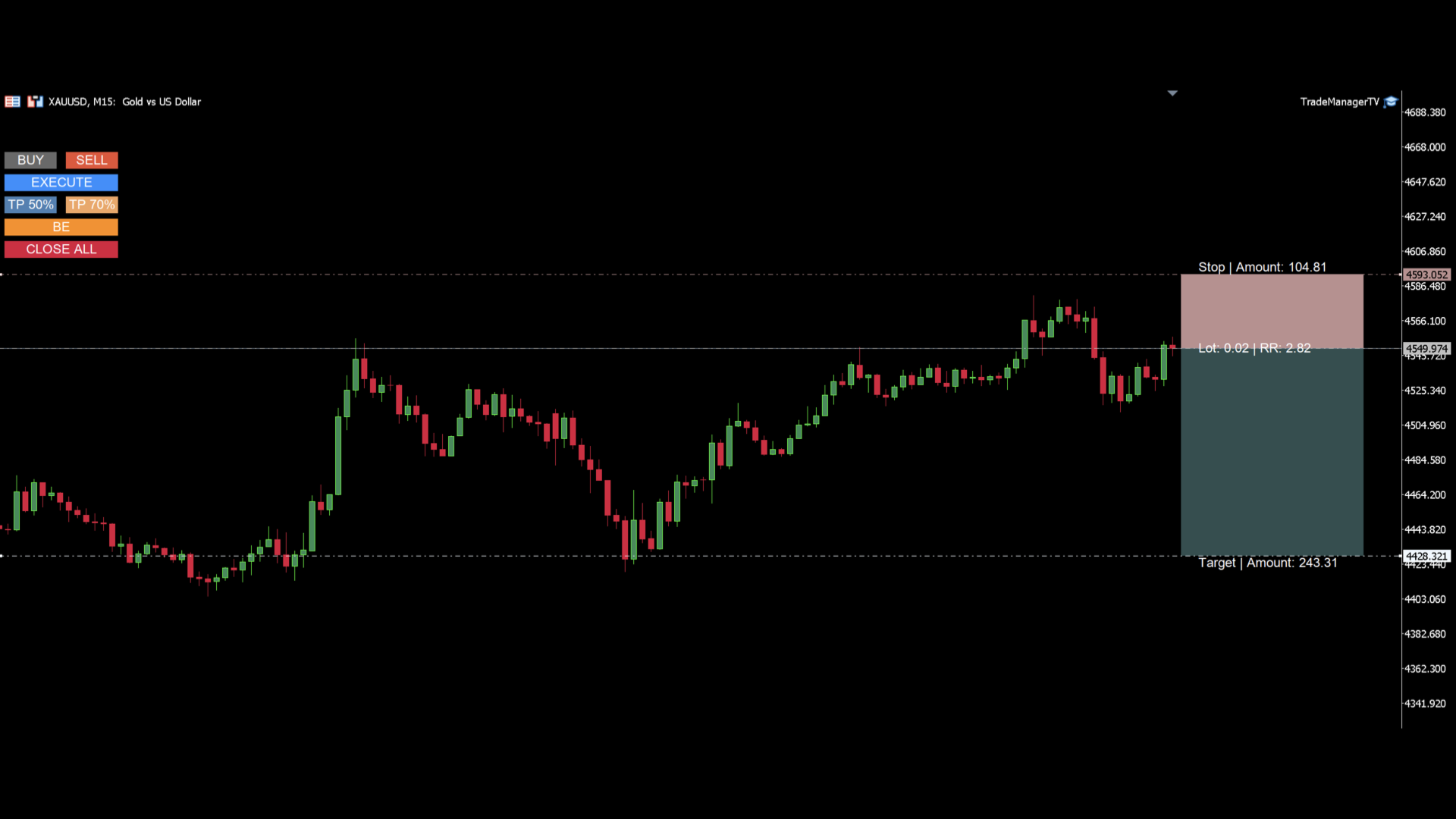
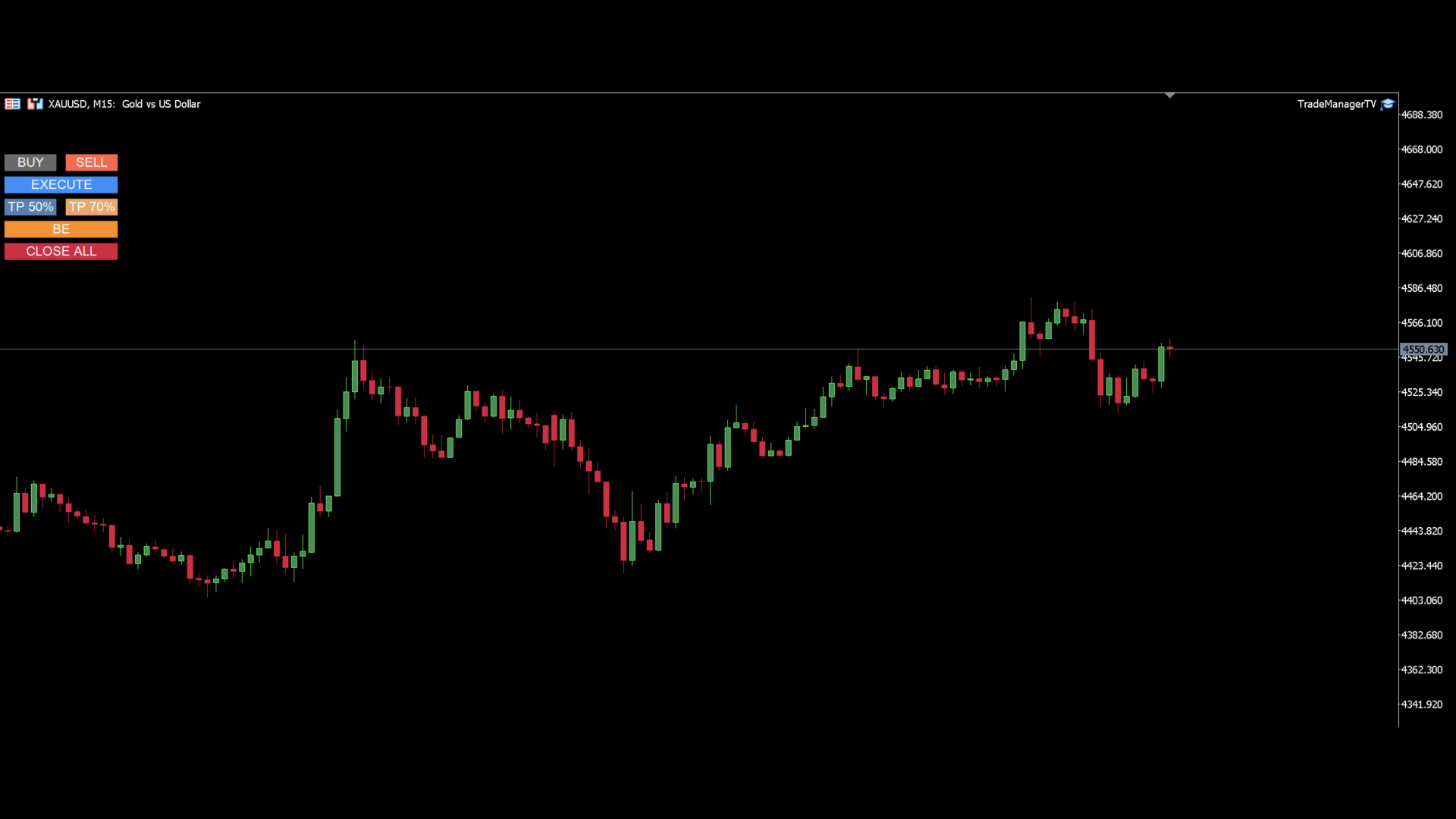
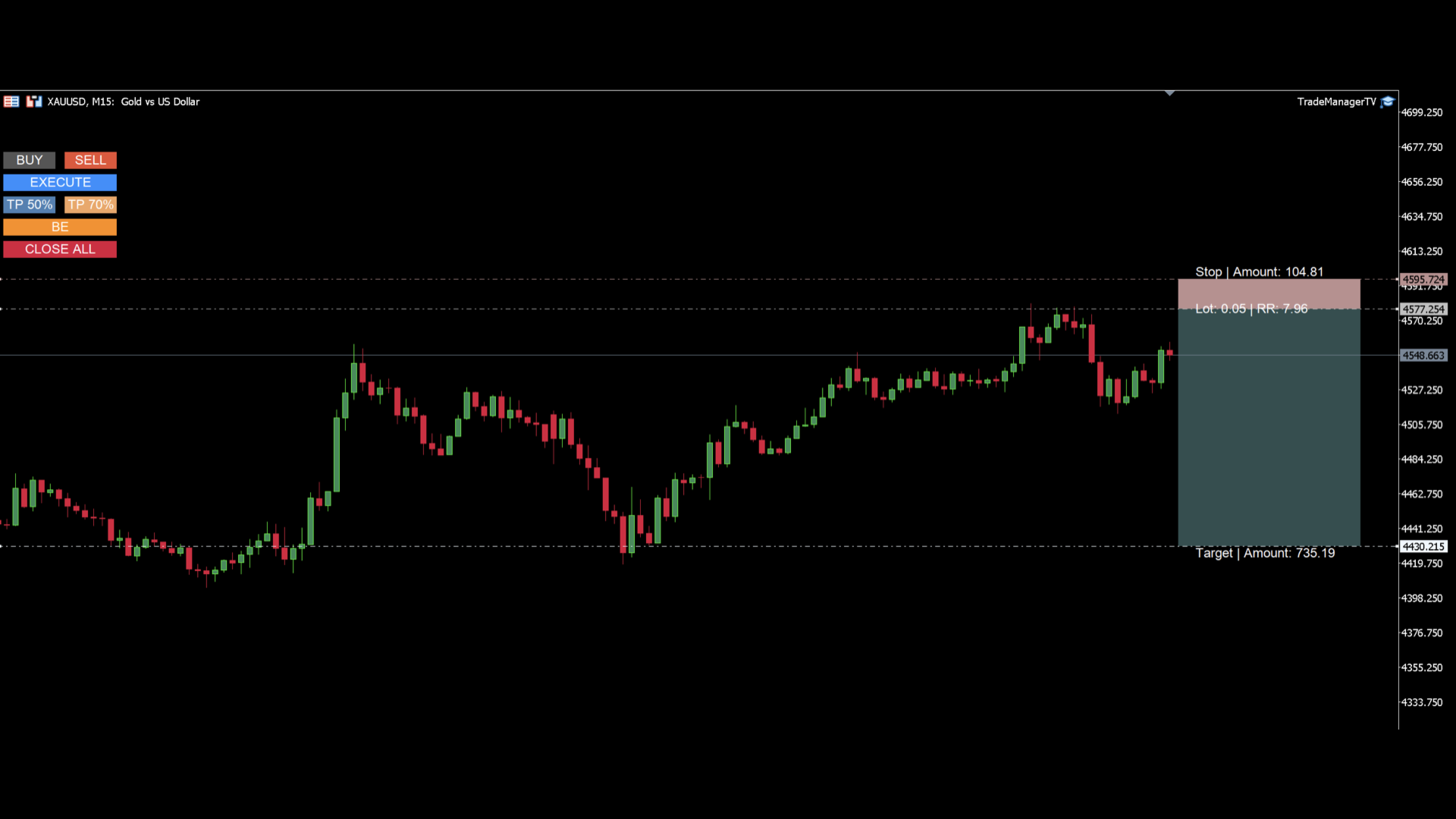
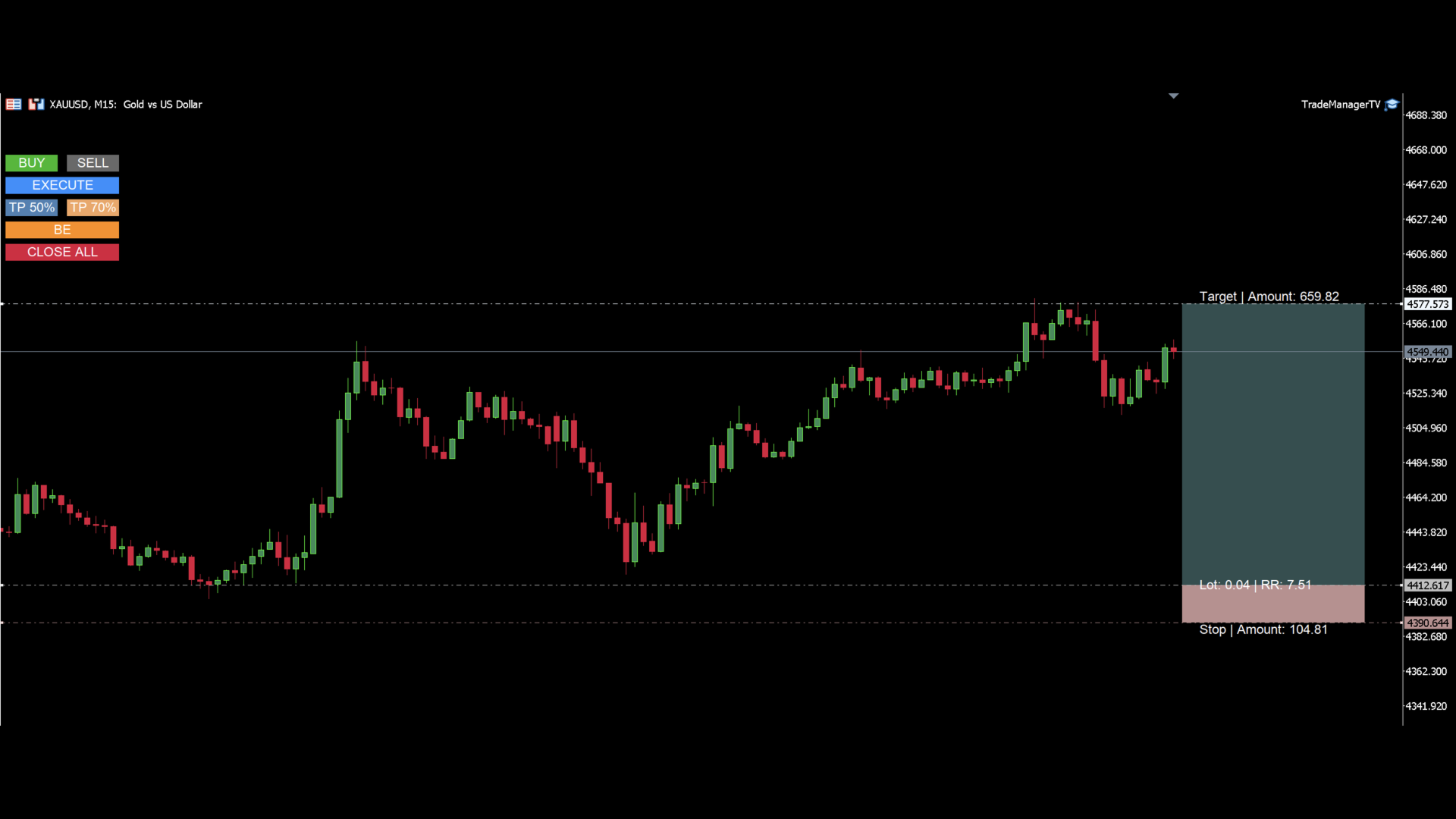
The panel provides a visual trade box with entry, stop and target lines directly on the chart. Position size is calculated from the selected risk percentage, and the tool supports both market execution and pending order placement.
Main features
- BUY and SELL switching directly from chart buttons
- Draggable Entry, Stop and Target lines
- Risk-based lot calculation using account equity and stop distance
- Market mode and Pending mode
- Automatic target calculation from the selected risk/reward ratio
- Break-even button
- Two partial take profit buttons with user-defined percentages
- Close All button for all positions on the current symbol
- Visual profit/loss zones on the chart
- Customizable colors for lines, labels and buttons
- Requote retry handling for entries, partial closes and close-all actions
Execution modes
Market mode
- Entry follows the current market price
- Stop and target remain where you place them
- Lot size and projected amounts are recalculated continuously
Pending mode
- Entry stays where you place it
- The EA automatically chooses the correct pending order type:
- Buy Limit / Buy Stop
- Sell Limit / Sell Stop
Risk management
- Lot size is calculated from Risk % of equity
- The stop amount reflects the configured risk budget when possible
- If the symbol minimum volume is reached, the displayed stop amount switches to the real risk
Management tools
- Break-even for open positions on the current symbol
- Partial close buttons for the current symbol
- Close All for all open positions on the current symbol
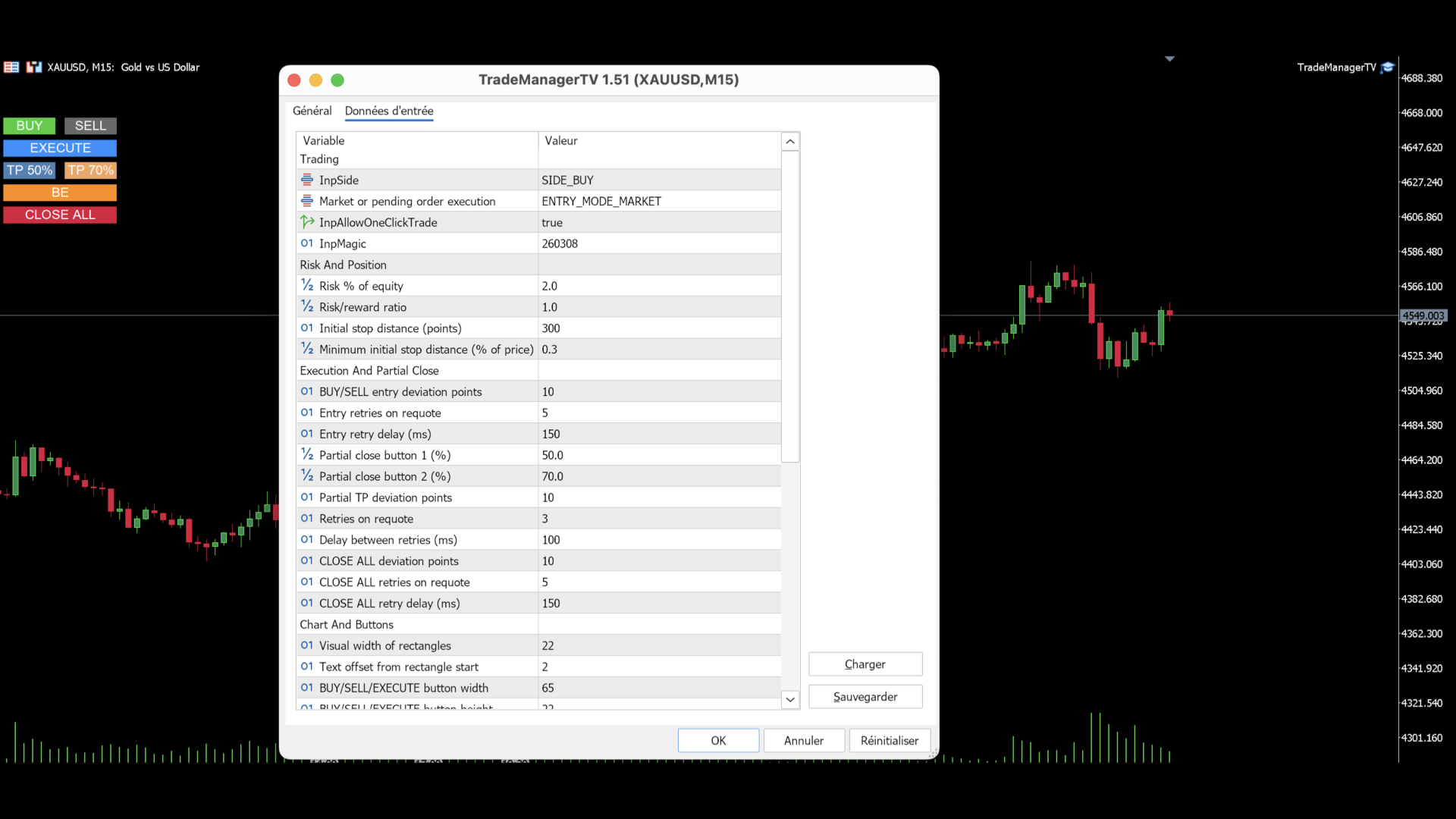
Inputs
- Trade side
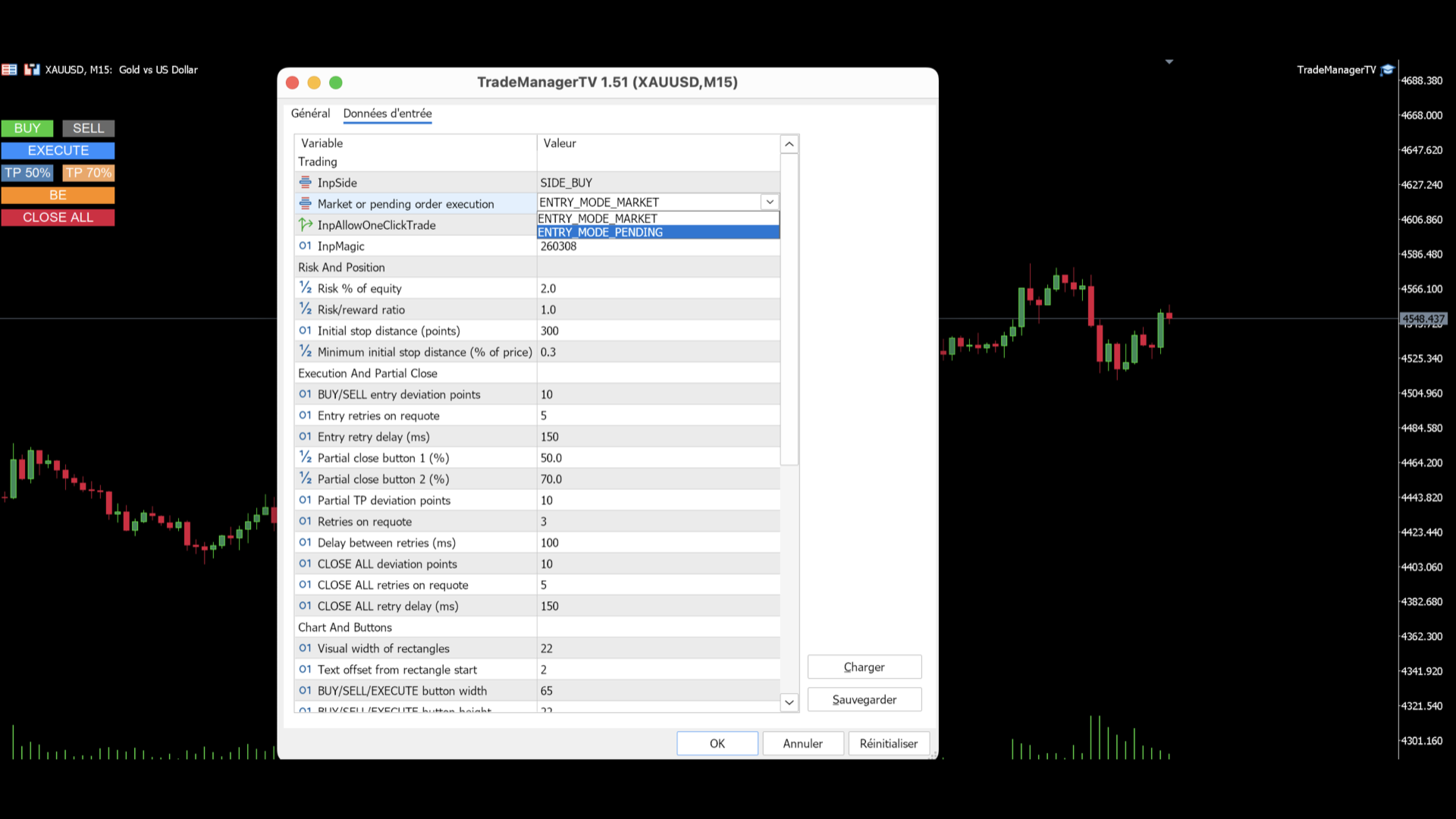
- Order mode: Market or Pending
- Risk %
- Risk/Reward ratio
- Initial stop distance
- Visual width
- Partial close percentages
- Entry / partial / close-all retry settings
- Full color customization
How to use
1. Attach the EA to a chart
2. Select BUY or SELL
3. Place Stop and Target
4. Choose Market mode or Pending mode
5. Click EXECUTE
Notes
- The product is designed for MetaTrader 5
- Symbol trading conditions such as minimum stop distance, freeze level, minimum volume and volume step are respected
- One-click execution can be disabled in the inputs if needed
The panel provides a visual trade box with entry, stop and target lines directly on the chart. Position size is calculated from the selected risk percentage, and the tool supports both market execution and pending order placement.
Main features
- BUY and SELL switching directly from chart buttons
- Draggable Entry, Stop and Target lines
- Risk-based lot calculation using account equity and stop distance
- Market mode and Pending mode
- Automatic target calculation from the selected risk/reward ratio
- Break-even button
- Two partial take profit buttons with user-defined percentages
- Close All button for all positions on the current symbol
- Visual profit/loss zones on the chart
- Customizable colors for lines, labels and buttons
- Requote retry handling for entries, partial closes and close-all actions
Execution modes
Market mode
- Entry follows the current market price
- Stop and target remain where you place them
- Lot size and projected amounts are recalculated continuously
Pending mode
- Entry stays where you place it
- The EA automatically chooses the correct pending order type:
- Buy Limit / Buy Stop
- Sell Limit / Sell Stop
Risk management
- Lot size is calculated from Risk % of equity
- The stop amount reflects the configured risk budget when possible
- If the symbol minimum volume is reached, the displayed stop amount switches to the real risk
Management tools
- Break-even for open positions on the current symbol
- Partial close buttons for the current symbol
- Close All for all open positions on the current symbol
Inputs
- Trade side
- Order mode: Market or Pending
- Risk %
- Risk/Reward ratio
- Initial stop distance
- Visual width
- Partial close percentages
- Entry / partial / close-all retry settings
- Full color customization
How to use
1. Attach the EA to a chart
2. Select BUY or SELL
3. Place Stop and Target
4. Choose Market mode or Pending mode
5. Click EXECUTE
Notes
- The product is designed for MetaTrader 5
- Symbol trading conditions such as minimum stop distance, freeze level, minimum volume and volume step are respected
- One-click execution can be disabled in the inputs if needed