Chart Connect
- Utilità
- Versione: 1.19
- Attivazioni: 5

This EA does not perform trading operations. It's a auxiliary visual tool for graphics synchronization.
The “there are no trading operations” error in the validator is expected and intentional.
🧩 CHARTCONNECT – Chart Synchronizer (Version 1.19)
Connect all your charts to the same symbol with just one click.
📌 What is CHARTCONNECT?
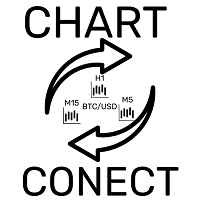
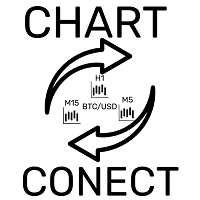
ChartConnect is a lightweight and efficient tool designed to automatically synchronize the ticker symbol of all open charts in MetaTrader 5. When you change the asset on one chart, all others are instantly updated to the same asset , keeping each chart with its original timeframe .
Ideal for traders who operate with multiple indicators or EAs , analyzing a single asset from different perspectives.
⚙️ How does it work?
-
Apply CHARTCONNECT to a chart (any timeframe).
-
This graph becomes the controlling graph .
-
Every second, the EA checks if the asset has changed.
-
If yes, it updates all other open charts with the same symbol , without changing timeframes .
✅ Advantages
-
⏱ Time saving — avoid manually changing every chart.
-
🗂 Organization — ideal for multi-strategy setups with the same asset.
-
📊 Preserves the original timeframe of each chart.
-
💻 Extremely lightweight — minimal CPU usage.
-
🧠 Easy to use — apply and activate.
🔧 Input parameter:
-
Active (bool)
-
true = enables automatic synchronization
-
false = temporarily pauses synchronization
-
🧪 Usage example:
You are analyzing the EURUSD asset with 4 charts:
-
Chart 1 (M1) — volume indicators
-
Chart 2 (M5) — Scalping EA
-
Chart 3 (M15) — Trend Analysis
-
Chart 4 (H1) — relative strength
If you want to switch to GBPUSD , you would have to change the 4 charts manually.
With CHARTCONNECT:
-
Apply the EA to a chart (e.g. M5)
-
Active Active = true
-
Change the asset to GBPUSD
✅ All other charts will be automatically synchronized, keeping their timeframes.