Your Trading Journal on Autopilot: R Multiples, Session Stats and a Screenshot of Every Trade Tags: trading journal, R

Your Trading Journal on Autopilot: R Multiples, Session Stats and a Screenshot of Every Trade Tags: trading journal, R
Many traders do not keep a journal because it is boring. A journal that writes itself removes the excuse. Trade Manager PRO records every closed trade as it happens and turns the results into numbers you can act on.
What gets recorded
When a position on the chart's symbol is fully closed, the panel writes one row to a CSV file: open and close time, symbol, direction, volume, prices, net result including swap and commission, the money risked, the R multiple and the trading session. Partial closes are combined into one row.
Results in R, not in guesses
A trade's R is its net result divided by the money you risked. Expectancy is the average R across trades.
| Example | Value |
| 10 trades | 4 wins of +2R, 6 losses of -1R |
| Win rate | 40% |
| Total | +2R |
| Expectancy | +0.2R per trade |
A 40% win rate is profitable here because winners are twice the size of losers. Without R you only see the win rate and conclude the wrong thing.
Which session pays you
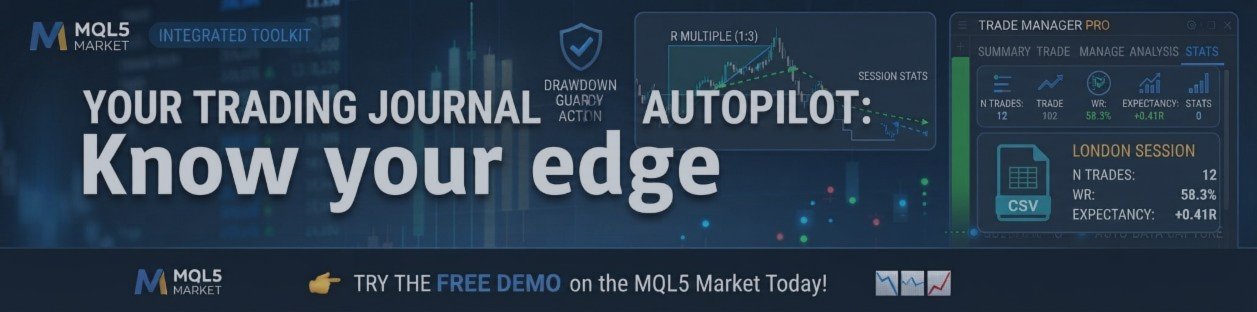
The STATS tab shows five lines: ALL, Asia, London, NY and Off, each with the number of trades, win rate and expectancy, for example "London n12 WR 58.3% E +0.41R". Sessions use GMT hours of the opening time (Asia 00:00 to 07:00, London 07:00 to 13:00, NY 13:00 to 21:00).
A screenshot of every trade
With screenshots on, the panel saves a chart picture when a market order opens and another when the position closes. Reviewing your three biggest losses next to their stop placement is the fastest way to find a pattern.
A five-step weekly review
1. Reload the journal and export the stats CSV.
2. Check the ALL line: is expectancy positive?
3. Compare the sessions: best and worst.
4. Open the screenshots of your three biggest losses.
5. Write one rule to keep and one to change next week.
Good to know
• Only trades closed while the panel is running are recorded.
• A trade opened without a stop has no known risk, so its R is 0.
• The CSV uses semicolons as separators, so choose that when importing into a spreadsheet.
👉 Try the FREE demo version on the MQL5 Market today! [Trade Manager PRO]📉📈
IMPORTANT:
⏳ LIMITED TIME OFFER: $75 FOR 10 ACTIVATIONS.
- Price will go to $150 soon!
Ready to upgrade your trading?
Check out the complete user guide here.Trading involves a high risk of loss. This software is a tool, not advice and does not guarantee results. Practise on a demo account first.




