Drawdown Minimizer now on MT4: how account profits pay off old grid losers

Out of drawdown #1 – this blog series explains, one piece at a time, how Drawdown Minimizer works and where its limits are. The short version is on my profile; this is the long one, with the panel and the logic in pictures.
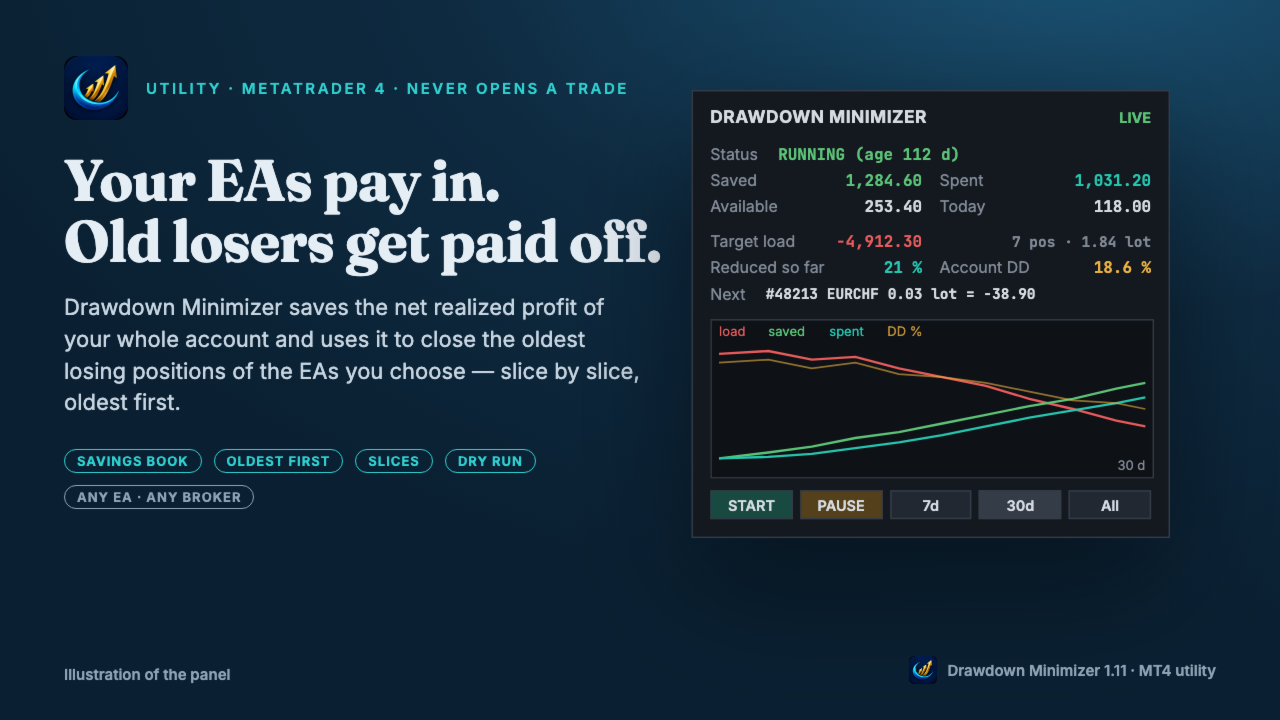
The situation many accounts are in right now
A grid or martingale EA got caught by a trend. Its oldest positions are deep in loss, they did not come back for weeks or months, and every night they pay swap. At the same time the account keeps closing trades in profit: the other EAs, manual trades, and the grid EA itself whenever a basket reaches its target. That profit sits on the balance while the old positions keep carrying the risk.
Drawdown Minimizer connects the two. It is a utility that runs next to your EAs and never opens a trade. Since 13 November 2026 it is available for MetaTrader 4 as well as MetaTrader 5.
The savings book
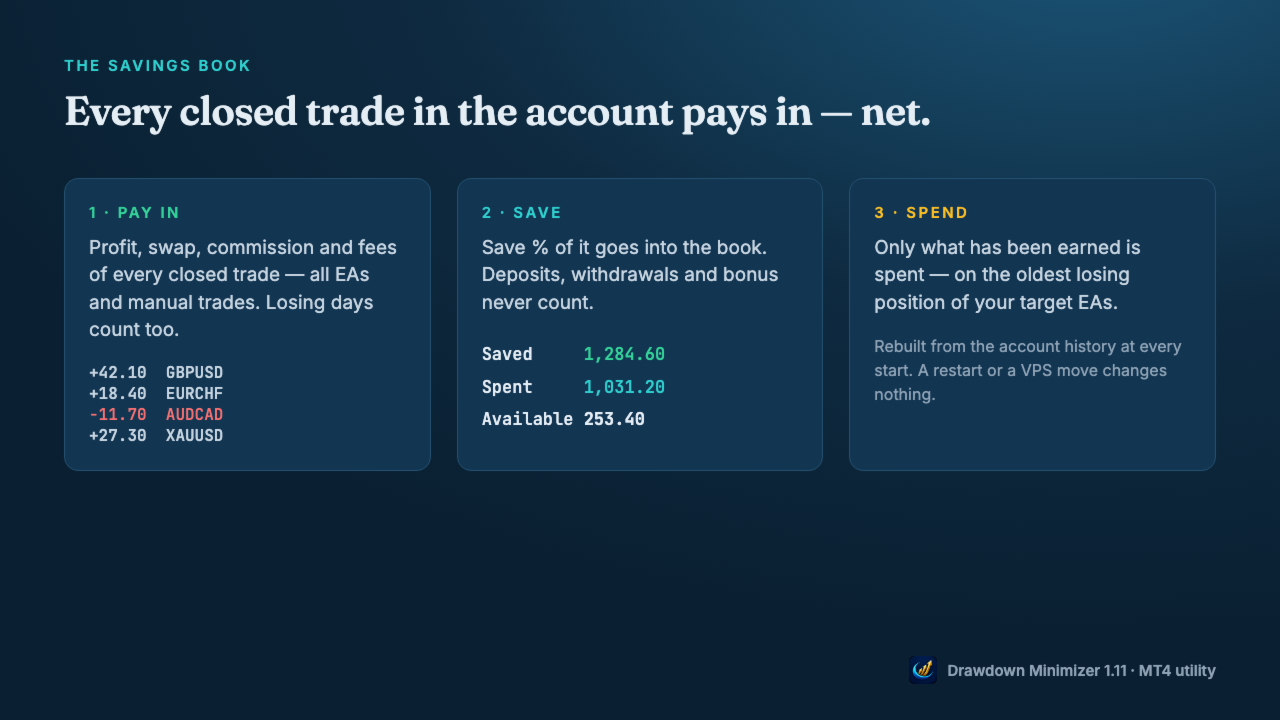
Every closed trade in the account pays into a book: profit, swap and commission, from all EAs and manual trades. Losing trades lower it. Save % decides how much of the net result goes into the book (default 100 %). Deposits, withdrawals, credit and bonus never count, and neither do the tool's own closes.
Only what has been earned is spent. The book is a counter, not a separate account: the money stays on your balance and stays at risk.
Oldest loser first, slice by slice
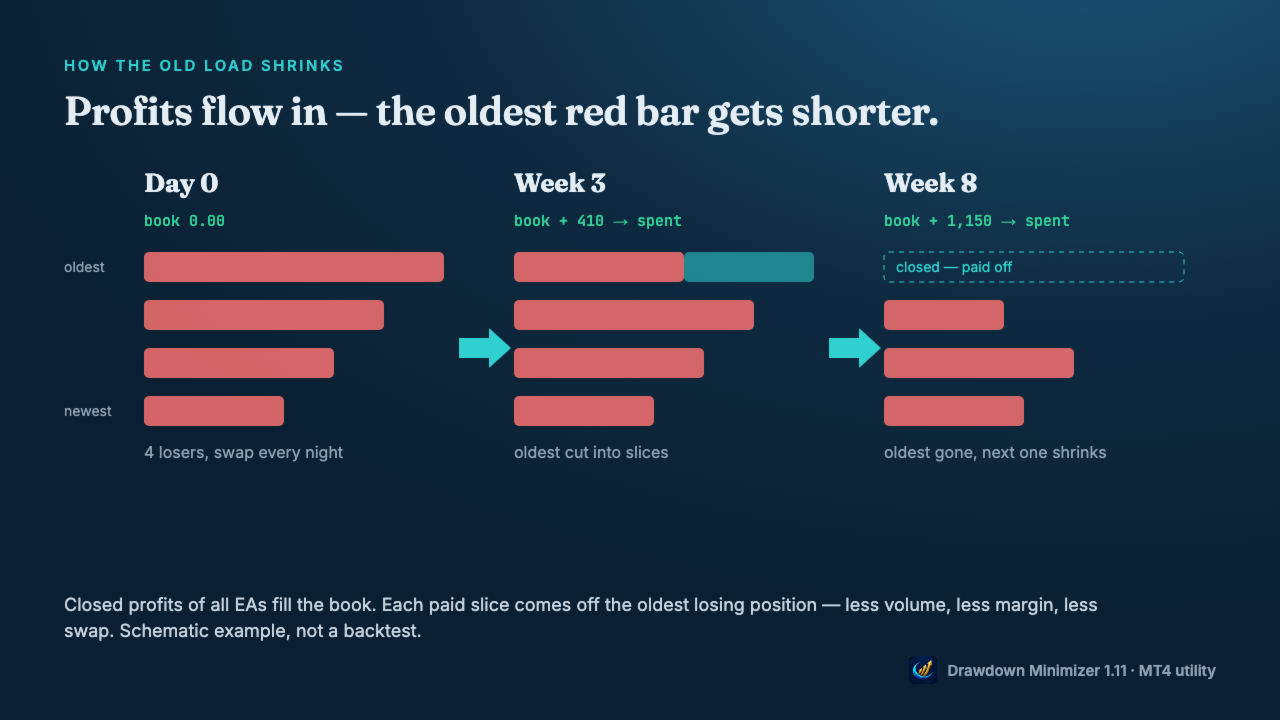
Only losing positions of the EAs you choose are reduced: by magic number, by a magic range like 1000-1999, or by a text in the trade comment. Winners and all other positions are never touched. The oldest losing position goes first. As soon as the book pays the minimum lot, the tool closes as many lot steps as the book can pay, and a small rest is closed together with the last slice. Mode Whole closes complete positions only.
What it changes – and what it does not
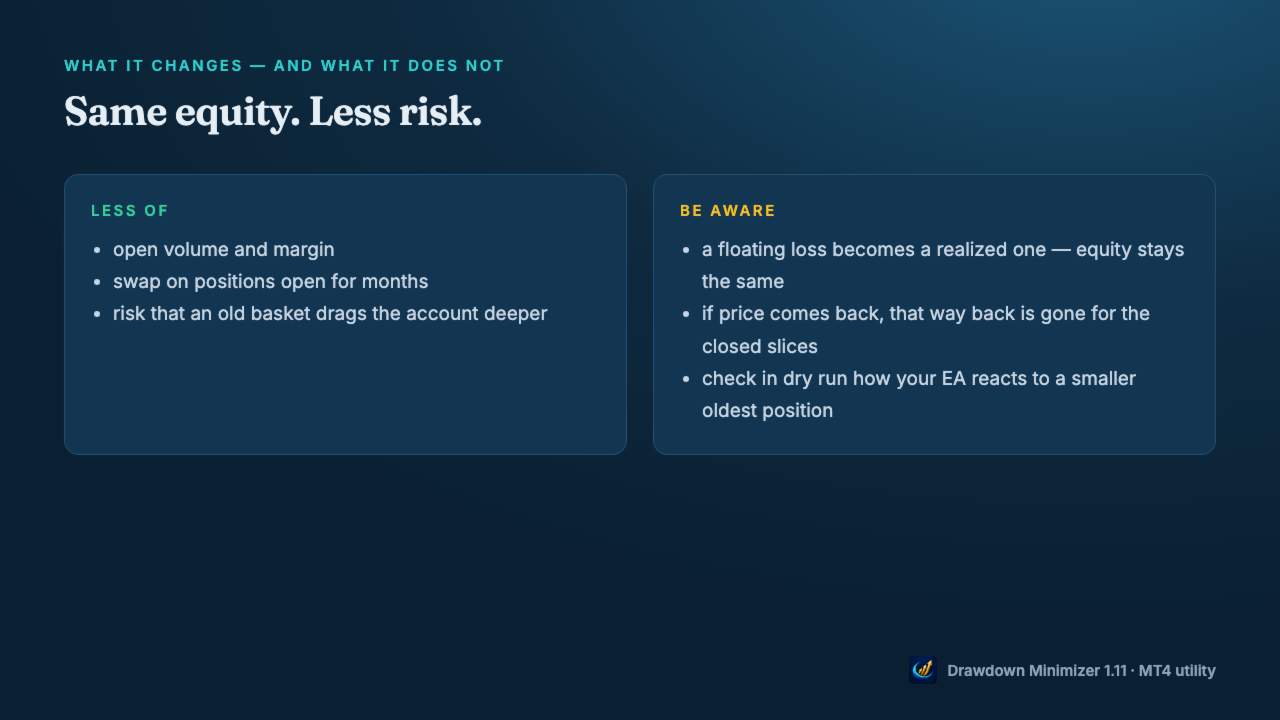
Closing a loser with saved profit does not change your equity, apart from slippage. A floating loss becomes a realized one. What changes is the risk: less open volume, less margin, no more swap on the closed volume, and a smaller chance that an old basket drags the account deeper. The price: if the market would have come back, that way back is gone for the closed slices.
What is different on MT4
- Partial closes get a new ticket. When a slice is closed, MetaTrader 4 gives the rest of the position a new ticket with the comment "from #". Drawdown Minimizer follows this chain, so the rest stays the oldest position. Your grid EA may not: EAs that identify their basket by comment or ticket may lose track of the rest. Test in dry run first, then start with Close mode Whole or a single slice.
- Own closes are recognised by a ticket list in the terminal's MQL4\Files folder. Copy the DDMin_* files along when you move to another terminal or VPS, otherwise the book starts again from zero.
- Account History tab = All History. Otherwise the book only counts the part of the history the tab shows.
- Hedging accounts only – not for FIFO accounts (US brokers).
Getting started
- Attach the utility to a separate chart (any symbol, any timeframe), not to the chart of the EA you want to reduce.
- Enter the magic number(s), a magic range or a comment text of that EA and allow algo trading. One instance per account.
- Leave Dry run on. The journal shows what it would close; nothing is closed.
- Watch it for one or two weeks and check how your EA reacts, then switch dry run off.
Drawdown Minimizer does not predict the market and does not turn a loss into a profit. It pays old losses off with money the account has already earned. The next parts of this series go through the savings book, the slices, the triggers and the settings in detail.
Complete guide with the 3-minute video: https://www.mql5.com/en/blogs/post/778023
Drawdown Minimizer MT5: https://www.mql5.com/en/market/product/201728
Drawdown Minimizer MT4: https://www.mql5.com/en/market/product/208297