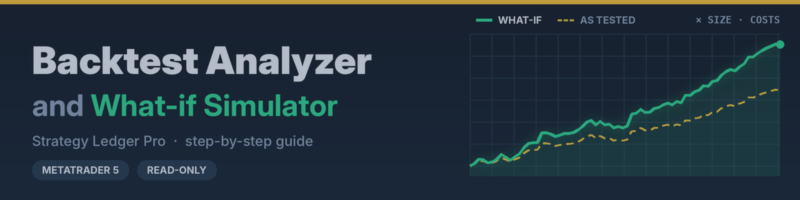
Backtest Analyzer and What-if Simulator: a step-by-step guide
13 October 2026, 23:18

0
32
This guide walks through Strategy Ledger Pro's backtest tools in order: saving a Strategy Tester report so the panel can read it, loading one or more reports, reading the board's cards, grades and costs, comparing a backtest with your live trades, and replaying the same trades in What-if at other sizes, starting balances and costs. It ends with the SIZING OPTIMIZER, which checks whether a different sizing would have held up on the part of your history it was not tuned on, and a short troubleshooting list.
Every step has a picture, and the labels match what you see on screen. The pictures use a sample report, not a real account. The full guide is attached.