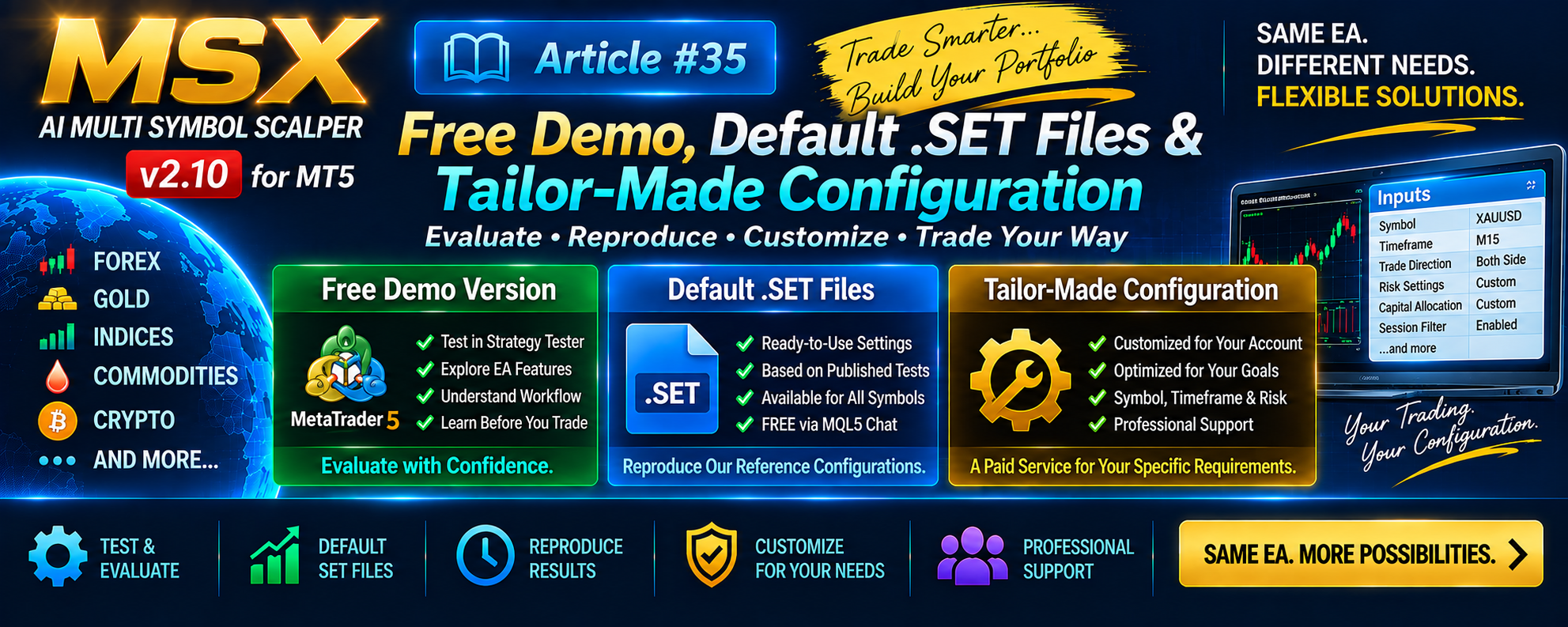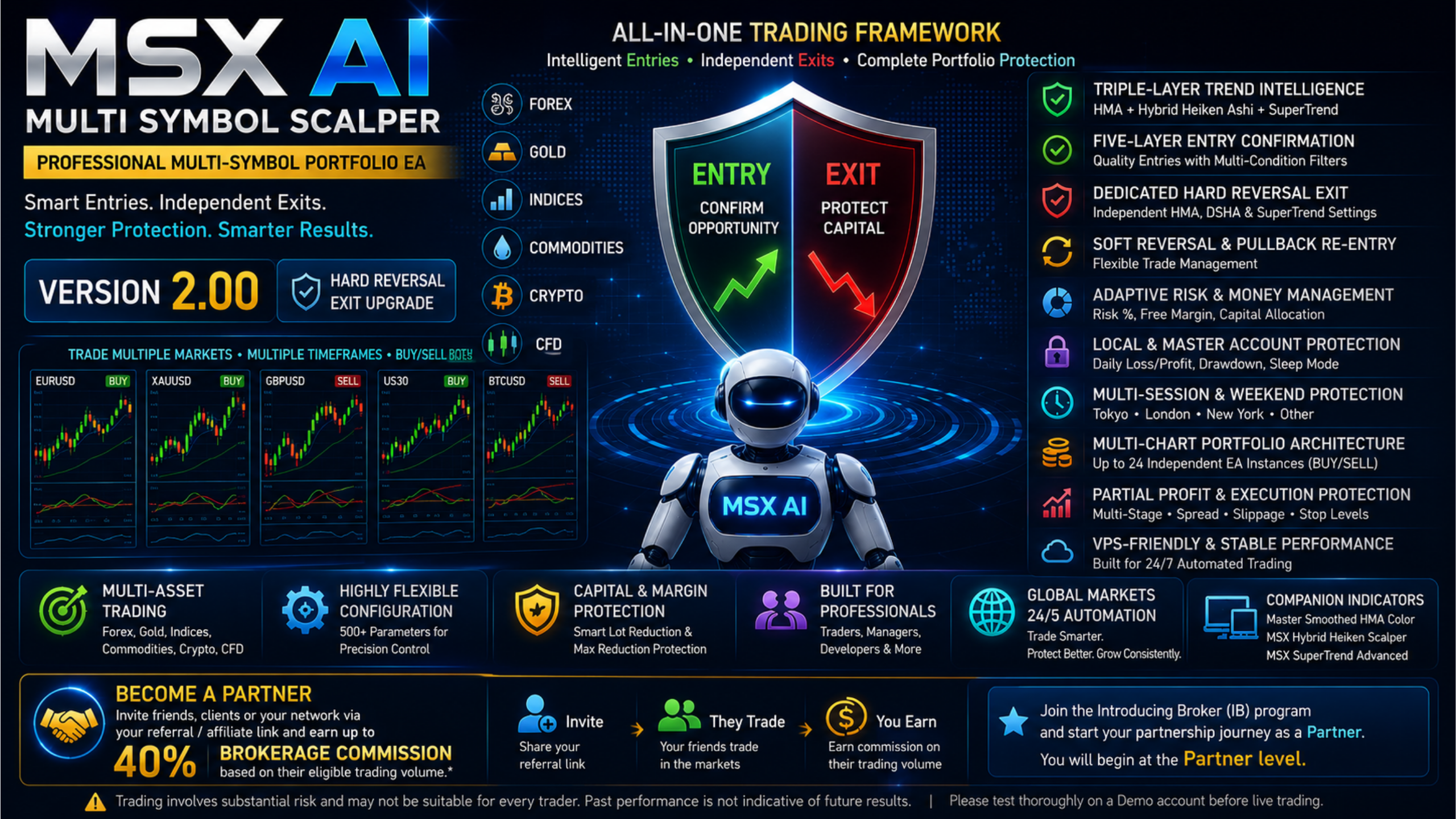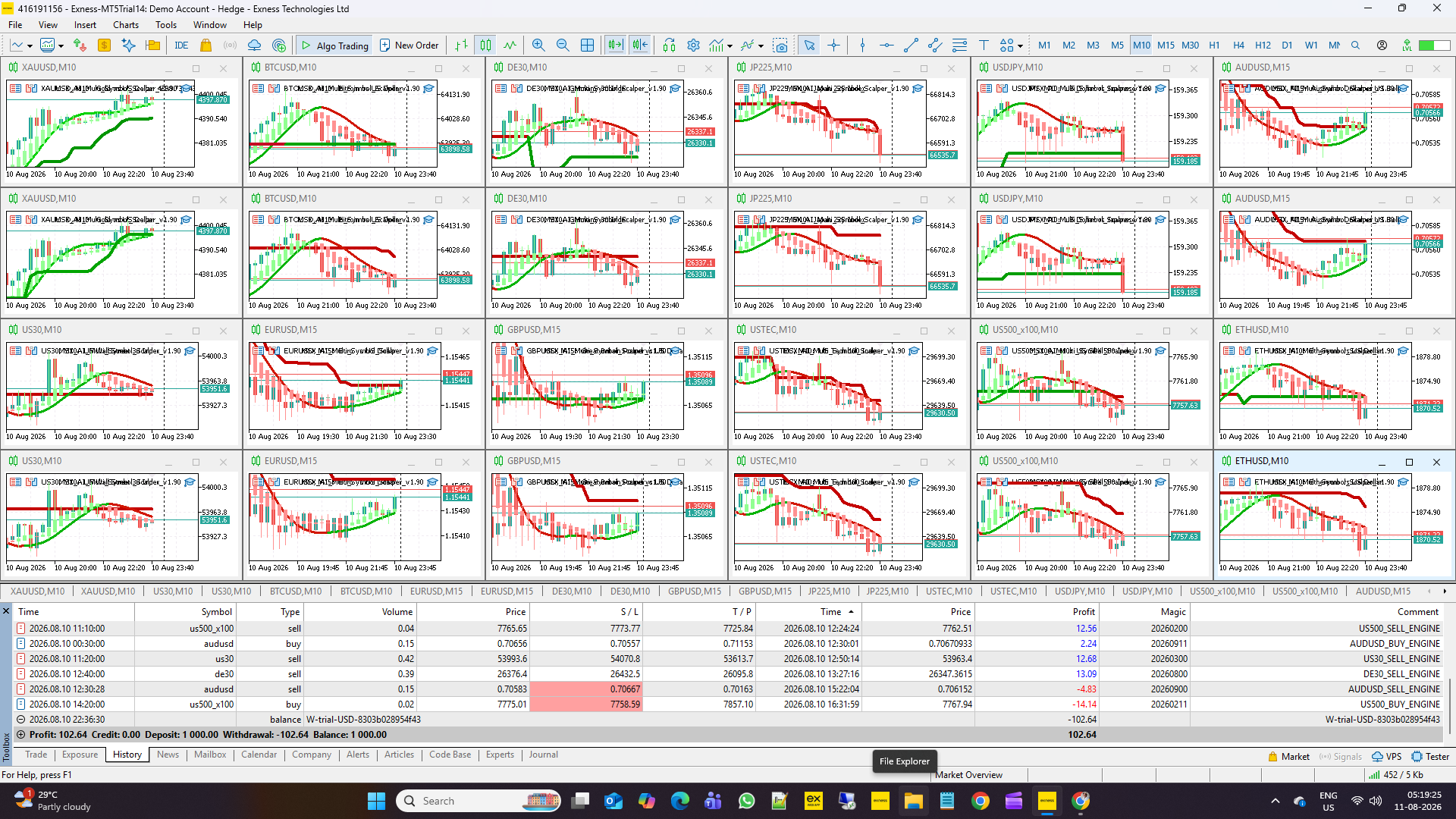
MSX AI Multi Symbol Scalper — Free Demo, Default .SET Files & Tailor-Made Configuration

MSX AI Multi Symbol Scalper — Free Demo, Default .SET Files & Tailor-Made Configuration — Article #35
Understanding the Difference Between Evaluation, Reference Settings and Customized Deployment
One of the most important distinctions for new users is the difference between:
Demo Evaluation
Default .SET Configuration
and:
Tailor-Made .SET Configuration
These serve different purposes.
1. The Free Demo Version
The Free Demo Version available through the MQL5 product page can be evaluated using the MetaTrader 5 Strategy Tester.
The Demo environment allows users to investigate the EA's operation and understand its configurable framework.
It should not automatically be interpreted as the final optimized configuration for a user's live account.
2. Strategy Tester Is a Validation Environment
The MT5 Strategy Tester provides a controlled historical testing environment.
It can help users investigate:
- EA operation
- Historical symbol behavior
- Input configuration
- Trading logic
- Position management
- Tester statistics
However, Strategy Tester operates as a single-symbol simulation environment.
It does not reproduce the complete multi-symbol account environment.
3. Why Default .SET Files Are Provided
Many users want to reproduce documented tests without manually entering every input.
For this reason, Default .SET files are provided free of charge for supported symbols/assets.
The Default configurations use:
Trade Both Side = BUY + SELL
for the reference symbol tests.
4. What the Default .SET Represents
A Default .SET file should be understood as a:
Reference Configuration
It is designed to reproduce the documented configuration associated with the corresponding symbol/test.
It should not be interpreted as a universally optimized configuration for every:
- Broker
- Account size
- Leverage
- Risk tolerance
- Symbol specification
- Trading objective
- Timeframe preference
5. How Users Can Obtain the Default .SET
Users can:
Option 1
Study the published Strategy Tester screenshots and manually reproduce the inputs.
Option 2
Request the corresponding Default .SET file through MQL5 Private Chat.
The Default .SET files are provided free of charge.
6. Why One Default Configuration Cannot Fit Every Account
Trading environments differ.
For example, two users may have different:
- Account balances
- Broker conditions
- Leverage
- Contract specifications
- Risk limits
- Free Margin requirements
- Trading objectives
- Capital allocation requirements
Therefore, a Default configuration should be treated as a starting reference rather than a universal optimization.
7. Tailor-Made .SET Configuration
Users who require a configuration designed around their own requirements can request a Tailor-Made .SET Configuration Service.
Possible requirements may include:
- Account capital
- Risk parameters
- Symbol selection
- Timeframe
- Broker environment
- Capital allocation
- Trading objectives
- Portfolio structure
8. Tailor-Made Configuration Is a Paid Service
Unlike the Default .SET files, Tailor-Made .SET configuration and optimization is a paid service.
Users requiring this service should contact through:
MQL5 Private Chat
Availability and requirements can then be discussed individually.
9. Reference Configuration vs Personalized Configuration
The distinction can be summarized as:
Free Demo
→ Evaluate the EA.
Default .SET
→ Reproduce the documented reference configuration.
Tailor-Made .SET
→ Develop a configuration around specific user requirements.
These are three different purposes.
Conclusion
The purpose of providing free Default .SET files is to make the documented Strategy Tester configurations easier to reproduce.
They are not presented as universal optimized settings.
Users who want to investigate the EA can start with the Demo and documented Default configurations, while users requiring a configuration based on their own account and trading requirements can request the separate paid Tailor-Made service.
Explore the MSX AI Trading Ecosystem
The MSX AI Trading ecosystem brings together the flagship MT5 Expert Advisor, multilingual documentation, technical Knowledge Base, historical Strategy Tester studies, forward-market demonstration records and ongoing YouTube educational content. Explore the resources below for a deeper study and evaluation of the system.
MSX AI Multi Symbol Scalper
MSX AI Multi Symbol Scalper is a flexible multi-symbol, multi-chart Expert Advisor for automated trading across Forex, Gold, Indices, Commodities, Cryptocurrencies and other broker-supported CFDs.MSX AI Knowledge Base
This Knowledge Base serves as the official documentation center for MSX AI Multi Symbol Scalper. It provides organized educational articles covering installation, deployment, configuration, trading architecture, money management, capital protection and portfolio administration.
Read the Knowledge Base — Articles & Technical Documentation
Official Product Documentation — 12 Languages
The core product documentation is available in English, Russian, Chinese, Spanish, Portuguese, French, German, Italian, Japanese, Korean, Turkish and Hindi.
View the 12-Language Documentation
12-Symbol / Asset Strategy Tester Analysis Series
The objective of this series is to document individual historical tests so that traders can study the system, compare different markets and perform their own evaluation.• BTCUSD • XAUUSD • USDJPY • USTEC • US500 • US30 • XAGUSD • ETHUSD • JP225 • USOIL • EURUSD • AUS200
View Strategy Tester Reports & Default .SET File Information
Forward / Live-Market Demo Performance Evidence
This Master BlogPost serves as the central index for the monthly forward live-market demo trading reports of MSX AI Multi Symbol ScalperView the Forward Live-Market Demo Trading Record Series
MSX AI Multi Symbol Scalper — YouTube Educational Series
The educational series currently includes Shorts Vedios continues to explain the EA's architecture, trading logic, risk management, portfolio deployment and other system components.
Watch the Educational Video Series
Official MSX AI Trading YouTube Channel
Visit the Official YouTube Channel
MSXAI MT5SetFiles TradingConfiguration ExpertAdvisor MetaTrader5 #EAOptimization #StrategyTester #TradingAutomation #PortfolioTrading #RiskManagement #msxaitrading