
Product Links
-
SuperScalp Pro — https://www.mql5.com/en/market/product/149074
-
VM Auto SLTP Basic — https://www.mql5.com/en/market/product/155090
Scalping isn’t only about finding good signals — it’s about executing them with speed, precision, and consistent risk management. By combining SuperScalp Pro with VM Auto SLTP Basic, you create a streamlined workflow where signals, SL/TP placement, and trade management work together seamlessly.
This guide shows you exactly how to integrate both tools for maximum efficiency.
1. Why Use These Tools Together?
SuperScalp Pro
-
Generates clear Buy/Sell signals
-
Displays ATR-based Stop Loss and Take Profit levels directly on the chart
-
Helps you visualize risk–reward instantly
VM Auto SLTP Basic
-
Automatically places SL/TP for manual or EA-opened trades
-
Supports ATR-based or fixed-price SL/TP
-
Includes breakeven automation, risk-percentage sizing, safety checks
-
Displays a redesigned on-chart control panel with quick Buy/Sell/Close All buttons
The Benefit of Combining Them
SuperScalp Pro gives you precise entries.
VM Auto SLTP Basic executes and manages them instantly.
Together, they form a fast, accurate, and error-free scalping system, especially useful in volatile markets where execution speed matters.
2. Before You Start
-
Add SuperScalp Pro to your chart (M1–M15; M15 is often the best starting point).
-
Add VM Auto SLTP Basic to the same chart.
-
Test every setup on a Demo account before going Live.
3. Setting Up SuperScalp Pro
-
Select your timeframe (M1, M5, or M15).
-
Enable ATR-based SL/TP display or your preferred fixed levels.
-
Review the SL/TP lines on the chart so you can:
-
copy them into VM Auto SLTP Basic, or
-
let the EA calculate its own ATR-based levels.
-
4. Configuring VM Auto SLTP Basic
-
Attach the EA and open the Control Panel.
-
Choose your SL/TP method:
-
ATR-based (auto-calculated), or
-
Fixed price (paste values from SuperScalp Pro).
-
-
Set risk percentage for automatic lot sizing.
-
Enable Move SL to Breakeven if desired.
-
Configure:
-
Safety distance
-
Auto-close profit/loss thresholds in USD
-
-
Use quick-action buttons (Buy, Sell, Close All) for fast execution.


5. Practical Workflow Example
-
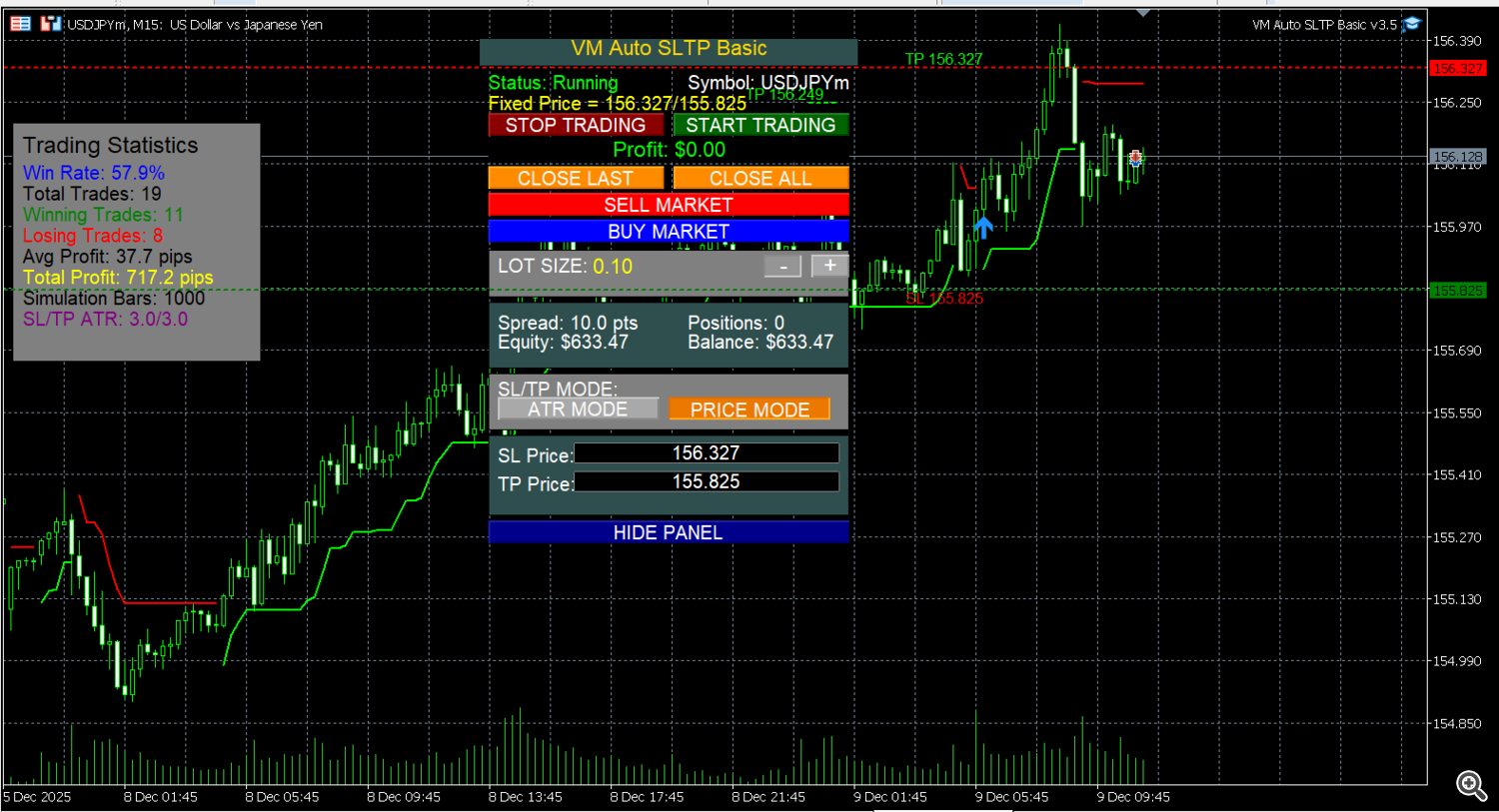
SuperScalp Pro gives a Buy/Sell signal and draws SL/TP.
-
You open the trade manually or through another EA.
-
VM Auto SLTP Basic immediately places SL/TP based on your settings.
-
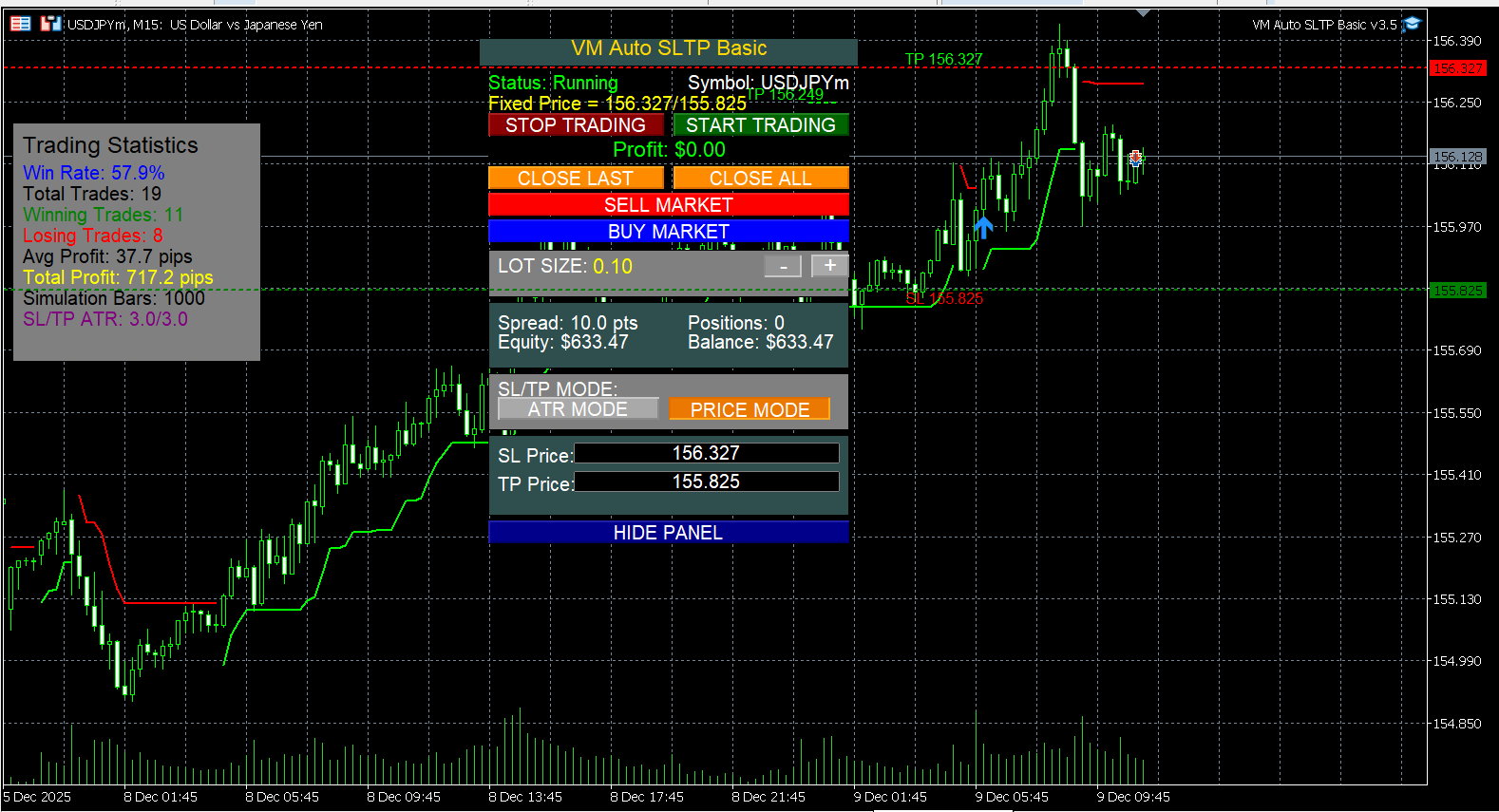
The Control Panel shows: Status, Symbol, SL/TP, Profit, Lots, and active orders.
-
VM manages breakeven, safety conditions, and auto-close rules until the trade ends.
6. Pro Tips for Better Scalping
-
Test ATR multipliers and breakeven rules on Demo.
-
Use risk-percentage mode to standardize every trade.
-
Keep SL beyond spread and noise (important for XAUUSD).
-
Review logs to refine your setup.
7. When to Upgrade to VM Auto SLTP Pro
Choose the Pro version if you need:
-
Additional SL/TP modes (ATR, Points, USD value, fixed price)
-
Advanced R-based trailing stop
-
A more powerful control panel
-
Complete trade-management customization
It includes all Basic features plus the full advanced toolkit.
8. Final Thoughts
Pairing SuperScalp Pro with VM Auto SLTP Basic gives you:
✔ Faster execution
✔ Cleaner, more confident entries
✔ Automated risk management
✔ Better control in volatile markets
Always test on Demo first, adjust settings to your symbol/timeframe, and only go Live when the workflow feels natural and reliable.




