
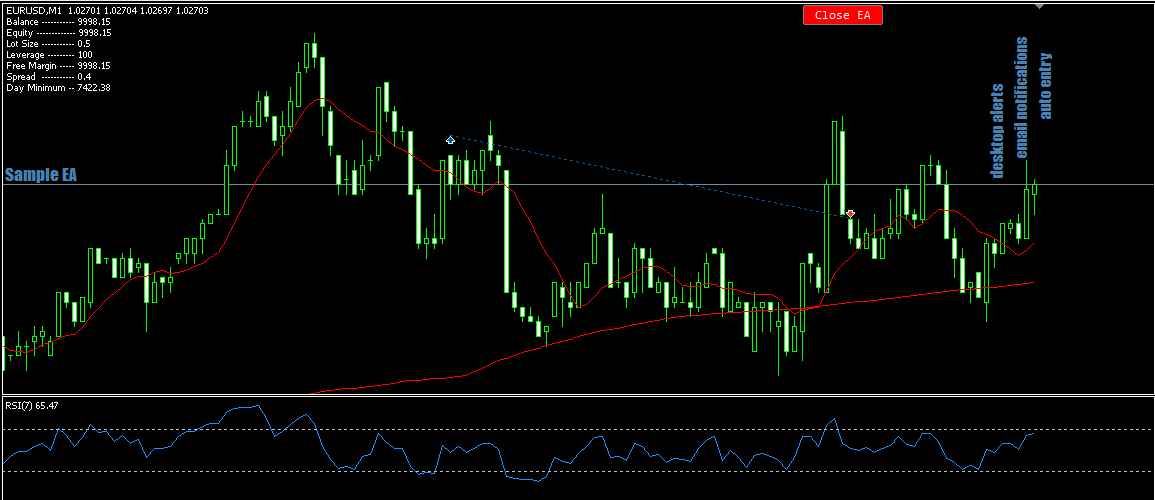
 This is a demo version of the Click2EA tool that helps traders create robots for advanced alerts that involve combining indicators. The robots can also enter positions automatically when needed. To create a robot you just click on a bunch of prompts.
The demo only works with buy alert prompts, to be able to use all the prompts you need the main version.
To install it, go to files on the top left of your MT5 then click open data folder, open the MQL5 folder and paste the Click2EA file in the experts folder. now restart your MT5 and you will see Click2EA in the navigator tab.
Features of the created robots include
- Ability to create alert/email notification EAs with just a few clicks
- Ability to create auto-trading EAs in just a few clicks
- All EAs created have balance protection
- All EAs created can indicate major candle patterns on the chart
- All EAs created have auto-lotsizing for currencies
- All EAs created have day, time and spread filters
- Code for all EAs created is available
- All EAs have a dashboard displaying important info.
Files:
Click2EAdemo.ex5
1046 kb




