
Bober Lazer: Fast Start Guide
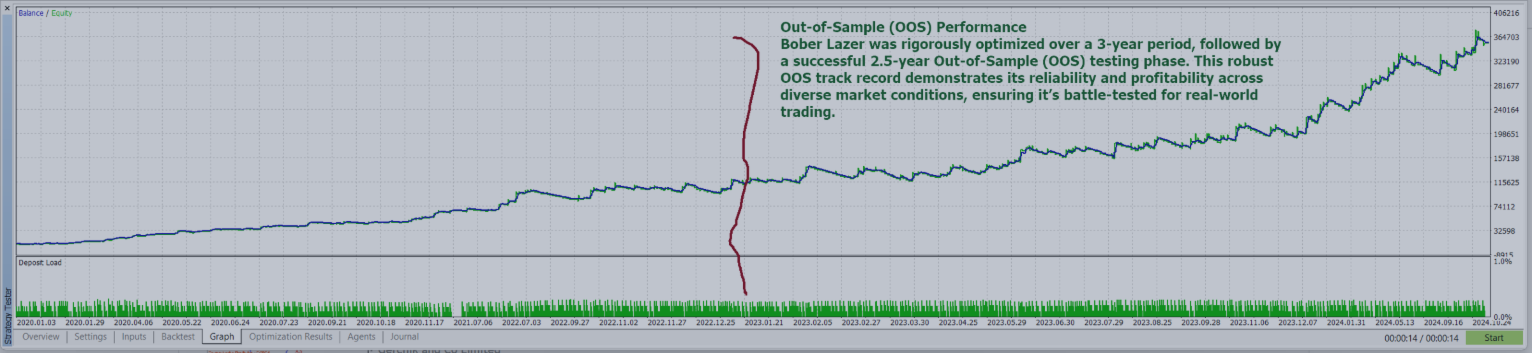
Its a safe and stable breakout bot with built-in crypto exchange connectors for Binance, OKX, and Bybit.
The system avoids chaotic fast markets, does not use martingale, and trades with a clean 1% stop-loss for consistent long-term performance.
Live account # 1
Live account # 2
Welcome to Bober Lazer! This guide will get you up and running quickly so you can start to trade the markets. Installation is straightforward, and with just a few steps, you’ll be trading like a pro. Let’s dive in!
Step 1: Install Bober Lazer
- Locate the EA: After purchase, Bober Lazer is already available in your MetaTrader 5 (MT5) terminal under the "Purchased" section of the Market tab. No need to upload files manually—it’s ready for you!
Step 2: Configure API Keys
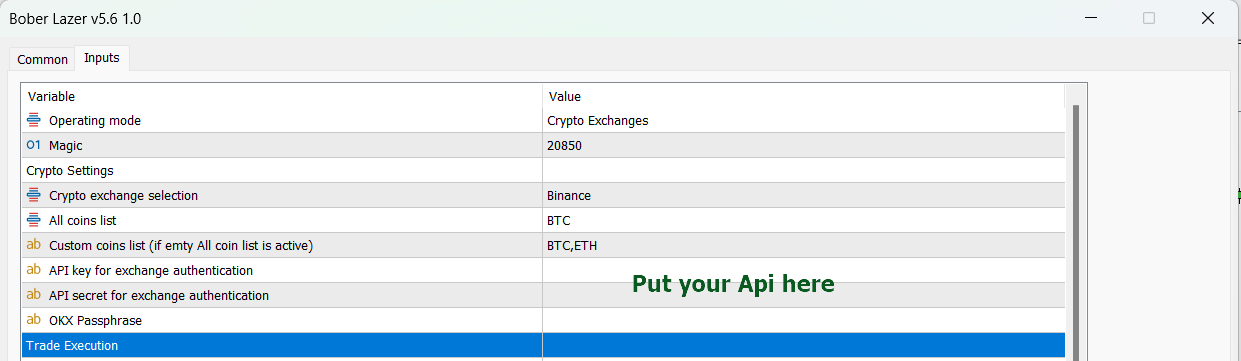
- Insert Web URL Links: Add the required Web URL links for your exchange’s API .
These ensure Bober Lazer connects seamlessly to the market data.
Copy past it in your URL settings of mt5: (Tools - > Options -> Expert Advisors).
api.bybit.comhttps://www.okx.com/api
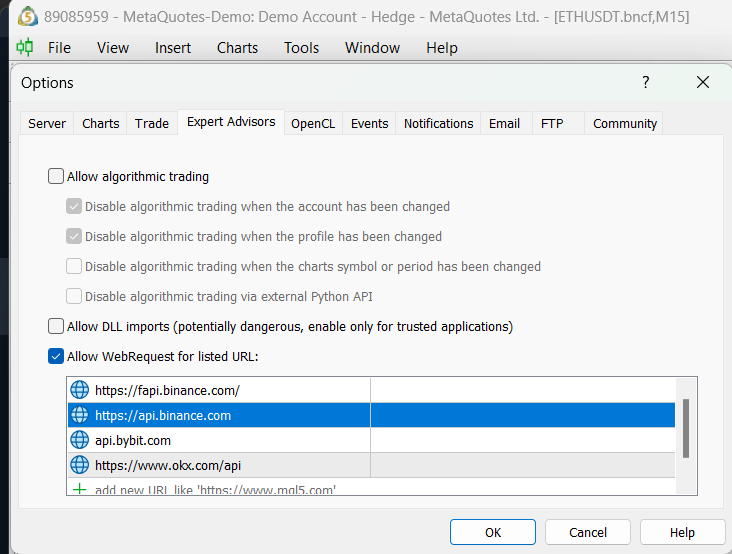
Add API Keys:
Drag and drop EA to a chart then Click Load button and upload provided set file or use own made one.
In the robot settings, locate the API key fields. Enter your API keys for your chosen exchange (e.g., Binance, OKX, Bybit). You can generate these from your exchange account under the API management section.
Step 3: Launch Bober Lazer
- Finalize Setup: Once the set file, API keys, and Web URLs are loaded, click the "OK" button in the EA settings window. Bober Lazer will initialize and appear on your chart, ready to trade!
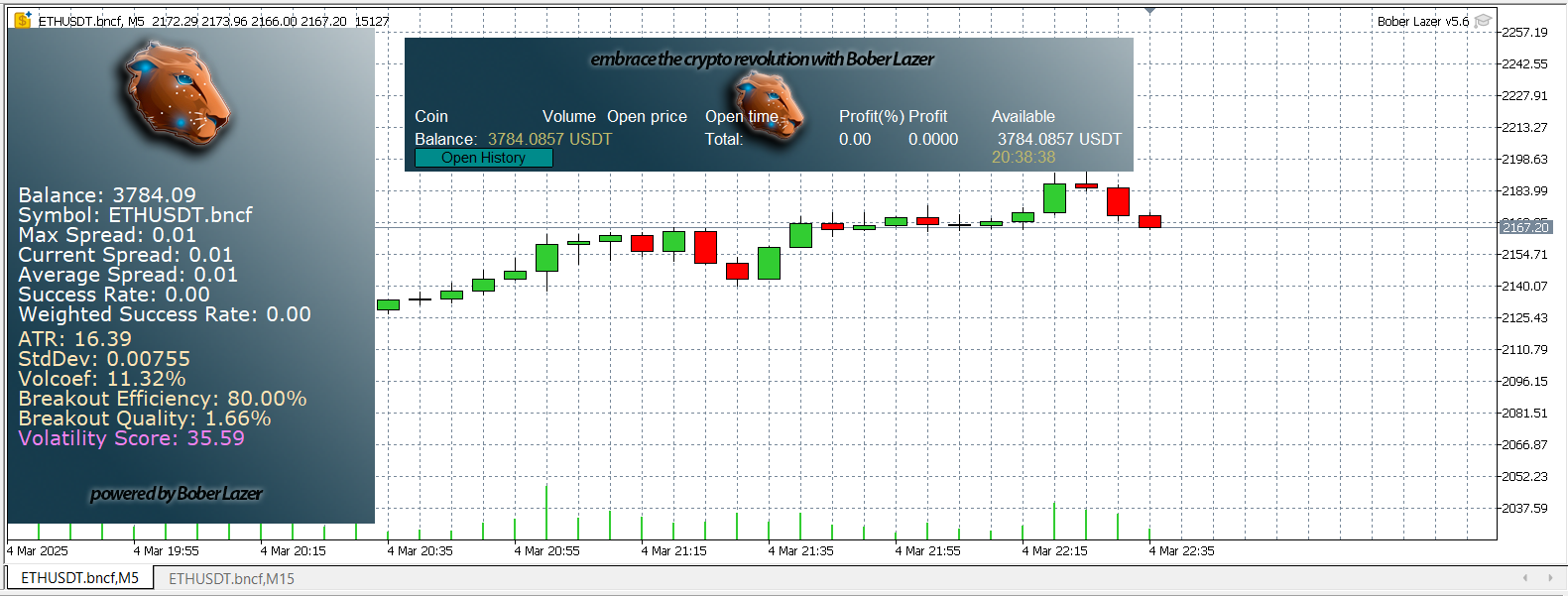
Click Ok button then you see Bober Lazer is running on your live account with balance displayed:
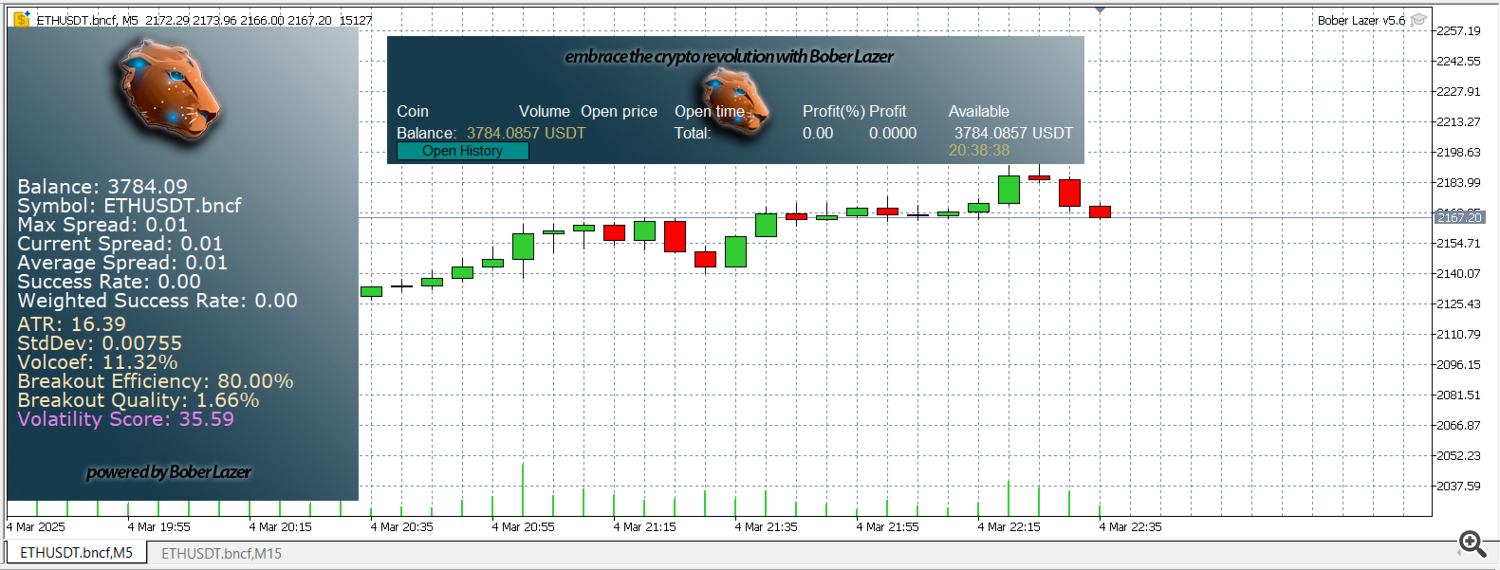
So if you see your balance displayed your bot is successfully installed.