Sandro Begashvili
Sandro Begashvili
  • 信息
2 年
经验
5
产品
53
演示版
3
工作
0
信号
0
订阅者
Sandro Begashvili - MQL5、MQL4、Python 和 Pine Script 开发者

我为 MetaTrader 4 和 MetaTrader 5 开发交易程序:智能交易系统、自定义指标和图形交易面板。请描述您的想法,我会将其变成可运行且有文档说明的代码。


我能开发什么

智能交易系统(EA)- 适用于 MT4 和 MT5 的自动化策略
指标 - 带提醒功能并支持多周期的自定义分析工具
交易面板(GUI)- 一键交易和风险管理界面
脚本与工具 - 订单处理、报表和数据导出


我使用的方法

Smart Money Concept 与价格行为分析
应用于市场数据的机器学习算法
用于参数调优和策略设计的数学优化


编程语言

MQL5、MQL4、Python、Pine Script


合作方式

您可以用文字描述、截图或现有脚本的形式提交想法。在开始工作之前,我会回复工作范围、完成时间和价格。每个项目交付时都会说明核心逻辑并附上简短手册,方便您日后维护和扩展。


委托开发

自由职业订单:https://www.mql5.com/en/job/new?prefered=sandrobegashvil


产品

Trading Simulator in Strategy Tester MT5 版:https://www.mql5.com/en/market/product/107411
Trading Simulator in Strategy Tester MT4 版:https://www.mql5.com/en/market/product/132410
MT5 免费演示版:https://www.mql5.com/en/blogs/post/762473


联系方式

Telegram:https://t.me/MrMQL5Developer
Sandro Begashvili
已发布代码Swing Detector by Pullback (Smart Money Concepts)
SMC Pullback marks swing highs and lows using the pullback definition instead of the usual 3-candle pattern. A high is confirmed only when price trades back through the low of the candle that made it — so every marked point is an actual rejection, and highs and lows always alternate. It evaluates closed bars only and never moves a marker once drawn, so it does not repaint. Two buffers expose the confirmed swing prices to an EA via iCustom.
240
Sandro Begashvili 已发布产品

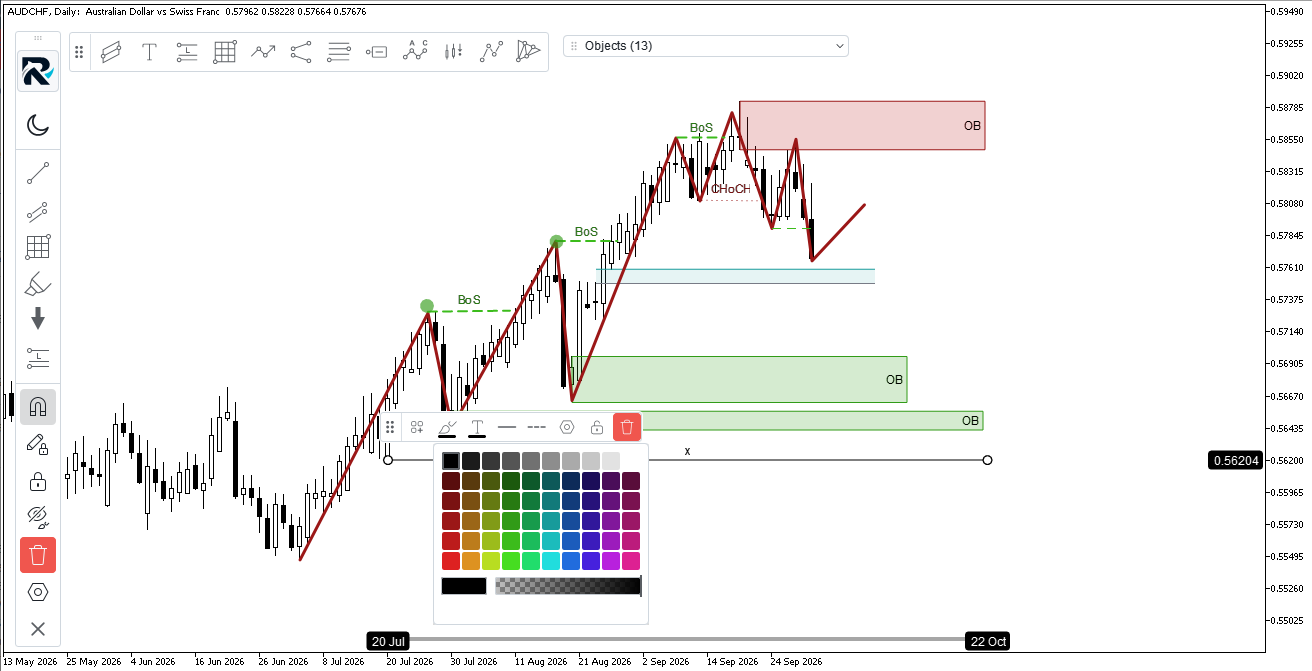
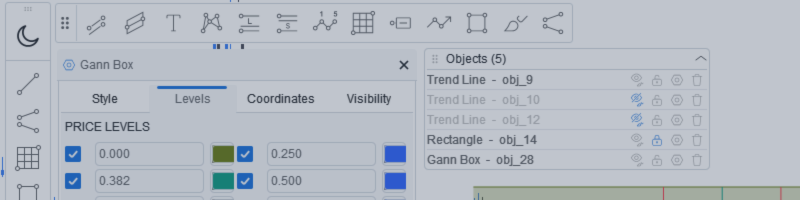
Rhino Chart Drawing Tools — MetaTrader 5 的 TradingView 风格绘图工具 54 个绘图工具 、完整的工具栏、收藏条、快速样式栏、每个对象的设置面板和对象管理器 — 全部使用 矢量引擎 呈现,而不是 MetaTrader 的内置对象。如果您曾经希望 MT5 图表的绘制方式像 TradingView 一样,这正是您需要的。 工具 线 — 趋势线、射线、扩展线、水平线和垂直线、水平射线、交叉线、趋势角、箭头、路径、折线、信息线 通道 — 平行、回归、平坦、不相交和 Pitchfork 斐波那契 — 回撤、扩展、通道、速度扇、时间区域 甘恩 — 甘恩盒和甘恩扇 形状 — 矩形、旋转矩形、椭圆、圆形、三角形、折线 注释 — 文本、便签、标注、价格标签、路标、旗帜、箭头标记 模式 — XABCD、ABCD、密码、头肩、三角形、三推、艾略特冲动和修正 投影 — 多头和空头头寸、预测、价格范围、日期范围、日期和价格范围 笔刷 — 自由笔刷和荧光笔 按时间和价格绘制 — 不是像素 每个对象将其锚点存储为 (时间、价格)

Sandro Begashvili
Sandro Begashvili
One click turns your whole trading history into a clean, investor-ready PDF. 📄

Tired of screenshots and spreadsheets when someone asks for your track record? Rhino PDF Trade Report exports your full MetaTrader account history to a print-ready PDF — in one click.

✅ Performance overview: net result, win rate, profit factor, expectancy
✅ Equity curve + win/loss and buy/sell breakdown
✅ Results by weekday and by symbol — see what actually makes you money
✅ Full trade register: every closed trade, entry/exit, SL/TP, swap, commission, net profit
✅ True vector output — razor-sharp, selectable text, tiny file size

Filter by date range, number of trades, or a single symbol. Works on any broker, live or demo, hedging or netting. Perfect for investors, prop-firm applications, your accountant, or your own trading journal.

And it's completely FREE.

📥 MT5 version: https://www.mql5.com/en/market/product/189458
📥 MT4 version: https://www.mql5.com/en/market/product/189468

If it saves you time, a review helps more than you'd think. 🙏

#MetaTrader #MT4 #MT5 #Forex #TradingTools #AlgoTrading #TradingJournal #PropFirm
Sandro Begashvili
Rhino PDF Trade Report turns your MetaTrader account history into a clean, print-ready PDF report in one click. It is free , and it is available for both MetaTrader 4 and MetaTrader 5...
Sandro Begashvili 已发布产品

Rhino PDF Trade Report — 将您的 MT4 交易历史导出为 PDF 一键将您的 MetaTrader 4 账户历史转换为整洁、可直接打印的 PDF 交易  报告 。运行脚本,选择日期范围或交易笔数,即可得到一份可以发送给投资人、随自营公司申请一同提交、交给会计师,或作为交易日志保存的文档。 您将获得 第 1 页 — 绩效总览 净结果、交易笔数、 胜率 、 盈利因子 、期望值与总手数 报告内所有交易的累计盈亏 资金曲线 盈利 / 亏损  与 买入 / 卖出  占比 按星期几统计的结果  — 看清哪些日子真正为您赚钱 按品种统计的结果  — 表现最好与最差的品种,依次排列 第 2 页及以后 — 完整交易明细 每笔已平仓交易占一行: 持仓 订单号 开仓时间  与 平仓时间 品种与方向(BUY / SELL,配有颜色标识和上下箭头) 手数、 开仓价 、 平仓价 止损  与 止盈 库存费  与 手续费 ,分别列示 每笔交易的 净利润 ,并附小计 明细表会根据您的历史自动延展到所需的页数 —

Sandro Begashvili 已发布产品

Rhino PDF Trade Report — 将您的 MT5 交易历史导出为 PDF 一键将您的 MetaTrader 5 账户历史转换为整洁、可直接打印的 PDF 交易  报告 。运行脚本,选择日期范围或交易笔数,即可得到一份可以发送给投资人、随自营公司申请一同提交、交给会计师,或作为交易日志保存的文档。 您将获得 第 1 页 — 绩效总览 净结果、交易笔数、 胜率 、 盈利因子 、期望值与总手数 报告内所有交易的累计盈亏 资金曲线 盈利 / 亏损  与 买入 / 卖出  占比 按星期几统计的结果  — 看清哪些日子真正为您赚钱 按品种统计的结果  — 表现最好与最差的品种,依次排列 第 2 页及以后 — 完整交易明细 每笔已平仓交易占一行: 持仓 订单号 开仓时间  与 平仓时间 品种与方向(BUY / SELL,配有颜色标识和上下箭头) 手数、 开仓价 、 平仓价 止损  与 止盈 库存费  与 手续费 ,分别列示 每笔交易的 净利润 ,并附小计 明细表会根据您的历史自动延展到所需的页数 —

Sandro Begashvili
Here is a Demo Version of Backtest Simulator in Strategy Tester MT5 , which allow you to test the Product. (I will update the demo version in small period of time) Step 1: Download the Demo Version Scroll to the bottom of this page...
Sandro Begashvili
Sandro Begashvili
Update Trading Simulators:

I added new features to Trade Manager (MT5 / MT4), which help you to handle your trading strategy better and better:


1) Add a new Advanced Risk Management Option. Using this feature, you can set Total SLs/TPs of Open Positions of Each Symbol with only one Click.

Let assume you have 4 open Position on EURUSD with different Entry Point and Volumes. Now you want set the Total SLs at level with Total Loss = $100, you can drag advanced tools and set it at $100 loss and Click OK. It automatically moves all the SLs to that level which cause $100 loss. Also same process for TPs.


Trading Simulator in StrategyTester MT5: https://www.mql5.com/en/market/product/107411
Trading Simulator in StrategyTester MT4: https://www.mql5.com/en/market/product/132410
2) Add an advanced Calendar which allow you to see at each day number of Trades and PNL with one click.

as you click on each day in Calendar you can see the Summary of Trades in that day.
Sandro Begashvili 已发布产品

Rhino Backtest Manager - 用于实盘交易和策略测试器的交易管理面板 Rhino Backtest Manager 是一个交易管理面板,可在实盘交易和 MetaTrader 4 策略测试器中运行。它允许您在测试器内手动下单和管理订单,界面与实盘账户完全相同,因此可以先用历史数据检验策略,再直接用同一工具进行交易。 面板会根据您设置的风险参数计算持仓量,在发送订单前显示每个止损和止盈的金额价值,并按日、周、月以及账户全部历史记录交易结果。 用户手册: 产品使用说明 免费演示版: 下载演示版 MetaTrader 5 版本: Rhino Backtest Manager MT5 版 首次运行前必须安装手册页面提供的字体。未安装字体时,面板无法正常显示。 功能 双模式。 同一个面板可在实盘交易和策略测试器模式下运行。 订单类型。 支持市价、限价和止损订单,发送前可调整入场价格。 风险设置。 止损、止盈和盈亏比可以分别启用或关闭。 手数计算。 持仓量可设为固定手数、账户货币的固定金额,或余额的百分比。 交易列表。

Sandro Begashvili
Sandro Begashvili
New Version of Backtest Simulator is Published


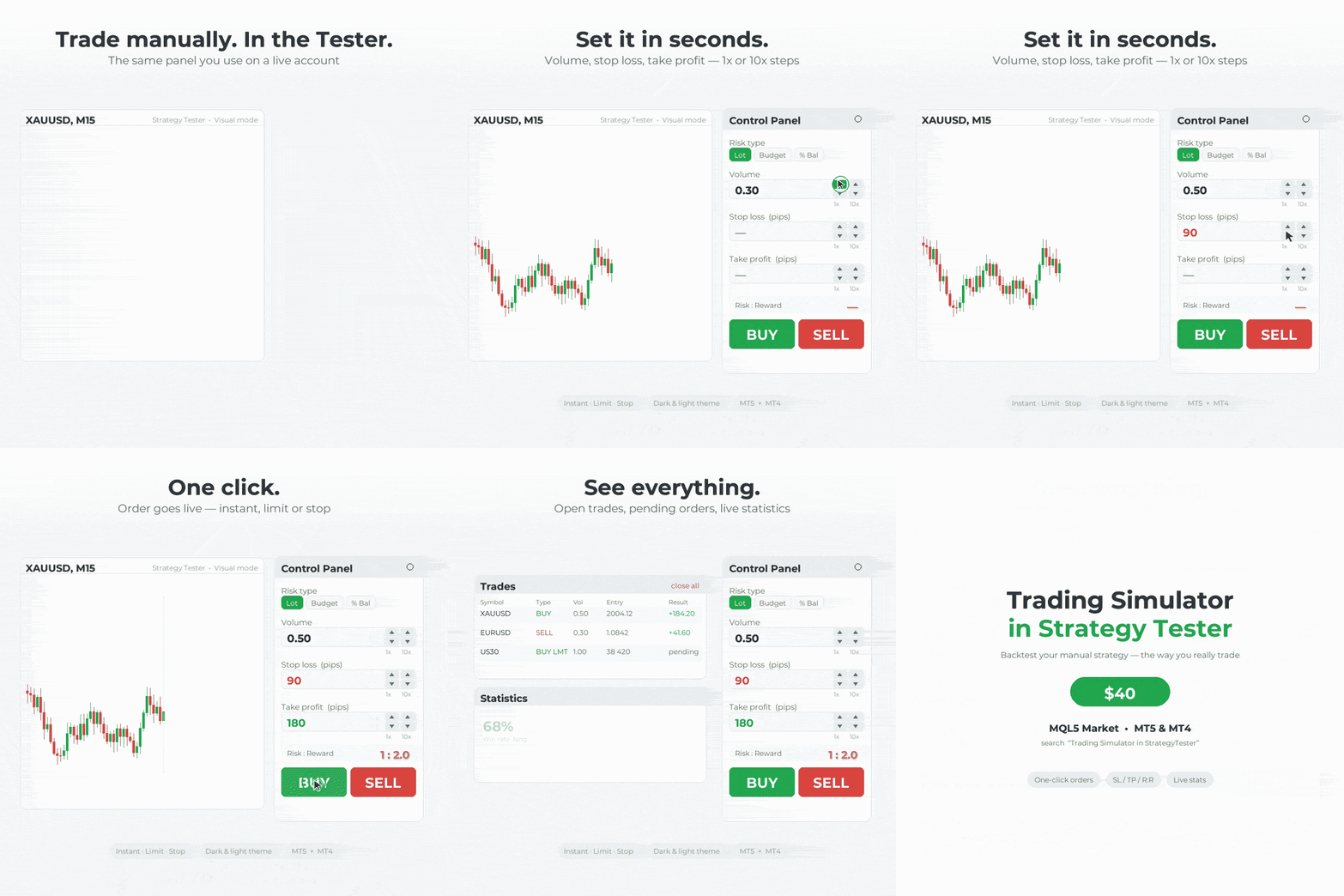
In this version I added many new features which allow you to do smooth trading in Live and Tester Mode. This Trade Manager works in Both Live and Tester mode. Simply you can run it in Tester mode and Test your Strategy manually.


MT5 available here: https://www.mql5.com/en/market/product/107411

MT4 available here: https://www.mql5.com/en/market/product/132410

What is New?!

✔️New User-Friendly Design
✔️Optimized for Live Trading (without Lag)
✔️Add more details to Trades Window
✔️Add Risk Reward Ratio Buttons
✔️Add Advanced Trade Box Manager
✔️Add Info to Orders and Positions
✔️Add Daily Profit/Loss Monitor
✔️Add Statistical report from trades
✔️Add Message Dialog Box
✔️Solve Bugs of previous Version
✔️Add Two Light and Dark Theme
✔️Create Sticky Label for Positions and Orders
✔️Add Watchlist to Live Trade
✔️Draggable TradeBox to set EntryPrice, Stoploss, Takeprofit In Live Mode
✔️Close/Open Windows


MT5 available here: https://www.mql5.com/en/market/product/107411
Sandro Begashvili
The Rhino Backtest Manager is a trade manager that works in both Live Mode and Strategy Tester Mode . Most trade managers run only on a live chart...
· 3 4215 5
Sandro Begashvili
留下反馈给客户为工作 EA formula modification
Sandro Begashvili
留下反馈给客户为工作 EA fomulas modifications
Sandro Begashvili
留下反馈给客户为工作 Create a program according to my mathematical formulas
Sandro Begashvili 已发布产品

Rhino Backtest Manager - 用于实盘交易和策略测试器的交易管理面板 Rhino Backtest Manager 是一个交易管理面板,可在实盘交易和 MetaTrader 5 策略测试器中运行。它允许您在测试器内手动下单和管理订单,界面与实盘账户完全相同,因此可以先用历史数据检验策略,再直接用同一工具进行交易。 面板会根据您设置的风险参数计算持仓量,在发送订单前显示每个止损和止盈的金额价值,并按日、周、月以及账户全部历史记录交易结果。 用户手册: 产品使用说明 免费演示版: 下载演示版 MetaTrader 4 版本: Rhino Backtest Manager MT4 版 首次运行前必须安装手册页面提供的字体。未安装字体时,面板无法正常显示。 功能 双模式。 同一个面板可在实盘交易和策略测试器模式下运行。 订单类型。 支持市价、限价和止损订单,发送前可调整入场价格。 风险设置。 止损、止盈和盈亏比可以分别启用或关闭。 手数计算。 持仓量可设为固定手数、账户货币的固定金额,或余额的百分比。 交易列表。

sajjadha72
sajjadha72 2024.08.01
Very nice
Bob
Bob 2024.12.07
Hi, Sandro. I sent you a message regarding this Trading Simulator indicator.
Sandro Begashvili
已在MQL5.community注册