|
9+ 年
经验
|
70
产品
|
1450
演示版
|
|
2
工作
|
4
信号
|
0
订阅者
|
______________ AW Trading Software ______________
📢 mql5com channel 👉 https://www.mql5.com/en/channels/awtradingsoftware
📢 Telegram channel 👉 https://t.me/AWSoftware
🎞️ YouTube 👉 https://www.youtube.com/@awtradingsoftware
__________⭐⭐⭐⭐⭐ 👇🏻 Top 👇🏻 ⭐⭐⭐⭐__________
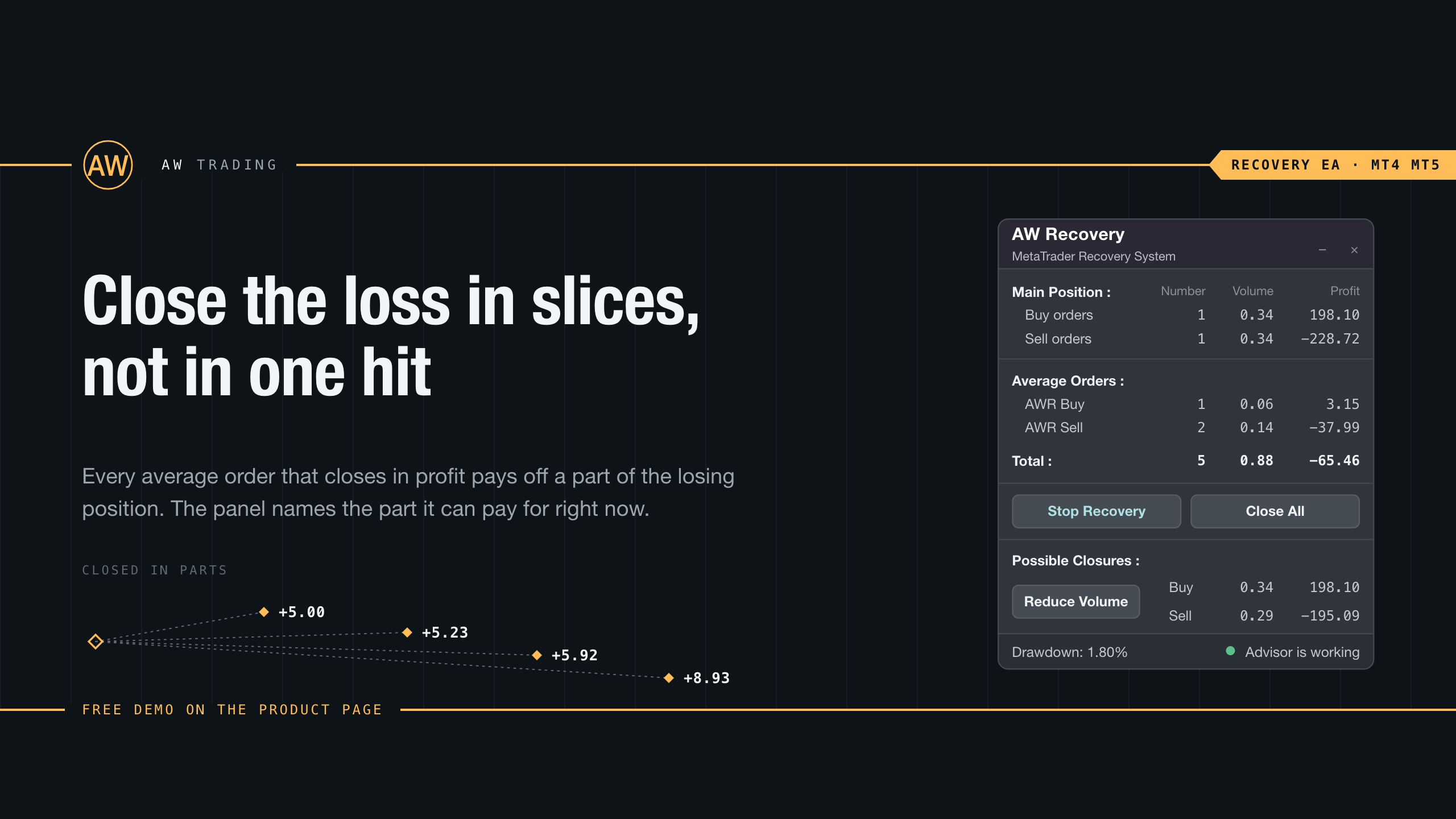
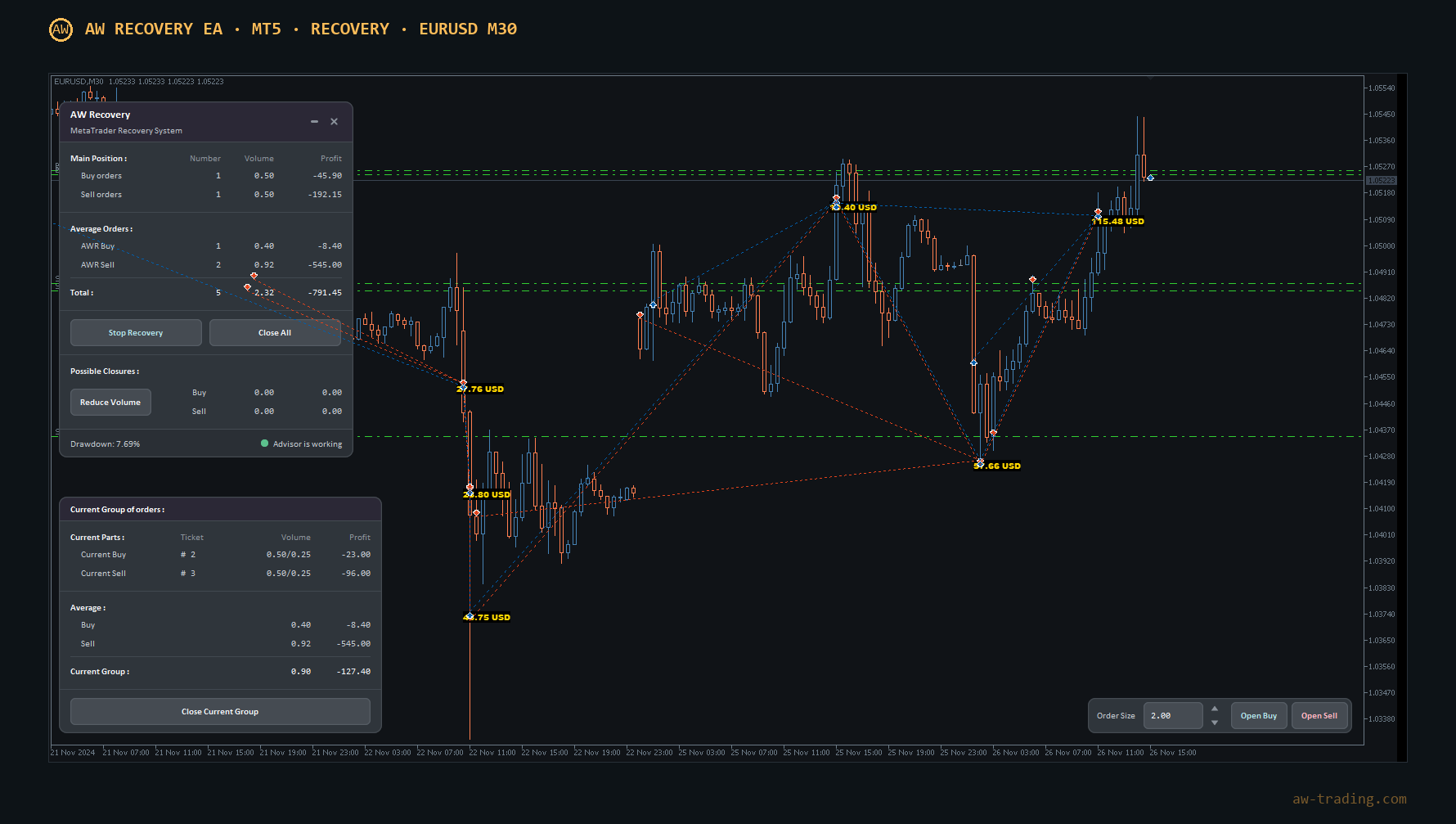
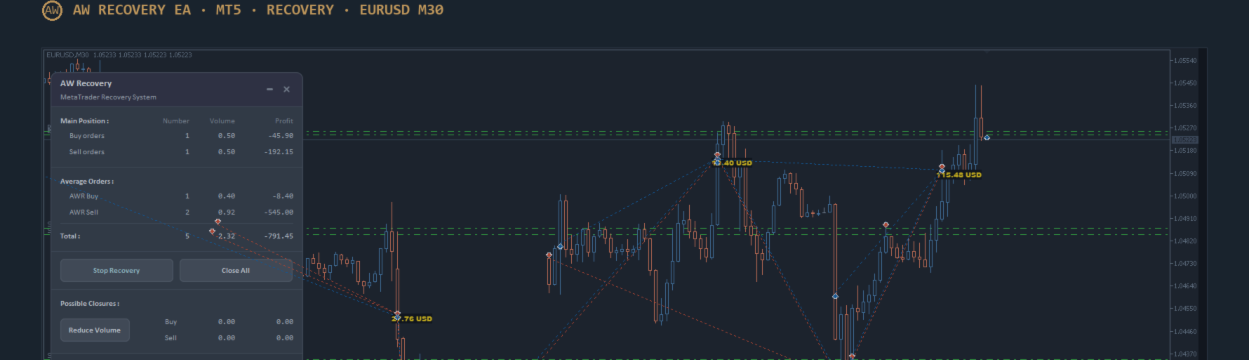
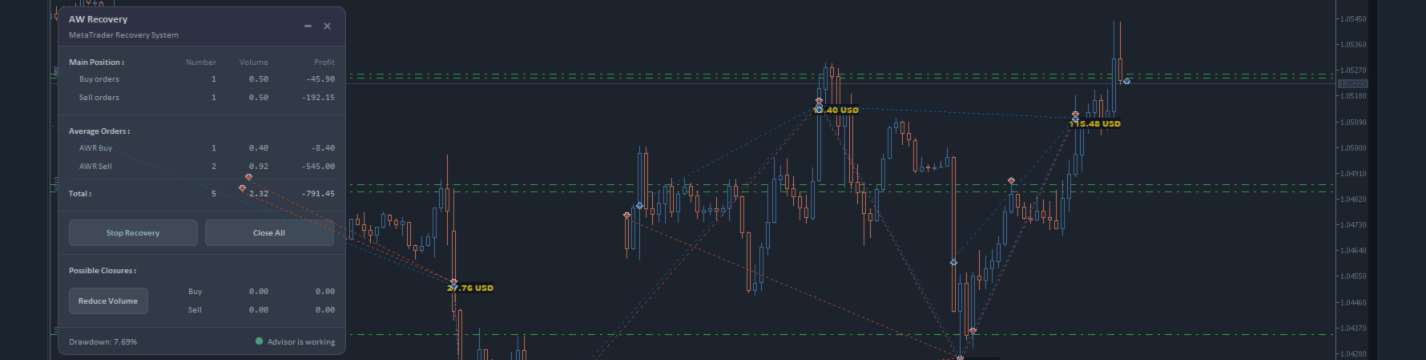
✅ "AW Recovery"
追回亏损头寸的系统
👉 MT4 https://www.mql5.com/zh/market/product/49453
👉 MT5 https://www.mql5.com/zh/market/product/49692
📌 顾问设置说明
👉 https://www.mql5.com/en/blogs/post/736552
____________________🔹 Products 🔹_____________________
💎 交易顾问 💎
👉 MT4 https://www.mql5.com/zh/market/mt4/expert?Filter=nechaevrealle
👉 MT5 https://www.mql5.com/zh/market/mt5/expert?Filter=nechaevrealle
💎 交易工具 💎
👉 MT4 https://www.mql5.com/zh/market/mt4/utility?Filter=nechaevrealle
👉 MT5 https://www.mql5.com/zh/market/mt5/utility?Filter=nechaevrealle
💎 技术指标 💎
👉 MT4 https://www.mql5.com/zh/market/mt4/indicator?Filter=nechaevrealle
👉 MT5 https://www.mql5.com/zh/market/mt5/indicator?Filter=nechaevrealle
______________________ 🔹 博客 🔹 _______________________
📌 我博客中的所有說明 - https://www.mql5.com/en/users/nechaevrealle/blog
📢 mql5com channel 👉 https://www.mql5.com/en/channels/awtradingsoftware
📢 Telegram channel 👉 https://t.me/AWSoftware
🎞️ YouTube 👉 https://www.youtube.com/@awtradingsoftware
__________⭐⭐⭐⭐⭐ 👇🏻 Top 👇🏻 ⭐⭐⭐⭐__________
✅ "AW Recovery"
追回亏损头寸的系统
👉 MT4 https://www.mql5.com/zh/market/product/49453
👉 MT5 https://www.mql5.com/zh/market/product/49692
📌 顾问设置说明
👉 https://www.mql5.com/en/blogs/post/736552
____________________🔹 Products 🔹_____________________
💎 交易顾问 💎
👉 MT4 https://www.mql5.com/zh/market/mt4/expert?Filter=nechaevrealle
👉 MT5 https://www.mql5.com/zh/market/mt5/expert?Filter=nechaevrealle
💎 交易工具 💎
👉 MT4 https://www.mql5.com/zh/market/mt4/utility?Filter=nechaevrealle
👉 MT5 https://www.mql5.com/zh/market/mt5/utility?Filter=nechaevrealle
💎 技术指标 💎
👉 MT4 https://www.mql5.com/zh/market/mt4/indicator?Filter=nechaevrealle
👉 MT5 https://www.mql5.com/zh/market/mt5/indicator?Filter=nechaevrealle
______________________ 🔹 博客 🔹 _______________________
📌 我博客中的所有說明 - https://www.mql5.com/en/users/nechaevrealle/blog