Alexander Zelchert / 个人资料
- 信息
|
9+ 年
经验
|
69
产品
|
1466
演示版
|
|
2
工作
|
5
信号
|
0
订阅者
|
📢 mql5com channel 👉 https://www.mql5.com/en/channels/awtradingsoftware
📢 Telegram channel 👉 https://t.me/AWSoftware
🎞️ YouTube 👉 https://www.youtube.com/@awtradingsoftware
__________⭐⭐⭐⭐⭐ 👇🏻 Top 👇🏻 ⭐⭐⭐⭐__________
✅ "AW Recovery"
追回亏损头寸的系统
👉 MT4 https://www.mql5.com/zh/market/product/49453
👉 MT5 https://www.mql5.com/zh/market/product/49692
📌 顾问设置说明
👉 https://www.mql5.com/en/blogs/post/736552
____________________🔹 Products 🔹_____________________
💎 交易顾问 💎
👉 MT4 https://www.mql5.com/zh/market/mt4/expert?Filter=nechaevrealle
👉 MT5 https://www.mql5.com/zh/market/mt5/expert?Filter=nechaevrealle
💎 交易工具 💎
👉 MT4 https://www.mql5.com/zh/market/mt4/utility?Filter=nechaevrealle
👉 MT5 https://www.mql5.com/zh/market/mt5/utility?Filter=nechaevrealle
💎 技术指标 💎
👉 MT4 https://www.mql5.com/zh/market/mt4/indicator?Filter=nechaevrealle
👉 MT5 https://www.mql5.com/zh/market/mt5/indicator?Filter=nechaevrealle
______________________ 🔹 博客 🔹 _______________________
📌 我博客中的所有說明 - https://www.mql5.com/en/users/nechaevrealle/blog
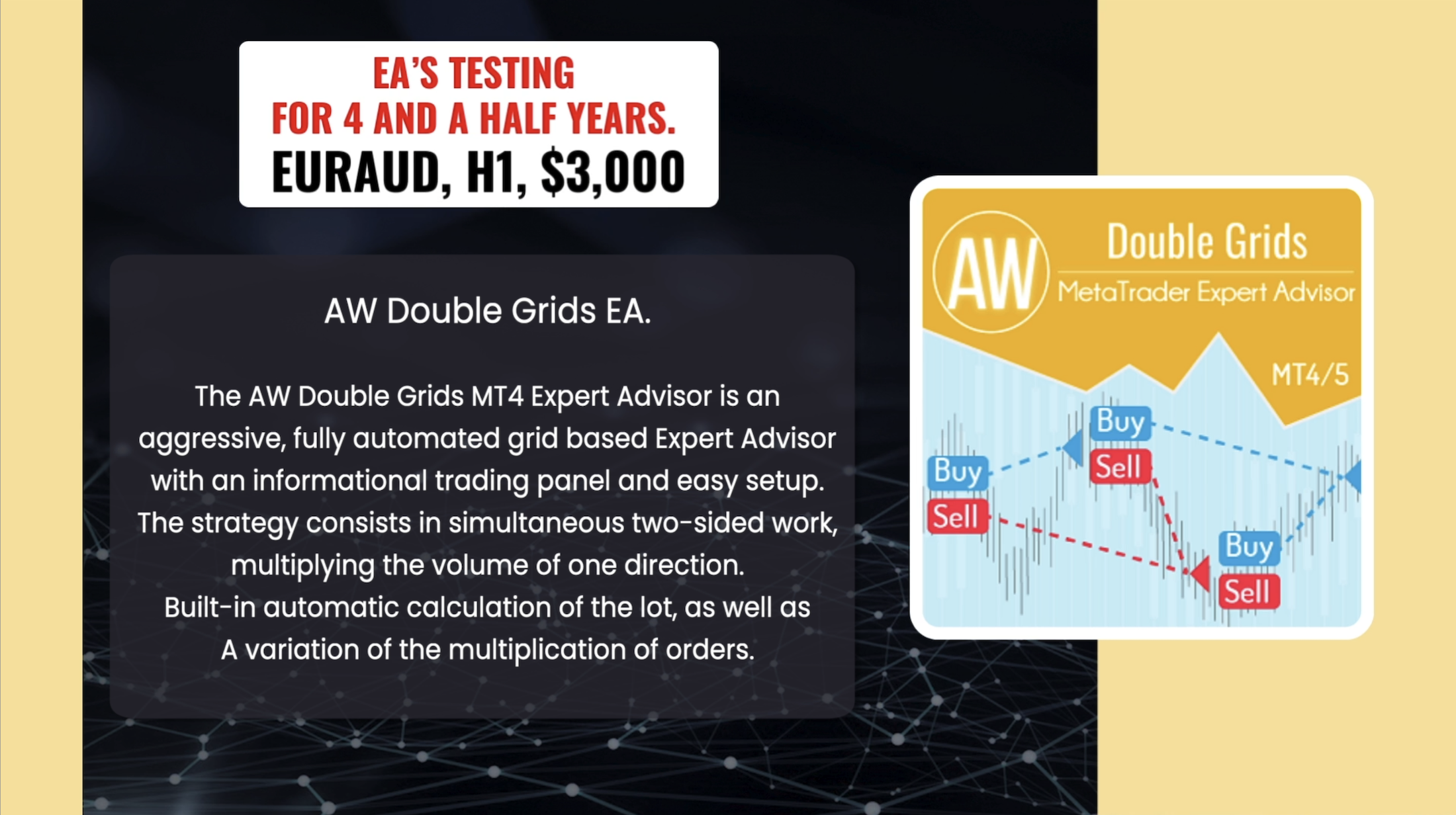
❗The AW Double Grids Expert Advisor is an aggressive, fully automated grid-based Expert Advisor with an informational trading panel and easy setup. The strategy consists in simultaneous two-sided work, multiplying the volume of one direction. Built-in automatic calculation of the lot, as well as a variation of the multiplication of orders.
❗How the advisor trades: The EA starts trading by opening two opposite orders. After closing a profitable order, the EA opens two orders again, multiplying the volume for the open direction. If there are open orders, the EA changes TakeProfit in points. TakeProfit is dynamic and is adjusted depending on the number of open orders in the opposite direction
Additional opening of grids of orders also has a dynamic step that changes depending on the number of open orders in the current direction
MT4 👉 https://www.mql5.com/en/market/product/48191
MT5 👉 https://www.mql5.com/en/market/product/48884
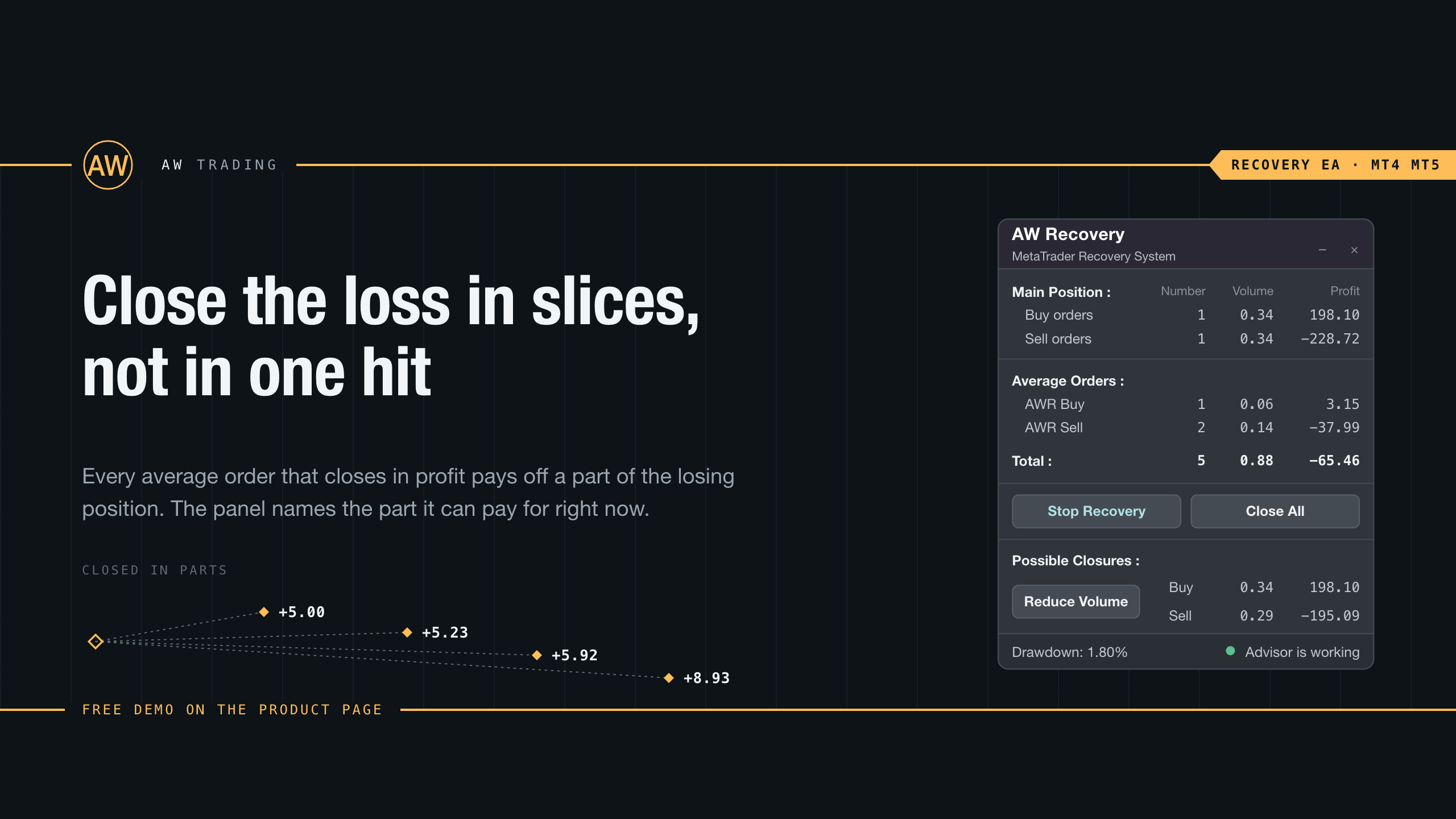
AW Recovery EA is a system designed to restore unprofitable positions. The author's algorithm locks a losing position, splits it into many separate parts, and closes each of them separately. Easy setup, delayed launch in case of drawdown, locking, disabling other Expert Advisors, averaging with trend filtering and partial closing of a losing position are built into one tool.
It is the use of closing losses in parts that allows you to reduce losses with a smaller deposit load, which ensures safer work with losses, unlike grid strategies that close orders only in whole groups.
✅How orders are restored:
⭐ AW Recovery can accompany other advisors and turn them off at the right time
⭐ The EA automatically locks the position, resets TP and SL levels, and deletes pending orders
⭐ Restores a losing position in parts, allowing you to work with a lower deposit load
⭐ Can be used to recover the loss of individual Expert Advisors or work on the current symbol
⭐ The robot combines functionality with simple and flexible settings for each specific situation
⭐ Built-in many protective functions, trend filtering, overlapping, etc. for risk management
Get MT4 Version
👉 https://www.mql5.com/en/market/product/49453
Get MT5 Version
👉 https://www.mql5.com/en/market/product/49692
🎬 Video instruction 👉 https://youtu.be/Sx_QwmvSAEY
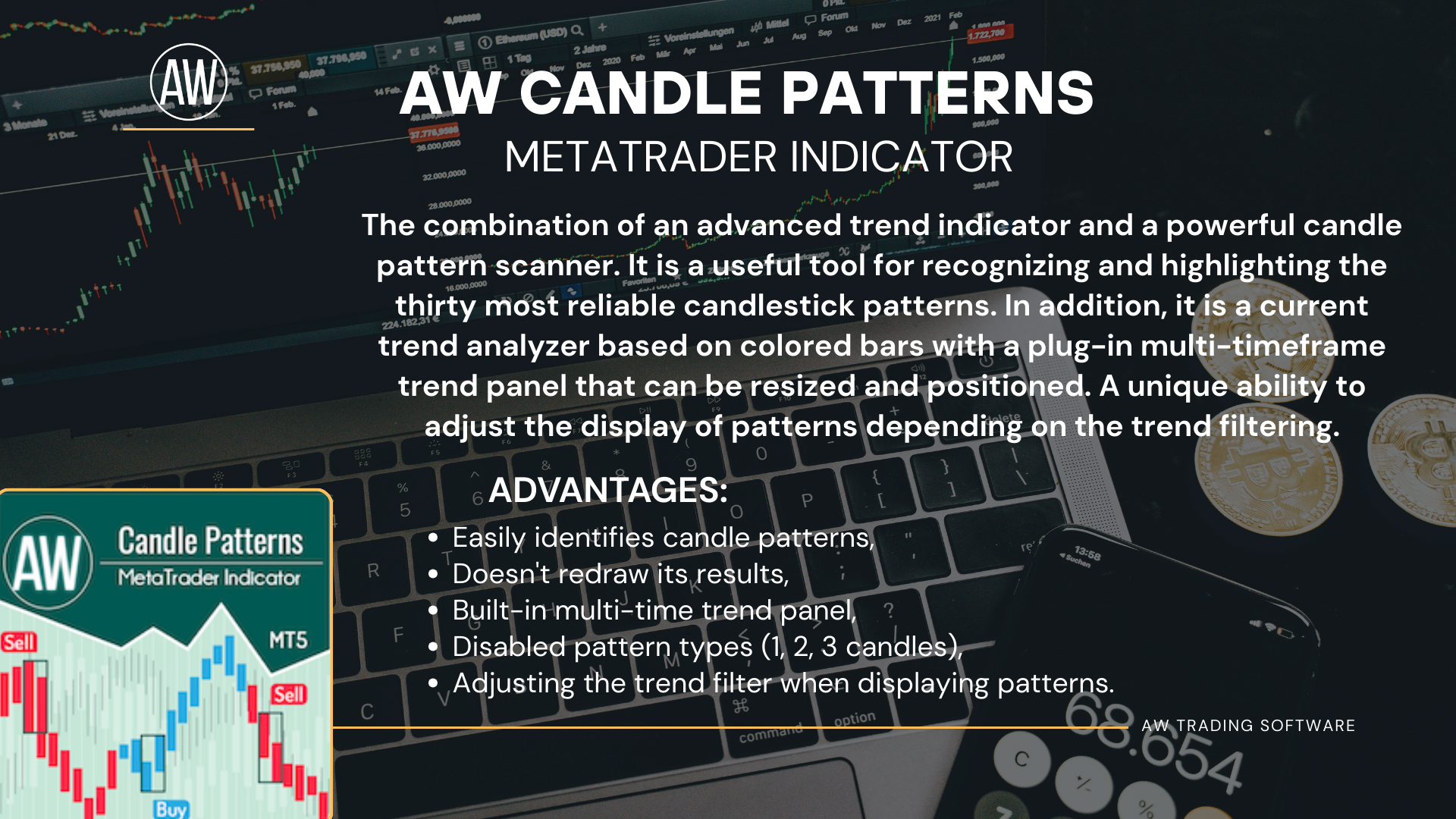
The AW Candle Patterns indicator is a combination of an advanced trend indicator combined with a powerful candle pattern scanner. It is a useful tool for recognizing and highlighting the thirty most reliable candlestick patterns. In addition, it is a current trend analyzer based on colored bars with a plug-in multi-timeframe trend panel that can be resized and positioned. A unique ability to adjust the display of patterns depending on the trend filtering.
MT5 👉 https://www.mql5.com/en/market/product/83325
MT4👉
https://www.mql5.com/en/market/product/84305
MT4 👉 https://www.mql5.com/en/market/product/69521
MT5 👉 https://www.mql5.com/en/market/product/69523
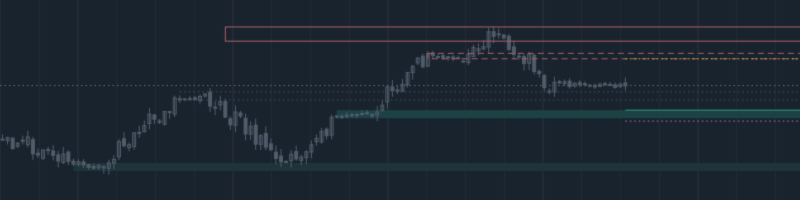
AW Supply Demand 按经典方式寻找供给区与需求区:由若干根小K线组成的基底,以及价格随后从基底的强力离开。每个区域获得 0 到 10 的公开评分,由六个具名分项构成,并经历从新鲜到被击穿再到反转的生命周期,面板则按区域组装出带有入场、止损和目标价位的完整交易方案。指标在一张图表上显示最多三个更高周期的区域,发送通知,并把全部数据输出到缓冲区供智能交易系统使用。 区域不重绘。区域在基底之后经过设定数量的已收盘K线出现,确认之后其边界不再变化,此后只有状态、评分和触碰计数发生变化。 使用手册与说明 -> 这里 / MT5 版本 -> 这里 如何用该指标交易: 步骤 1 - 选择区域 面板显示值得交易的那个区域的交易方案,以及按其评分给出的结论。Limit order - 评分 9 及以上,从区域的近端边界挂限价单。Confirm entry - 评分 8 到 9,按区域处的反转K线入场。Skip - 评分低于 8,跳过该区域。 步骤 2 - 确定 StopLoss 止损设在区域的远端边界之外,并留出以 ATR 的分数表示的缓冲,缓冲由 Stop loss
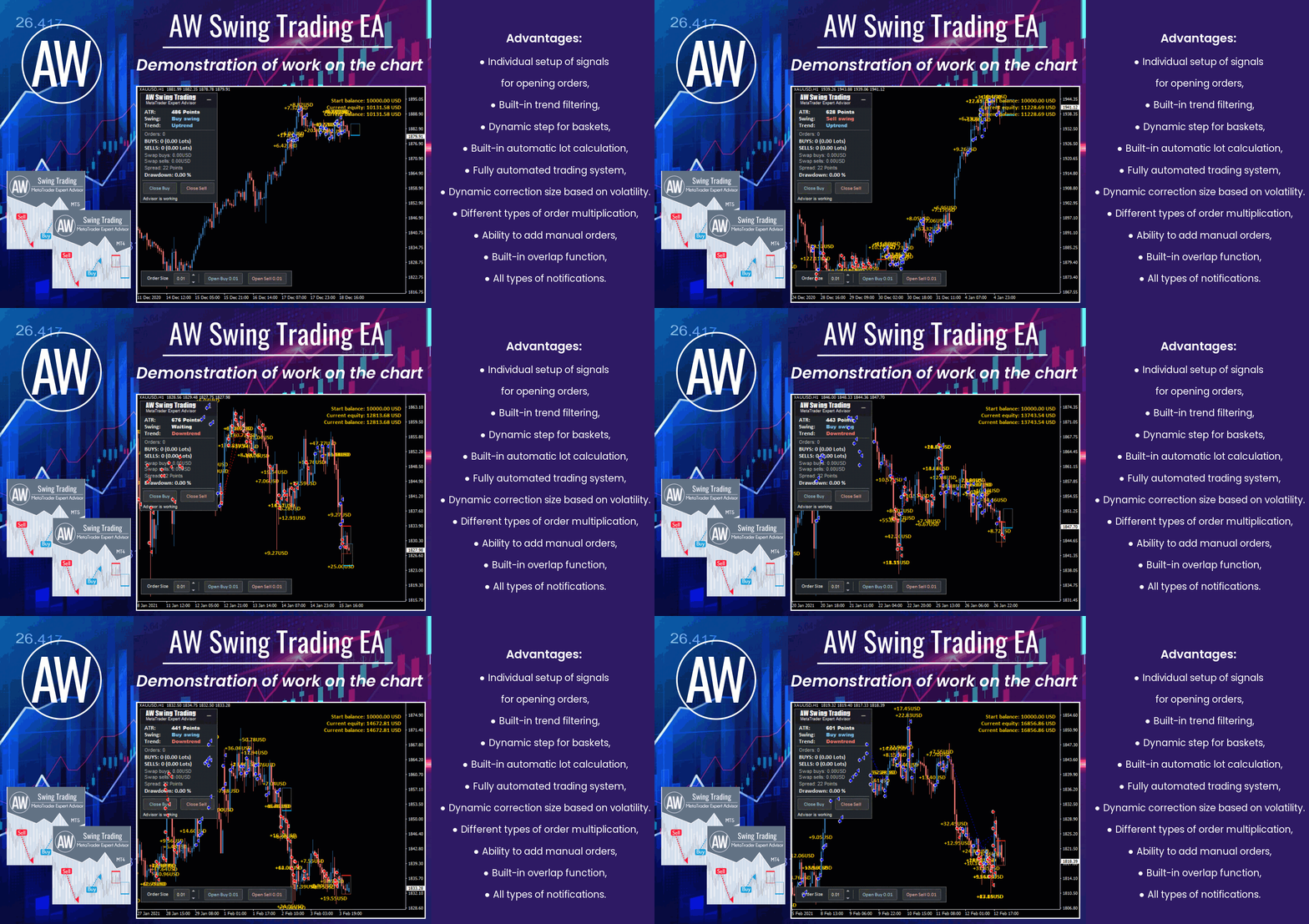
🔹 An advanced tool for swing trading on corrective price movements 🔹
MT4 👉 https://www.mql5.com/en/market/product/42172
MT5 👉 https://www.mql5.com/en/market/product/62408
INSTRUCTION AND DESCRIPTION
📌 https://www.mql5.com/en/blogs/post/742819
AW Supply Demand 按经典方式寻找供给区与需求区:由若干根小K线组成的基底,以及价格随后从基底的强力离开。每个区域获得 0 到 10 的公开评分,由六个具名分项构成,并经历从新鲜到被击穿再到反转的生命周期,面板则按区域组装出带有入场、止损和目标价位的完整交易方案。指标在一张图表上显示最多三个更高周期的区域,发送通知,并把全部数据输出到缓冲区供智能交易系统使用。 区域不重绘。区域在基底之后经过设定数量的已收盘K线出现,确认之后其边界不再变化,此后只有状态、评分和触碰计数发生变化。 使用手册与说明 -> 这里 / MT4 版本 -> 这里 如何用该指标交易: 步骤 1 - 选择区域 面板显示值得交易的那个区域的交易方案,以及按其评分给出的结论。Limit order - 评分 9 及以上,从区域的近端边界挂限价单。Confirm entry - 评分 8 到 9,按区域处的反转K线入场。Skip - 评分低于 8,跳过该区域。 步骤 2 - 确定 StopLoss 止损设在区域的远端边界之外,并留出以 ATR 的分数表示的缓冲,缓冲由 Stop loss
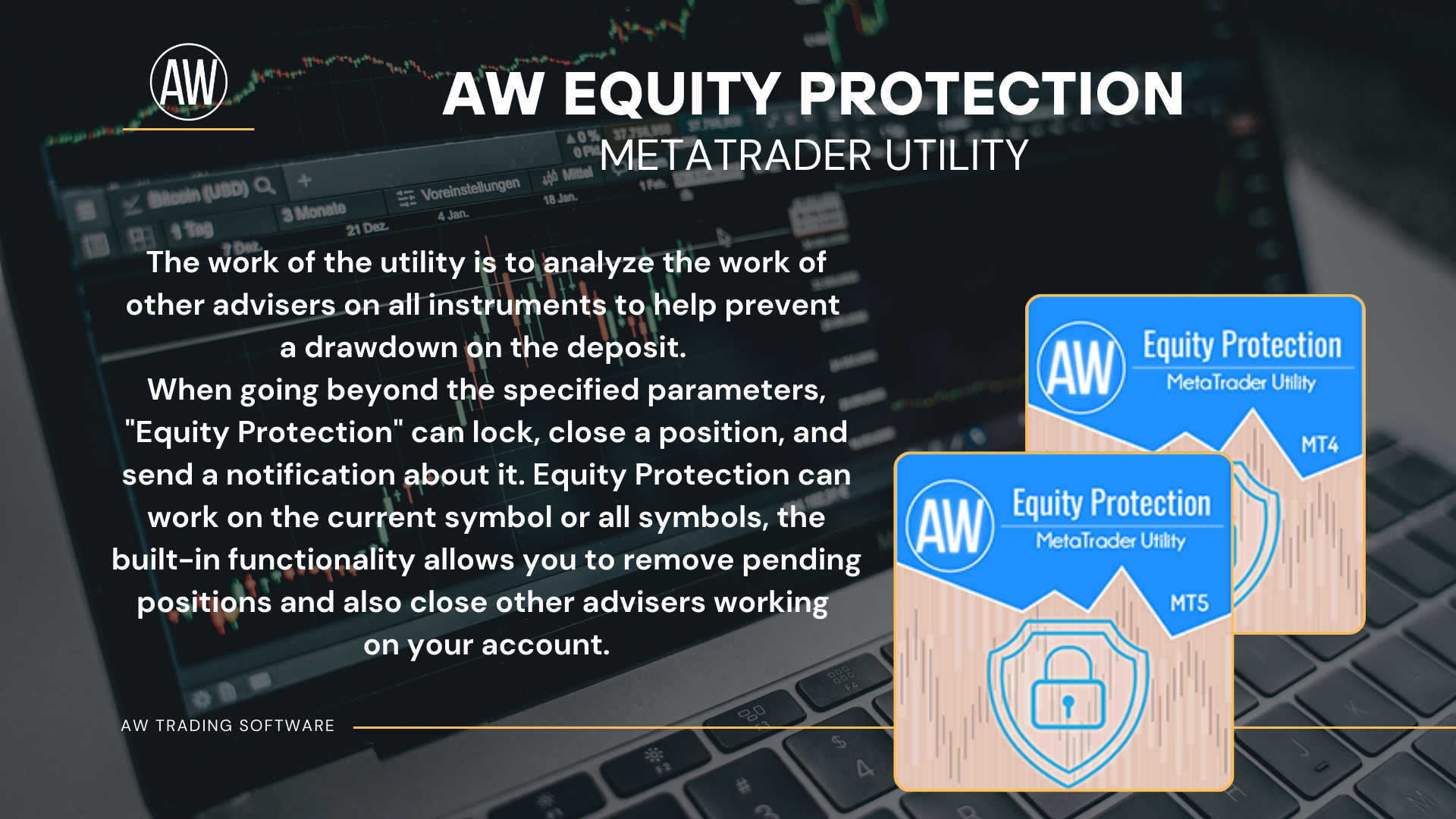
📌The utility monitors the work of other advisers on all instruments and helps to prevent a drawdown on the deposit.
If another EA generates a loss, the utility will be able to turn it off and then lock or delete unprofitable positions, as well as send you notifications about this.
MT4 👉 https://www.mql5.com/en/market/product/79259
MT5 👉 https://www.mql5.com/en/market/product/90034
🔹 Work in the direction of the current price movement. The breakdown of the Momentum indicator levels in the direction of the continuation of the price movement is used as signals. 🔹
MT4 👉 https://www.mql5.com/en/market/product/64760
MT5 👉 https://www.mql5.com/en/market/product/64766