DinexSpace Lot Size Script
- Yardımcı programlar
-
Huu Tho Tran
 DinexSpace - MetaTrader 5 için alım-satım otomasyonu stüdyosu.
İşlem fikrinizi kodlamadan önce gerçek maliyetlerle iki aşamada doğruluyoruz. Fikir doğrulamayı geçemezse dururuz - robot için ödeme yapmazsınız.
Canlı geçmiş - Sürüm: 1.0
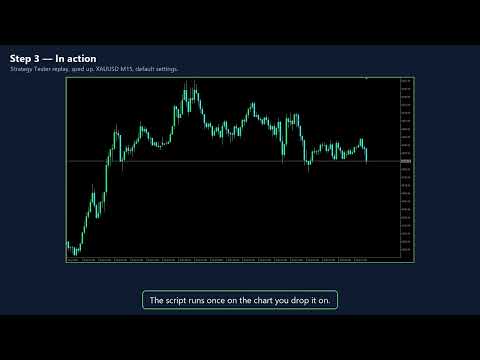
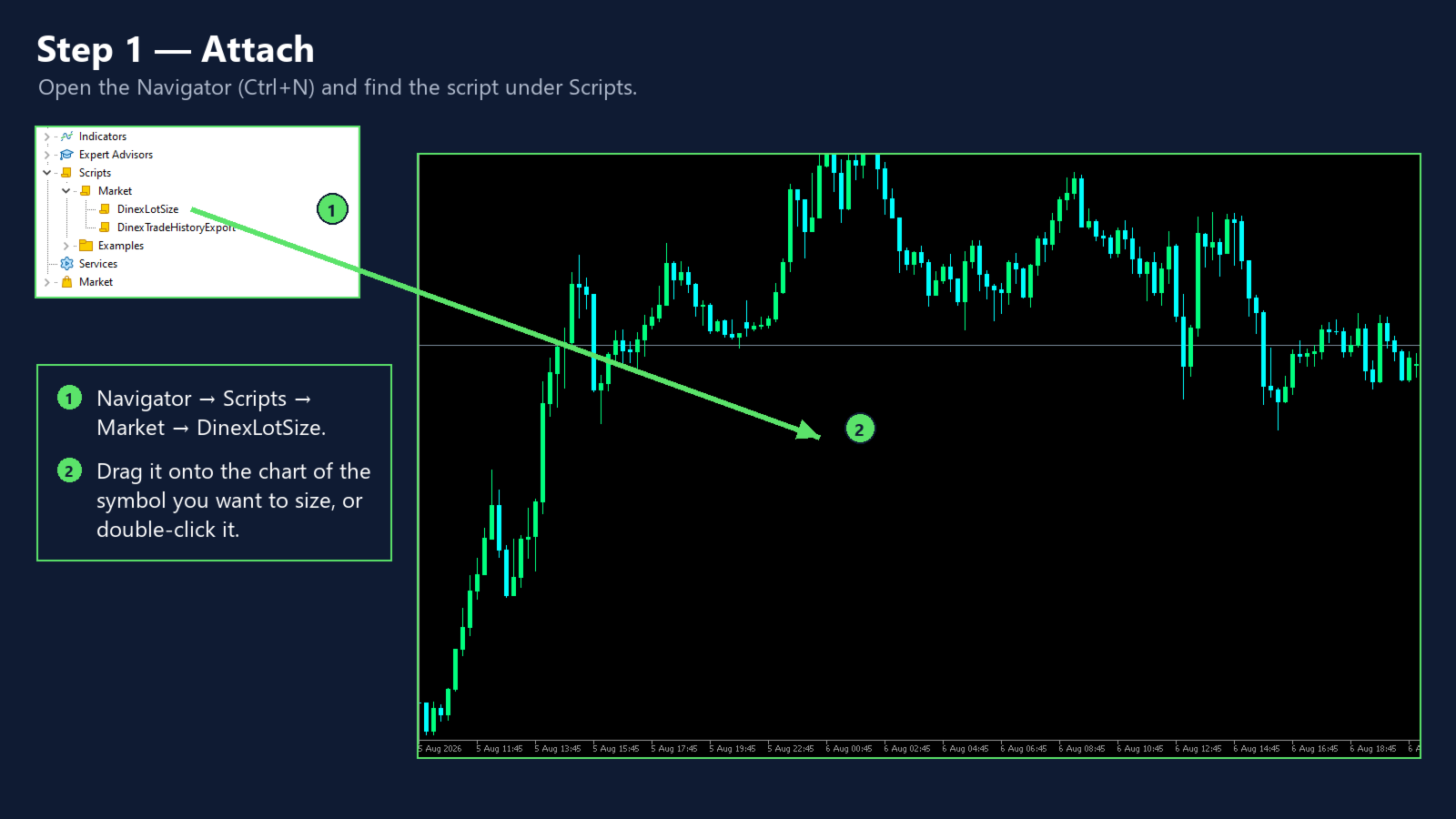
Lot Size Script answers one question before a trade: how many lots can I open so that hitting my stop loss costs exactly the risk I chose? Drop it on a chart, fill in two numbers and read the answer.
How it works
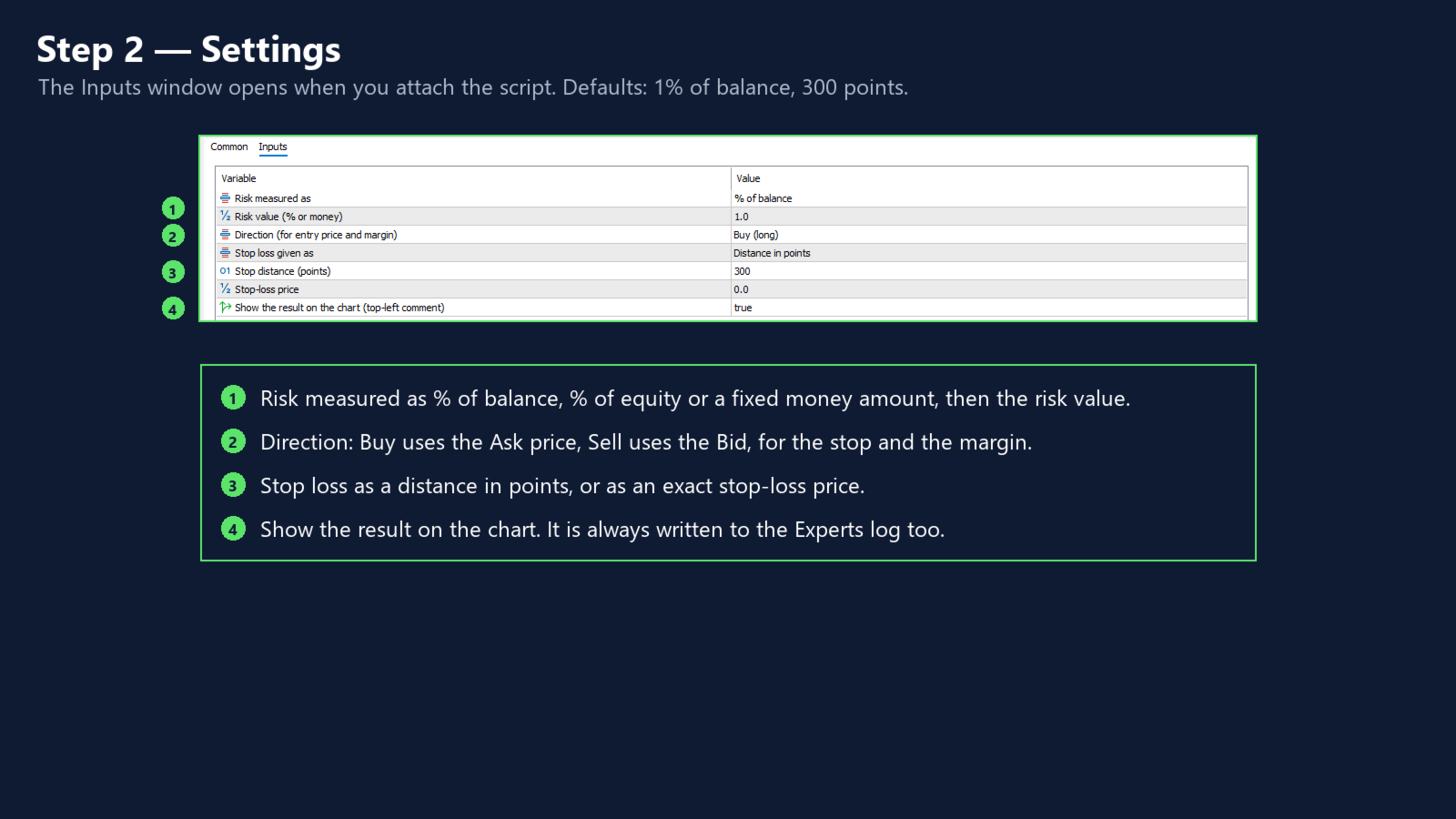
- Risk is a percent of balance, a percent of equity, or a fixed amount in the account currency.
- The stop loss is a distance in points or a stop-loss price. A price on the wrong side of the entry is rejected with a clear message.
- The entry is the current ask (buy) or bid (sell) of the chart symbol.
- The loss for 1.00 lot at the stop is the stop distance divided by the tick size, times the symbol's tick value on the loss side. That value comes from the terminal and already includes the conversion to the account currency.
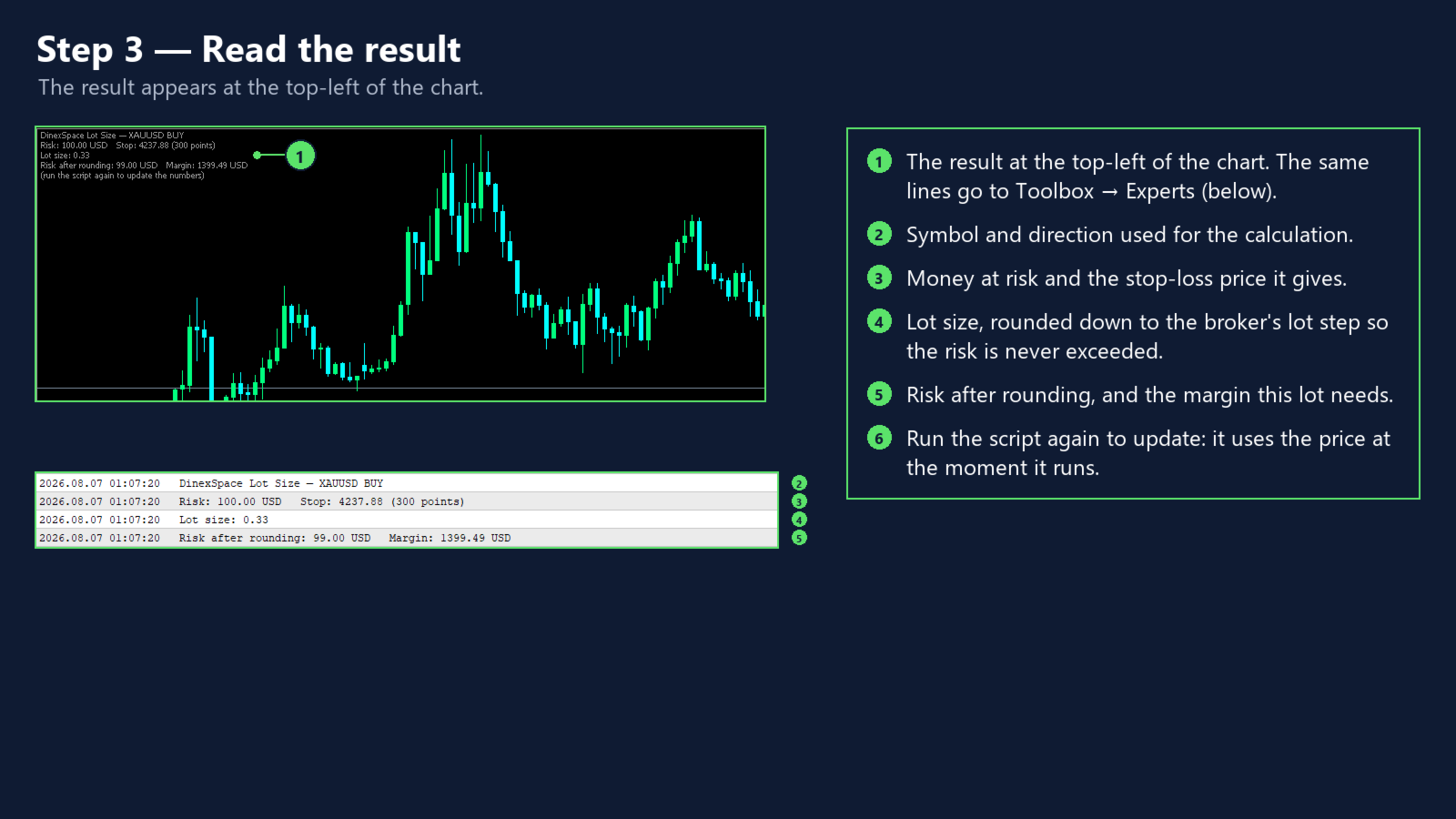
- The lot size is rounded down to the broker's lot step, so the money at risk is never above your choice.
- If the result is below the minimum lot, the script says so instead of rounding up.
- Above the maximum lot it is capped.
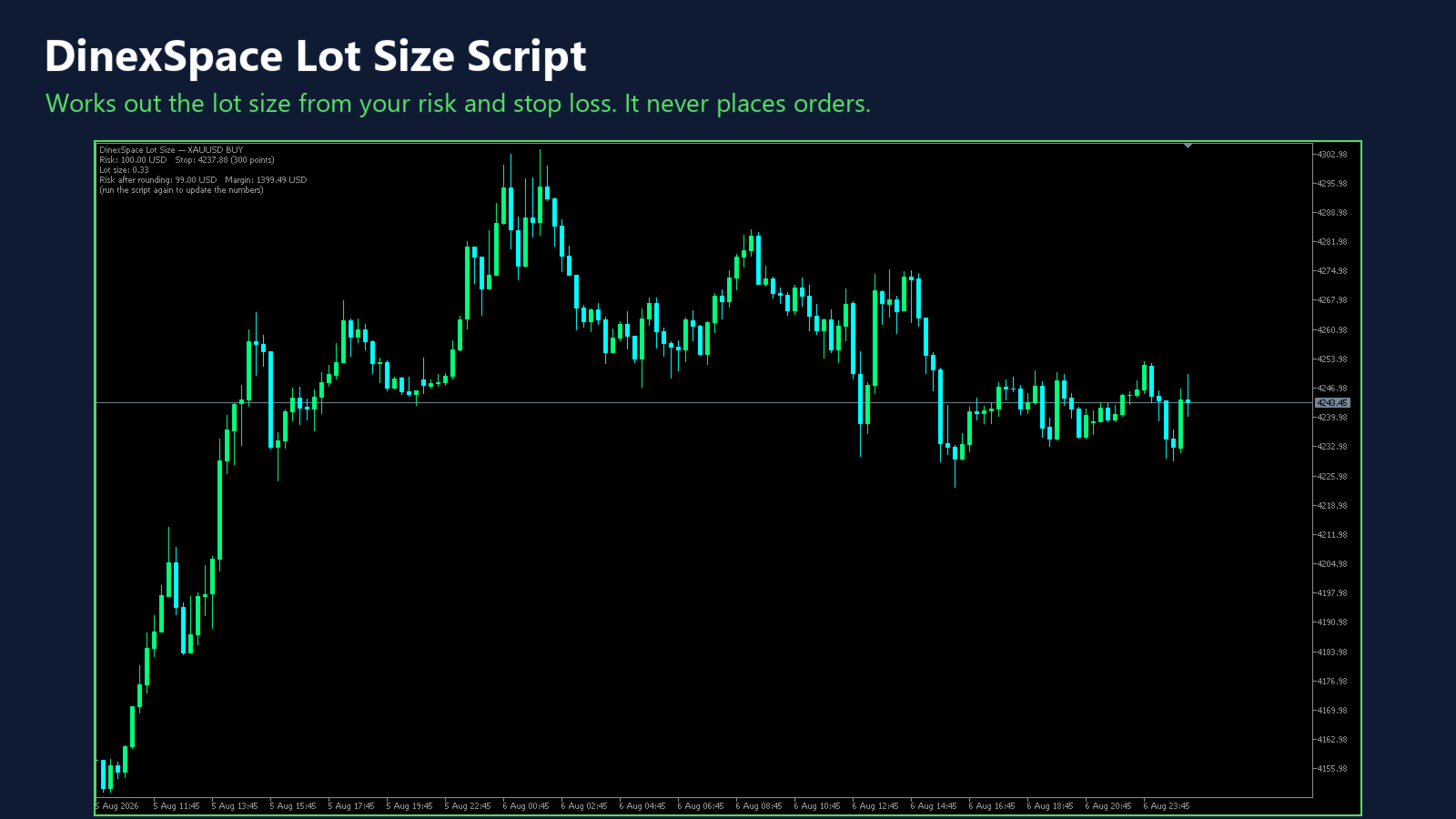
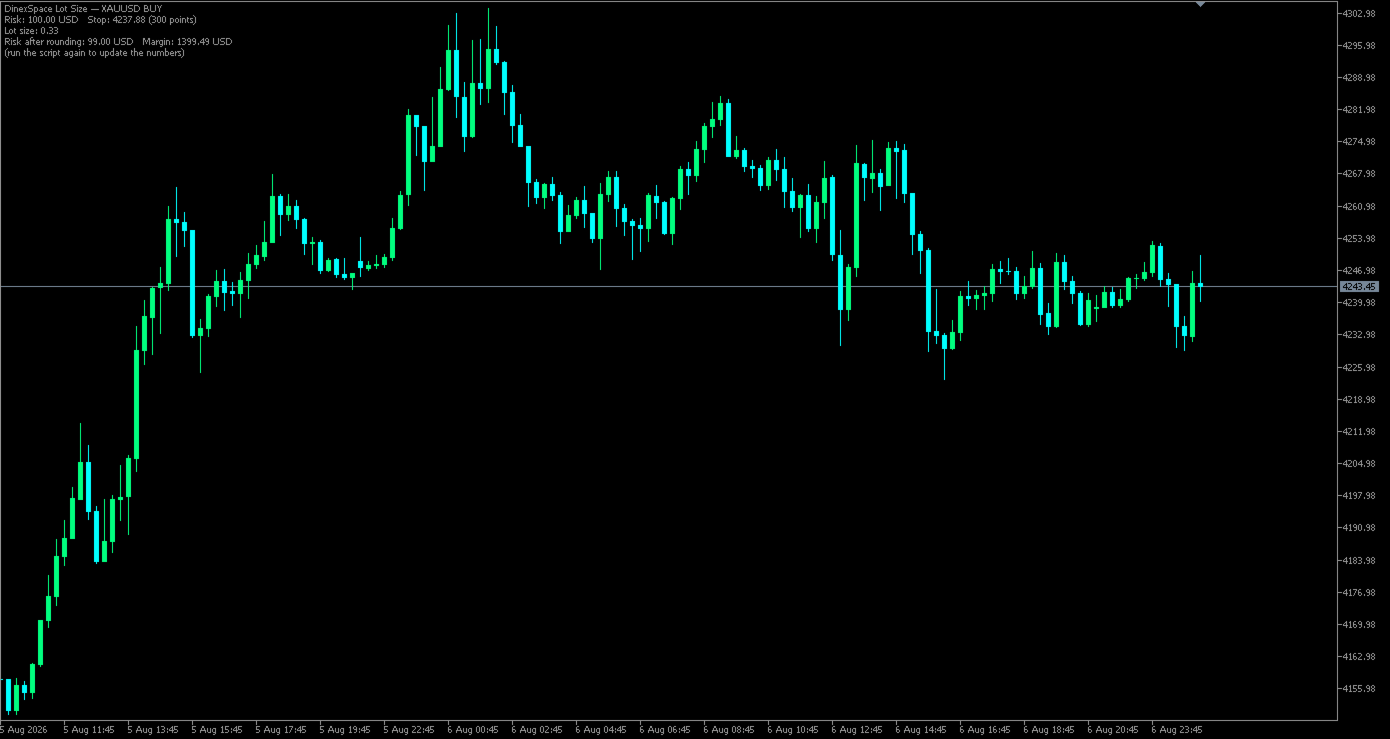
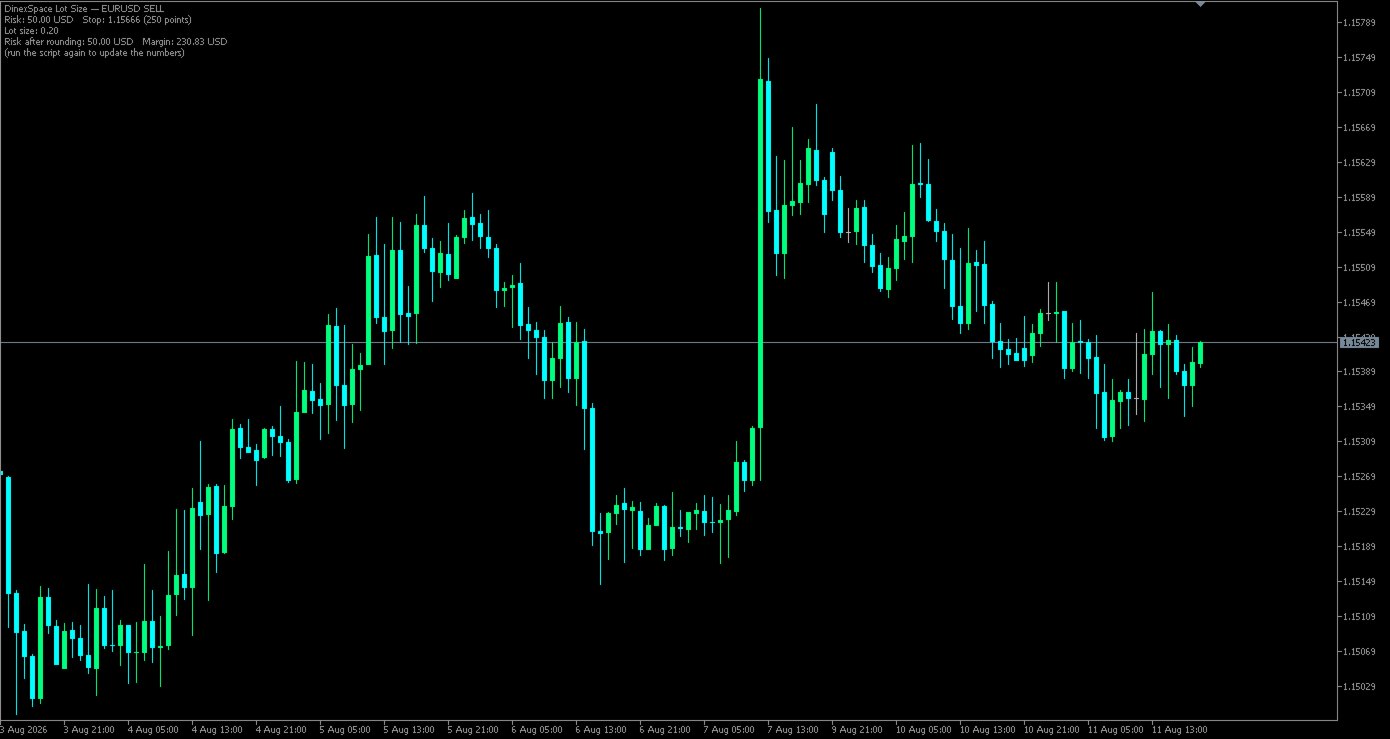
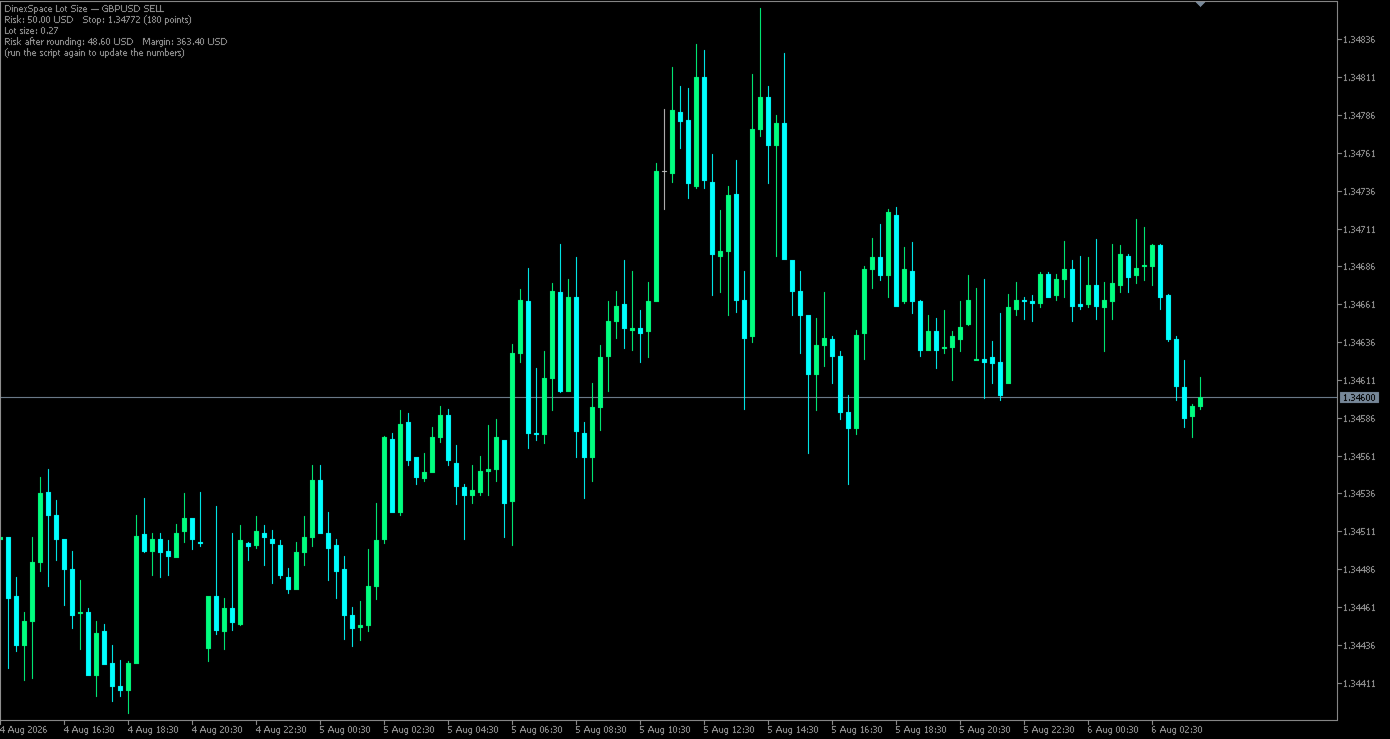
- The result shows the lot size, risk after rounding, stop-loss price and the margin needed (calculated by the terminal), on the chart and in the Experts log.
Inputs
Risk measured as, risk value, direction, stop loss given as, stop distance in points, stop-loss price, show result on the chart.
Limits
- The real fill price can differ from the current price used here, especially in fast markets.
- Tick value can change with exchange rates.
- The margin figure is for the current account and leverage.
The script only calculates. It never places, changes or closes orders.