Obiriec Order Panel
- Yardımcı programlar
-
Armando Brecciaroli
 cTrader Geliştiricisi ve Ticaret Uzmanı
Ticaret yaklaşımım, Ichimoku, Fibonacci, Gann ve Akıllı Para Sözleşmesi mantığını izleyen algoritmalara dayalı hesaplamaların birlikte kullanılmasına bağlıdır. - Sürüm: 2.11
- Güncellendi: 8 Ekim 2026
- Etkinleştirmeler: 5
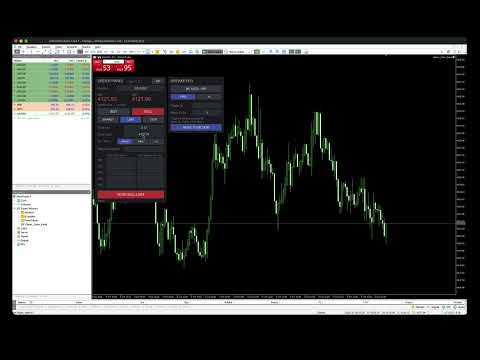
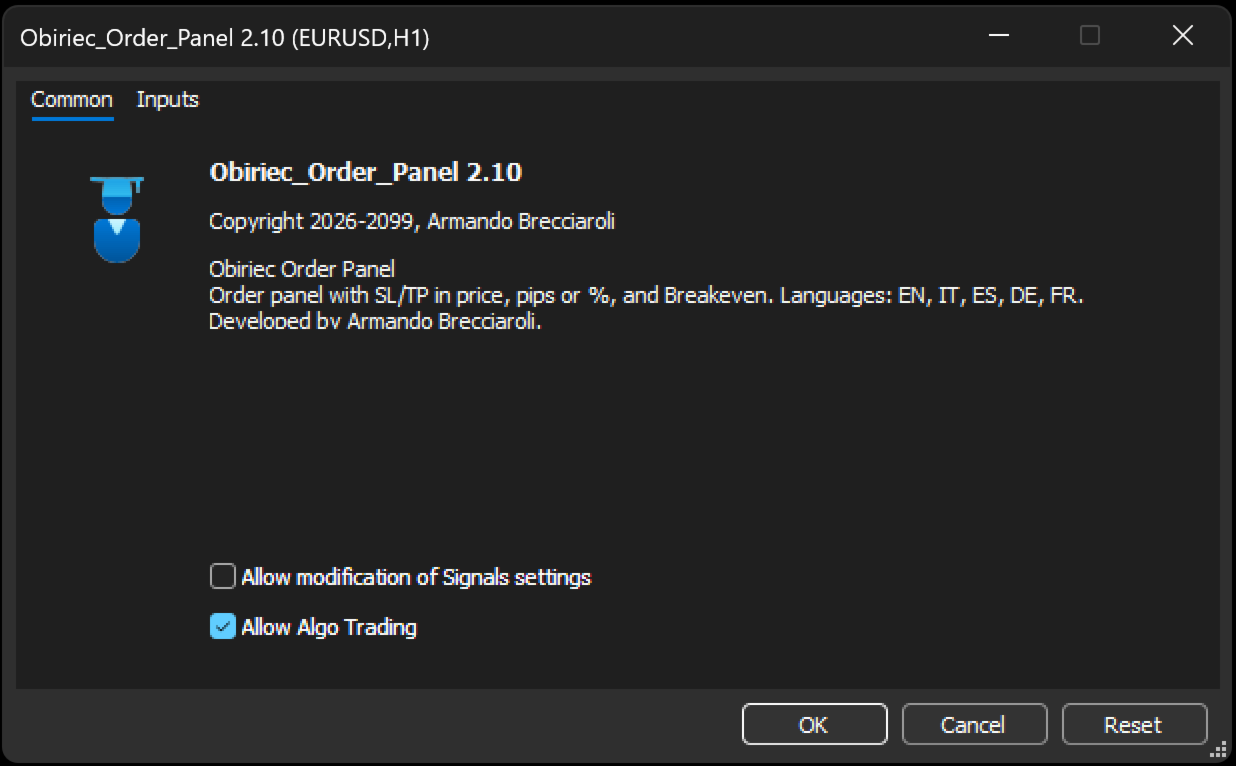
Obiriec Order Panel is a panel shown on the chart for placing and managing orders by hand. It does not open trades on its own.
Features
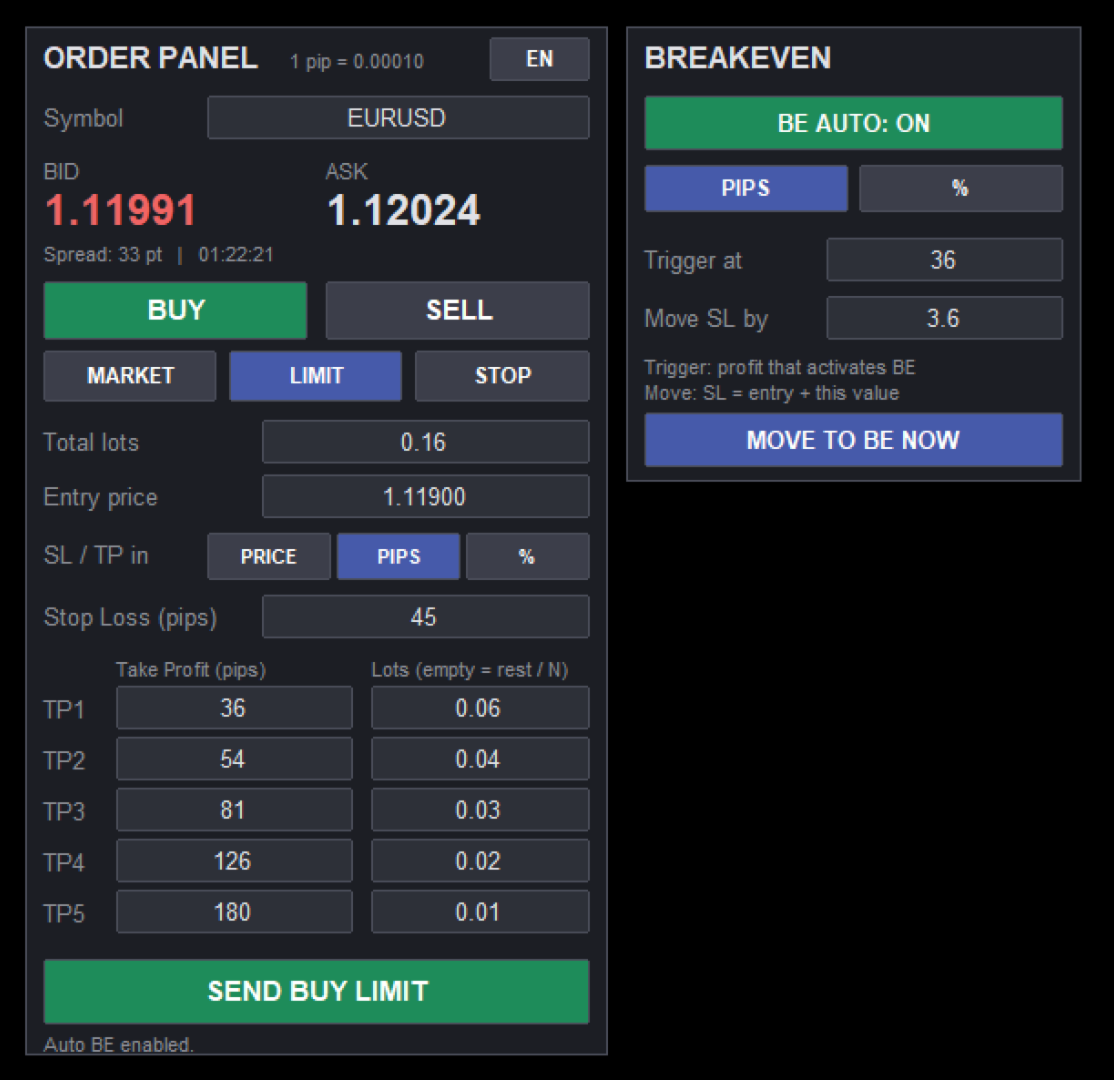
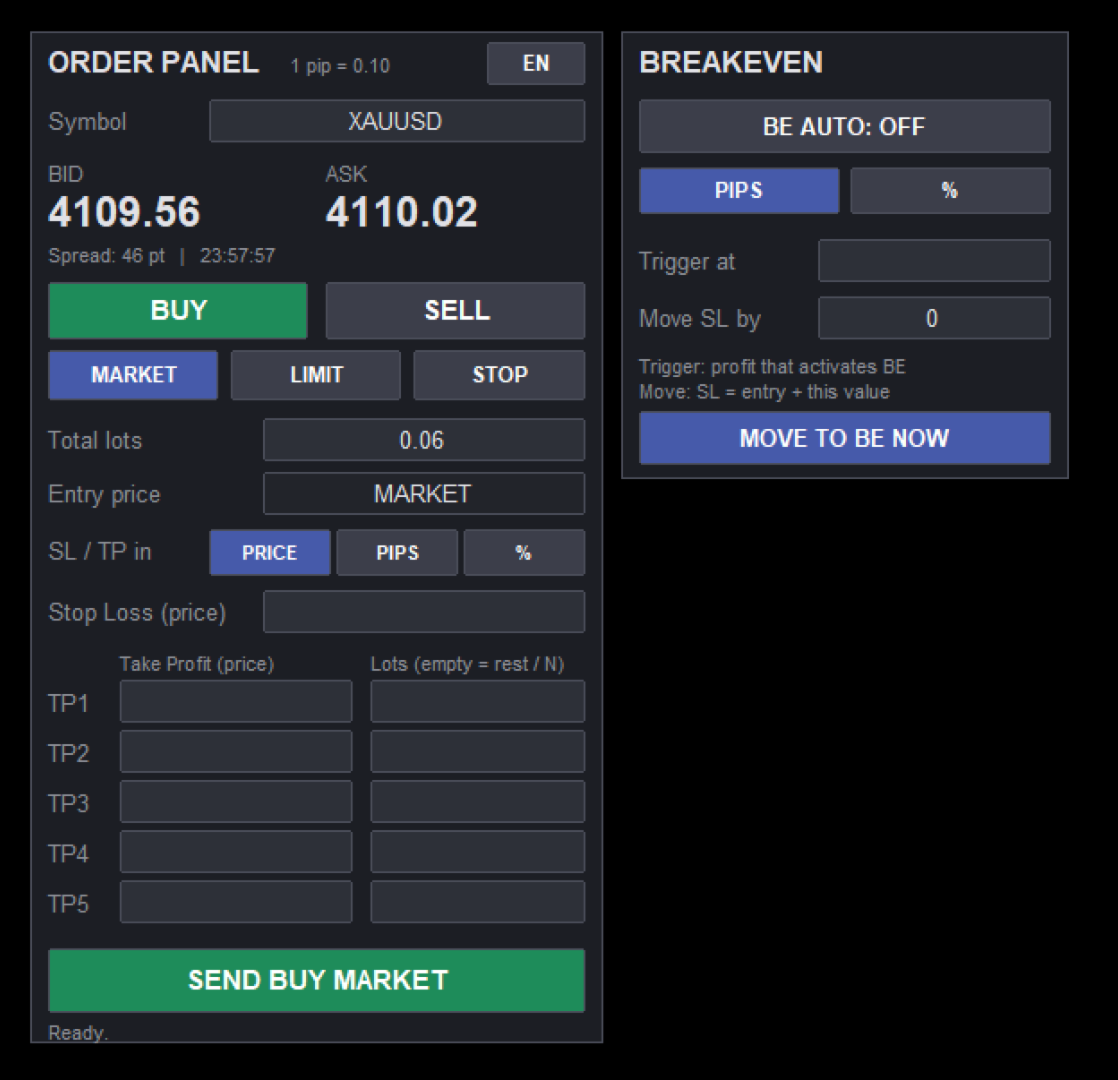
- Shows the current Bid price, Ask price and spread of the symbol you choose. Type the symbol in the panel (the default is XAUUSD).
- Places Buy and Sell orders as Market, Limit or Stop orders, with the entry price you enter.
- Takes a total lot size and up to five Take Profit levels. Each Take Profit can have its own lot size. If a lot size is left empty, the remaining lots are divided equally among the empty Take Profit levels.
- Shows a warning if the lots are not enough for all the Take Profit levels, or if their sum does not match the total.
- Accepts the Stop Loss and the Take Profit levels as a price, as a number of pips, or as a percentage of the entry price.
- Checks the prices before sending (for example, a Buy Limit price must be below the Ask price) and can ask for confirmation.
- Breakeven: moves the Stop Loss to the entry price, plus an optional offset. It can work automatically when the profit reaches a level you set (in pips or percent), or when you press a button.
- The panel is available in English, Italian, Spanish, German and French. A button on the panel changes the language.
How to use
1. Attach the panel to a chart and allow algorithmic trading.
2. Choose the symbol, Buy or Sell, and the order type.
3. Enter the total lots, the Stop Loss and the Take Profit levels, then press the send button.
Notes
- On netting accounts, positions on the same symbol are merged into one, so the Take Profit levels cannot stay separate. Hedging accounts keep them separate.
- The automatic Breakeven works while MetaTrader 5 is running.
- By default the Breakeven applies only to positions opened by the panel (same magic number). An input allows it to apply to all positions.
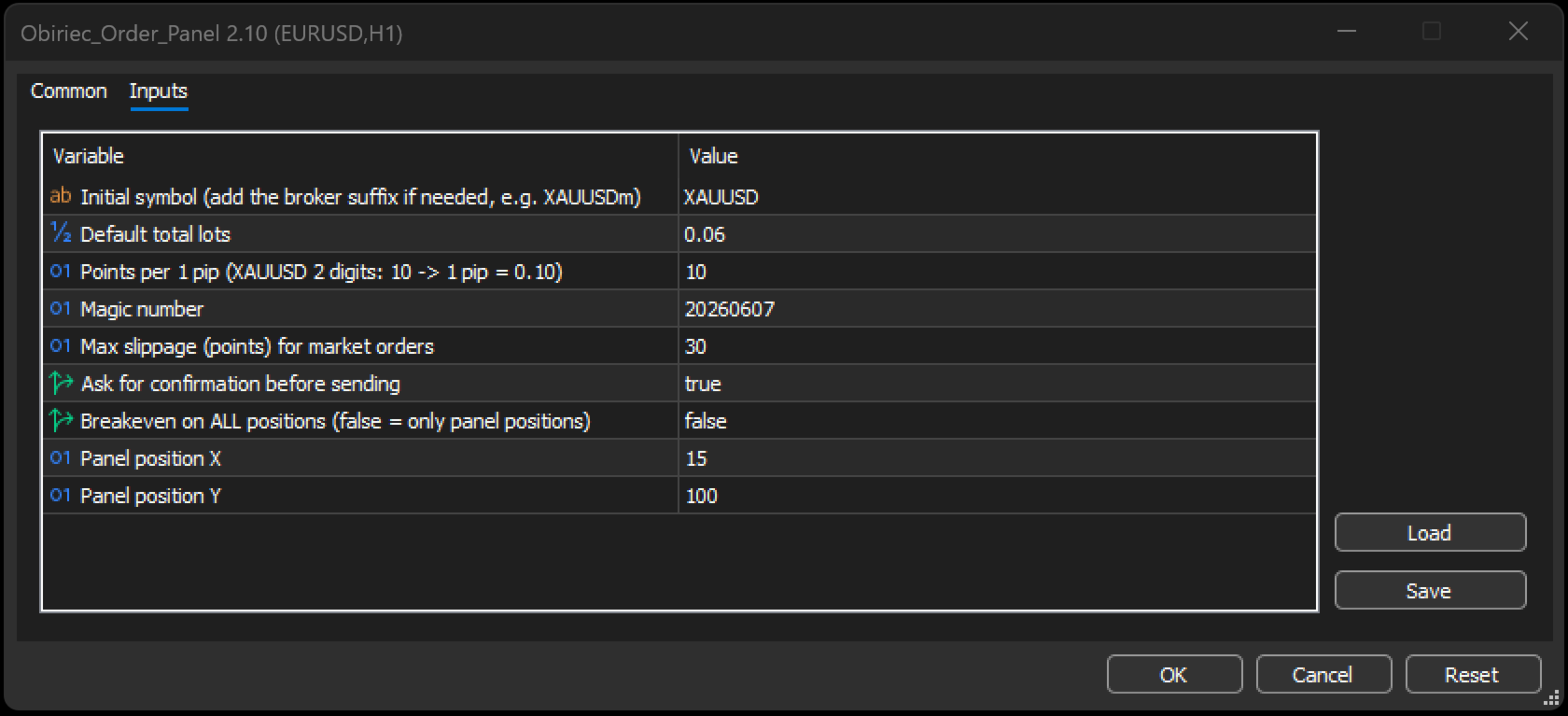
- The size of one pip is set by the input "Points per 1 pip". The default is 10, so on XAUUSD one pip equals 0.10.
- Trading involves risk. Try the panel on a demo account first.
Inputs
- Initial symbol: the symbol shown at start. Add your broker suffix if needed.
- Default total lots.
- Points per 1 pip.
- Magic number.
- Maximum slippage in points for market orders.
- Ask for confirmation before sending.
- Apply Breakeven to all positions. If off, only positions opened by the panel are used.
- Panel position X and Y.
p.s.: Note on the demo version: this panel is used by hand on a chart. The demo version offered by the Market runs only in the Strategy Tester and is not designed to show the panel. To try the panel on a chart, the one-month rental is available.
p.s.: Note on the demo version: this panel is used by hand on a chart. The demo version offered by the Market runs only in the Strategy Tester and is not designed to show the panel. To try the panel on a chart, the one-month rental is available.
Developed by Armando Brecciaroli.