
BrioQuant Session Volume Profile
- Göstergeler
-
Mitchell Dean Ede
 Trader, araç geliştirici ve piyasa ninjası
Ben 2010’dan beri piyasalarla çalışan bir trader ve işlem araçları geliştiricisiyim. Grafiklerini gereksiz şekilde karmaşıklaştırmadan faydalı bağlam sunmak isteyen traderlar için temiz MetaTrader 5 indikatörleri ve EA’lar geliştiriyorum. - Sürüm: 1.40
- Güncellendi: 22 Ağustos 2026
- Etkinleştirmeler: 5
Compare POC and value-area placement across Asia, London and New York sessions.
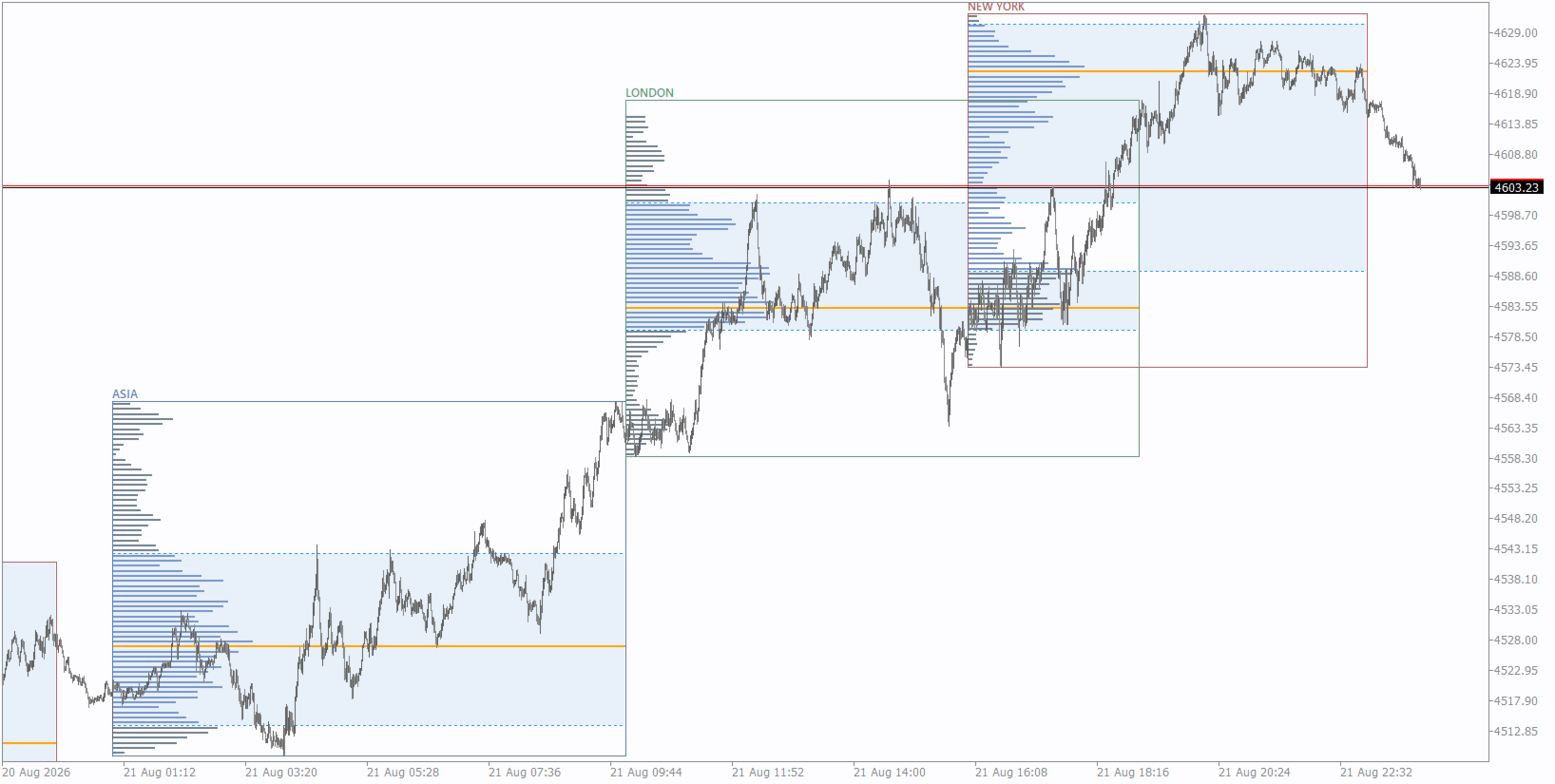
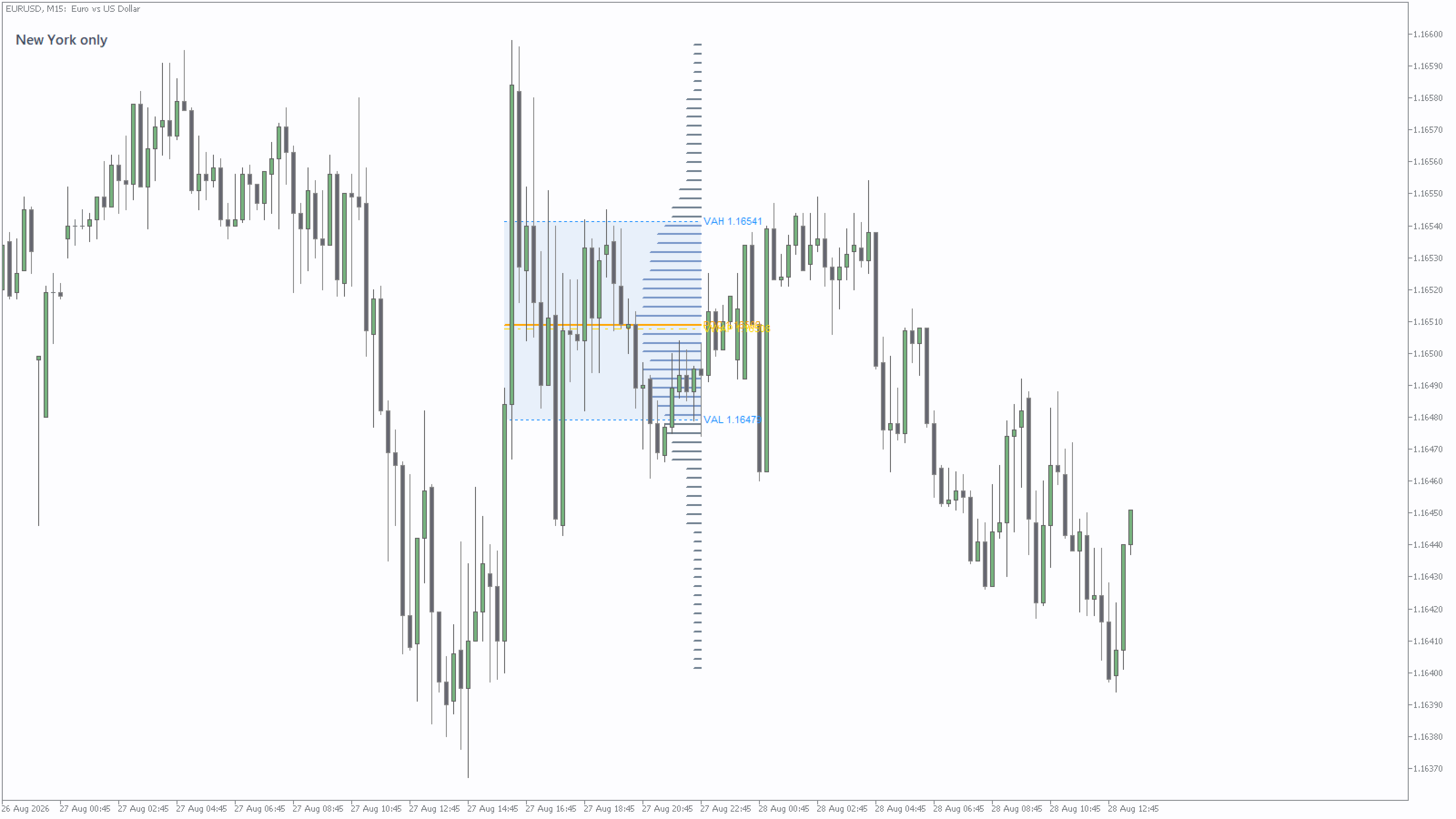
BrioQuant Session Volume Profile builds a profile for the selected Asia, London or New York session, or place one profile inside every recent session window. Compare how POC and value area move, overlap or remain stable from session to session while retaining the range modes for individual chart studies.
Two session workflows in addition to the range modes:
- Session mode: Asia, London or New York. Auto follows the active session, or the most recently completed session between windows. Hours in broker time or GMT with automatic broker-offset.
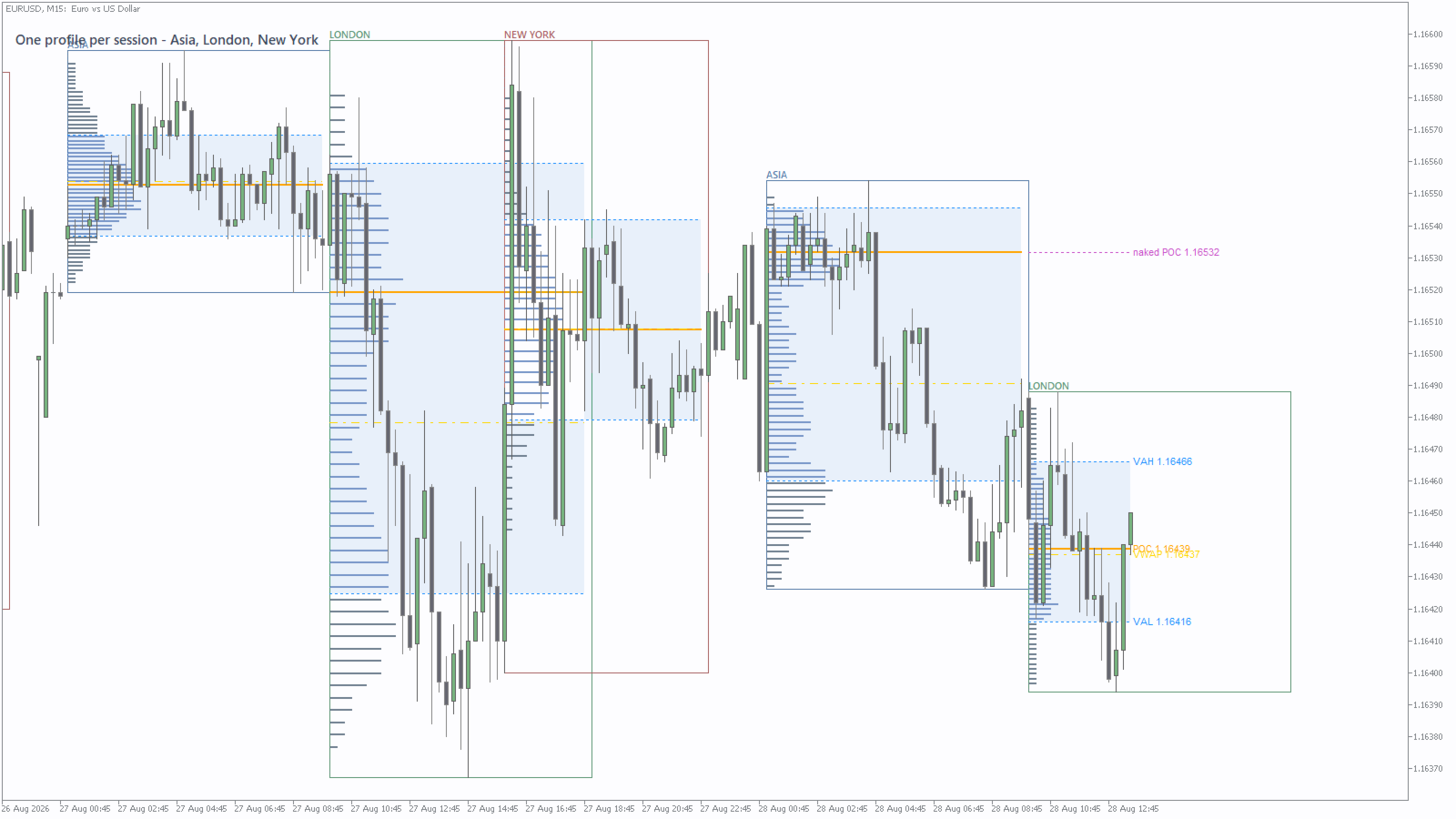
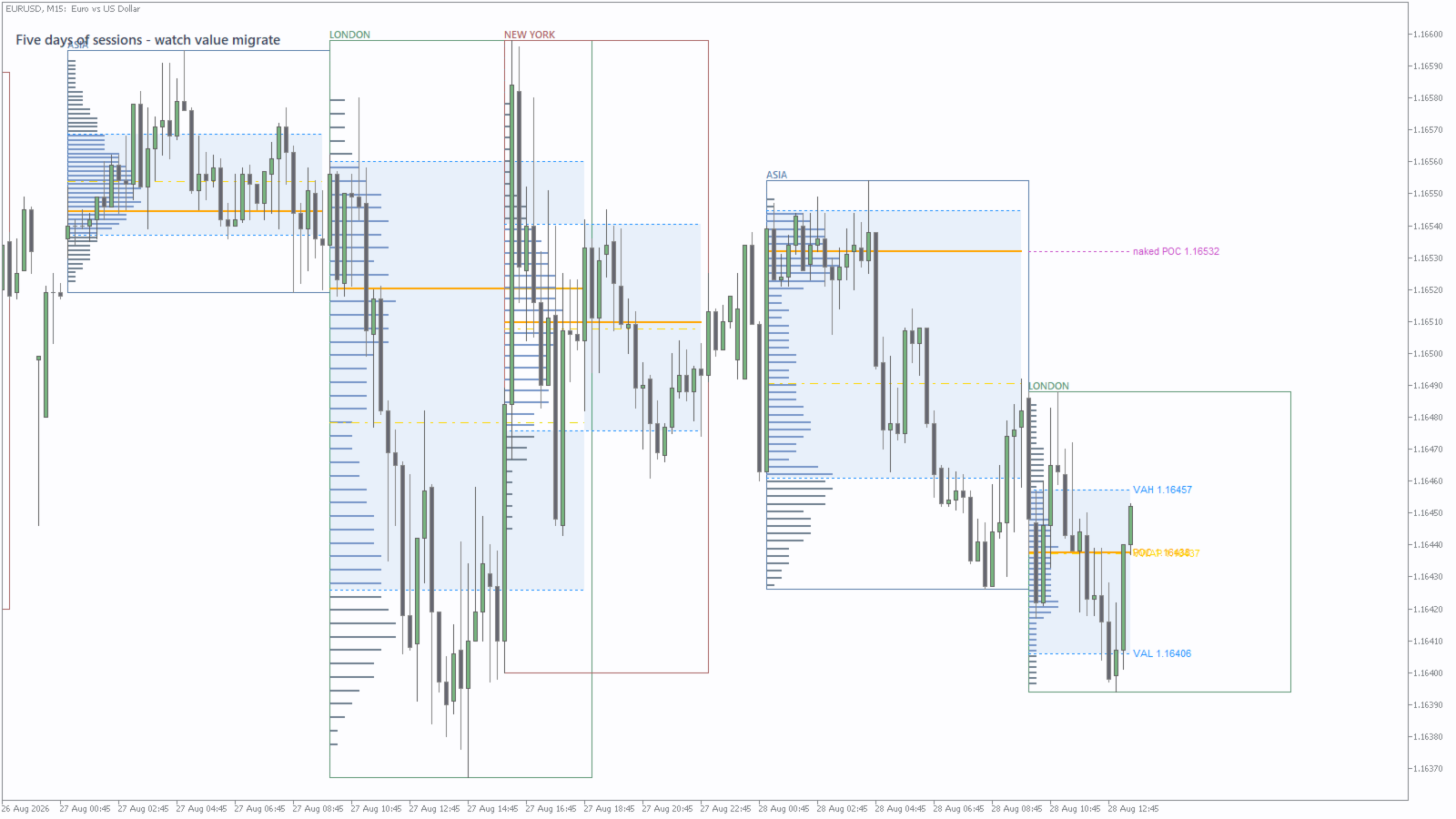
- Multi-session mode: one profile inside every session window for the last N days. See whether POCs are moving higher, moving lower or overlapping, and where value carried over.
Features:
- POC, VAH and VAL per profile, configurable value-area percent, VA shading
- Labels on the live session only - history stays clean
- Range modes included: Visible Range, Fixed Range, Today, Last N Bars
- Instance tag lets two copies share one chart
- Tick or real volume
- All chart objects removed cleanly with the indicator
Note: on Forex and many CFD symbols, tick volume measures quote activity rather than centralized traded volume. Real volume is available only where the broker supplies it.
Chart context: it draws the profiles and leaves the trading decisions to you.
Try it before you decide
Press Free Demo above to run the full indicator in the MetaTrader Strategy Tester at no cost, on your own broker's data.
Background: POC, VAH and VAL: how to read a volume profile in MetaTrader 5 covers how the levels are calculated, and Broker server time, GMT, and why your MT5 sessions are an hour out covers the clock the session boundaries depend on.
Inputs
Range and session
- Profile range - Visible chart range, Fixed range (two draggable handles), Last N bars, Today, Trading session, or Multi-session.
- Bars - how many bars the Last N mode uses. Default 200.
- Session - Auto, Asia, London or New York. Auto follows the live session and falls back to the most recently closed one between windows.
- Session hours are in - Server or GMT. On GMT the broker offset is measured and applied for you, so the sessions stay put across the clock changes.
- Asia / London / New York start and end hour - defaults 1-10, 10-19 and 16-23, matching BrioQuant Trading Sessions so the two tools agree on the chart.
- Days of sessions - how many days Multi-session mode reaches back. Default 4.
The profile itself
- Price rows - histogram resolution. Default 70.
- Applied volume - Tick or Real. Leave it on Tick for forex; switch to Real only where the feed genuinely carries volume for that symbol.
- Value area % - the share of volume enclosed, expanded outward from the POC one row at a time. Default 70.
- Max bar width - how far the histogram reaches across, as a fraction of the range. Default 0.30.
- Draw bars from right edge and bar thickness in pixels.
- Histogram colour, in-value-area colour, POC colour and VAH/VAL line colour.
- Shade value area and its fill colour.
- Price labels on POC/VAH/VAL, and the Fixed-range handle colour.
- Show VWAP and VWAP colour - the volume-weighted average price across the profiled range.
Multi-session mode
- Draw session boxes, with an Asia, London and New York box colour.
- Session name labels.
- Mark untested (naked) POCs from closed sessions, with its own marker colour - the levels price has not traded back through yet.
Instance tag - set a different tag on each copy when running two or more on one chart.
Tell me what would make this more useful. Post the change you want in the comments - I read every one and build what I can.


































Kullanıcı değerlendirmeye herhangi bir yorum bırakmadı