Unity Grid 1M
- Uzmanlar
- Sürüm: 1.50
- Güncellendi: 11 Mayıs 2026
- Etkinleştirmeler: 5

Product Overview: Unity Grid 1M
Leverage 1:500
Minimum deposit is $10,000 or $100 per cent
Unity Grid 1M XAUUSD-TF1M (TF5M)
Unity Grid 1M is a fully automated trading robot for the MetaTrader 5 platform. Its core strategy is a grid trading system with elements of martingale and averaging.
In simple terms, the robot doesn't try to predict every price move. Instead, it opens the first trade based on a signal, and if the price moves against it, it opens new trades at set intervals, averaging the total entry price. As soon as the price slightly pulls back, the entire series of trades closes in profit. This acts as a "safety net" under the price, catching profits at the slightest pullback.
Key Product Advantages
24/5 Automated Trading: The robot analyzes the market, makes decisions, and trades automatically, without your intervention.
Flexible Entry Settings: There are two independent signals for opening the first trade—based on the analysis of one candle or three candles. You can use both simultaneously.
Multi-level filter system: The robot uses up to 5 filters to filter out negative signals (ALMA, Stochastic, two moving averages, and a news filter), improving the quality of trades.
Built-in risk management: There are limits on the number of orders, maximum spread, protection from important news, and a stop-loss mode that shuts down the robot in the event of a critical drawdown.
Advanced averaging: Dynamic volume calculation for averaging orders. The further the price moves, the larger the volume the robot can open the next trade to break even faster.
Time modes: You can set active trading hours (for example, only the European session) and set different trading lots for day and night.
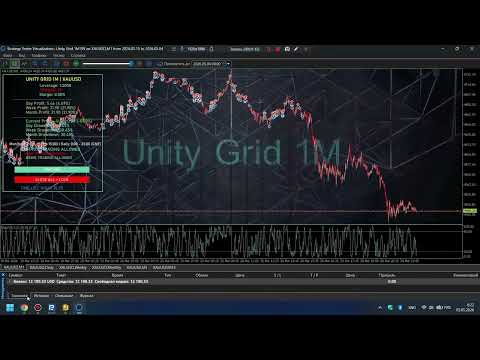
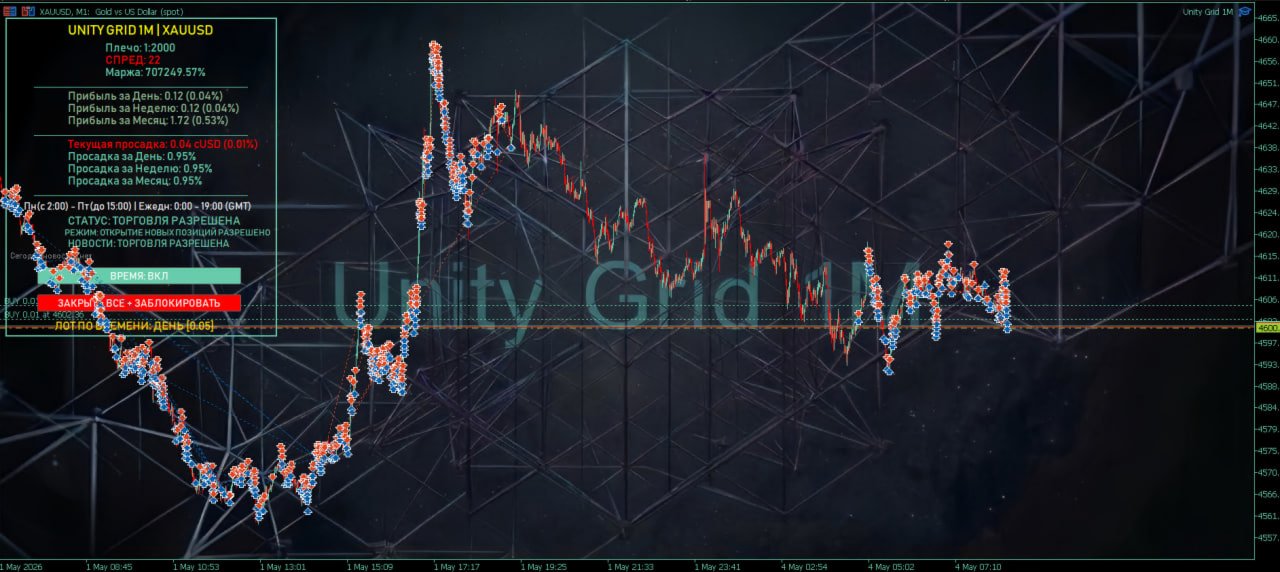
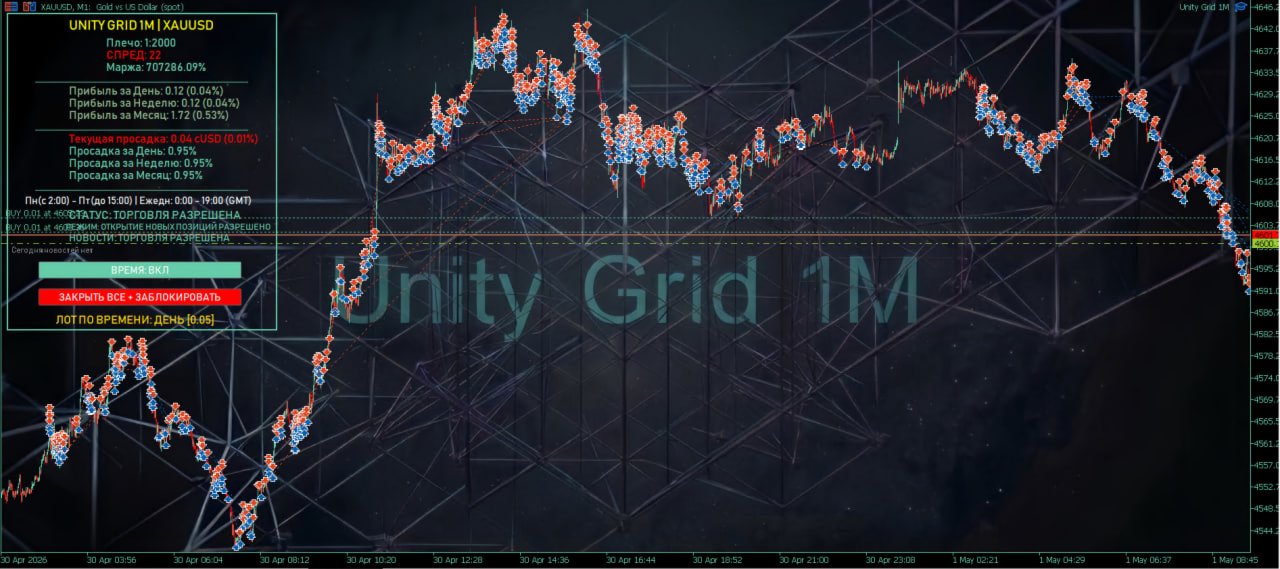
Visual dashboard: All key information is displayed directly on the chart: current profit/loss, daily/weekly/monthly drawdown, news, trading status, and control buttons.
Full control over the grid: Using the buttons, you can manually force-close all positions and lock the EA.
How it works (operating principle)
The EA's algorithm can be divided into three simple steps:
1. Waiting for a signal and entry
The robot analyzes candlesticks on a minute chart (M1). A trade is opened when the following conditions are met:
Signal from 1 candlestick: The candlestick must be directional (bullish/bearish), and its size in points must exceed the value specified in the C1Delta1 parameter.
Signal from 3 candlesticks: The last three candlesticks must be directional, and the difference between their combined high and low must exceed the C3Delta1 value.
Upon receiving signals, the robot places a pending stop order a short distance from the extreme (the Corr parameter). This way, it enters the market only if the market continues to move.
2. Position averaging (grid building)
If the price reverses after entry and goes into the red:
The robot waits until the price moves a specified distance (parameter MartinStepBuy1/Sell1) from the first losing position.
At this point, a new trade is opened with an increased volume (specified by the MCoefBuy/Sell coefficient).
This process can be repeated several times until the maximum number of orders (MaxOrdersBuy/Sell) is reached.
Key point: With each new averaging trade, the breakeven price (the level where all trades generate zero profit) approaches the current market price.
3. Closing the series with a profit
As soon as the price touches the overall breakeven level plus a small profit (TakeProfit for the entire grid), the robot closes the entire series of orders in one batch. The tool takes the accumulated profit and begins a new cycle of waiting for a signal.
Smart features that enhance your strategy:
Fix mode: After manually closing positions, the robot blocks opening new trades.
Flat protection: If the price remains stable for a long time after opening N orders (UseFlatFunction), the robot can shift the entry point for the next averaging to quickly exit a prolonged sideways market.
Dynamic lot: The volume multiplier for averaging can be calculated automatically, depending on how far the price has moved (UseSpecialX and UseDistanceBasedLot functions).
Main input parameters
All settings are grouped for convenience.
"Main settings" group
Lot=0.01 - Starting lot size for the first trade in the grid.
"Take profit settings" group
TakeProfit1=70 - Take profit size in points for the entire order grid.
TakeProfitZero=30 - If the grid contains more than this number of orders, the robot will close it upon reaching breakeven (0), taking no profit.
Entry Points Group
UseOneCandleSignal = true - Use a signal from the first candle.
UseThreeCandleSignal = true - Use a signal from three candles.
C1Delta1 = 90 - Minimum size of the first candle in pips for the signal.
C3Delta1 = 400 - Minimum range of three candles in pips for the signal.
Corr1 = 5.0 - Offset in pips from the extremum for placing a pending order.
Stochastic Filter Group
UseStochasticFilter = true - Enables the filter. Trades are opened only when exiting the overbought/oversold zones on the Stochastic oscillator.
StochBuyMaxLevel = 49 - Opening