Volume Profile Master Pro
- Göstergeler
- Sürüm: 1.0
- Etkinleştirmeler: 5

Volume Profile Master Pro — Visible Range Volume Profile for MT4
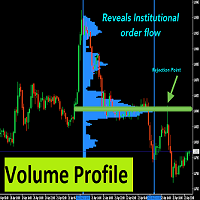
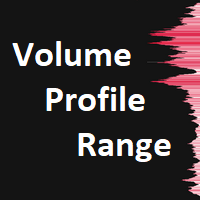
Volume Profile Master Pro brings institutional-grade volume analysis to your MT4 charts. Unlike standard volume indicators that show when volume occurred, this tool shows where — at each price level — giving you a precise map of market activity to identify high-probability trade setups.
OVERVIEW
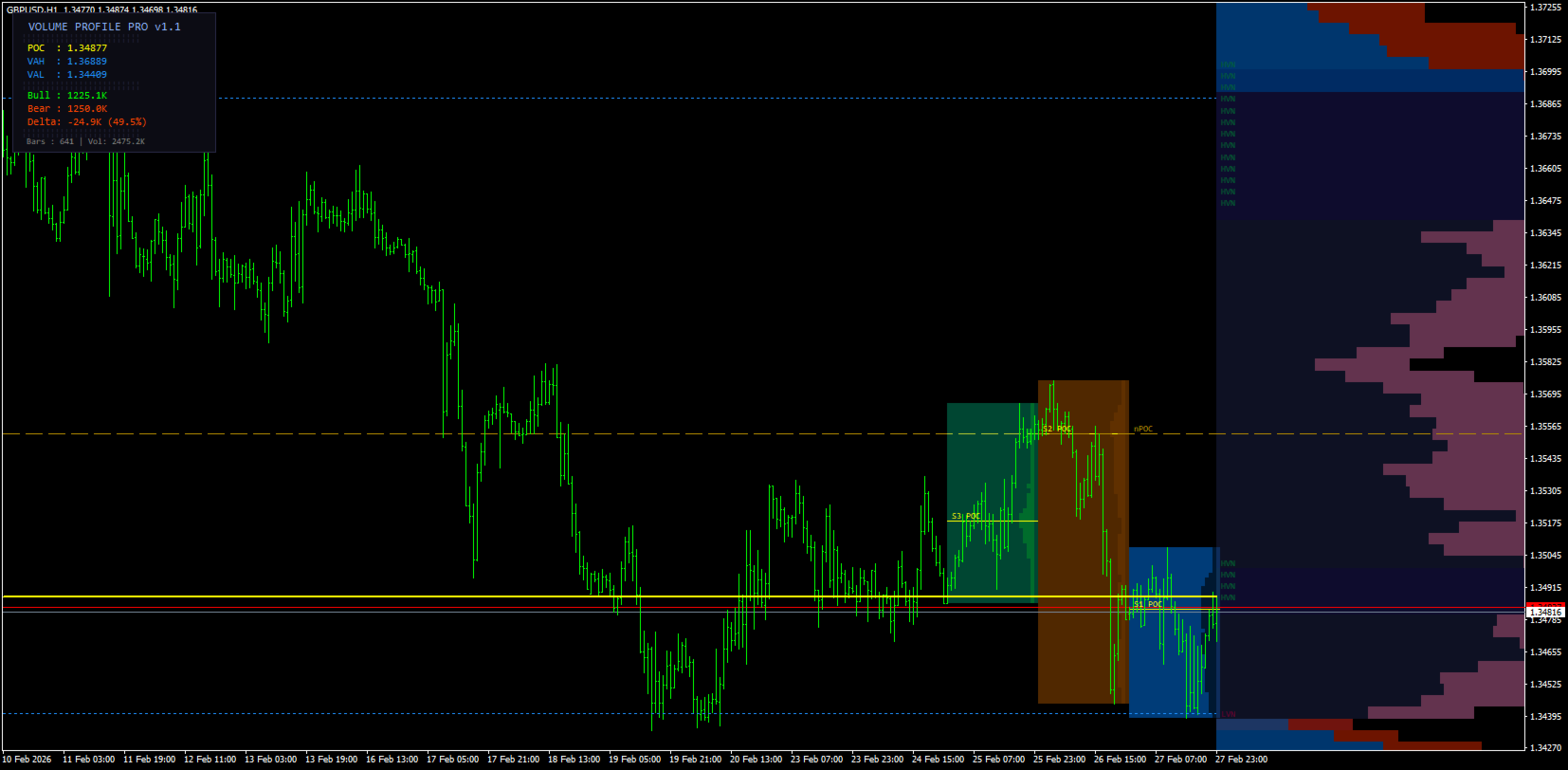
The indicator calculates and displays a Visible Range Volume Profile (VRVP) that automatically updates as you scroll the chart. Every time you change the visible range, the profile recalculates in real time, ensuring the analysis is always relevant to your current view.
KEY FEATURES
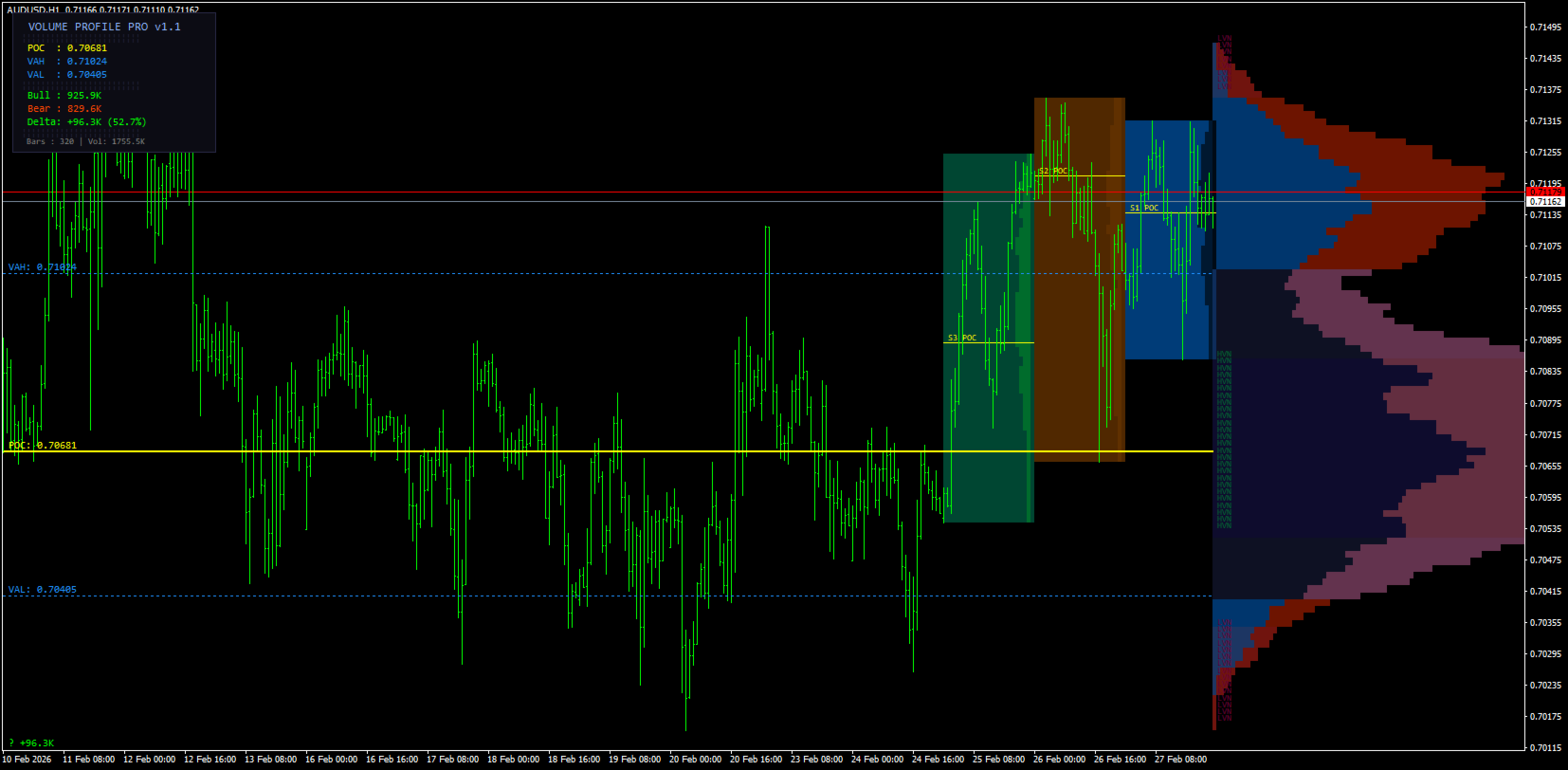
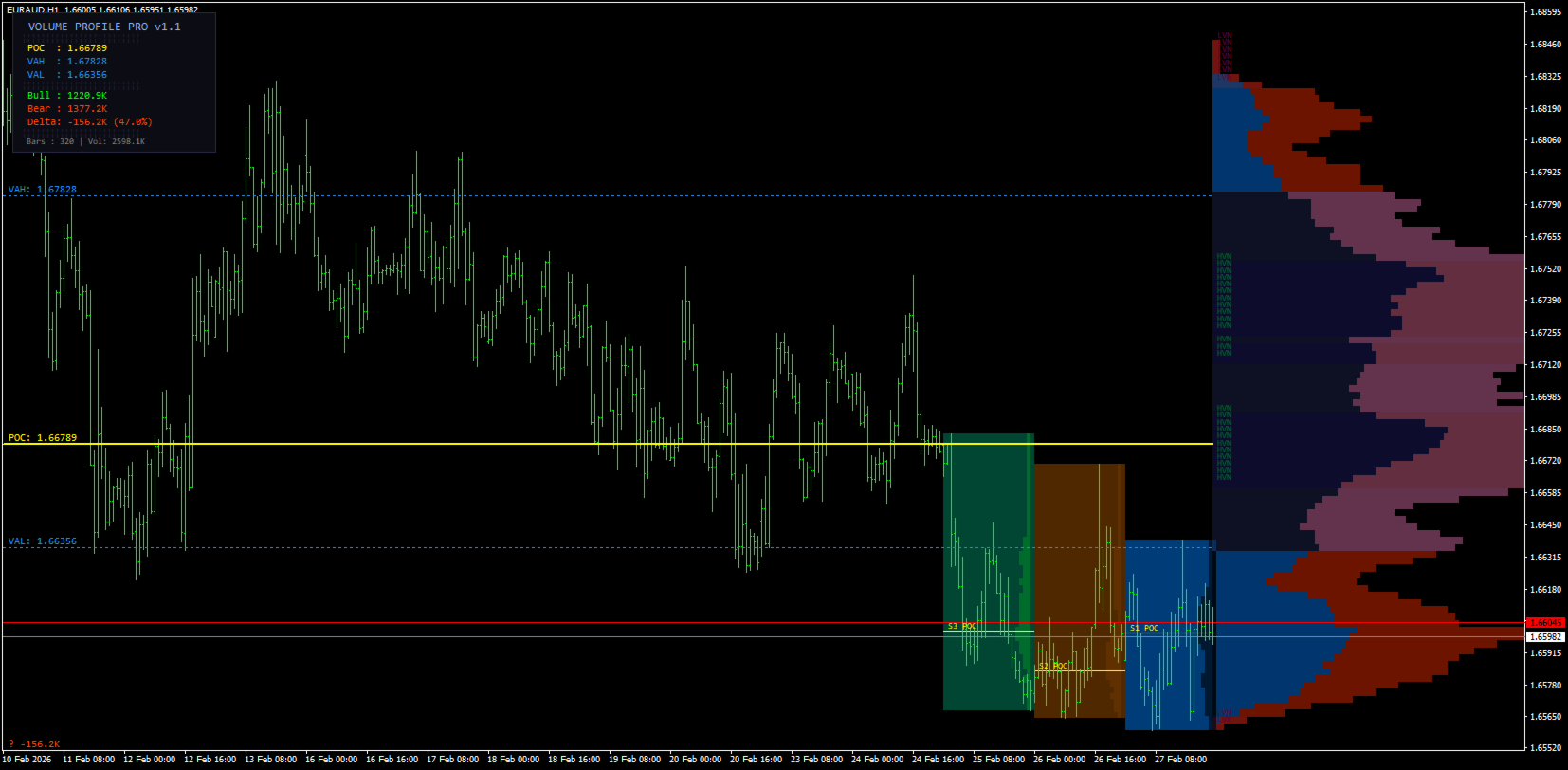
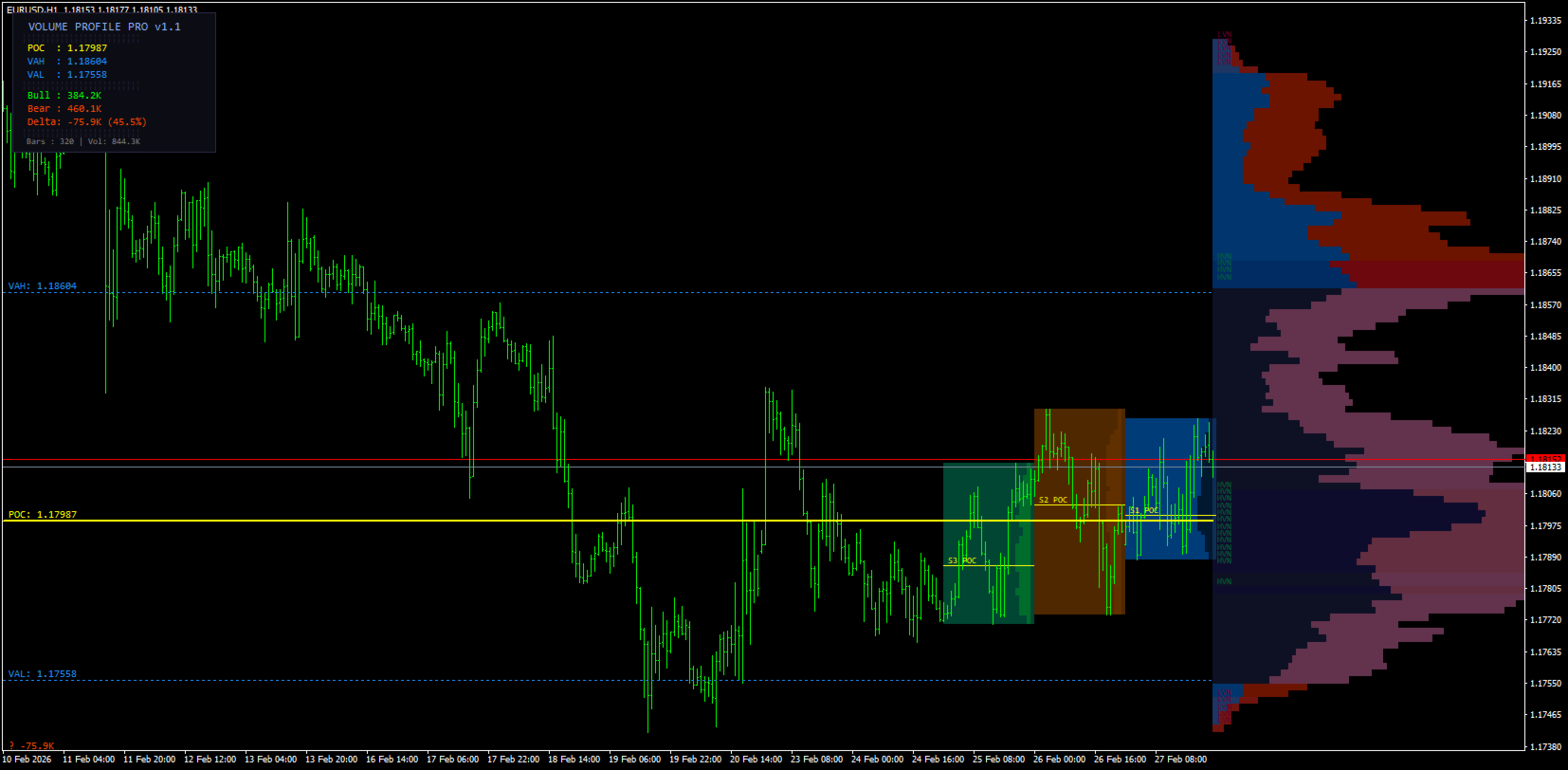
Visible Range Volume Profile (VRVP) The profile redraws dynamically as you scroll, always reflecting the exact bars visible on screen. No manual input required.
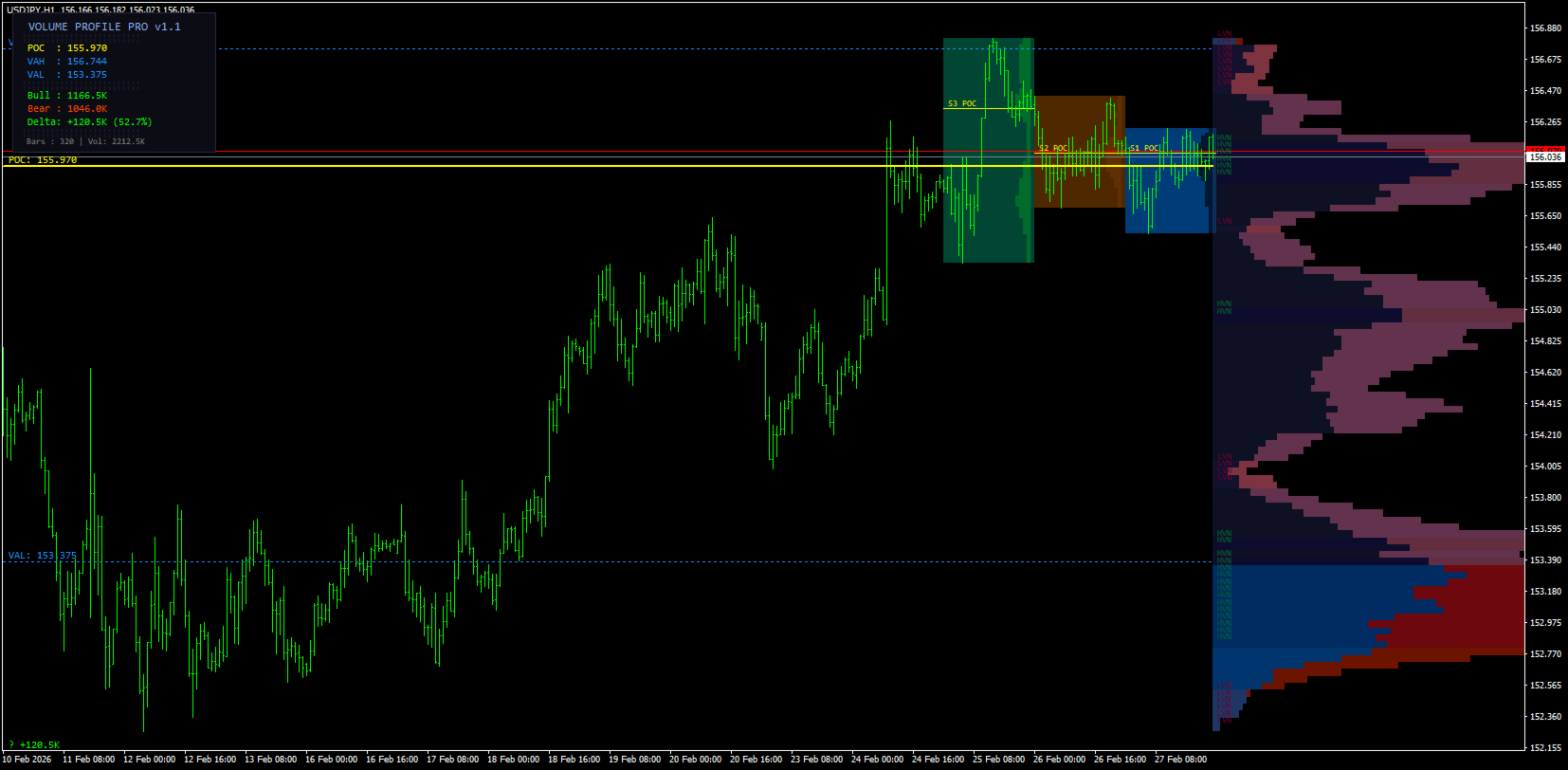
Point of Control (POC) The price level with the highest traded volume. A horizontal line extends across the chart so you can compare the POC to current price at all times. Price frequently gravitates back to the POC after moving away.
Value Area (VAH and VAL) The Value Area is the price range containing 70% of all traded volume (configurable). The upper boundary is the Value Area High (VAH); the lower boundary is the Value Area Low (VAL). Breaks beyond these boundaries suggest trend continuation. Rejections back inside suggest mean reversion.
Bull / Bear Volume Delta Each bar in the profile is split into buying volume (blue) and selling volume (red). The total Delta figure is displayed so you can immediately see whether buyers or sellers dominated the visible range.
High Volume Nodes (HVN) and Low Volume Nodes (LVN) HVNs are price levels with abnormally high activity. Price tends to slow and consolidate here. LVNs are price levels with very little activity. Price tends to accelerate through them. Both are highlighted automatically.
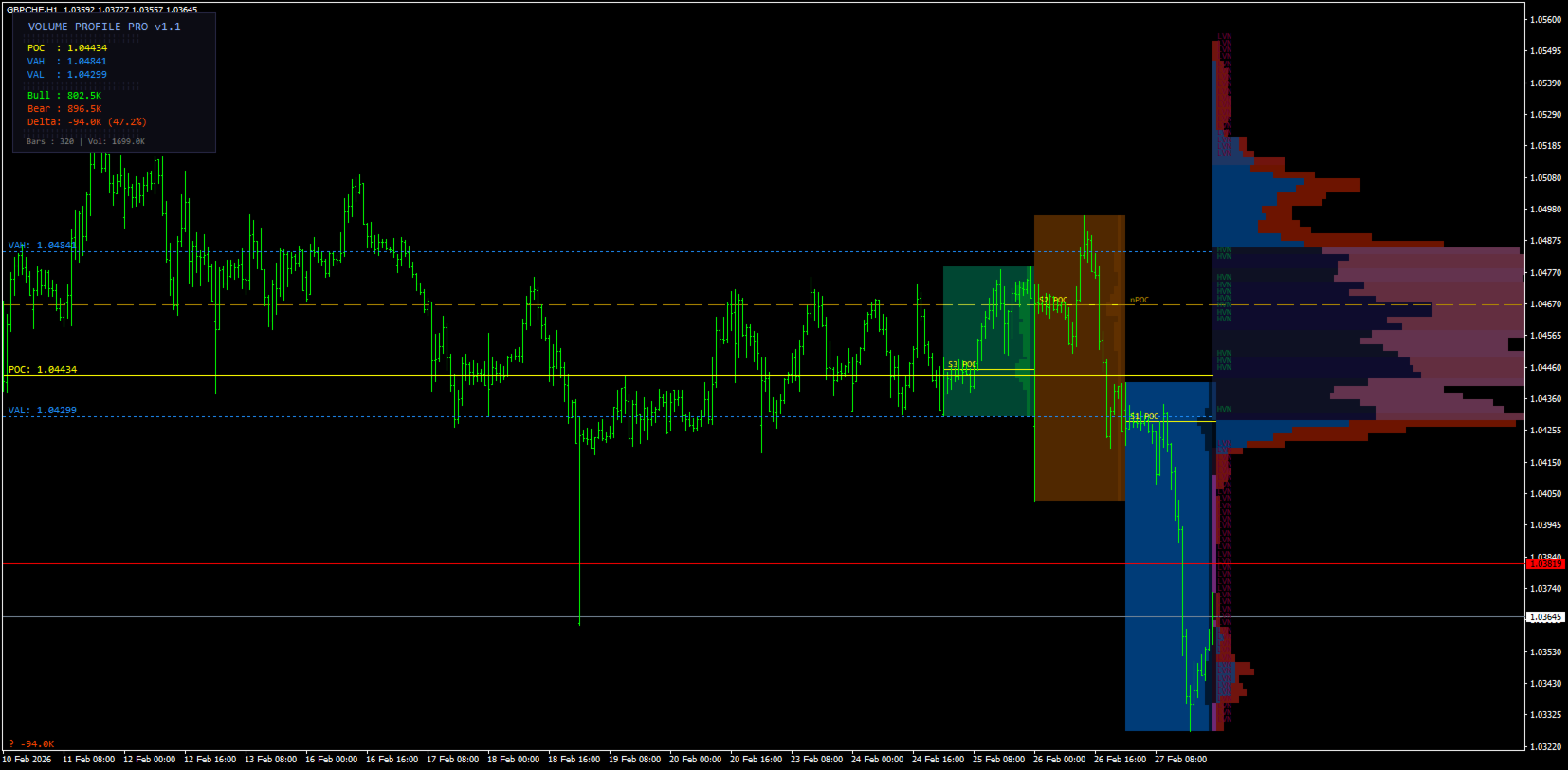
Session Profiles Up to 3 past sessions are drawn as individual mini-profiles, each with its own POC line. Use these to track how market structure evolves across sessions and to identify which session POCs are acting as current support or resistance.
Naked POC (nPOC) A Naked POC is a prior session's POC that price has not revisited since that session closed. These levels exert a strong pull on price. They are marked with a dashed line and remain on the chart until price tests them.
Smart Alert System The indicator monitors key levels in real time and fires a single alert per bar when:
- Price crosses the current POC
- Price breaks above VAH or below VAL
- Price reaches a Naked POC
- Price enters a High Volume Node zone
Alerts are delivered as screen popups, emails, or push notifications to your mobile device.
HOW TO READ THE PROFILE
The profile is drawn to the right of the visible range. The width of each horizontal bar represents the relative volume at that price level — the wider the bar, the more activity occurred there.
- Yellow solid line — POC (highest volume price)
- Blue dotted lines — VAH and VAL (value area boundaries)
- Blue shading — Value Area
- Green shading — High Volume Node
- Red shading — Low Volume Node
- Yellow dashed line — Naked POC (unmitigated prior session POC)
TRADING APPLICATIONS
Trend Continuation When price closes above VAH or below VAL on strong delta, look for a pullback entry at VAH or VAL on the next retest.
Mean Reversion When price spikes away from the POC and delta begins to weaken, anticipate a return to the POC. Sell resistance at VAH or buy support at VAL.
Fast-Lane LVN Entries Price moves quickly through LVNs. Place limit orders at HVNs for long entries below the market or short entries above it.
Naked POC Targets When price is approaching a Naked POC, it is likely to be tested. Use the nPOC as a price target or watch for a reaction when price touches it.
INPUT PARAMETERS
| Parameter | Default | Description |
|---|---|---|
| Rows | 100 | Number of price levels in the profile |
| Value Area % | 70 | Percentage of volume defining the Value Area |
| Bar Width | 80 | Profile display width as % of visible range |
| Session Count | 3 | Number of past sessions displayed |
| Session Hours | 24 | Session length in hours |
| HVN Threshold | 70% | Minimum volume % to qualify as HVN |
| LVN Threshold | 15% | Maximum volume % to qualify as LVN |
| Alert: POC Cross | On | Alert when price crosses the POC |
| Alert: VA Break | On | Alert when price breaks VAH or VAL |
| Alert: Naked POC | On | Alert when price touches a Naked POC |
| Alert: HVN Touch | On | Alert when price enters an HVN zone |