Erv Smart Scalp
- Утилиты
- Версия: 15.79
- Активации: 5

ERV SMART SCALP v15.79
Smart Zone-Based Multi-Layer Trading System for MetaTrader 5
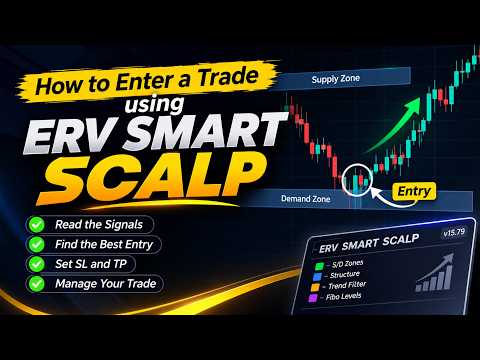
ERV SMART SCALP is an integrated trading system designed to combine SMARTZONE analysis, multi-layer trading management, Fibonacci-based price levels, market structure visualization, and an economic news calendar.
The EA provides a customizable trading environment with flexible order management and an interactive chart panel, allowing traders to manage their trading activities according to their own strategies.
KEY FEATURES
1. MULTI-LAYER TRADING SYSTEM
-
BUY and SELL trading operations.
-
Adjustable lot size.
-
Configurable number of trading layers.
-
Customizable lot multiplier pattern.
-
Configurable Magic Number.
-
Individual trade management.
2. SMARTZONE MANAGEMENT
-
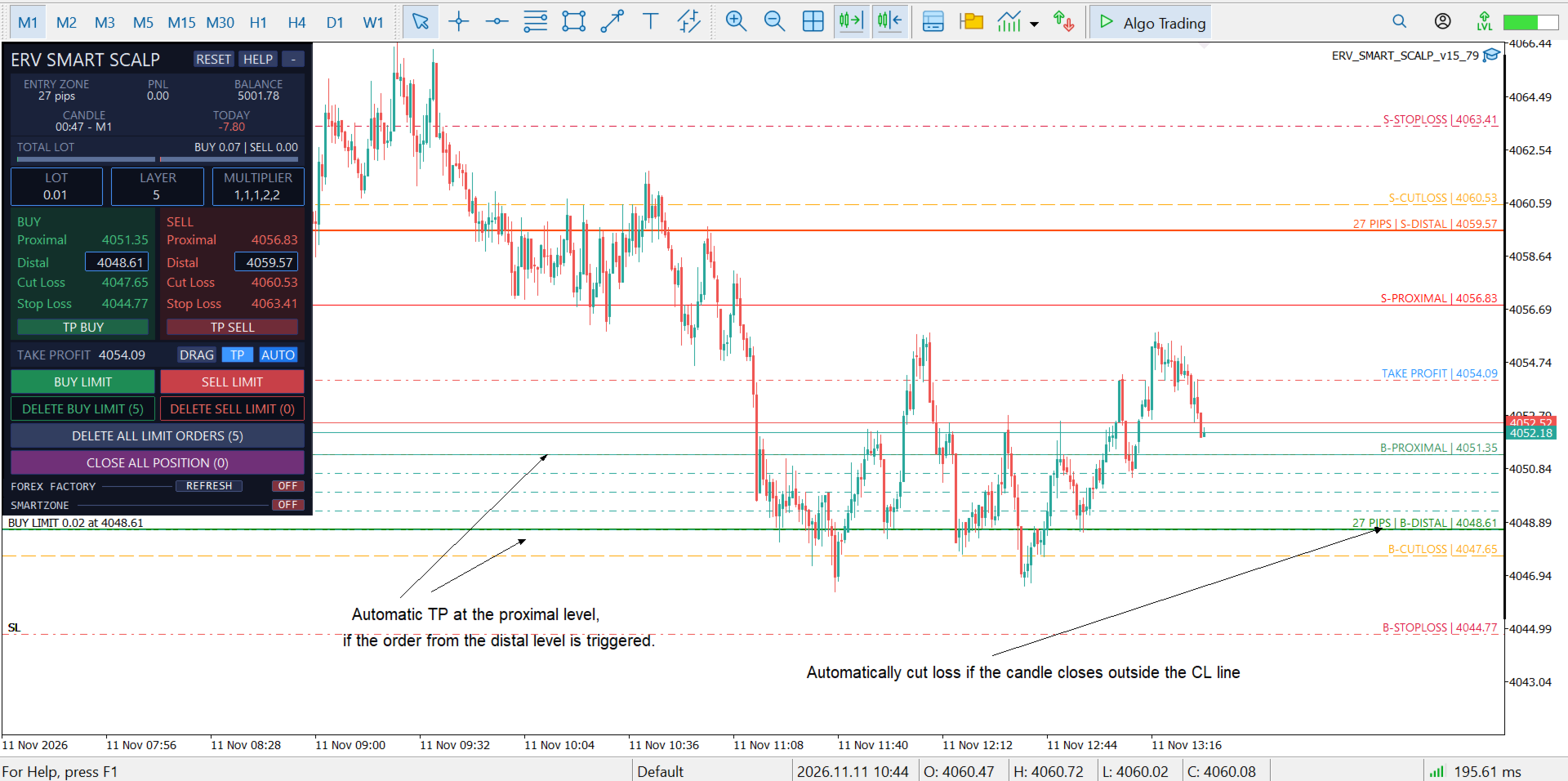
Proximal and Distal price levels.
-
Automatic Take Profit calculation.
-
Adjustable Take Profit offset.
-
Cut Loss configuration based on zone width.
-
Fibonacci-based Stop Loss calculation.
-
Adjustable Distal offset.
-
Visual trading levels directly on the chart.
3. SMARTZONE PATTERN DETECTION
Supports four major price patterns:
-
RBR – Rally Base Rally
-
DBD – Drop Base Drop
-
DBR – Drop Base Rally
-
RBD – Rally Base Drop
Additional capabilities:
-
Trade Mode and Pattern Map display.
-
Configurable pattern visibility.
-
ZigZag pivot visualization.
-
Pivot dots and warning indications.
-
Historical zone scanning.
4. MARKET STRUCTURE
Visual market structure analysis, including:
-
HH – Higher High
-
HL – Higher Low
-
LH – Lower High
-
LL – Lower Low
5. INTEGRATED ECONOMIC NEWS CALENDAR
Economic calendar integration using the Forex Factory news feed.
Features:
-
High, Medium, and Low impact news.
-
Currency filtering.
-
Chart currency filtering.
-
Custom GMT time zone.
-
Upcoming and historical news.
-
Live news highlighting.
-
Configurable news alerts.
-
Popup and sound notifications.
6. TRADING PANEL & CHART INTERACTION
-
Integrated trading panel.
-
BUY and SELL controls.
-
Customizable panel position.
-
Interactive Proximal line.
-
Live market price display.
-
Zone size information.
-
Cut Loss historical line display.
7. SOUND & NOTIFICATIONS
Notifications for important trading events:
-
BUY and SELL execution.
-
Take Profit.
-
Cut Loss.
-
Stop Loss.
-
Proximal price reached.
-
Distal price reached.
-
Economic news events.
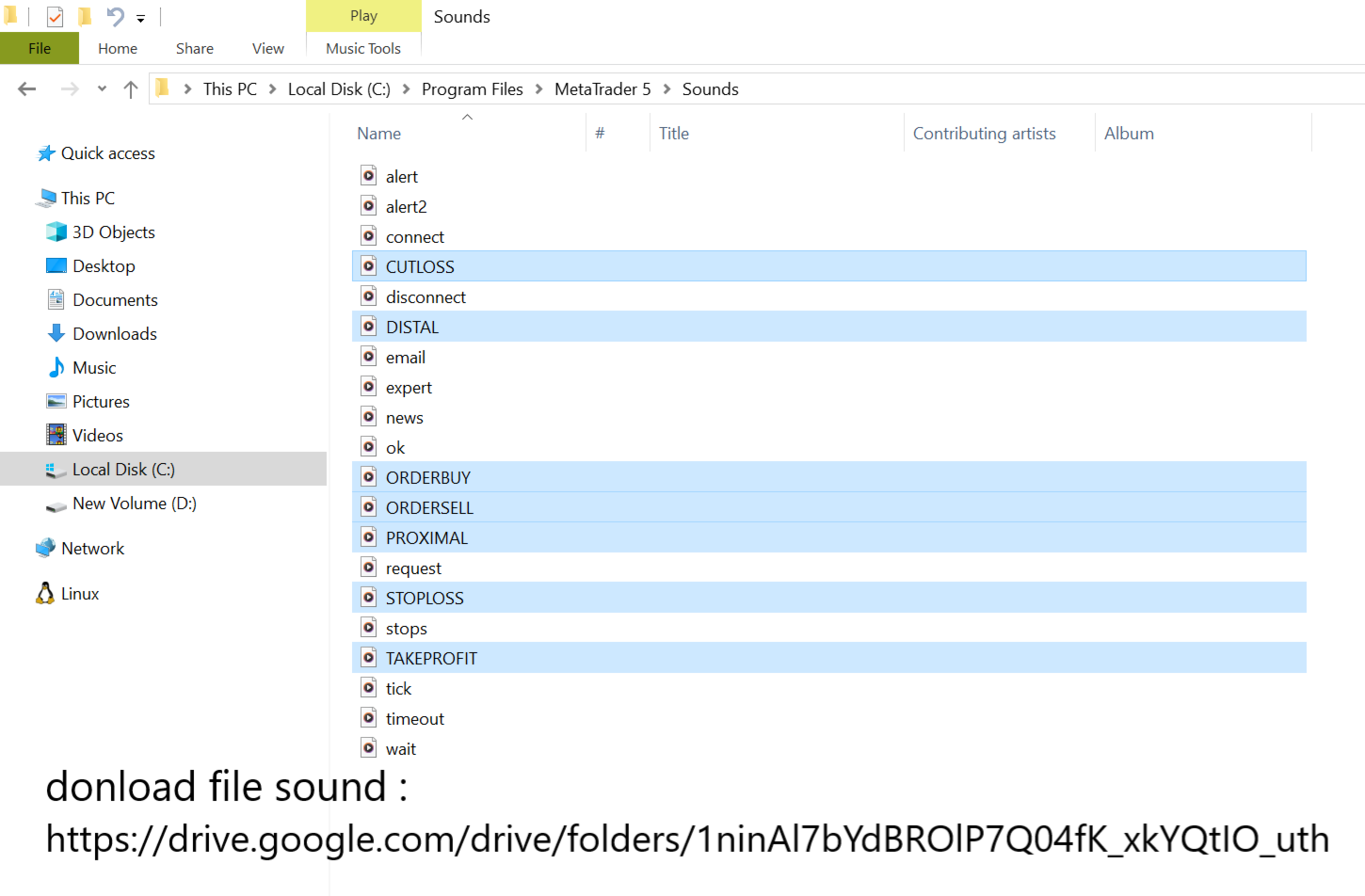
Individual sound files can be configured through the EA settings.
SETUP & INSTALLATION
STEP 1 – ATTACH THE EA
Attach ERV SMART SCALP to your preferred chart.
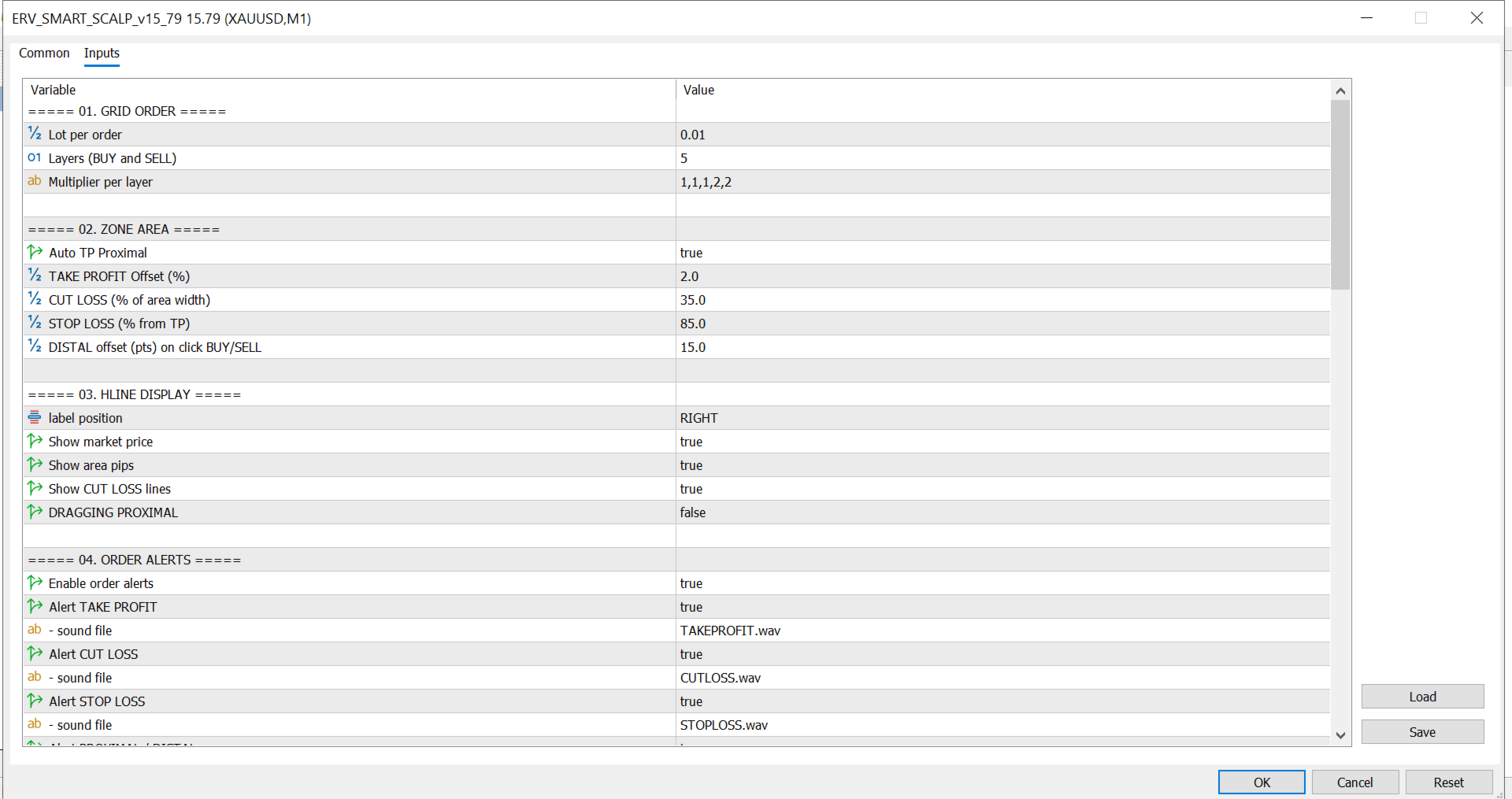
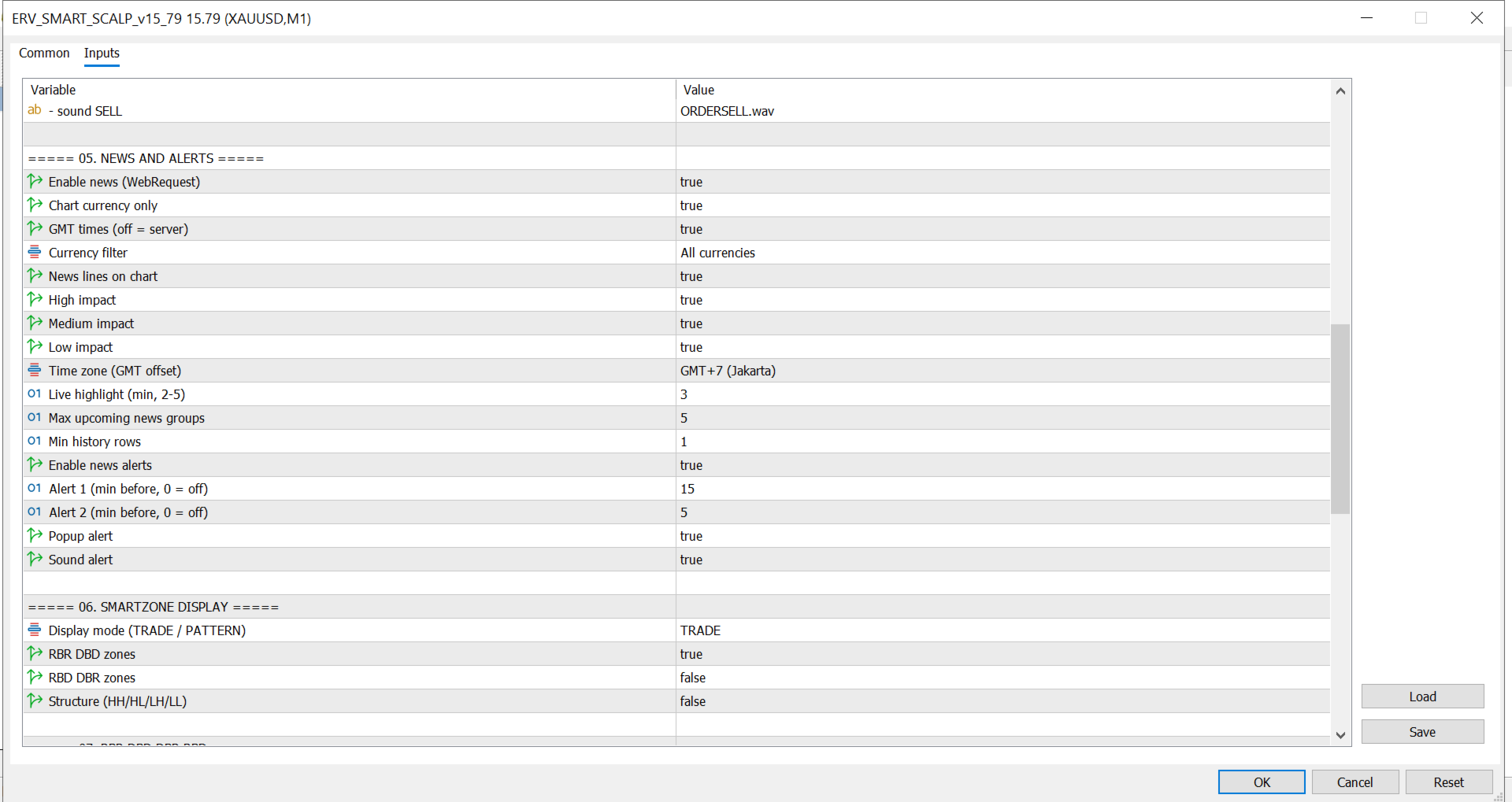
Adjust the input parameters according to your trading preferences:
-
Lot size.
-
Number of trading layers.
-
Lot multiplier pattern.
-
SMARTZONE display settings.
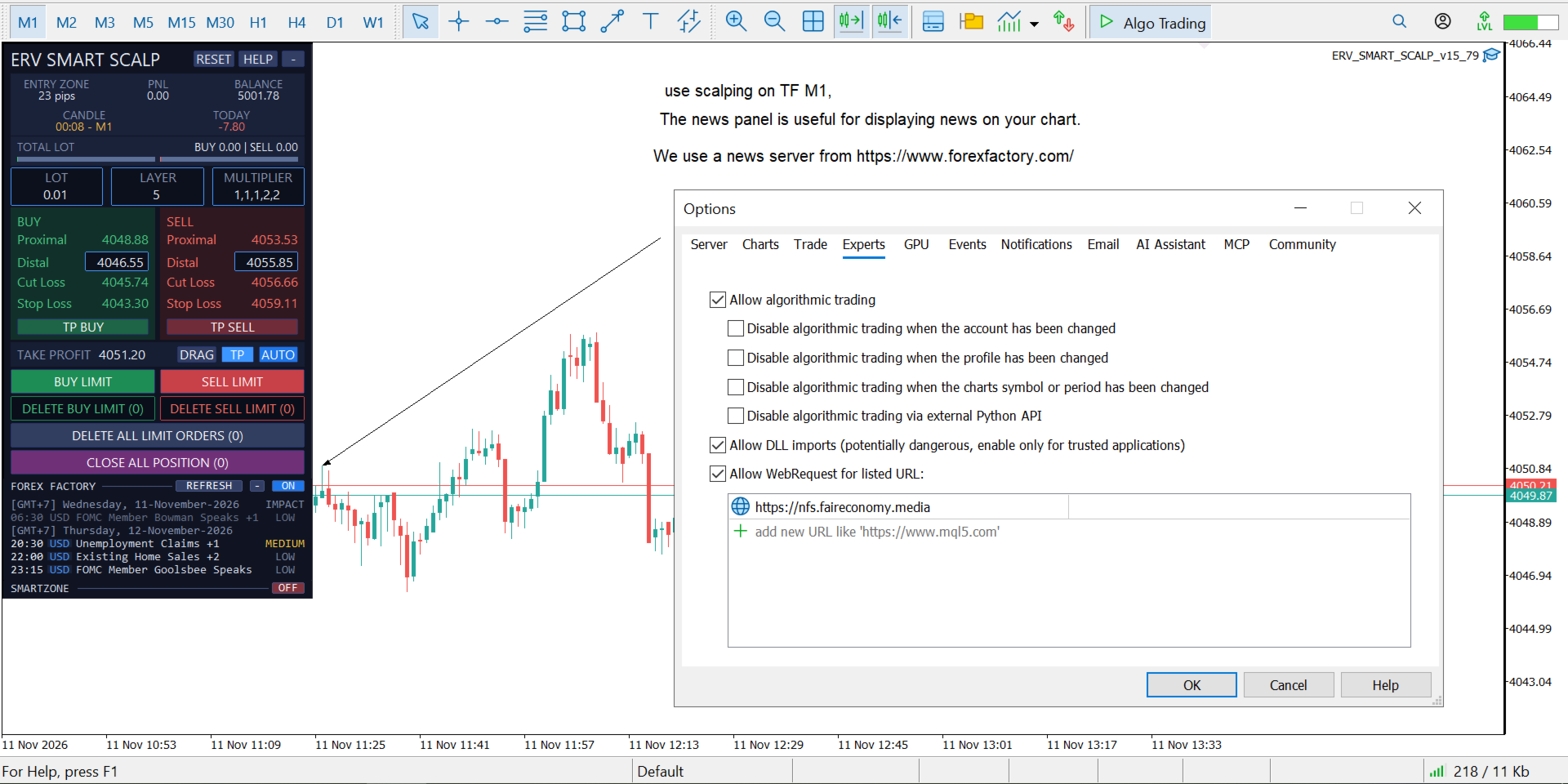
STEP 2 – ENABLE WEBREQUEST
To activate the integrated economic news calendar, add the following URL to the allowed WebRequest list:
Go to:
Tools → Options → Expert Advisors → Allow WebRequest for listed URL
Add the URL and click OK.
STEP 3 – MAGIC NUMBER
The default Magic Number is:
260826
You can change it through the EA input settings if required.
STEP 4 – ENABLE ALGO TRADING
Make sure Algo Trading is enabled and verify your broker's trading conditions before starting.
STEP 5 – DEMO TESTING
Test the EA on a demo account before using it on a live account.
CUSTOMIZATION
ERV SMART SCALP offers flexible input parameters to adapt the trading environment to your preferences, including:
-
Trading volume and layer configuration.
-
Lot multiplier settings.
-
SMARTZONE parameters.
-
Fibonacci settings.
-
Market structure display.
-
Economic news filters.
-
Notification settings.
-
Chart panel appearance and position.
IMPORTANT INFORMATION
-
This EA is a trading tool, not a guaranteed-profit system.
-
Trading decisions and risk management remain the responsibility of the user.
-
Trading results may vary depending on broker conditions, spreads, execution, and market conditions.
-
Always test the EA on a demo account before live trading.
NOTE BY ERV
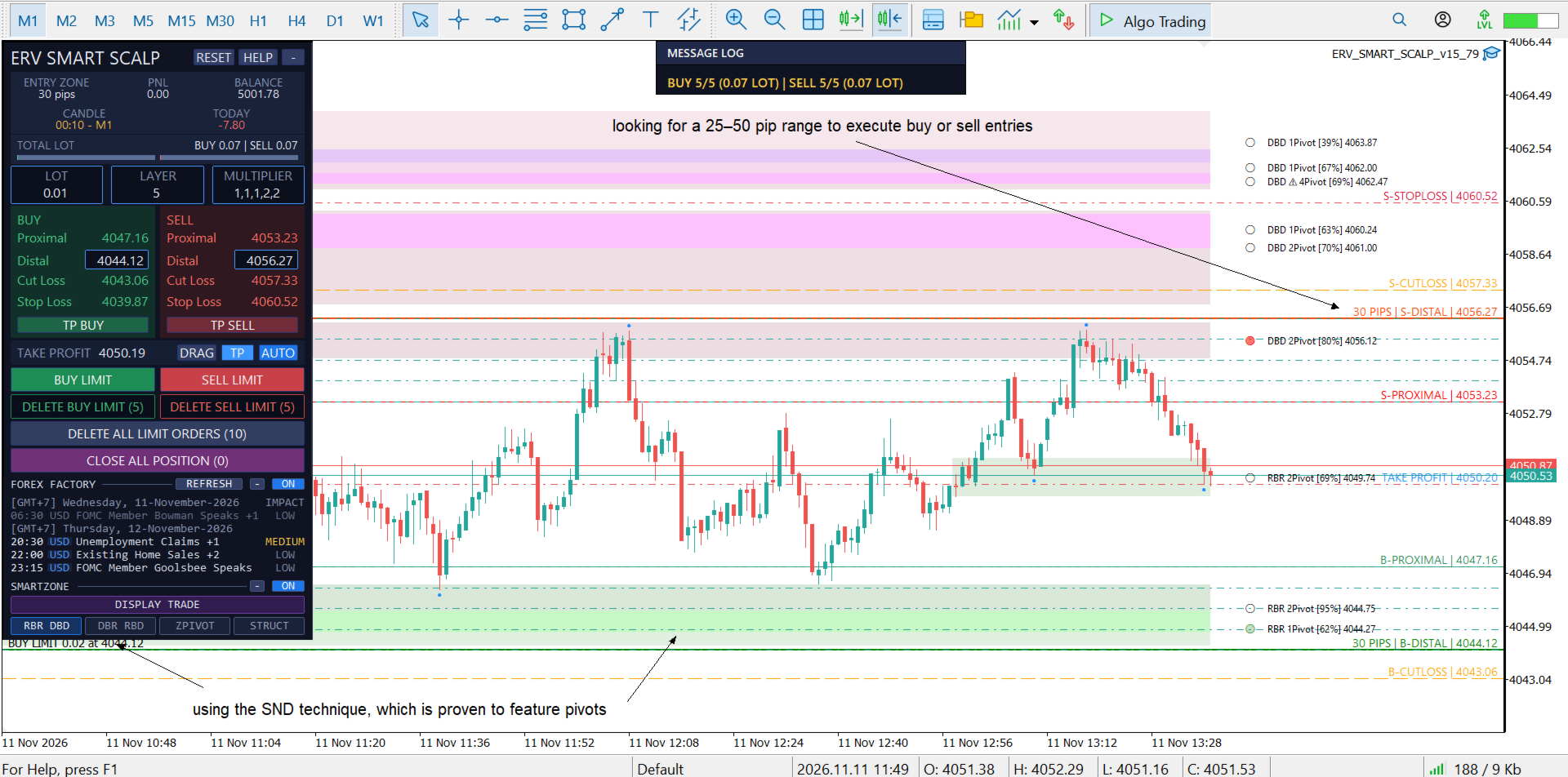
Scalping on the M1 timeframe uses the Pivot and Control technique / Supply and Demand zones / RBR, DBD, DBR, and RBD patterns (Rally-Base-Rally, Drop-Base-Drop, Drop-Base-Rally, and Rally-Base-Drop).