CD Ultimate Spike Indicator
- Индикаторы
- Версия: 4.0
- Активации: 8

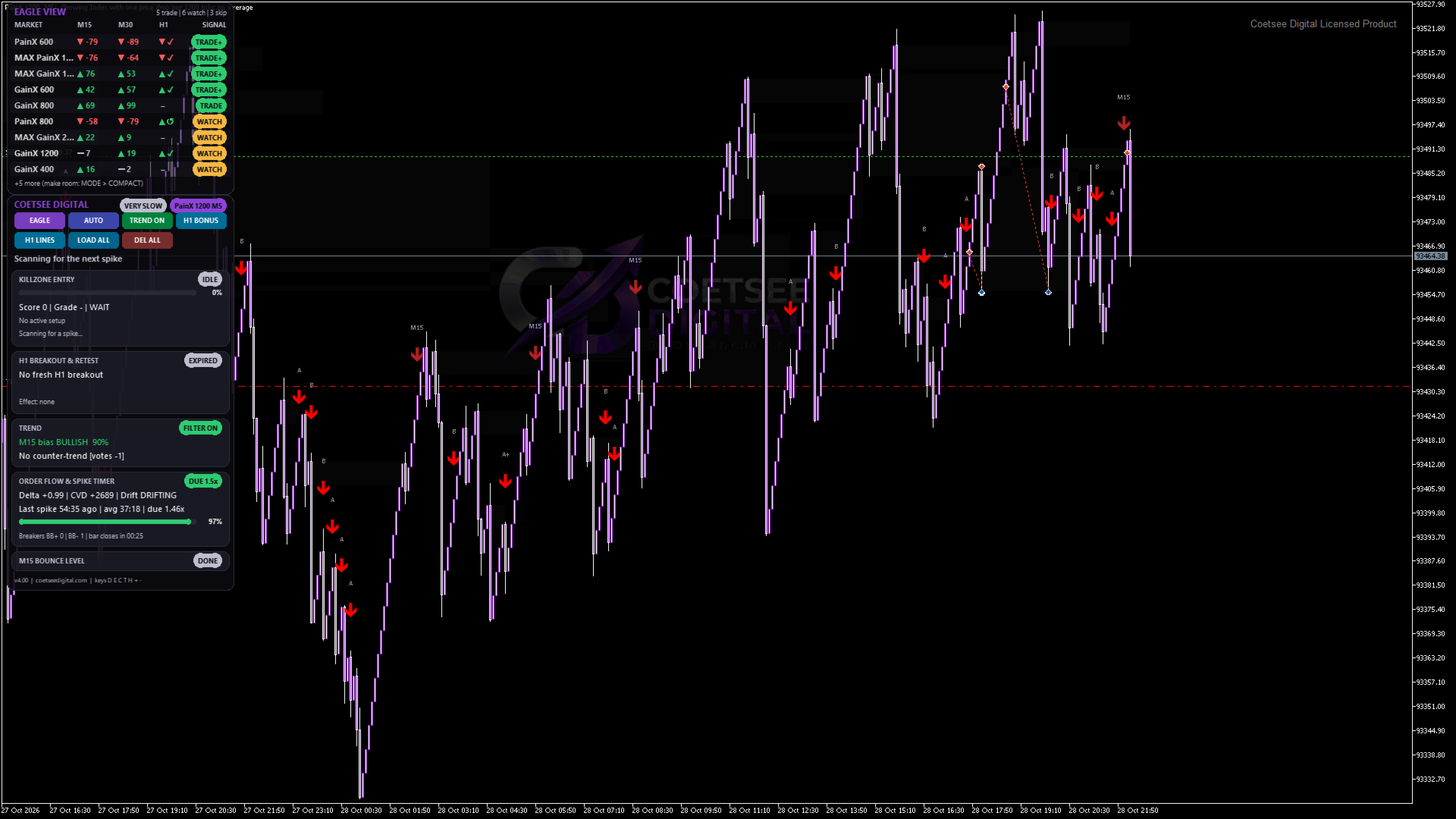
Coetsee Digital Ultimate Spike Indicator
Spike-entry toolkit for GainX, PainX, Boom, Crash, Boost and Smash synthetic indices (M1, M3, M5).
Synthetic spike markets drift in one direction and then jump with a sudden spike. Coetsee Digital Ultimate Spike Indicator watches every spike, maps the retrace zone that follows it and prints graded entry arrows (B / A / A+) when price comes back into that zone, with clear context so you can see why a signal was given or blocked.
Suggested stop loss: 10-15 candles of the current timeframe.
What you get
Spike and killzone engine
Detects spikes against a spike-free baseline (not fooled by normal drift) and merges two-bar spikes.
Maps the retrace "killzone" of every spike and prints the entry arrow when price reaches it.
Automatically tunes itself to the market's spike frequency (the number in the symbol name: 300, 400, 500, 600, 800, 999, 1000, 1200...) and to the timeframe.
Dedicated M1 refinement (timing gate, wider zone, short history) for fast charts.
Breaker blocks
Finds swing-based breaker blocks (liquidity sweep + break of structure) and prints separate yellow breaker-entry arrows. Zones are drawn faint and can be switched off.
Order flow (tick proxy)
Reads tick direction and tick volume: delta, cumulative delta since the spike, drift slope, deceleration, delta flip, micro higher low and absorption feed a 0-100 score. (It is a tick-based proxy; synthetic indices have no real exchange order flow.)
H1 Breakout & Retest context
Finds the H1 levels that were broken, then tracks BROKEN -> RETESTING -> CONFIRMED / FAILED. A confirmed breakout-and-retest in the trade direction improves the signal; a confirmed opposite one weakens or blocks it. Four modes (Off / Context / Bonus / Require) and a separate switch for the on-chart H1 lines.
Trend filter
Smart filter votes with the M15 EMA, its slope and the chart's own fast/slow EMAs: it blocks buys in a down-trend and sells in an up-trend. One click on the dashboard to switch it on or off.
Graded signals
Every candidate gets a 0-100 fused score and a grade (B, A, A+). Tiny grey grade labels keep the chart clean. Minimum score, cooldown and session filter (trading hours, pause after a stopped signal) are adjustable.
Dashboard (canvas drawn, sharp and fast)
Auto-fits the chart: MINI strip, COMPACT, FULL or WIDE, with automatic scaling for big screens and Windows display scaling. Dark or light theme.
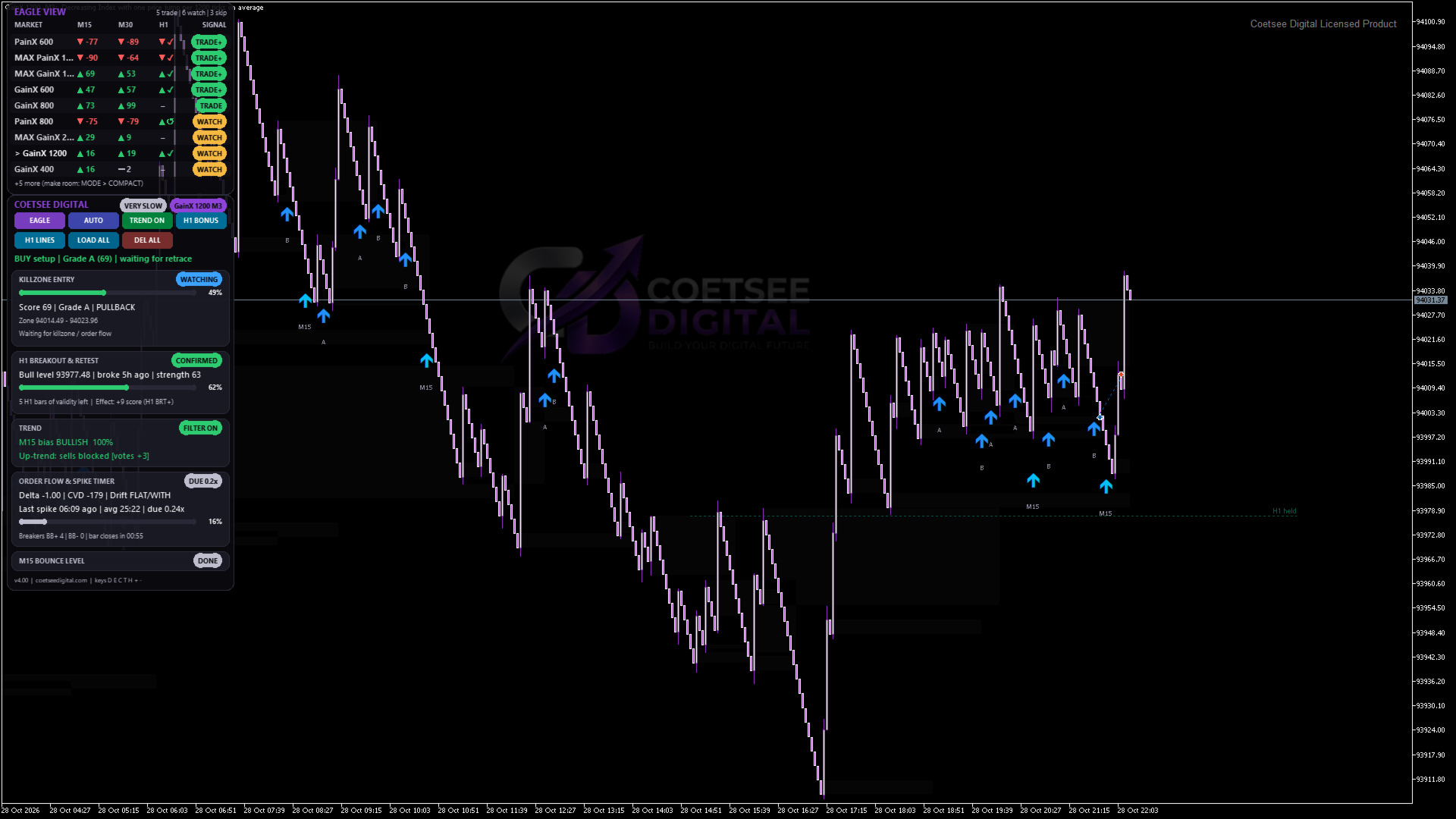
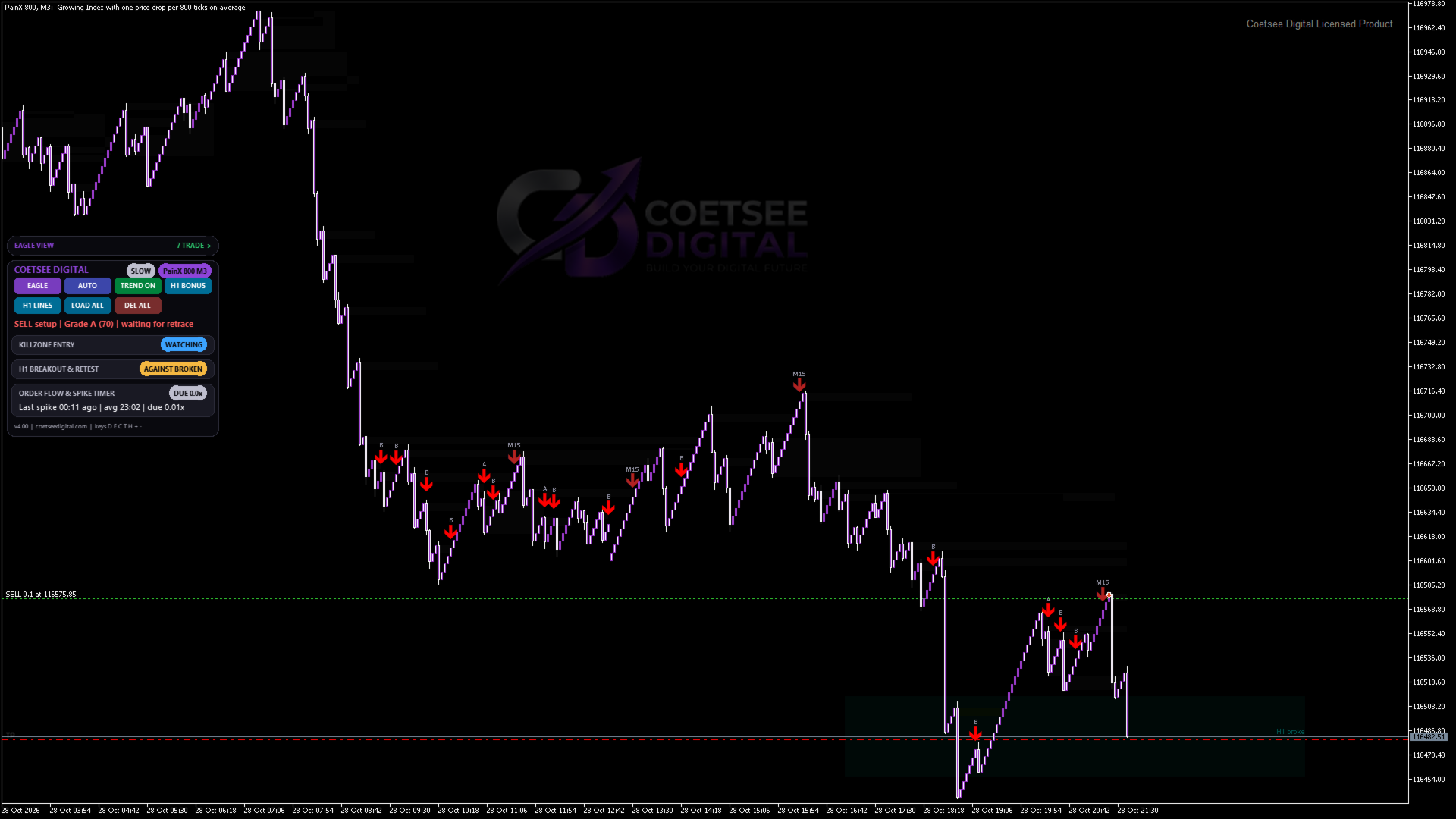
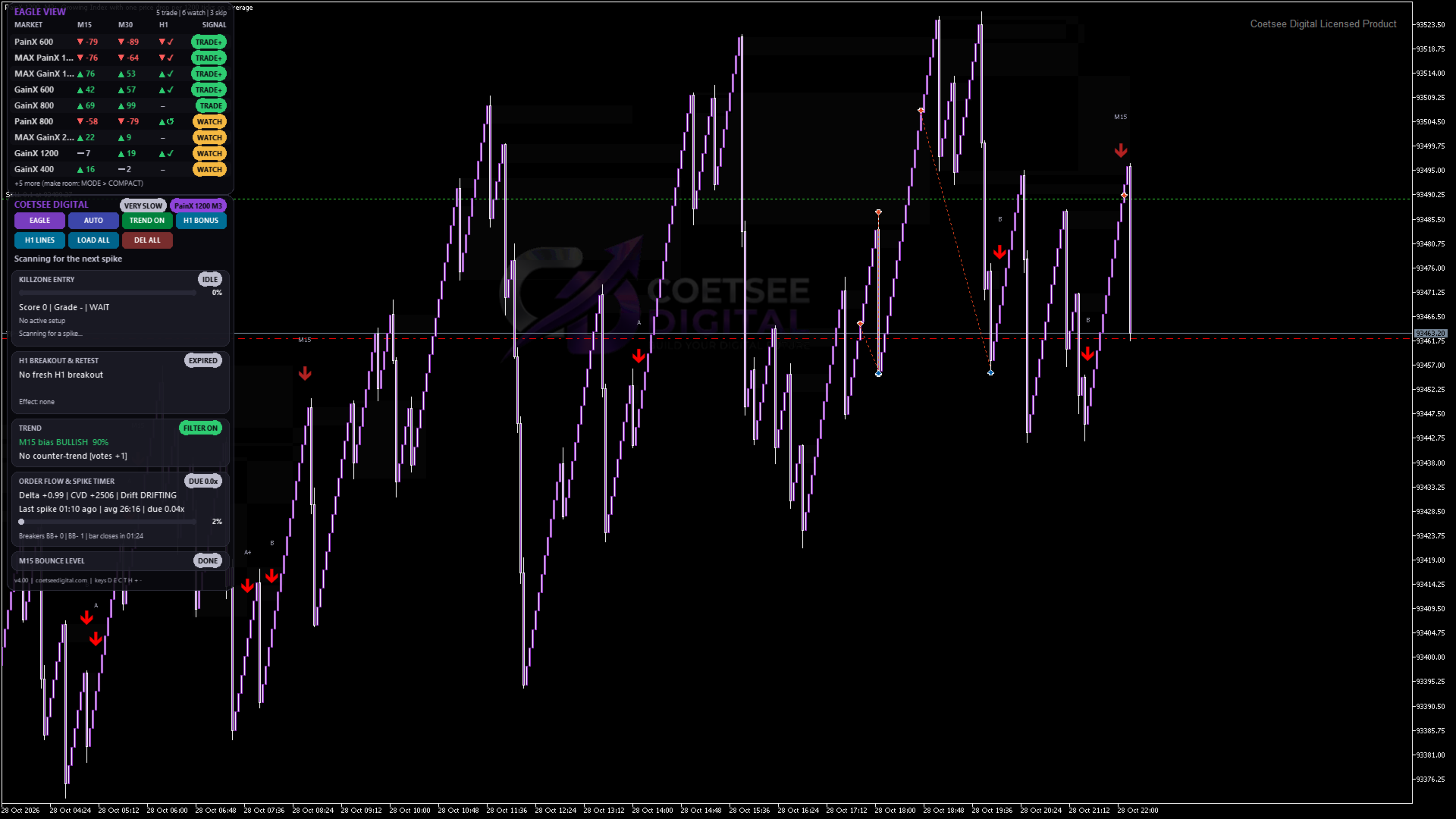
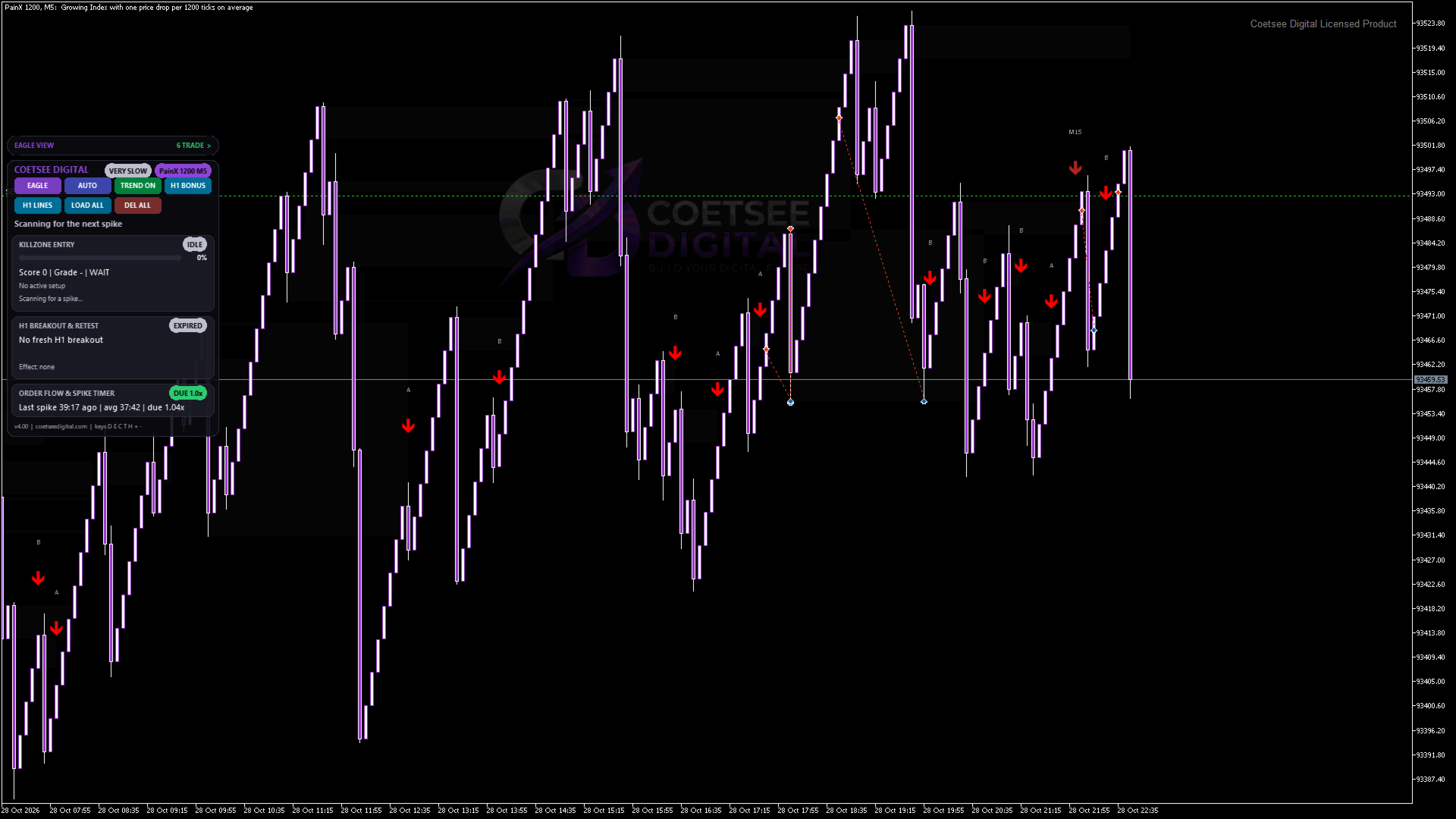
Cards for killzone progress, H1 breakout & retest, trend, order flow and live spike timer, and the M15 bounce level. Cards collapse with a click, the whole panel can be dragged, hotkeys for everything.
Eagle View: one table of every spike market in your Market Watch with M15 and M30 trend, H1 breakout state, spike-due meter and a TRADE+ / TRADE / WATCH / SKIP rating. Click a row to jump to that market.
LOAD ALL / DEL ALL: put the indicator on every open spike-market chart (or remove it from all of them) with one click.
Alerts and EA support
Pop-up and push alerts for signals and for H1 state changes.
Data buffers for expert advisors: arrows, score, stop-loss level, TP1 level and H1 state.
Supported
Markets: GainX, PainX, Boom, Crash, Boost, Smash (any spike frequency).
Chart timeframes: M1, M3, M5 (M15 data is used as context; H1 as a filter).
Works on any account type. No DLLs, no web requests, never places orders.
Quick start
Open a GainX / PainX / Boom / Crash chart on M1, M3 or M5 and attach the indicator.
Leave the defaults: presets on, trend filter on, H1 mode BONUS.
Arrows: blue/red = killzone entries, yellow = breaker entries, grey letter = grade.
Use the dashboard buttons (or keys D, E, C, T, H, + / -) to change what you see.
Notes
Synthetic indices are generated by a random number generator. The spike timer, the H1 context and every score are filters that help you read the chart; they are not predictions. Signals are informational only. Past results do not guarantee future results and trading carries a risk of loss.