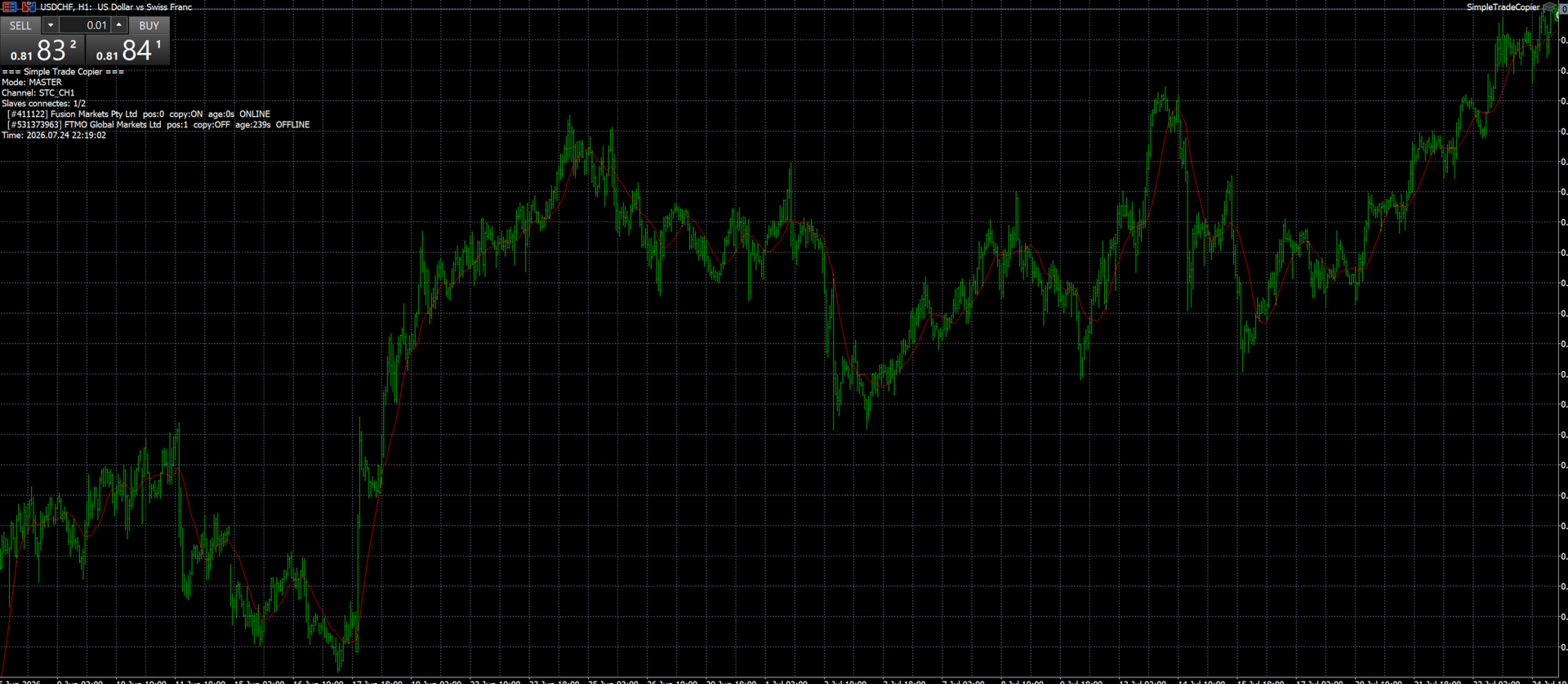
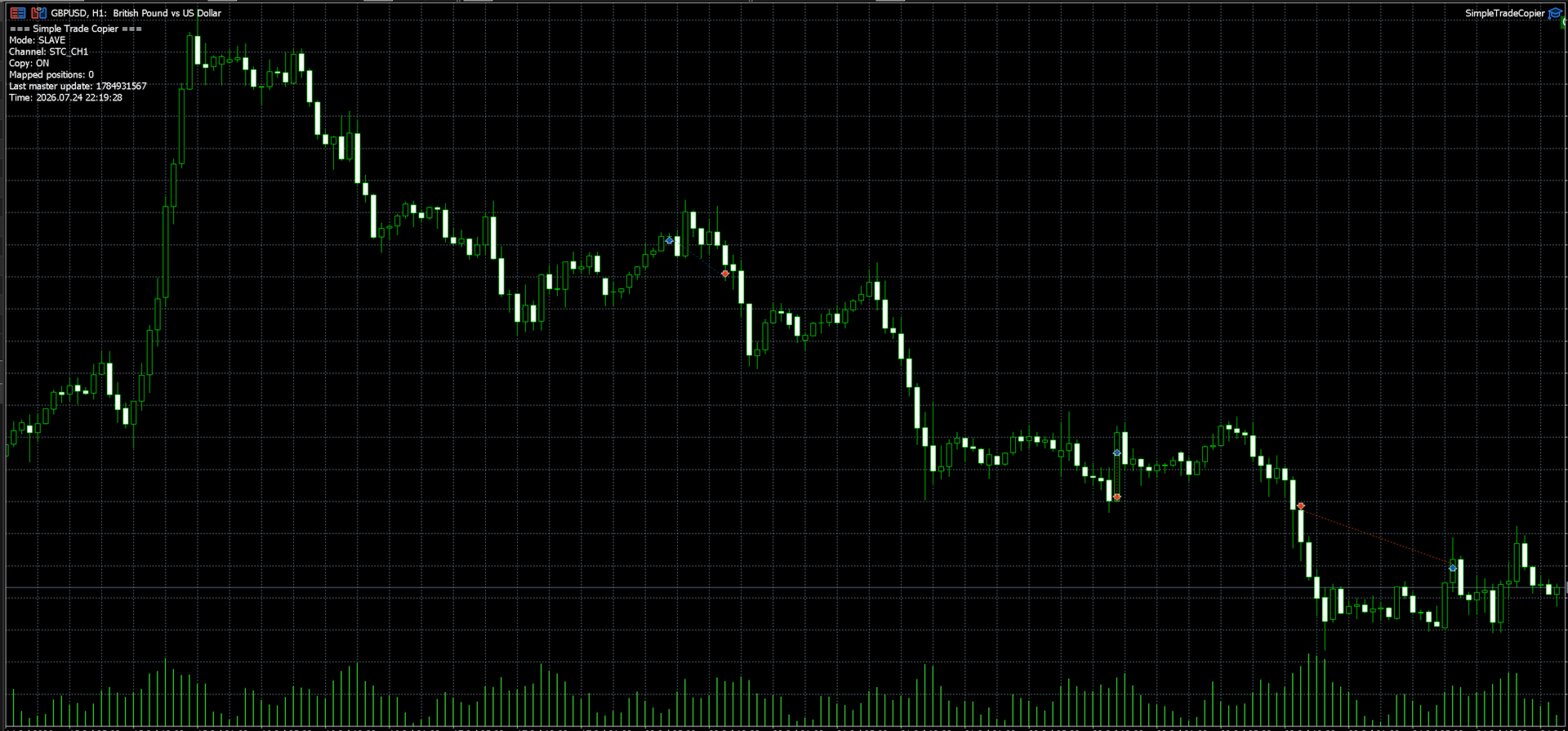
SimpleTradeCopier
- Утилиты
- Версия: 1.4

Contrarian traders who've found a strategy that works better inverted — buys become sells, and vice versa
Getting up and running (5 steps, no headaches)
1. Drop the EA into MT5
Copy SimpleTradeCopier.ex5 into <your MT5 terminal>\MQL5\Experts\. Then in MT5, open the Navigator (Ctrl+N) and drag SimpleTradeCopier onto any chart — it doesn't matter which one.
2. Set up your MASTER account
This is the account whose trades you want to copy from. In the EA's inputs:
InpMode = STC_MASTER ← this account is the source
InpChannel = "MY_CHANNEL" ← name your channel, anything works
InpAutoStart = true ← starts copying the moment you click OK
Hit OK, and that's it — the EA is now quietly writing every position to a shared file behind the scenes.
3. Set up each SLAVE account
Now go to every account that should receive the trades, and drag the EA on there too:
InpMode = STC_SLAVE ← this account is a destination
InpChannel = "MY_CHANNEL" ← has to match the master, exactly
InpAutoStart = true ← starts automatically
The one thing you really can't get wrong: InpChannel needs to be identical — character for character — on the master and on every single slave. If they don't match, nothing will copy, and it won't necessarily tell you why.
4. Let it run
With InpAutoStart = true, copying kicks off the moment everything's configured. If you'd rather trigger it manually, there's a "START COPY" button right on the chart. From there, the master pushes its positions out and every slave mirrors them within about 50 milliseconds.
5. Stop whenever you need to
One click on "STOP COPY" on the chart, and copying pauses. No need to remove the EA.
Every setting, explained like a person would explain it
Mode — who's talking to who
Setting What it does
InpMode Choose STC_MASTER if this account is the source, or STC_SLAVE if it should receive trades
InpChannel The "name" of your copy link. Master and slaves must all use the exact same one
InpTimerMs How often the EA checks for changes, in milliseconds (default 50 — quick)
Copy behavior — how closely should the slave follow?
Setting What it does
InpAutoStart Skip the manual button and start copying right away
InpCopySLTP Also copy over the Stop Loss and Take Profit levels
InpCopyPending Also copy pending orders (limit and stop orders), not just open positions
InpReverse Flip everything — buys become sells and sells become buys
InpReopenClosed If a slave's position gets closed on its own (say, its SL gets hit), reopen it to stay in sync with the master
InpDeviation A safety net — caps how far the fill price can drift from the master's before it skips the copy
Lot sizing — how big should the slave's trades be?
Setting What it does
InpLotMode STC_LOT_SAME (identical lots), STC_LOT_MULTIPLY (scaled by a multiplier), or STC_LOT_FIXED (always the same fixed size)
InpLotMult Your multiplier — 2.0 doubles whatever the master trades
InpFixedLot The fixed lot size to use, if you picked STC_LOT_FIXED — e.g. 0.01
Filters — what actually gets copied
Setting What it does
InpSymbols Only copy these symbols (leave blank to copy everything). E.g. EURUSD,GBPUSD,XAUUSD
InpMasterMagic Only copy trades from a specific EA on the master, by magic number (0 = copy from all of them)
InpSlaveMagic The magic number the copier tags its own trades with on the slave side (default 990001)
Symbol mapping — for when brokers name things differently
Setting What it does
InpSuffix If your master's broker calls something EURUSD and your slave's broker calls it EURUSD.m, this suffix bridges the gap automatically