|
13+ 년도
경험
|
24
제품
|
134
데모 버전
|
|
126
작업
|
0
거래 신호
|
0
구독자
|
About me:a C/C++ programmer and forex trader, develop MT4/5 apps from October 2007.
Email: admin@fxmeter.com
My products: https://www.mql5.com/en/users/fxmeter/seller
1. Multi Pairs Trading tool: flexible combination of instruments, multi‑instrument hedging
MT4 Version:https://www.mql5.com/en/market/product/31534
MT5 Version:https://www.mql5.com/en/market/product/120525
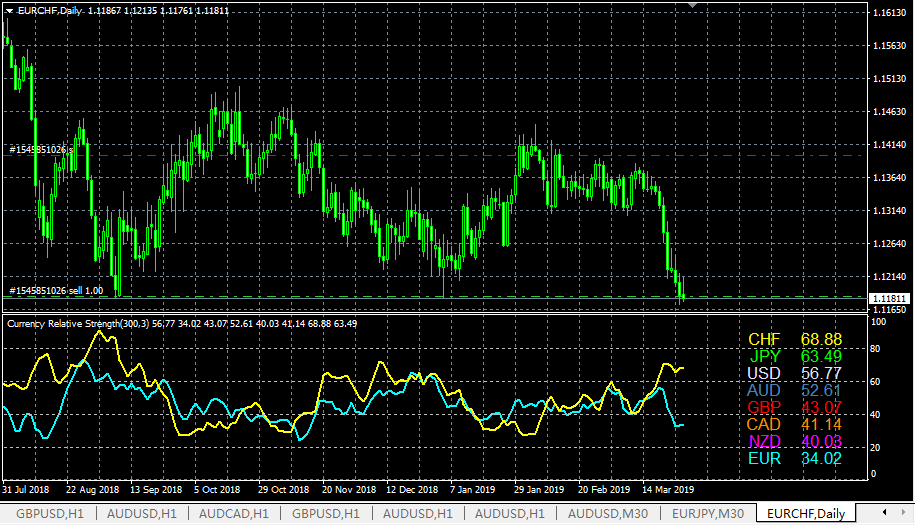
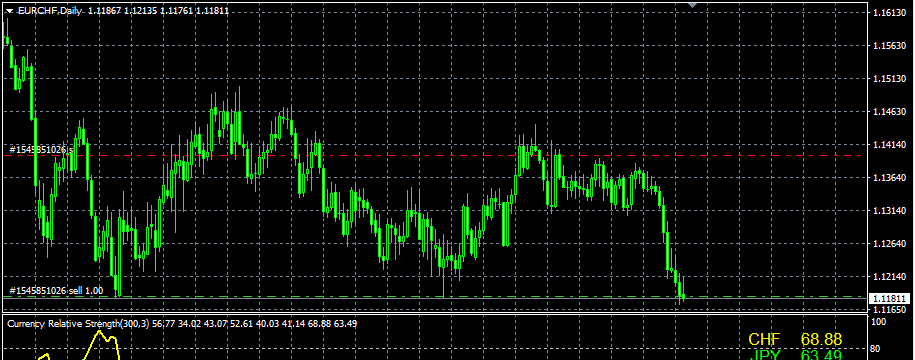
2. Currency relative strength:It shows the relative strength of 8 major currencies (USD,EUR,GBP,JPY,AUD,NZD,CAD,CHF).
MT4: https://www.mql5.com/en/market/product/24310
MT5: https://www.mql5.com/en/market/product/121008
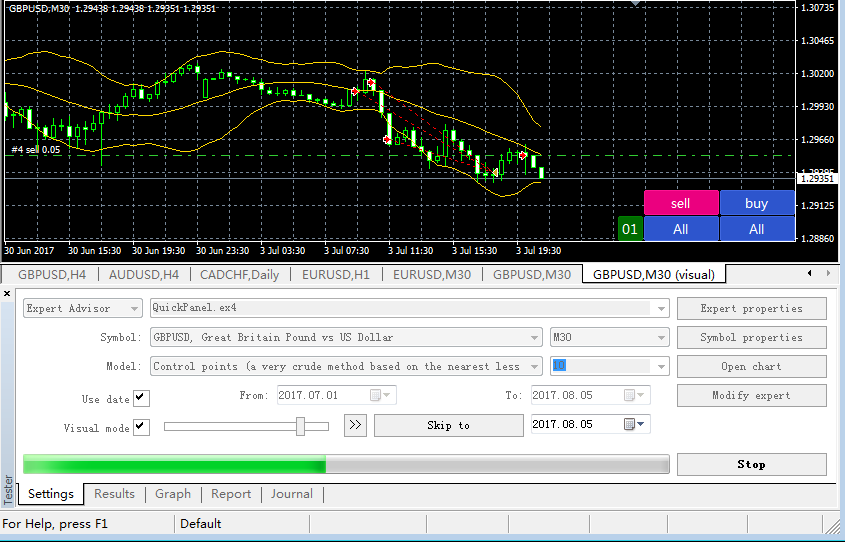
3.Quick Panel Pro:an advanced version of Quick Panel. Calculating lots by moving the stopline,it makes money management easy and fast.
MT4 https://www.mql5.com/en/market/product/24255
MT5 https://www.mql5.com/en/market/product/24323
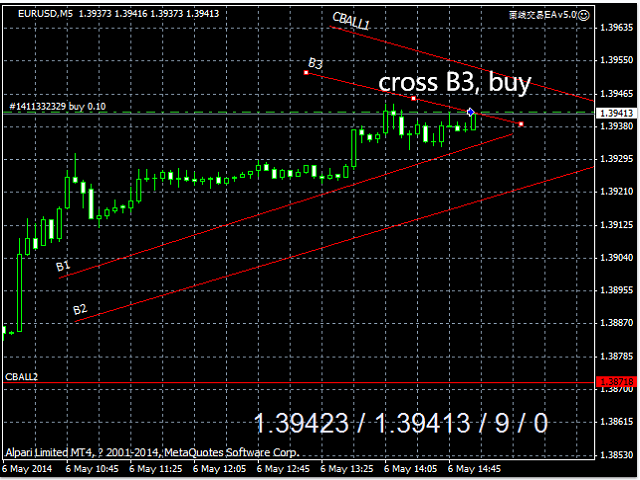
4.Cross trendline to trade : EA is designed to open and close order when price is crossing the trend line on chart.
MT4 https://www.mql5.com/en/market/product/4439
MT5 https://www.mql5.com/en/market/product/107557
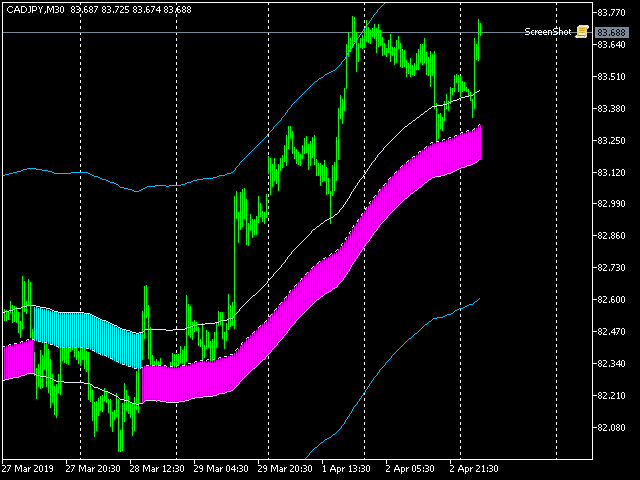
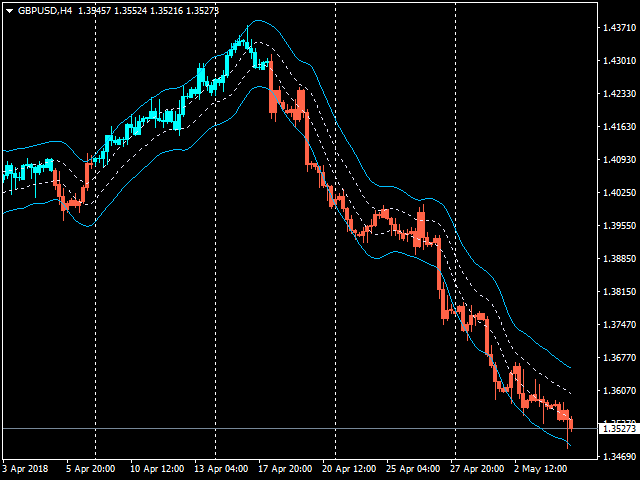
5.A great trend indicator:shows the trend direction,the entry zone, and the stop out zone.
MT4: https://www.mql5.com/zh/market/product/10455
MT5: https://www.mql5.com/en/market/product/1051
6.OrderManager Pro(free): a powerful manager helps to manage all orders of the account. it can set SL/TP,close order as per profit in pips or amount.
https://www.mql5.com/en/blogs/post/725804
https://www.mql5.com/en/market/product/26367
7.Account Summary (free) : It summarizes lots,swap,commission and profit of every symbol.
MT4 https://www.mql5.com/en/market/product/23802
MT5 https://www.mql5.com/en/market/product/23949
8.Account Export(free): export all trades into a CSV file as per Symbol and selected periods.
https://www.mql5.com/en/market/product/23810
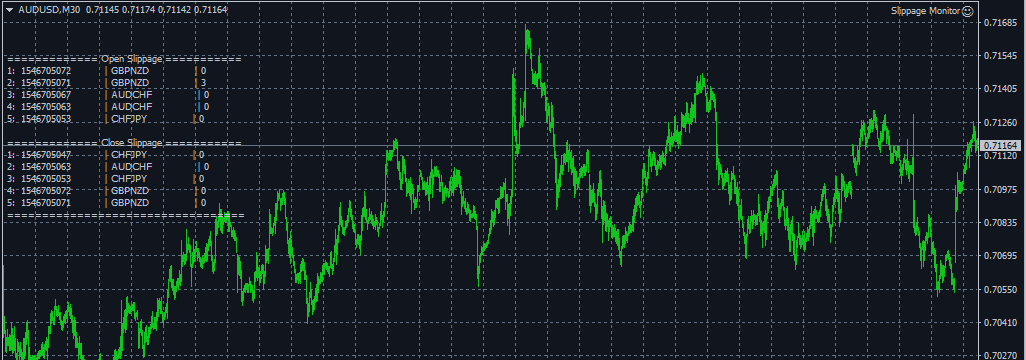
9.Slippage Monitor (free):This EA is designed to monitor the slippage of opening and closing orders, and save the records in files.
MT4 https://www.mql5.com/en/market/product/37363
MT5 https://www.mql5.com/en/market/product/74420
10. Indicator Bar Time Count Down(free)
MT4: https://www.mql5.com/en/code/29646
MT5: https://www.mql5.com/en/code/29647
Pair Power Index Helper MT4 (free)
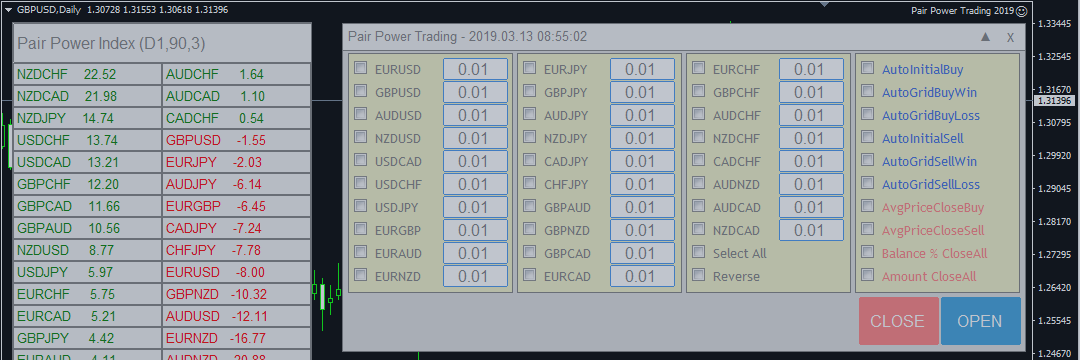
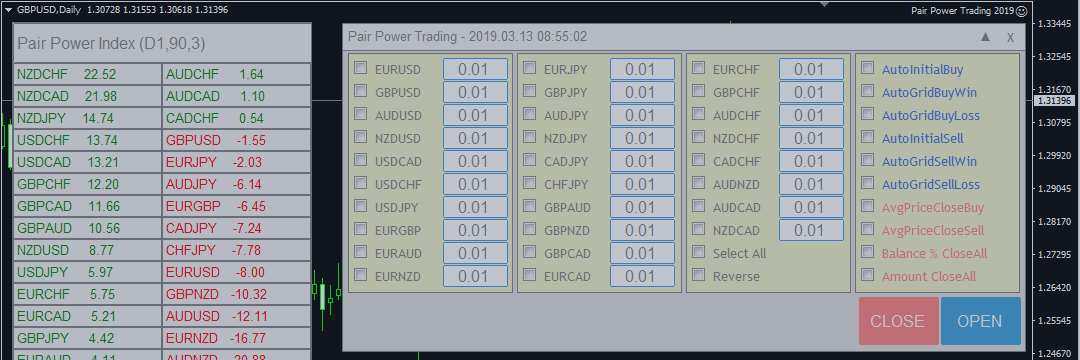
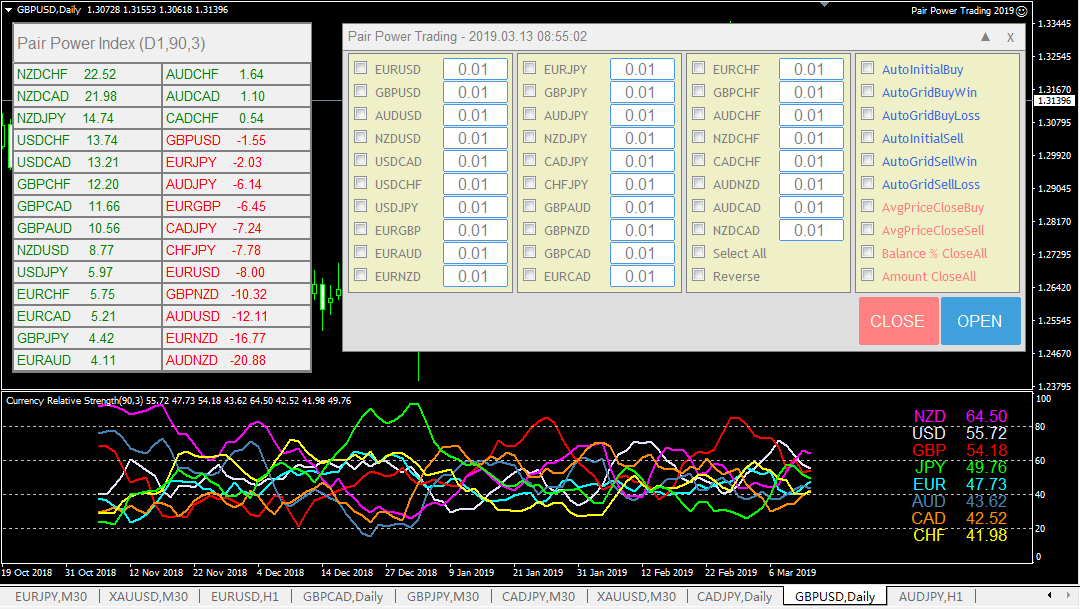
It provides a sorted pair power of the major 28 pairs, Makes trade easy to choose the stronger or weaker pairs.
Grid and martingale strategy are built-in.
https://www.mql5.com/en/market/product/84074
Email: admin@fxmeter.com
My products: https://www.mql5.com/en/users/fxmeter/seller
1. Multi Pairs Trading tool: flexible combination of instruments, multi‑instrument hedging
MT4 Version:https://www.mql5.com/en/market/product/31534
MT5 Version:https://www.mql5.com/en/market/product/120525
2. Currency relative strength:It shows the relative strength of 8 major currencies (USD,EUR,GBP,JPY,AUD,NZD,CAD,CHF).
MT4: https://www.mql5.com/en/market/product/24310
MT5: https://www.mql5.com/en/market/product/121008
3.Quick Panel Pro:an advanced version of Quick Panel. Calculating lots by moving the stopline,it makes money management easy and fast.
MT4 https://www.mql5.com/en/market/product/24255
MT5 https://www.mql5.com/en/market/product/24323
4.Cross trendline to trade : EA is designed to open and close order when price is crossing the trend line on chart.
MT4 https://www.mql5.com/en/market/product/4439
MT5 https://www.mql5.com/en/market/product/107557
5.A great trend indicator:shows the trend direction,the entry zone, and the stop out zone.
MT4: https://www.mql5.com/zh/market/product/10455
MT5: https://www.mql5.com/en/market/product/1051
6.OrderManager Pro(free): a powerful manager helps to manage all orders of the account. it can set SL/TP,close order as per profit in pips or amount.
https://www.mql5.com/en/blogs/post/725804
https://www.mql5.com/en/market/product/26367
7.Account Summary (free) : It summarizes lots,swap,commission and profit of every symbol.
MT4 https://www.mql5.com/en/market/product/23802
MT5 https://www.mql5.com/en/market/product/23949
8.Account Export(free): export all trades into a CSV file as per Symbol and selected periods.
https://www.mql5.com/en/market/product/23810
9.Slippage Monitor (free):This EA is designed to monitor the slippage of opening and closing orders, and save the records in files.
MT4 https://www.mql5.com/en/market/product/37363
MT5 https://www.mql5.com/en/market/product/74420
10. Indicator Bar Time Count Down(free)
MT4: https://www.mql5.com/en/code/29646
MT5: https://www.mql5.com/en/code/29647
Pair Power Index Helper MT4 (free)
It provides a sorted pair power of the major 28 pairs, Makes trade easy to choose the stronger or weaker pairs.
Grid and martingale strategy are built-in.
https://www.mql5.com/en/market/product/84074