VG Indicator
- 지표
- 버전: 1.0
- 활성화: 10

VG INDICATOR
Three independent strategy engines read every closed bar. They vote. Only
when they agree does VG Indicator print a signal -- and it tells you exactly
how strong that agreement was.
Most signal indicators give you an arrow and nothing else. VG Indicator gives
you the arrow, the entry price, the stop, a three-level target ladder, a graded
confidence score, and a live dashboard that scores its own past calls on your
chart, from your broker's own price history.
-------------------------------------------------------------------------
NO REPAINTING. NOT AS A CLAIM -- AS A CONSTRUCTION.
-------------------------------------------------------------------------
Every signal is decided using closed bars only. The bar still forming is never
written to. Once an arrow is printed it is never moved, recoloured or deleted,
and a full chart recalculation produces exactly the same history as the
incremental one you watched build in real time.
This is enforced structurally: all cross-bar state is rebuilt from scratch on
every pass rather than carried between calls. What you see in the tester is
what you would have seen live.
The dashboard's numbers do move as an open trade resolves -- that is the
indicator scoring a past prediction, not changing one. The arrows never move.
-------------------------------------------------------------------------
THE THREE ENGINES
-------------------------------------------------------------------------
STRATEGY 1 -- CHANNEL BREAKOUT
Donchian channel break, filtered by a long trend EMA and a minimum ADX so
breakouts inside dead, directionless ranges are ignored. Stop distance is
derived from ATR.
STRATEGY 2 -- VOLATILITY EXPANSION
Compares a fast ATR against a slow ATR and fires when volatility genuinely
expands rather than drifts. Requires a minimum candle body relative to ATR,
so the move has to have conviction behind it. Session-hour limited by default.
STRATEGY 3 -- SWING-LEVEL PENDING
Locates confirmed swing highs and lows and places a pending level a small
discount inside the extreme. The setup is marked on the chart the moment it
forms and waits; if price reaches the level within its lifetime the signal
triggers, and if it expires untouched the marker stays as an honest record.
Each engine can be enabled, disabled and weighted independently.
-------------------------------------------------------------------------
CONFLUENCE SCORING AND TIERS
-------------------------------------------------------------------------
Engine votes are aggregated into a score measuring the share of the maximum
possible conviction available. Opposing votes carry a configurable penalty,
and a strong enough disagreement vetoes the signal entirely -- when the engines
genuinely conflict, VG Indicator stays silent rather than guessing.
The result is graded:
TIER A broad agreement across engines
TIER B two engines aligned
TIER C one engine firing cleanly
You can trade every tier, or filter to A and B only. The dashboard reports
performance separately for each tier so the decision is yours to make on
evidence rather than instinct.
A cooldown period after each signal prevents clustering, and near-duplicate
pending levels are suppressed automatically.
-------------------------------------------------------------------------
FULL TRADE LEVELS DRAWN ON THE CHART
-------------------------------------------------------------------------
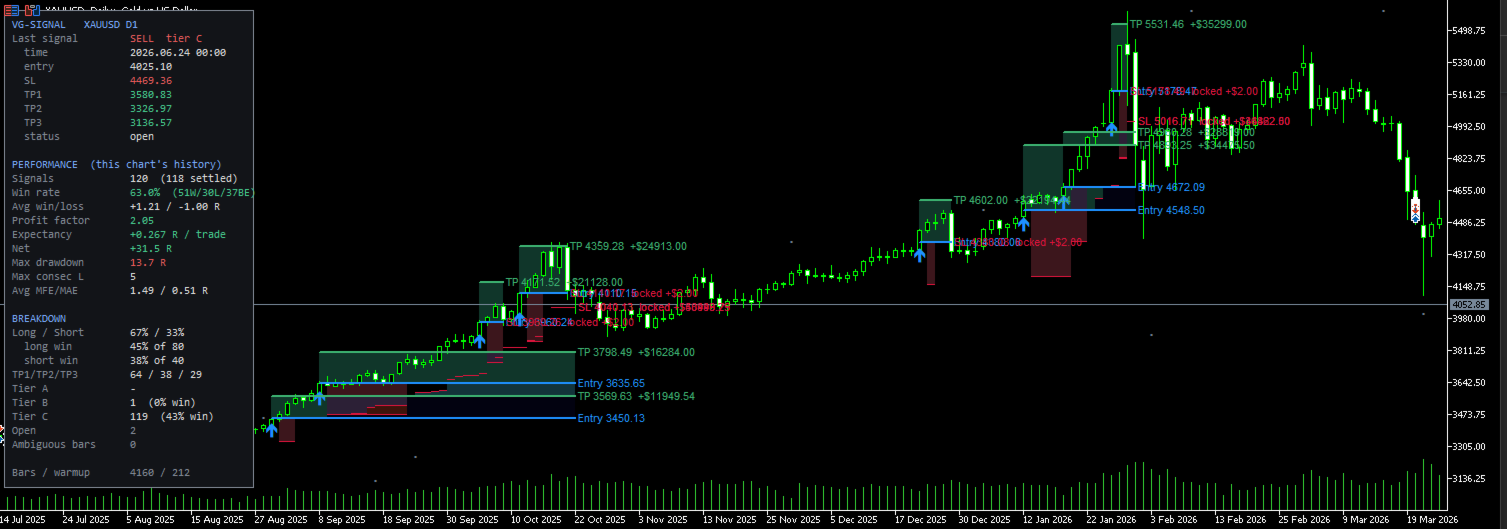
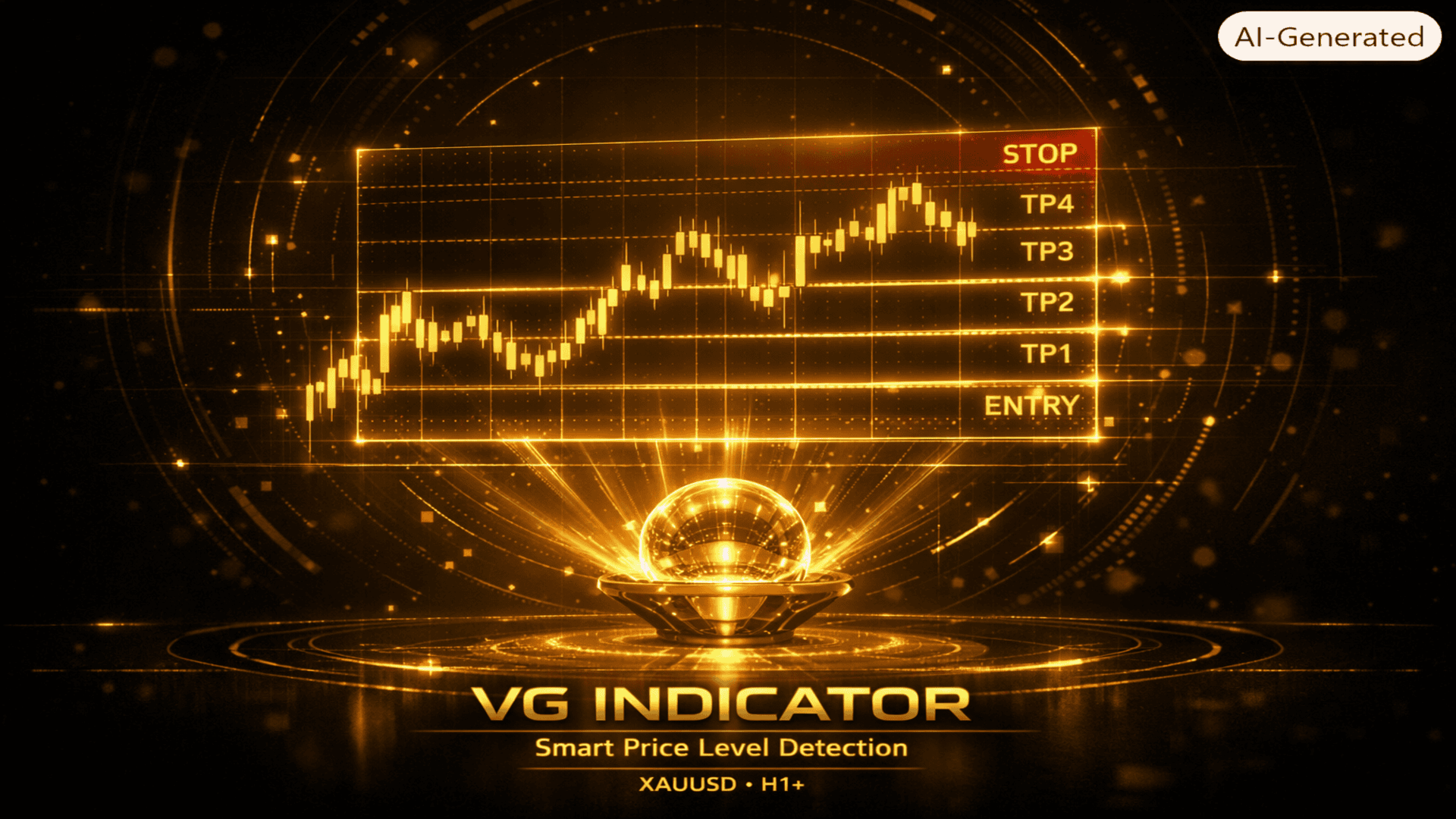
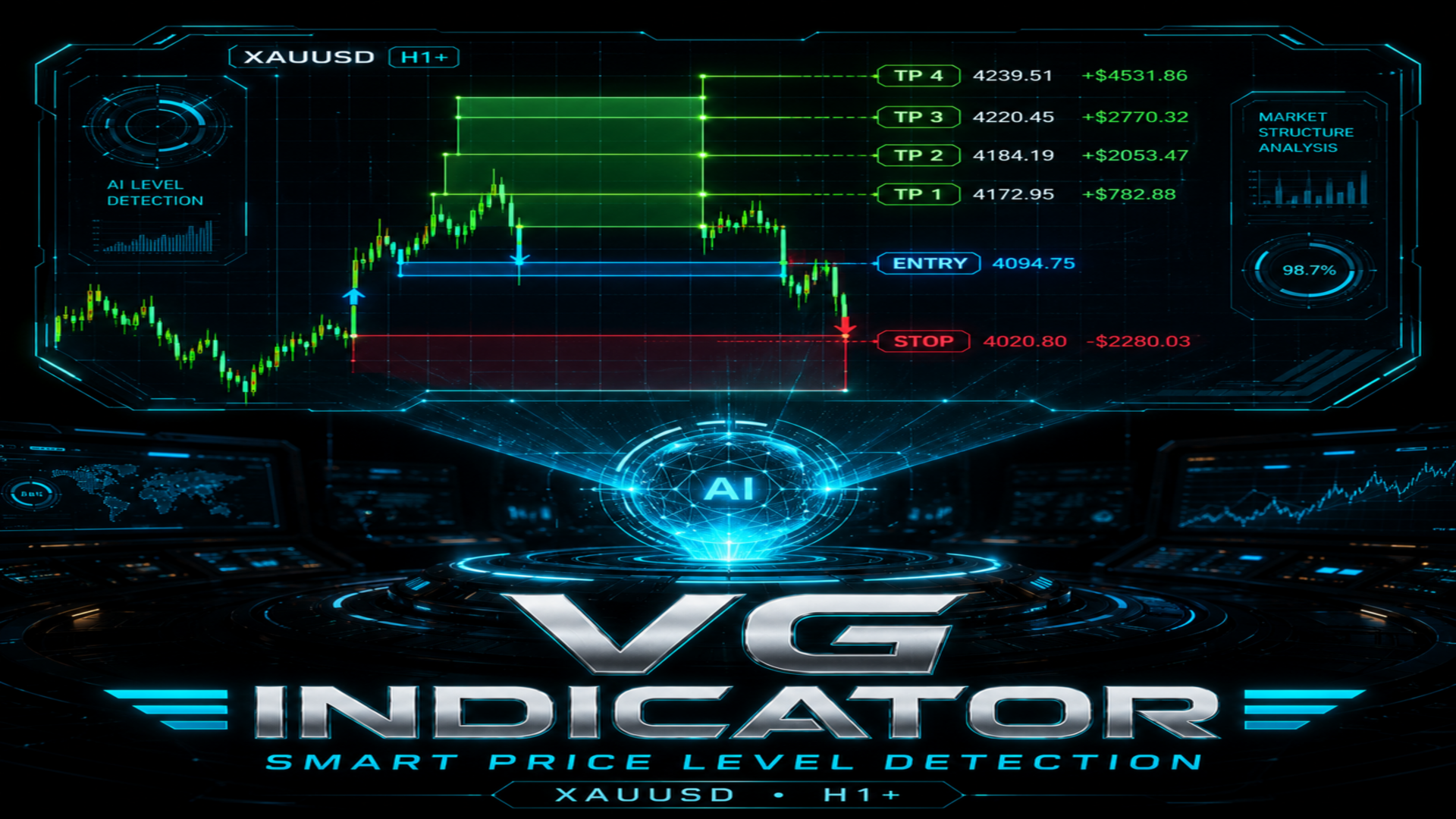
Every signal draws its complete trade plan:
- Entry line at the actual reference fill price
- Stop loss, ATR-derived or placed beyond market structure
- TP1 drawn by default; TP2 and TP3 available as optional reference levels
- Shaded risk zone that changes colour once the stop moves into profit
- Reward zone shading
- Price labels showing the value of each level in your account currency
Levels are drawn for the most recent signals only, keeping older chart history
clean and readable.
-------------------------------------------------------------------------
TWO EXIT MODELS
-------------------------------------------------------------------------
TRAILING (default): an ATR-based initial stop, an automatic move to break-even
once the trade reaches a set ATR distance, then a Chandelier-style trailing
stop. The chart shows the stop path exactly as it stepped, bar by bar.
FIXED TARGET: trades are scored against TP1 in the conventional way.
PLEASE READ THIS BEFORE BUYING, SO THE DEFAULTS HOLD NO SURPRISES:
Under the trailing model -- which is the default -- the target ladder does not
close trades. The trade is scored to the trailing stop. TP1, TP2 and TP3 are
reference levels, not exits.
They exist so the dashboard can report how far price actually travelled: how
often TP1, TP2 and TP3 were reached across every signal on your chart. That
measurement is the evidence you need to decide where your own targets belong,
which is a different and more useful thing than being handed three numbers and
told to trust them.
The chart draws TP1 by default. TP2 and TP3 are switched off in the display to
keep the chart readable, and can be turned on in one setting. All three prices
are computed and written to the data buffers on every single signal regardless
of what is drawn, so an EA reading this indicator always receives the full
ladder.
If you switch to the fixed-target exit model, TP1 becomes the scored exit in the
conventional way.
-------------------------------------------------------------------------
THE PERFORMANCE DASHBOARD
-------------------------------------------------------------------------
An on-chart panel that recomputes continuously from the history loaded on your
chart, for your symbol, your timeframe and your broker's prices:
- Win rate and total signal count
- Profit factor and expectancy in R
- Maximum drawdown and longest losing streak
- Average win, average loss, average MFE and MAE
- Long versus short breakdown
- TP1 / TP2 / TP3 reach frequency
- Per-engine breakdown: Strategy 1, 2 and 3 scored separately
- Per-tier breakdown: A, B and C scored separately
- Last signal detail and current open state
- Warmup status, so you always know when the sample is still thin
Same-bar stop and target collisions are resolved using M1 data rather than
assumed, so the statistics do not flatter themselves on ambiguous bars.
Genuinely ambiguous bars are counted and reported.
Change the settings and the entire dashboard recalculates. You can evaluate a
configuration in seconds without running a single backtest.
-------------------------------------------------------------------------
ALERTS
-------------------------------------------------------------------------
Popup, push notification to the MQL5 mobile app, and e-mail through your
terminal's mail settings. All are off by default, fire at most once per bar,
and only on live charts.
-------------------------------------------------------------------------
FOR EA DEVELOPERS
-------------------------------------------------------------------------
VG Indicator exposes 14 iCustom buffers with a frozen index layout, so an
Expert Advisor can consume its output directly:
0 Buy arrow 7 TP3
1 Sell arrow 8 Score
2 Direction 9 Tier
3 Entry 10 Engine mask
4 Stop loss 11 Signal kind (market or pending)
5 TP1 12 Pending setup level
6 TP2 13 Pending bars remaining
The engine mask identifies which engines voted, so an EA can act on the
composition of a signal, not just its existence. Buffer indices will not be
renumbered within this major version.
-------------------------------------------------------------------------
REQUIREMENTS AND NOTES
-------------------------------------------------------------------------
- MetaTrader 5, any symbol, any timeframe
- H1 and above recommended; the defaults were developed on H1
- Fully self-contained: no DLLs, no external files, no internet access
- Session-hour settings are broker server time, not your local clock
- Allow sufficient chart history to load before reading the dashboard
Every parameter is exposed and documented in the inputs, organised into
labelled groups: the three engines, confluence, exit model, levels, pending
signals, arrows, level display, alerts and panel.
-------------------------------------------------------------------------
DISCLAIMER
-------------------------------------------------------------------------
VG Indicator is an analytical tool. It does not open, modify or close
positions, and it does not manage your account.
Trading foreign exchange, metals, indices and other leveraged instruments
carries a substantial risk of loss and is not suitable for every investor. You
may lose some or all of your invested capital, and you should not trade with
money you cannot afford to lose.
The statistics shown on the dashboard are calculated from historical price data
available on your chart. Historical results are not an indication of, and
provide no guarantee of, future results. Different brokers, spreads, execution
conditions, symbols and timeframes will produce different outcomes. No
representation is made that any account will or is likely to achieve profits or
losses similar to those shown.
Nothing produced by this indicator constitutes financial, investment or trading
advice, or a recommendation to enter any particular transaction. All trading
decisions, and all responsibility for them, remain entirely your own.
Test on a demo account until you fully understand the tool's behaviour before
risking real capital.