PFA Simulator
- 유틸리티
-
Victor Paula Oberto
 Algo Trading Engineer | MQL5, C/C++/C#, Python | HFT, Arb, SaaS & AI
 - 버전: 1.0
PFA Simulator – Portfolio Simulation Expert Advisor
Introduction
The PFA Simulator is a MQL5 Expert Advisor and the final step of the Portfolio Analyzer (PFA) system — a portfolio analysis toolkit included with any compatible Expert Advisors from this profile.
The PFA system allows traders to build, merge, and simulate multi-asset, multi-strategy portfolios entirely within the MT5 Strategy Tester — with no external tools required.
The three-step PFA workflow:
- PFA Exporter (built into the EA) → Exports backtest positions to individual CSV files per setup.
- PFA Merger (separate script — free) → Merges all exported CSVs into a single, clean, sorted file.
- PFA Simulator (this EA — free) → Replays the merged portfolio inside the MT5 Strategy Tester to evaluate true combined performance.
Note: PFA Merger and PFA Simulator are compatible with any EA from this profile that includes the PFA Exporter module.
What PFA Simulator Does
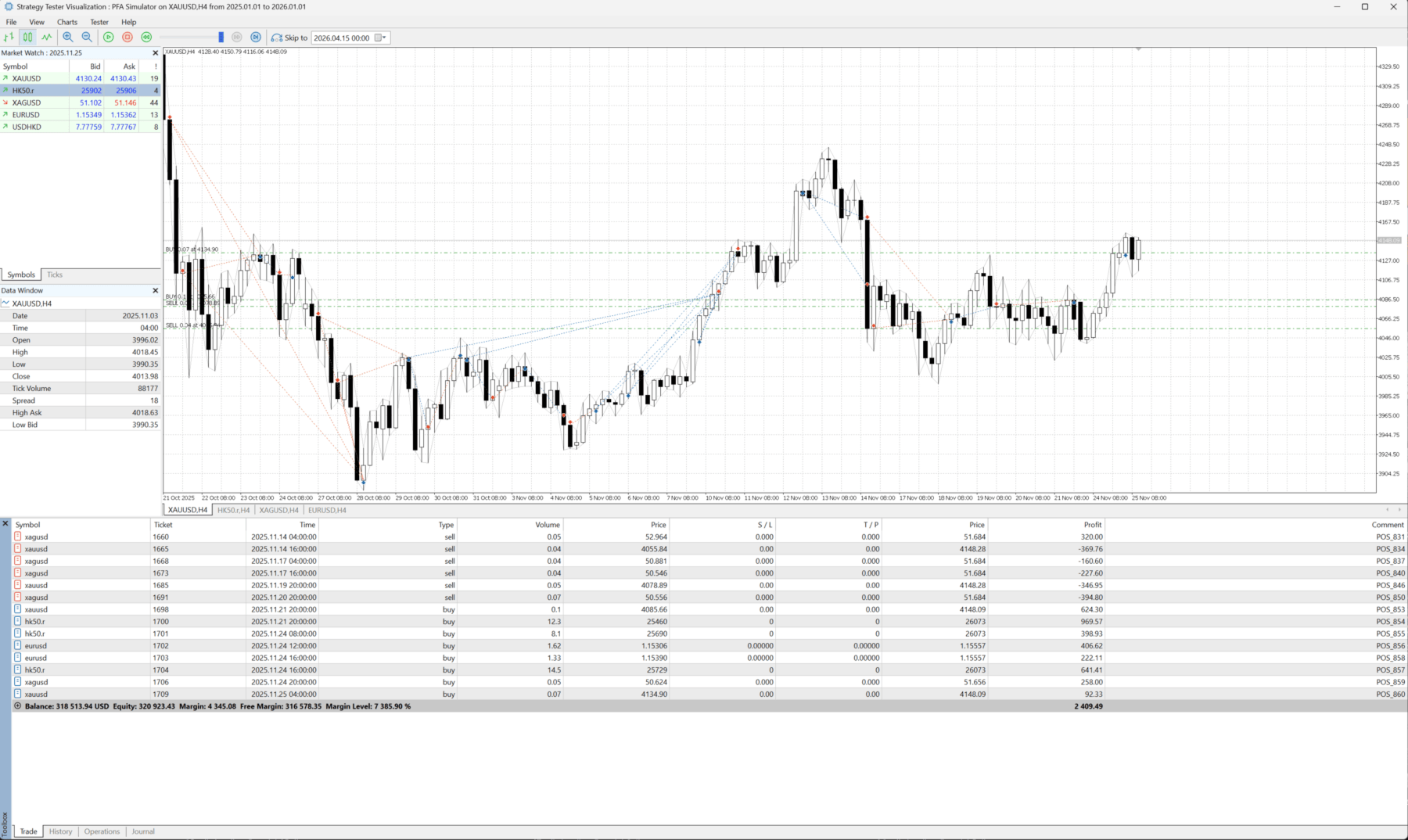
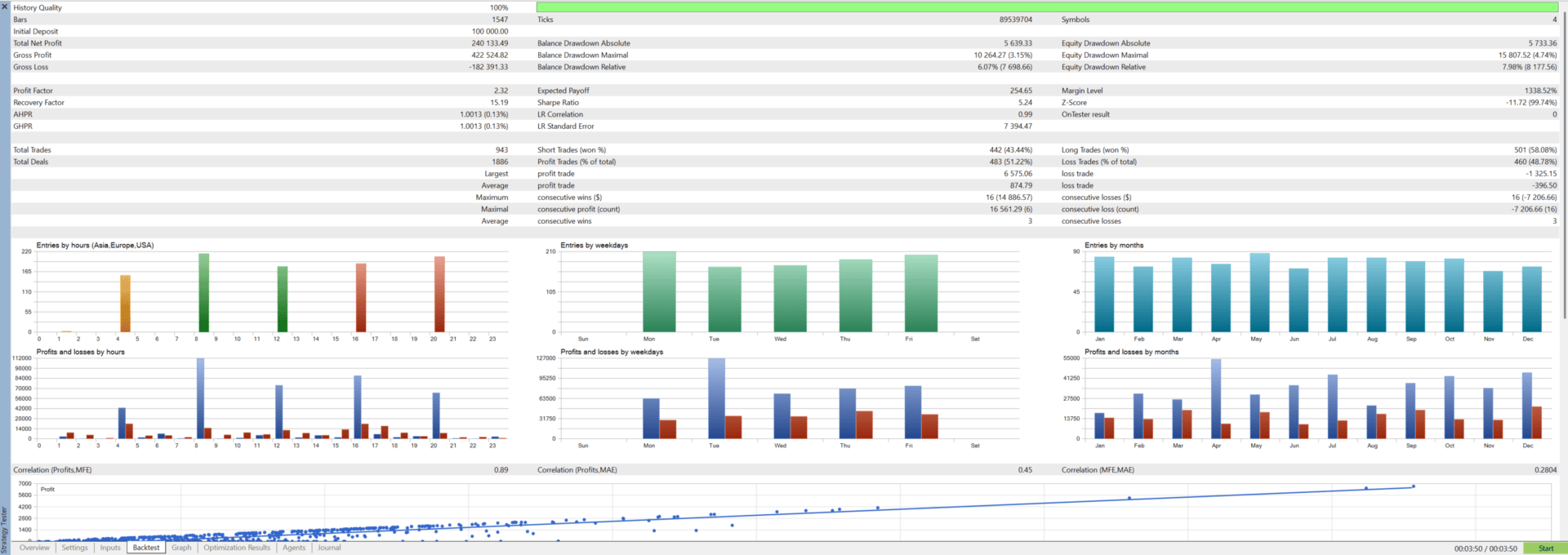
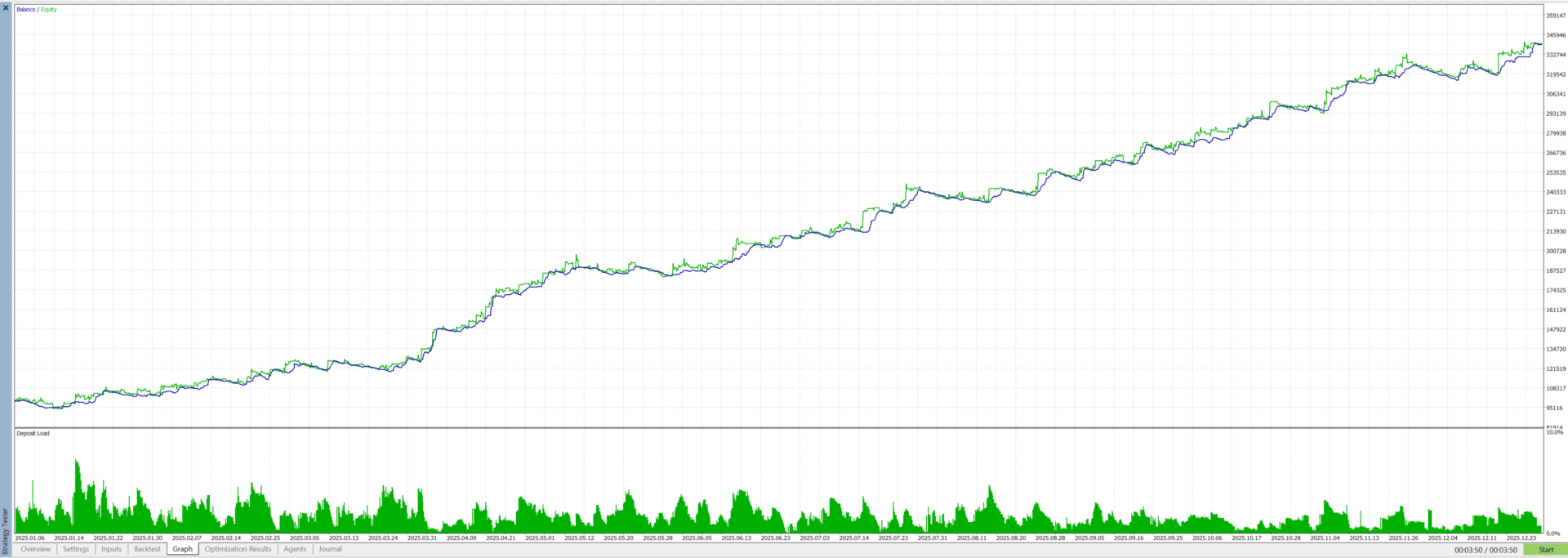
- Once you have a merged portfolio file from PFA Merger, the PFA Simulator replays every position — across all symbols and strategies — inside the MT5 Strategy Tester, giving you a consolidated equity curve and performance report for the entire portfolio.
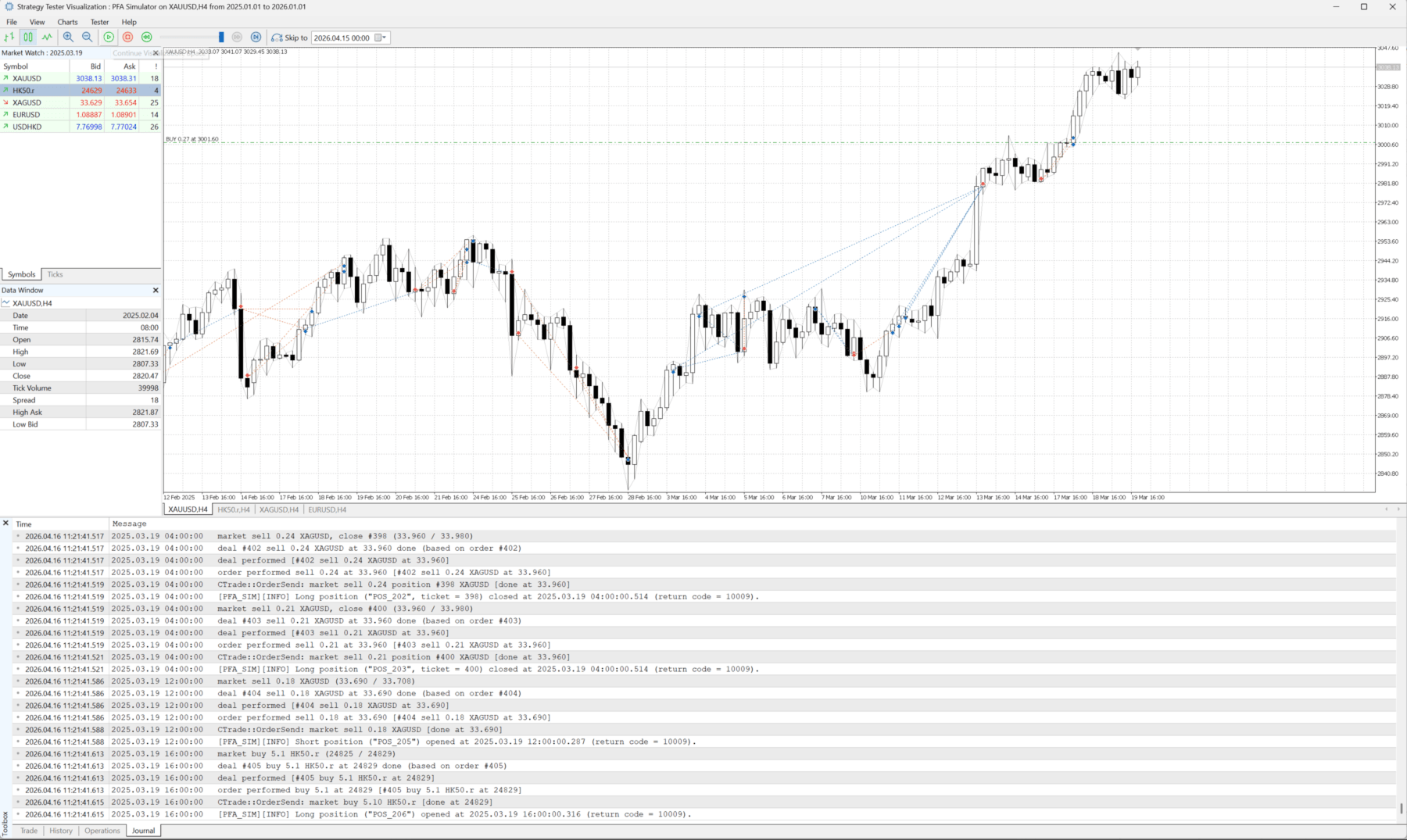
- Full Portfolio Replay – Loads all positions from the merged CSV and executes them in the Strategy Tester in chronological order, respecting original entry and exit timestamps with millisecond precision.
- Multi-Symbol Support – Automatically handles positions across different symbols within a single backtest run.
- Lot Multiplier – Scale the entire portfolio up or down with a single parameter, without modifying individual position files.
- Accurate Timestamp Execution – Parses entry and exit timestamps with millisecond resolution for precise trade replay.
- Automatic Chart Initialization – Opens the required symbol charts automatically during the backtest for correct multi-symbol simulation.
- Clean Log Output – Logs every position open and close with timestamp and return code for full traceability.
How to Use
- Complete the PFA Exporter and PFA Merger steps to generate the PFA_pos_STRAT_ALL_MERGED_SORTED.csv file.
- Place the merged CSV in the MQL5/Files/ folder (Common Files).
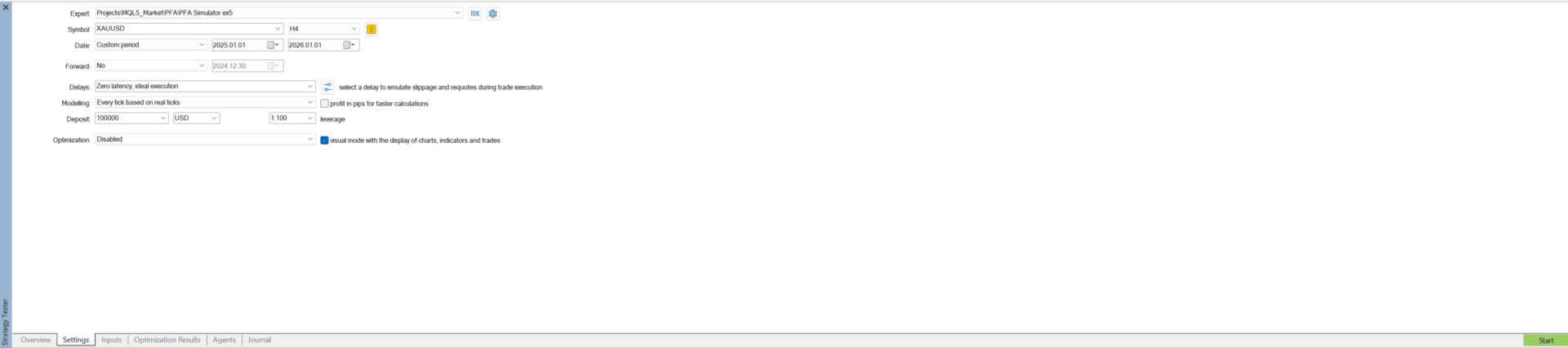
- Attach PFA Simulator to any chart in the MT5 Strategy Tester.
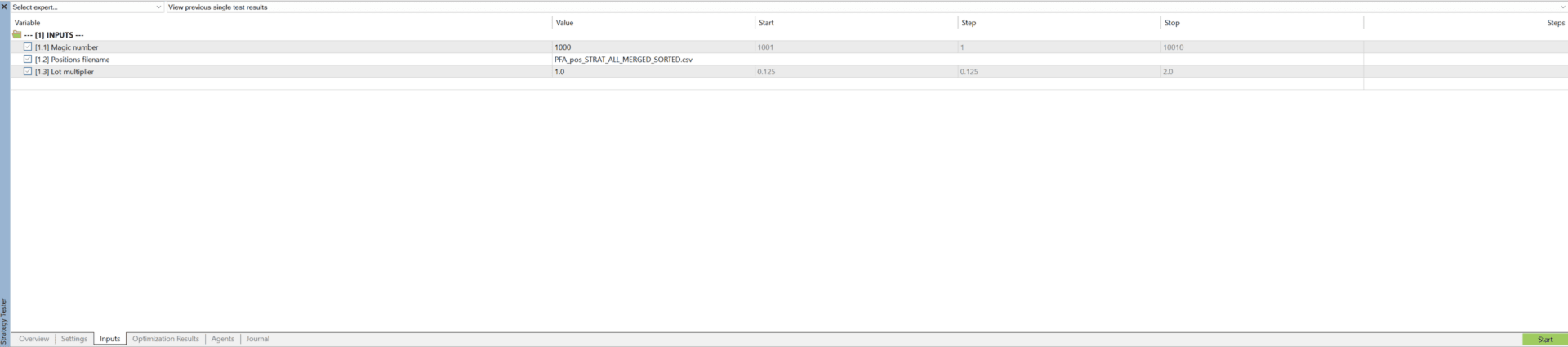
- Set the filename parameter to match your merged CSV (default is already correct for standard setups).
- Run the backtest with Modelling: Every tick is based on real ticks — the Simulator will replay the full portfolio and generate a combined equity curve and report.
Parameters
| Parameter | Default | Description |
|---|---|---|
| Magic number | 1001 | Magic number for the simulated positions. |
| Positions filename | PFA_pos_STRAT_ALL_MERGED_SORTED.csv | Merged CSV file to load (from PFA Merger). |
| Lot multiplier | 1.0 | Scale all position lots up or down (e.g. 2.0 = double the lots). |
What You Get
- PFA Simulator EA – Ready to use, no complex configuration required. Compatible with all PFA-enabled EAs from this profile.
PFA Simulator is part of the PFA system. To prepare the portfolio file for simulation, also download the free PFA Merger script from this profile.