Test Trade Saver Script
- 유틸리티
- 버전: 1.2
- 업데이트됨: 6 12월 2024

Test Trade Saver Script
Application Type: ScriptApplication Functions: Saves test results cache file data into text files
About the Application
The script extracts trading results from a test system cache file and saves them into text files for further analysis.
How to Use
Parameters:- LOG_LEVEL - Logging level in the Experts terminal section. DEBUG provides the most detailed information, while ERROR gives the minimum.
- CUSTOM_MAGIC_NUMBER - The system identifier (Magic Number) used to save results into the file.
- TST_DIRECTORY_PATH - Path to the directory or link containing test result files (*.tst), relative to <Data folder>/MQL5/Files/ , where test results will be loaded from.
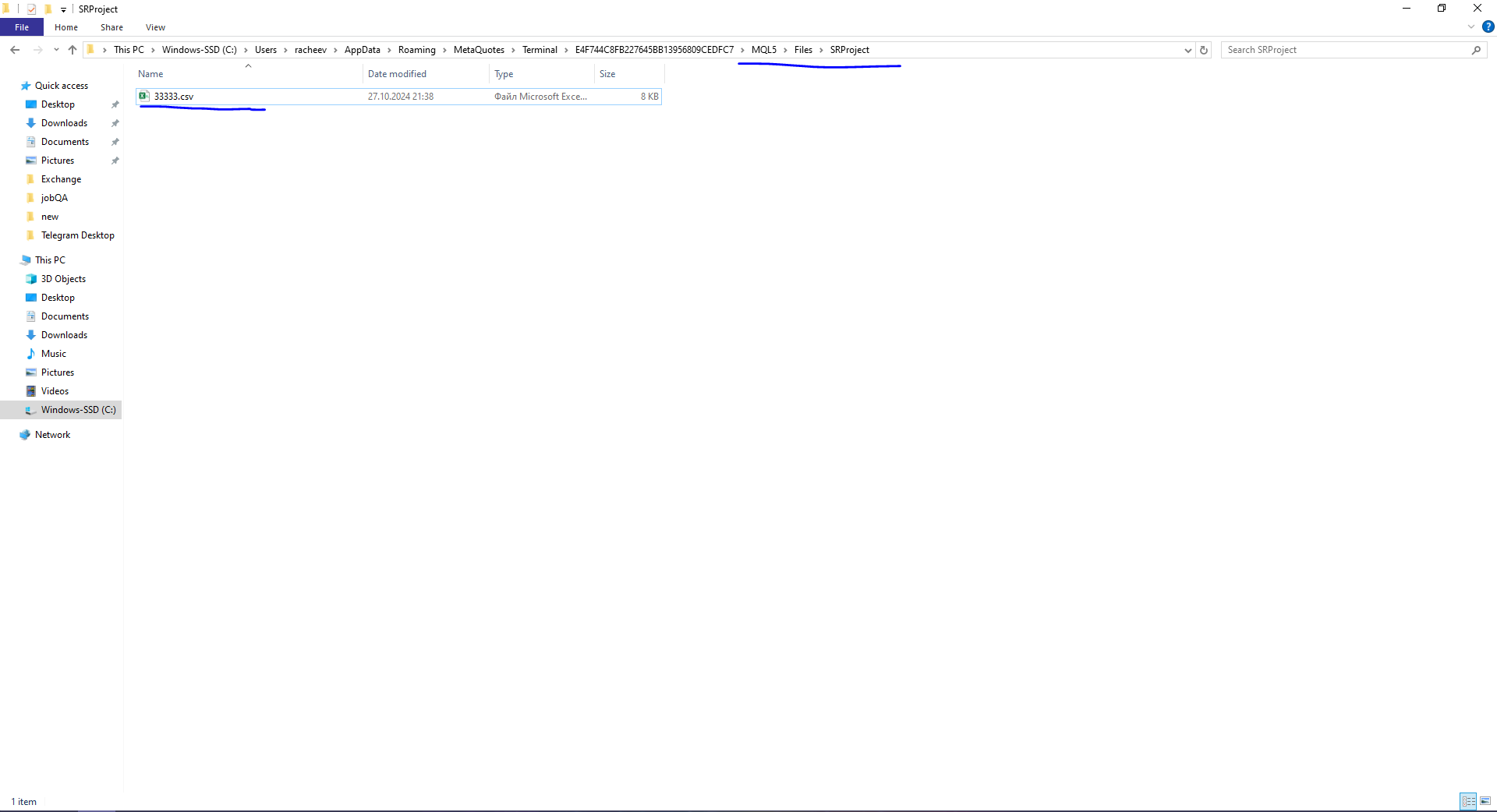
- TRADE_FILES_PATH - Path to the directory for saving trade result files, relative to <Data folder>/MQL5/Files/ . The file with results will be saved here.
(Optional)
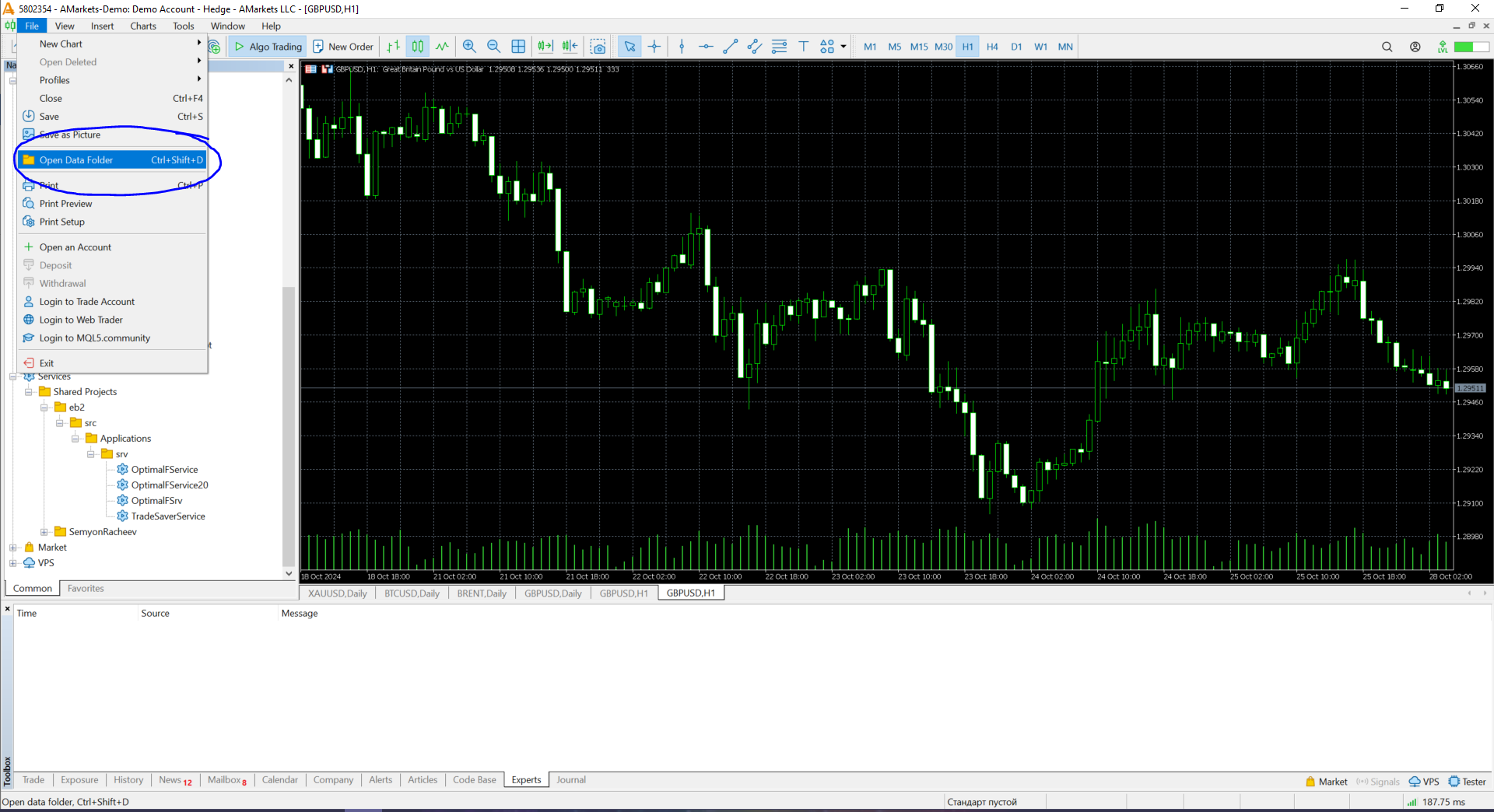
For easier access to *.tst files, you can create a symbolic link in the directory
<Data folder>/MQL5/Files
to the folder
<Data folder>/Tester/cache
This allows direct interaction with test cache files without prior copying.
For this:
<Data folder>\MQL5\Files
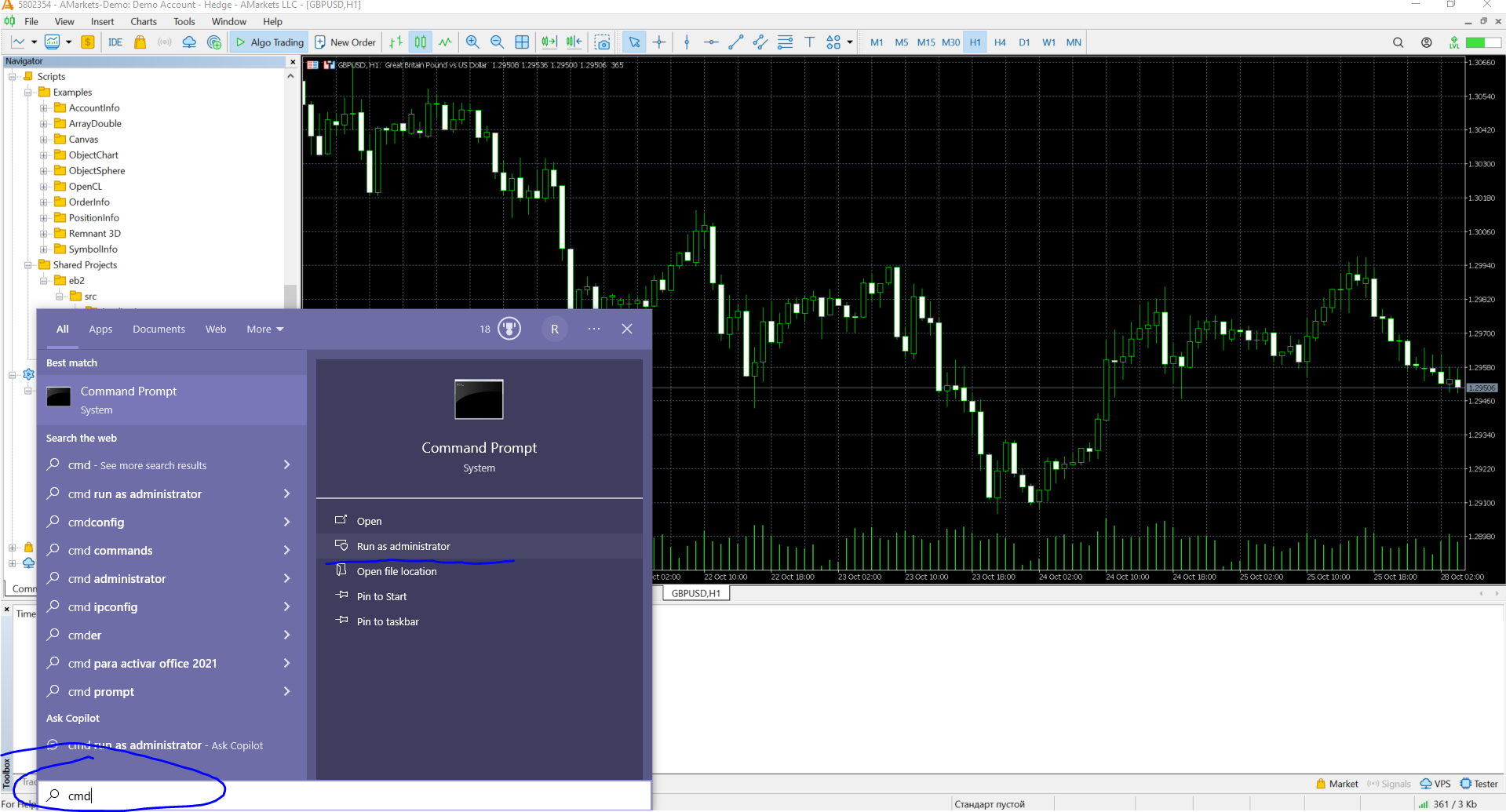
and copy its full pathOpen the command prompt as Administrator (Start → cmd → Run as Administrator).
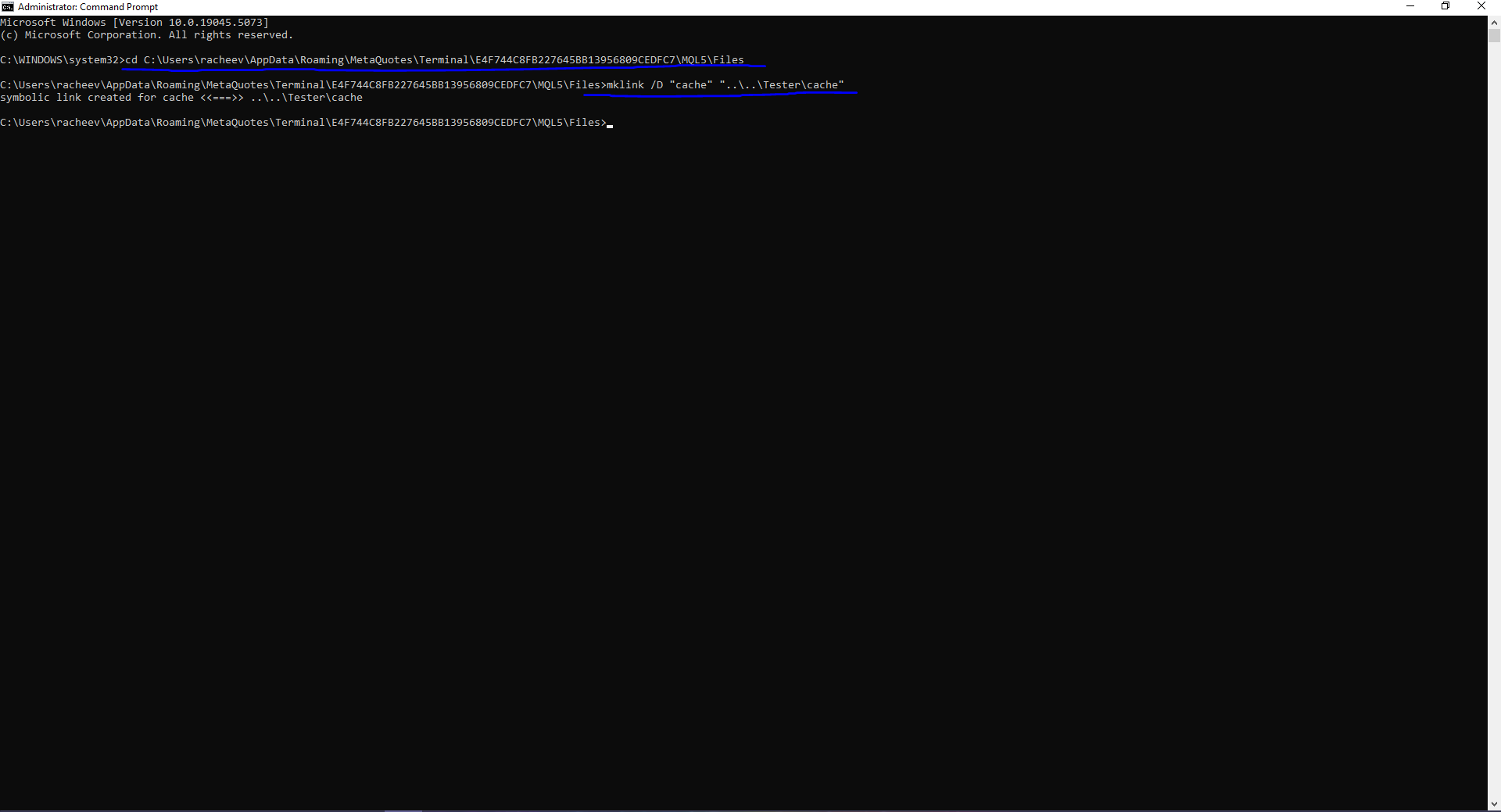
In the command prompt, navigate to the directory:
cd <path from step 1>
mklink /D cache ..\..\Tester\cache
As a result, a symbolic link to the folder
<Data folder>/Tester/cache
will appear in
<Data folder>\MQL5\Files
You can now directly work with *.tst test cache files inside MQL5 programs without prior copying.
Run the script, select the test results file (*.tst).
Algorithm
Open the specified test results cache file (*.tst).in the format <MAGIC>,<POSITION_CLOSE_TIME>,<LOTS>,<RESULT_$>
Links and Dependencies
The script uses the library https://www.mql5.com/ru/code/27611 authored by fxsaber